はじめに
Databricks SDP(Spark Declarative Pipelines)にて複数の処理をパラメータにより実行する LakeFlow Spark 宣言型パイプラインのメタプログラミングについて紹介します。本記事では、LakeFlow Spark 宣言型パイプラインにおけるメタプログラミングを 3 つのパターンで実装方法を実績します。
- パターン 1: Python の辞書型リストで直接定義する方法
- パターン 2: データクラスを別 Python ファイルに定義してインポートする方法
- パターン 3: Databricks テーブルに JSON 形式の設定を保持し、読み取り後に辞書型へ変換する方法
なお、本検証は以下の Databricks 公式ドキュメントを参考にしています。
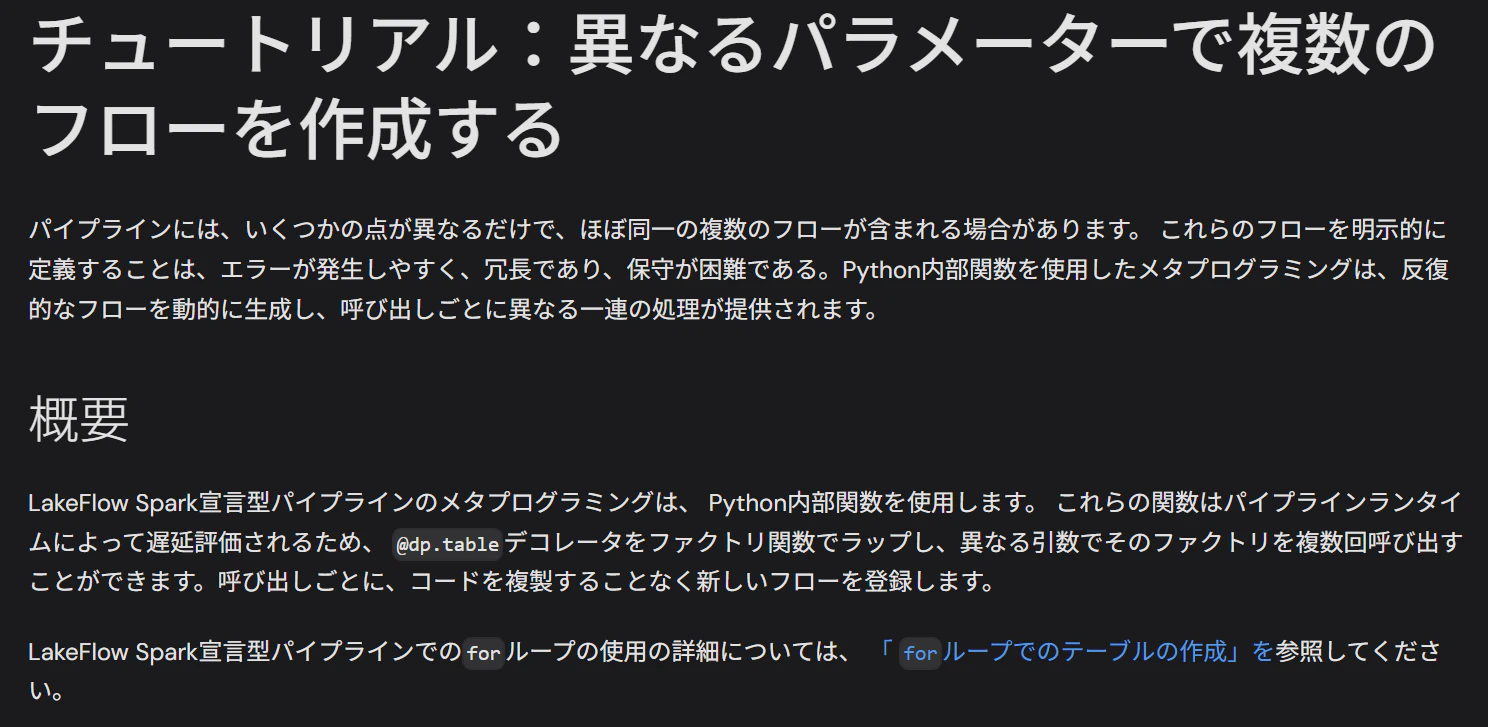
出所: チュートリアル:異なるパラメーターで複数のフローを作成する | Databricks on AWS
検証シナリオ
3 つのソーステーブル(table_01、table_02、table_03)から Change Data Feed を読み取り、それぞれ別のターゲットテーブルへ append_flow で書き込むパイプラインを構築します。3 パターンともパイプラインのロジック自体は同一で、設定の保持場所だけ を変えて挙動を比較します。
| パターン | 設定の保持場所 | 書き込み先スキーマ |
|---|---|---|
| 1 | パイプラインコード内の辞書型リスト | cdf_demo_tgt_01 |
| 2 | 別 Python ファイル内のデータクラス | cdf_demo_tgt_02 |
| 3 | Delta テーブル内の JSON カラム | cdf_demo_tgt_03 |
事前準備
ソースのカタログとスキーマを作成
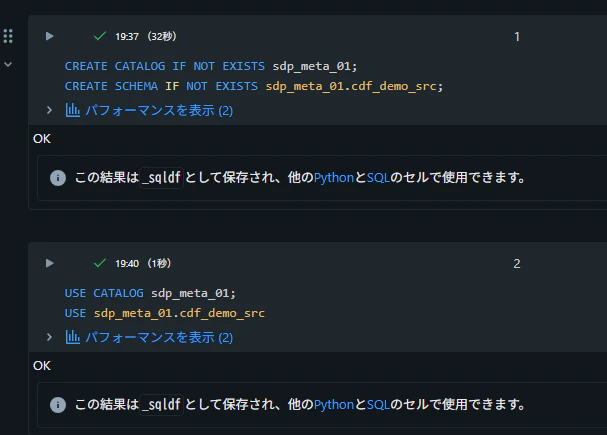
検証用のカタログとスキーマを作成します。
CREATE CATALOG IF NOT EXISTS sdp_meta_01;
CREATE SCHEMA IF NOT EXISTS sdp_meta_01.cdf_demo_src;
USE CATALOG sdp_meta_01;
USE sdp_meta_01.cdf_demo_src;
ソースのテーブルを作成
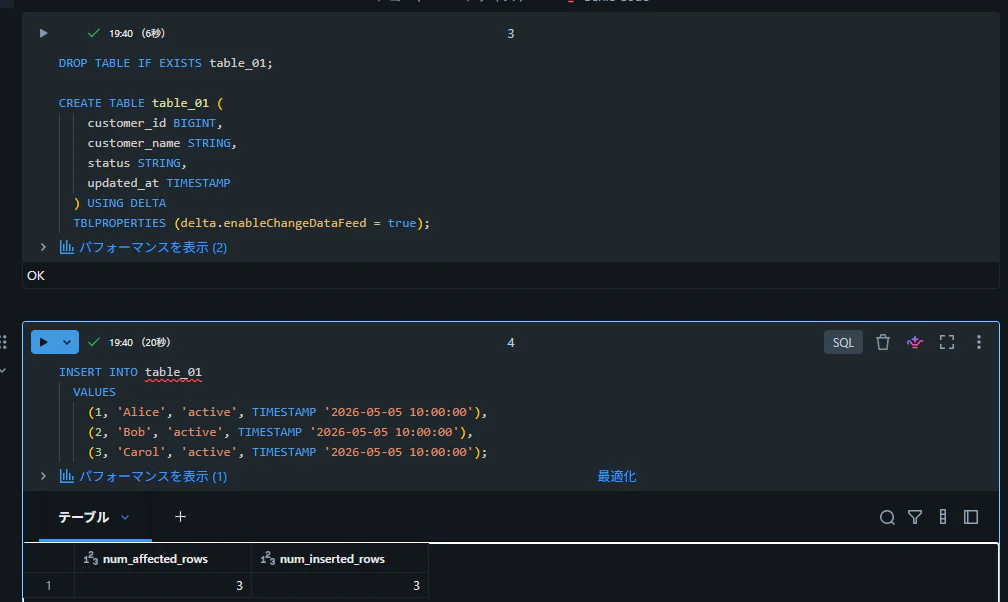
CDF を有効化した Delta テーブルを 3 つ作成し、初期データを投入します。
DROP TABLE IF EXISTS table_01;

CREATE TABLE table_01 (
    customer_id BIGINT,
    customer_name STRING,
    status STRING,
    updated_at TIMESTAMP
  ) USING DELTA
  TBLPROPERTIES (delta.enableChangeDataFeed = true);

INSERT INTO table_01
  VALUES
    (1, 'Alice', 'active', TIMESTAMP '2026-05-05 10:00:00'),
    (2, 'Bob', 'active', TIMESTAMP '2026-05-05 10:00:00'),
    (3, 'Carol', 'active', TIMESTAMP '2026-05-05 10:00:00');
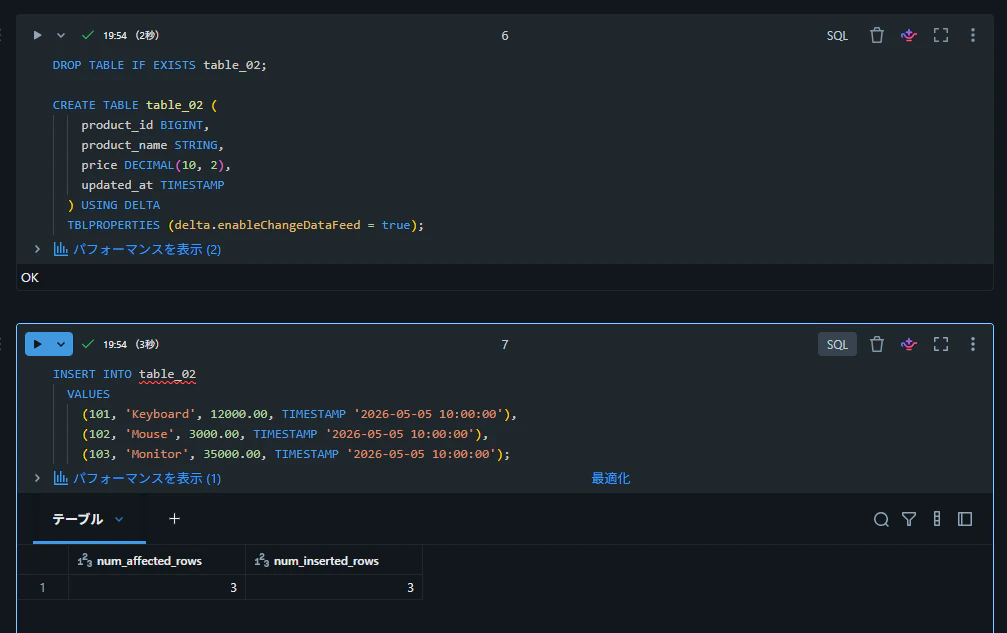
DROP TABLE IF EXISTS table_02;

CREATE TABLE table_02 (
    product_id BIGINT,
    product_name STRING,
    price DECIMAL(10, 2),
    updated_at TIMESTAMP
  ) USING DELTA
  TBLPROPERTIES (delta.enableChangeDataFeed = true);

INSERT INTO table_02
  VALUES
    (101, 'Keyboard', 12000.00, TIMESTAMP '2026-05-05 10:00:00'),
    (102, 'Mouse', 3000.00, TIMESTAMP '2026-05-05 10:00:00'),
    (103, 'Monitor', 35000.00, TIMESTAMP '2026-05-05 10:00:00');
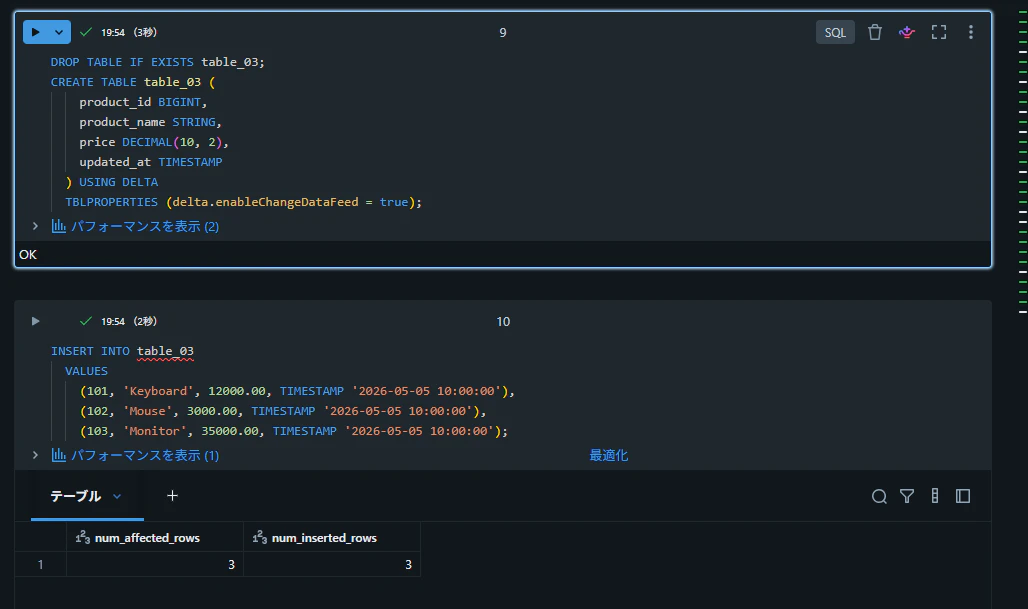
DROP TABLE IF EXISTS table_03;

CREATE TABLE table_03 (
    product_id BIGINT,
    product_name STRING,
    price DECIMAL(10, 2),
    updated_at TIMESTAMP
  ) USING DELTA
  TBLPROPERTIES (delta.enableChangeDataFeed = true);

INSERT INTO table_03
  VALUES
    (101, 'Keyboard', 12000.00, TIMESTAMP '2026-05-05 10:00:00'),
    (102, 'Mouse', 3000.00, TIMESTAMP '2026-05-05 10:00:00'),
    (103, 'Monitor', 35000.00, TIMESTAMP '2026-05-05 10:00:00');
ターゲットのスキーマを作成
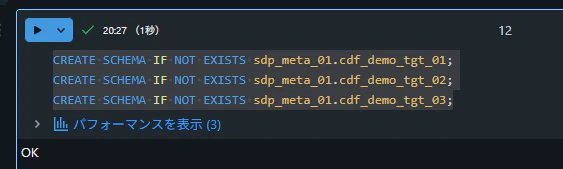
3 パターンそれぞれの書き込み先となるスキーマを作成します。
CREATE SCHEMA IF NOT EXISTS sdp_meta_01.cdf_demo_tgt_01;
CREATE SCHEMA IF NOT EXISTS sdp_meta_01.cdf_demo_tgt_02;
CREATE SCHEMA IF NOT EXISTS sdp_meta_01.cdf_demo_tgt_03;
パターン 1: Python の辞書型リストで直接定義する方法
最もシンプルなアプローチです。パイプラインコードの先頭に辞書型のリストとして設定を持ち、for ループでフロー定義を量産します。
ETL パイプラインを作成
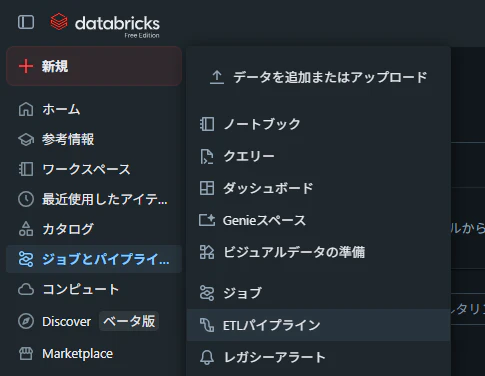
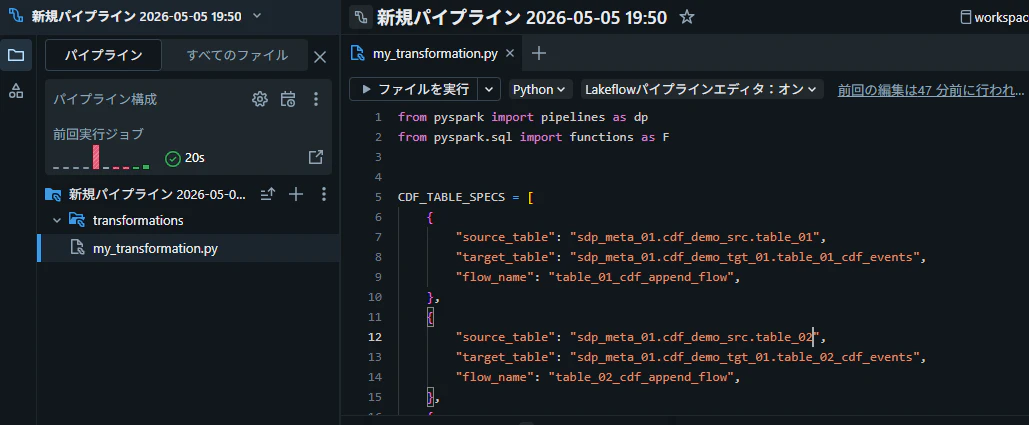
my_transformation.py にコードを記述
from pyspark import pipelines as dp
from pyspark.sql import functions as F


CDF_TABLE_SPECS = [
    {
        "source_table": "sdp_meta_01.cdf_demo_src.table_01",
        "target_table": "sdp_meta_01.cdf_demo_tgt_01.table_01_cdf_events",
        "flow_name": "table_01_cdf_append_flow",
    },
    {
        "source_table": "sdp_meta_01.cdf_demo_src.table_02",
        "target_table": "sdp_meta_01.cdf_demo_tgt_01.table_02_cdf_events",
        "flow_name": "table_02_cdf_append_flow",
    },
    {
        "source_table": "sdp_meta_01.cdf_demo_src.table_03",
        "target_table": "sdp_meta_01.cdf_demo_tgt_01.table_03_cdf_events",
        "flow_name": "table_03_cdf_append_flow",
    },
]


def register_cdf_append_pipeline(spec: dict) -> None:
    source_table = spec["source_table"]
    target_table = spec["target_table"]
    flow_name = spec["flow_name"]

    dp.create_streaming_table(
        name=target_table,
        comment=f"CDF event table from {source_table}",
    )

    @dp.append_flow(
        target=target_table,
        name=flow_name,
        comment=f"Append CDF events from {source_table}",
    )
    def append_cdf_events(
        source_table=source_table,
    ):
        return (
            spark.readStream.option("readChangeFeed", "true")
            .table(source_table)
            .withColumn("audit__source_table", F.lit(source_table))
            .withColumn("audit__ingested_at", F.current_timestamp())
        )


for spec in CDF_TABLE_SPECS:
    register_cdf_append_pipeline(spec)
パイプラインを実行
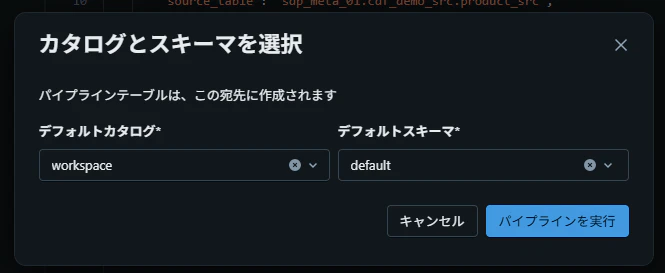
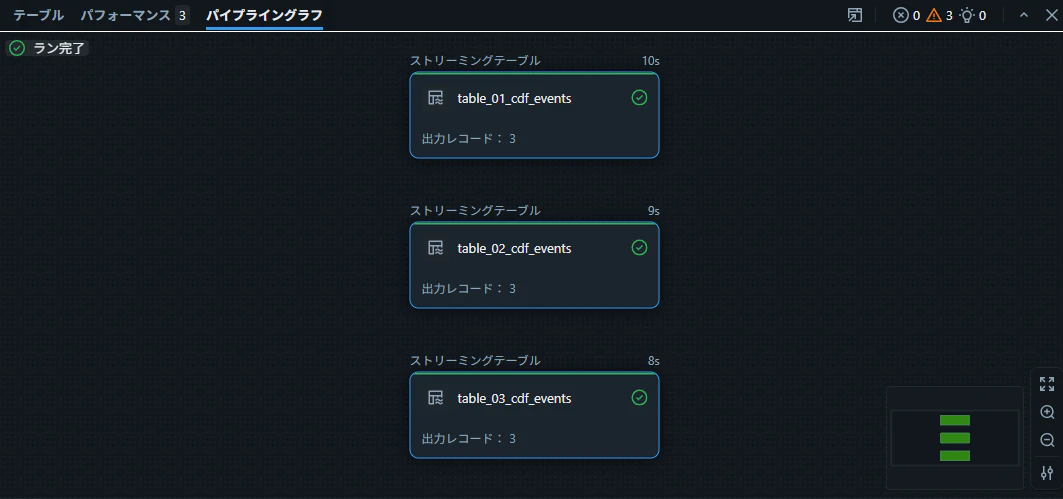
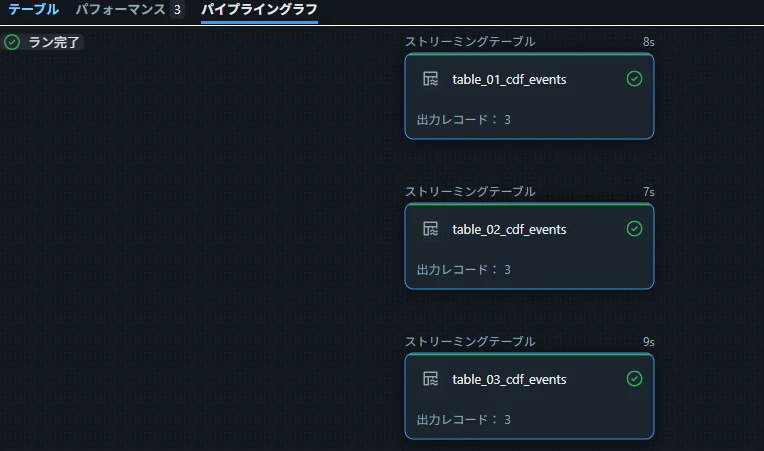
3 つのストリーミングテーブルが、同一パイプライン内で並行して生成されることを確認します。
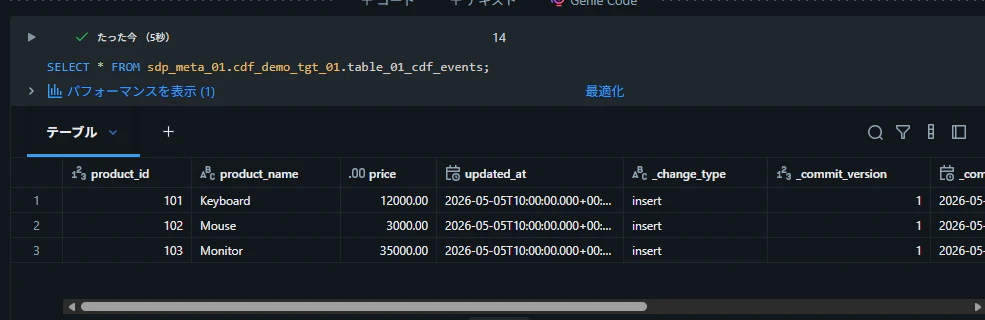
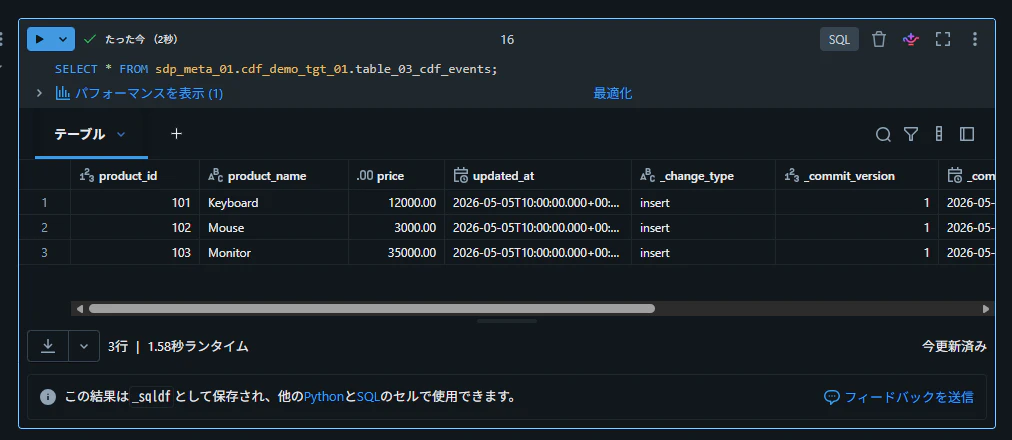
テーブルからデータを取得できることを確認
SELECT * FROM sdp_meta_01.cdf_demo_tgt_01.table_01_cdf_events;
SELECT * FROM sdp_meta_01.cdf_demo_tgt_01.table_02_cdf_events;
SELECT * FROM sdp_meta_01.cdf_demo_tgt_01.table_03_cdf_events;
パターン 2: データクラスを別 Python ファイルに定義してインポートする方法
設定とロジックをファイル単位で分離するアプローチです。@dataclass(frozen=True) を使うことで、設定の不変性が保証されると同時に、IDE の補完や型チェックの恩恵も受けられます。
ETL パイプラインを作成
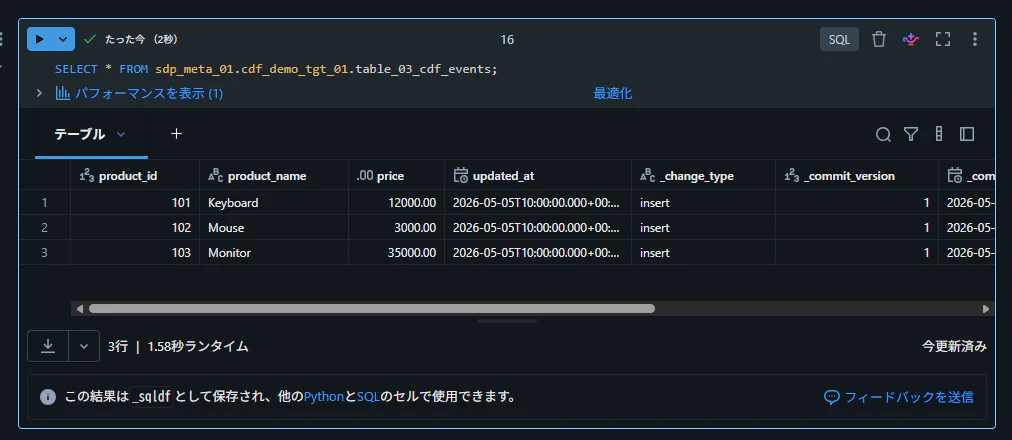
my_transformation.py にコードを記述
設定の取得は get_cdf_table_specs_as_dicts() に委譲し、my_transformation.py 自体はロジックに集中できる構成にします。
from pyspark import pipelines as dp
from pyspark.sql import functions as F

from cdf_specs import get_cdf_table_specs_as_dicts


def register_cdf_append_pipeline(spec: dict) -> None:
    source_table = spec["source_table"]
    target_table = spec["target_table"]
    flow_name = spec["flow_name"]

    dp.create_streaming_table(
        name=target_table,
        comment=f"CDF event table from {source_table}",
    )

    @dp.append_flow(
        target=target_table,
        name=flow_name,
        comment=f"Append CDF events from {source_table}",
    )
    def append_cdf_events(
        source_table=source_table,
    ):
        return (
            spark.readStream
            .option("readChangeFeed", "true")
            .table(source_table)
            .withColumn("audit__source_table", F.lit(source_table))
            .withColumn("audit__ingested_at", F.current_timestamp())
        )


for spec in get_cdf_table_specs_as_dicts():
    register_cdf_append_pipeline(spec)
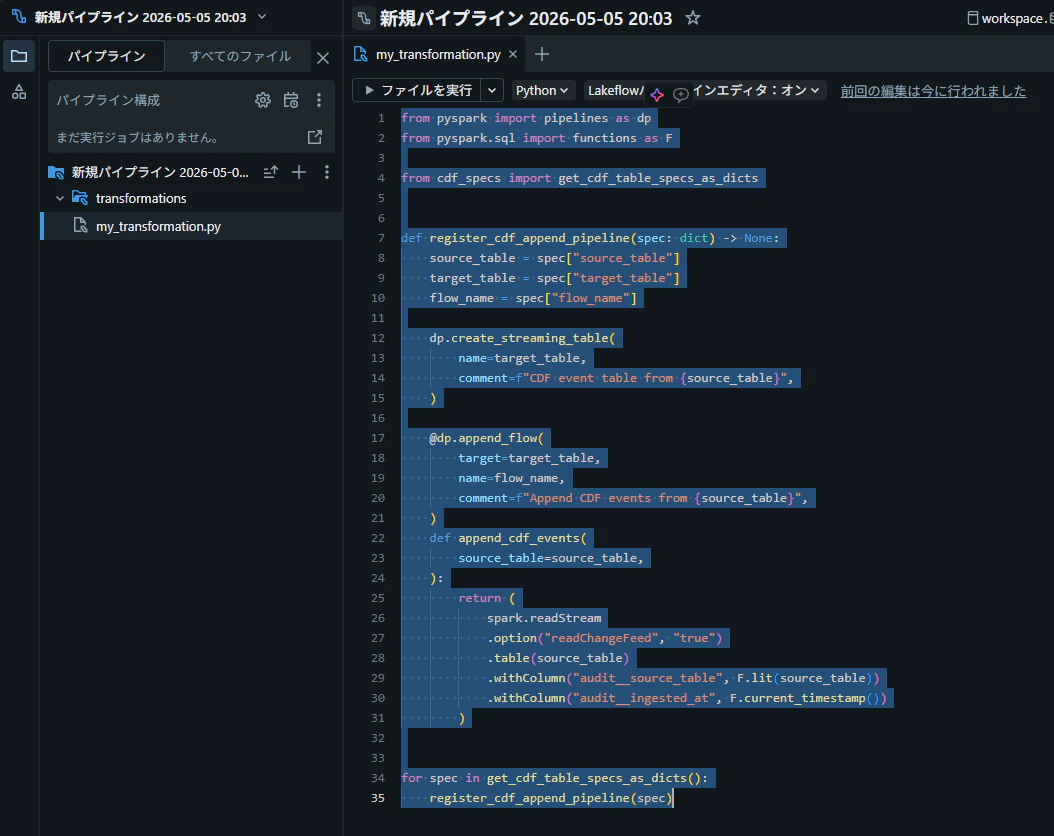
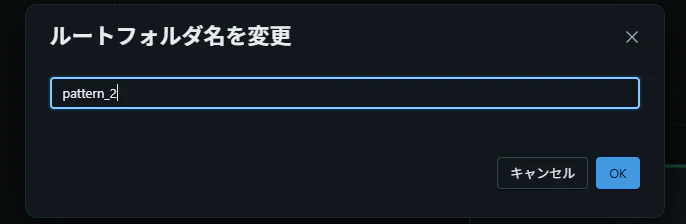
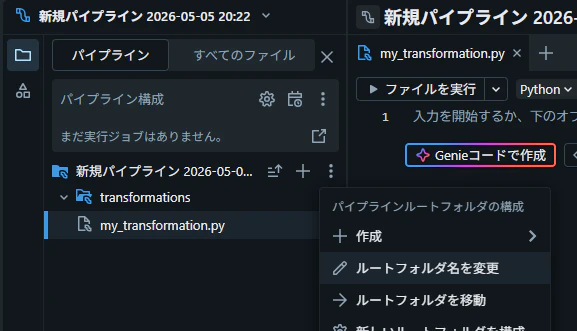
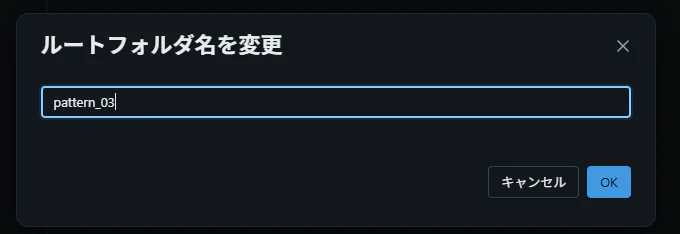
ディレクトリ名を pattern_2 に変更
パイプライン用のディレクトリを pattern_2 にリネームし、設定ファイルと同じ階層に配置します。
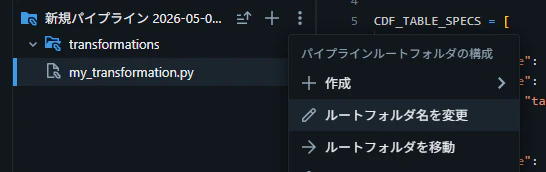
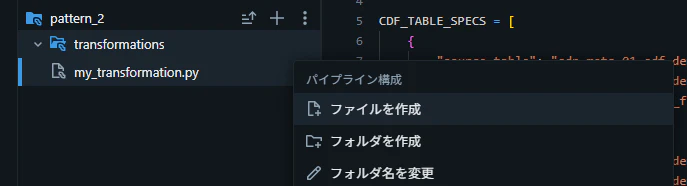
cdf_specs.py ファイルの作成とコードの記述
@dataclass(frozen=True) で CdfTableSpec を定義します。asdict() で辞書化することで、呼び出し側のコード(my_transformation.py)はキー名でアクセスする既存ロジックをそのまま再利用できます。
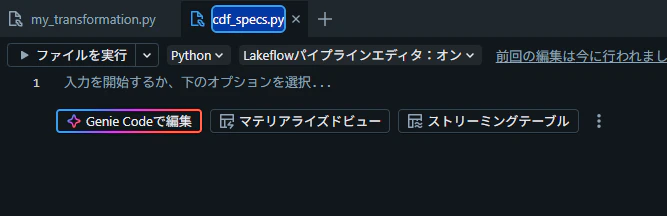
from dataclasses import asdict, dataclass


@dataclass(frozen=True)
class CdfTableSpec:
    source_table: str
    target_table: str
    flow_name: str
    cluster_by: list[str] | None = None


CDF_TABLE_SPECS = [
    CdfTableSpec(
        source_table="sdp_meta_01.cdf_demo_src.table_01",
        target_table="sdp_meta_01.cdf_demo_tgt_02.table_01_cdf_events",
        flow_name="table_01_cdf_events_cdf_append_flow",
    ),
    CdfTableSpec(
        source_table="sdp_meta_01.cdf_demo_src.table_02",
        target_table="sdp_meta_01.cdf_demo_tgt_02.table_02_cdf_events",
        flow_name="table_02_cdf_append_flow",
    ),
    CdfTableSpec(
        source_table="sdp_meta_01.cdf_demo_src.table_03",
        target_table="sdp_meta_01.cdf_demo_tgt_02.table_03_cdf_events",
        flow_name="table_03_cdf_append_flow",
    ),
]


def get_cdf_table_specs_as_dicts() -> list[dict]:
    return [asdict(spec) for spec in CDF_TABLE_SPECS]
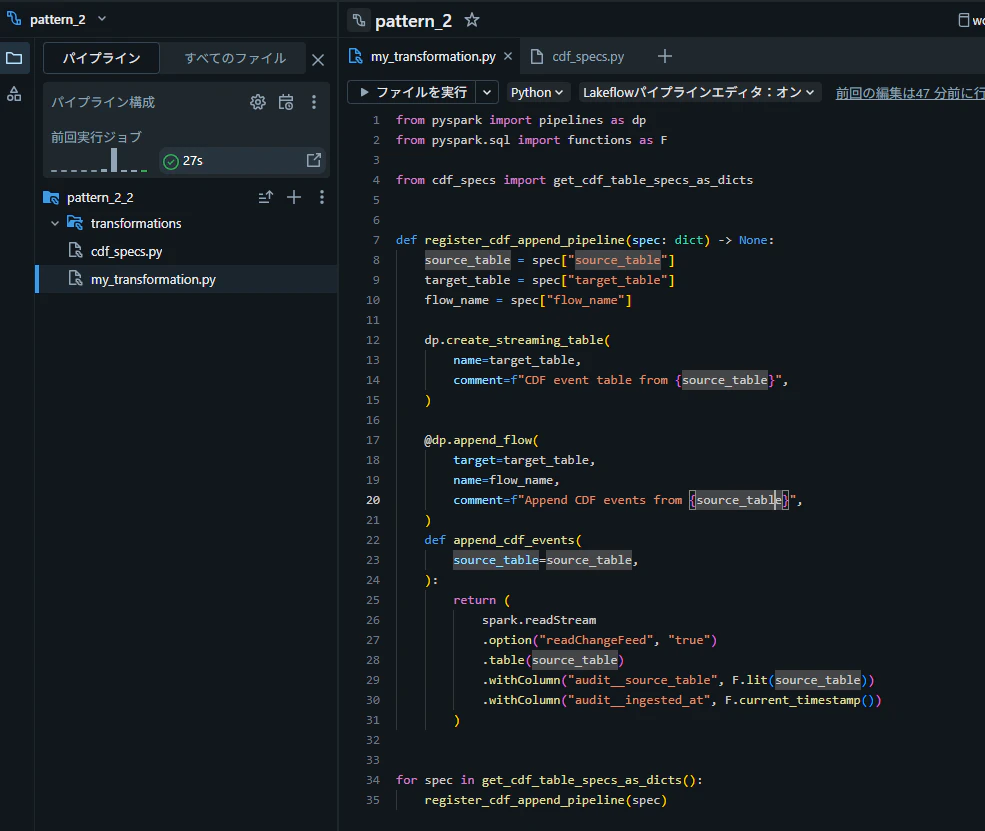
パイプラインを実行
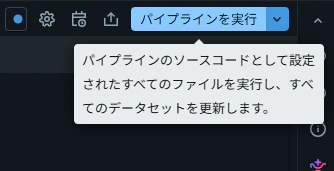
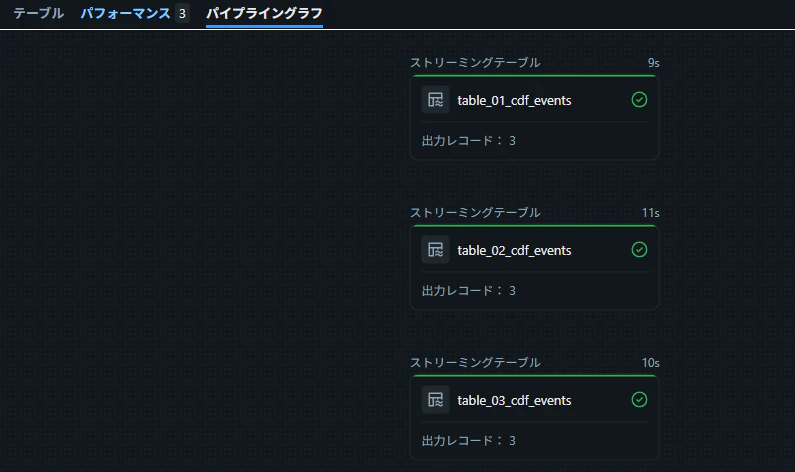
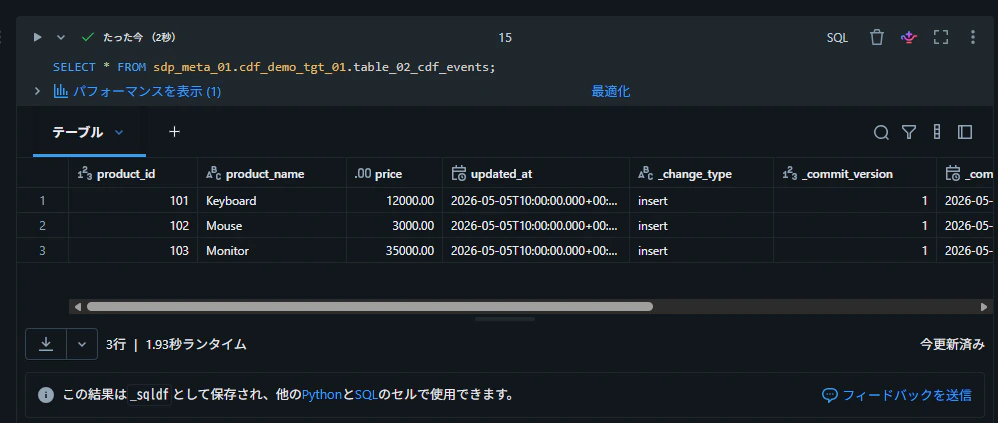
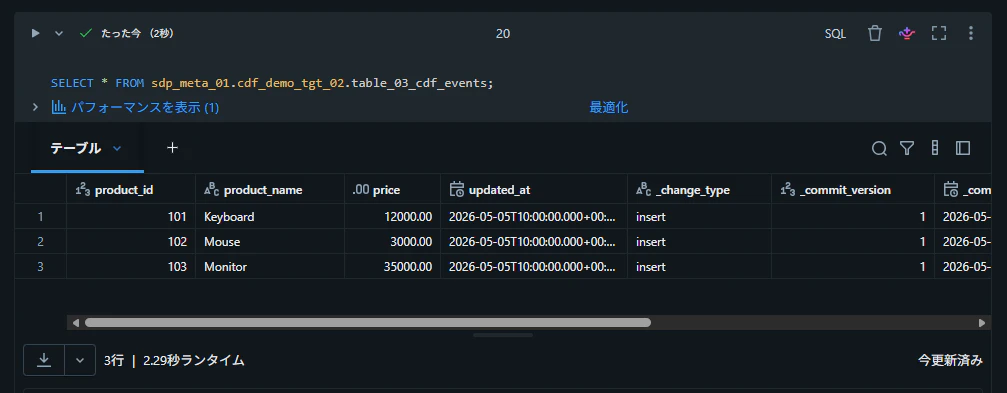
テーブルからデータを取得できることを確認
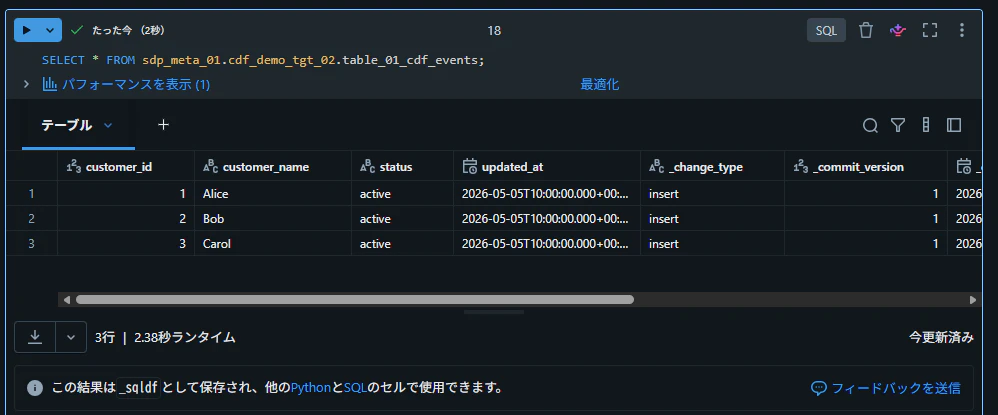
SELECT * FROM sdp_meta_01.cdf_demo_tgt_02.table_01_cdf_events;
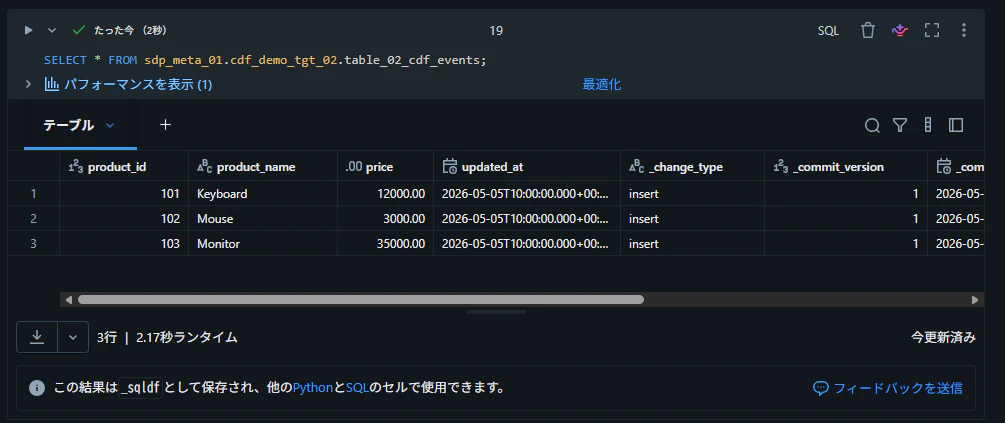
SELECT * FROM sdp_meta_01.cdf_demo_tgt_02.table_02_cdf_events;
SELECT * FROM sdp_meta_01.cdf_demo_tgt_02.table_03_cdf_events;
パターン 3: Databricks テーブルに JSON 形式の設定を保持し、読み取り後に辞書型へ変換する方法
設定そのものを Delta テーブルに保持するアプローチです。設定の追加・削除を コード変更なし で行えるようになるため、運用フェーズで真価を発揮します。
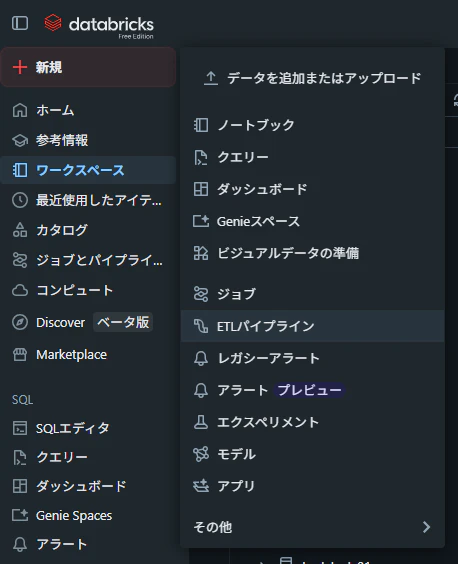
ETL パイプラインを作成
設定テーブルの作成
enabled カラムでオン・オフを切り替えられるようにし、spec_json には JSON 形式で設定本体を格納します。スキーマ進化(設定項目の追加)に強い構造です。
DROP TABLE IF EXISTS sdp_meta_01.cdf_demo_tgt_03.cdf_table_specs;

CREATE TABLE sdp_meta_01.cdf_demo_tgt_03.cdf_table_specs (
  spec_name STRING NOT NULL,
  enabled BOOLEAN NOT NULL,
  spec_json STRING NOT NULL
)
USING DELTA;
INSERT OVERWRITE sdp_meta_01.cdf_demo_tgt_03.cdf_table_specs
SELECT
  'table_01' AS spec_name,
  true AS enabled,
  to_json(
    named_struct(
      'source_table', 'sdp_meta_01.cdf_demo_src.table_01',
      'target_table', 'sdp_meta_01.cdf_demo_tgt_03.table_01_cdf_events',
      'flow_name', 'table_01_cdf_append_flow'
    )
  ) AS spec_json
UNION ALL
SELECT
  'table_02' AS spec_name,
  true AS enabled,
  to_json(
    named_struct(
      'source_table', 'sdp_meta_01.cdf_demo_src.table_02',
      'target_table', 'sdp_meta_01.cdf_demo_tgt_03.table_02_cdf_events',
      'flow_name', 'table_02_cdf_append_flow'
    )
  ) AS spec_json
UNION ALL
SELECT
  'table_03' AS spec_name,
  true AS enabled,
  to_json(
    named_struct(
      'source_table', 'sdp_meta_01.cdf_demo_src.table_03',
      'target_table', 'sdp_meta_01.cdf_demo_tgt_03.table_03_cdf_events',
      'flow_name', 'table_03_cdf_append_flow'
    )
  ) AS spec_json;
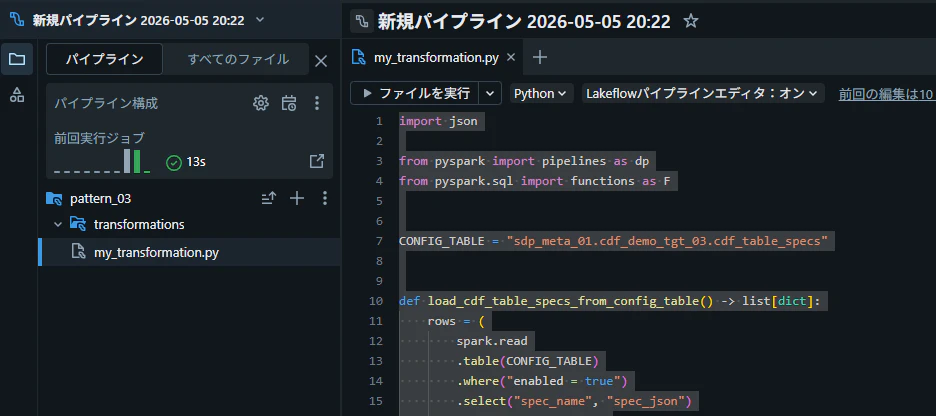
my_transformation.py にコードを記述
load_cdf_table_specs_from_config_table() で設定テーブルを読み込み、enabled = true のレコードのみを取得して JSON をパースします。collect() を使う点は注意が必要ですが、設定テーブルのレコード数は限定的なため実用上の問題は起きにくいです。
import json

from pyspark import pipelines as dp
from pyspark.sql import functions as F


CONFIG_TABLE = "sdp_meta_01.cdf_demo_tgt_03.cdf_table_specs"


def load_cdf_table_specs_from_config_table() -> list[dict]:
    rows = (
        spark.read
        .table(CONFIG_TABLE)
        .where("enabled = true")
        .select("spec_name", "spec_json")
        .orderBy("spec_name")
        .collect()
    )

    return [json.loads(row["spec_json"]) for row in rows]


def register_cdf_append_pipeline(spec: dict) -> None:
    source_table = spec["source_table"]
    target_table = spec["target_table"]
    flow_name = spec["flow_name"]

    dp.create_streaming_table(
        name=target_table,
        comment=f"CDF event table from {source_table}",
    )

    @dp.append_flow(
        target=target_table,
        name=flow_name,
        comment=f"Append CDF events from {source_table}",
    )
    def append_cdf_events(
        source_table=source_table,
    ):
        return (
            spark.readStream
            .option("readChangeFeed", "true")
            .table(source_table)
            .withColumn("audit__source_table", F.lit(source_table))
            .withColumn("audit__ingested_at", F.current_timestamp())
        )


for spec in load_cdf_table_specs_from_config_table():
    register_cdf_append_pipeline(spec)
パイプラインを実行
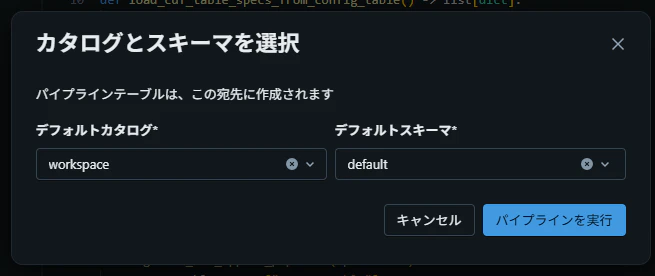
設定テーブルの読み取りが入る分、パイプラインの初期化に 5 分程度かかりました。
テーブルからデータを取得できることを確認
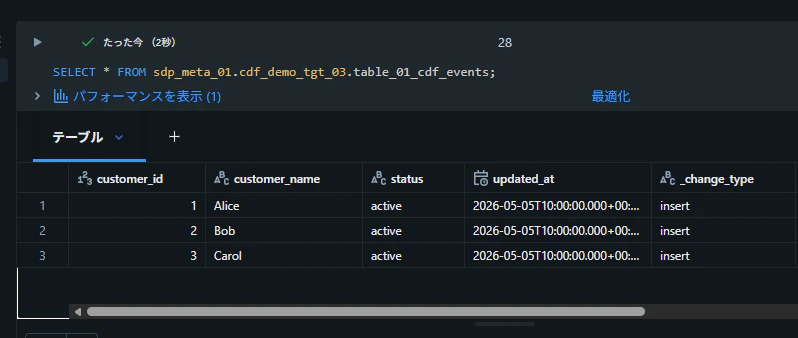
SELECT * FROM sdp_meta_01.cdf_demo_tgt_03.table_01_cdf_events;
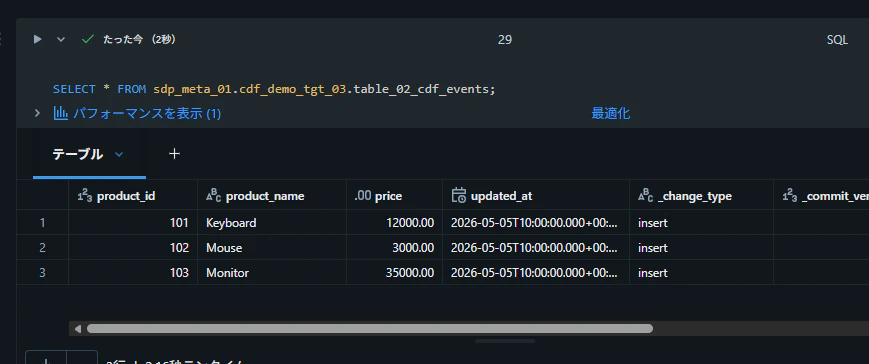
SELECT * FROM sdp_meta_01.cdf_demo_tgt_03.table_02_cdf_events;
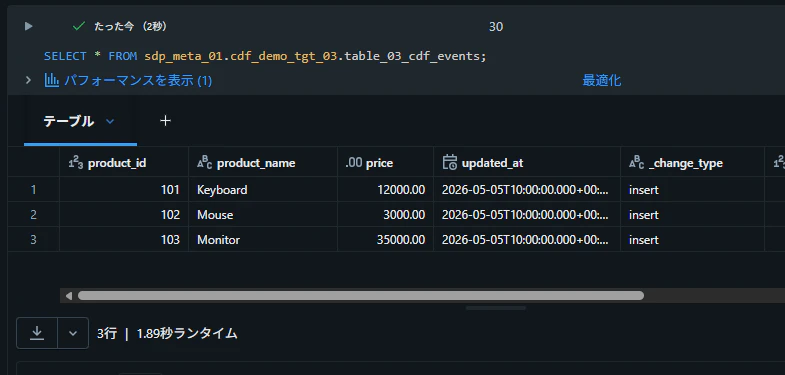
SELECT * FROM sdp_meta_01.cdf_demo_tgt_03.table_03_cdf_events;