概要
Databricks にて CSV からクォートで囲まれた状態の空の文字列("")を空文字として取り込む方法を共有します。 emptyValueオプションとnullValueオプションを指定するようです。
csv_options = {
    "header": "true",
    "emptyValue": "",
    "nullValue": "\u0000"
}
検証コード
データベースオブジェクトの作成
catalog_name = "empty_and_null"
schema_name  = "schme_01"
volume_name  = "volume_01"

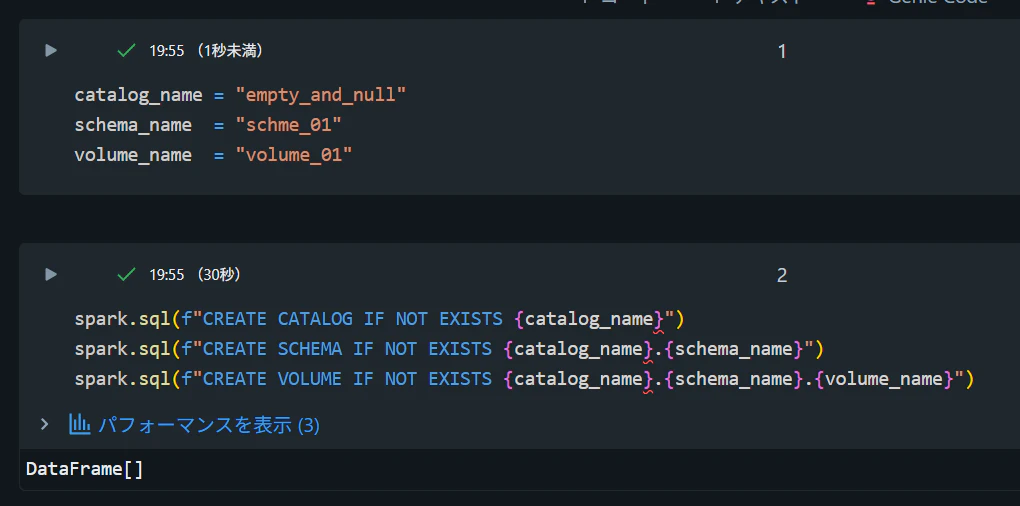
spark.sql(f"CREATE CATALOG IF NOT EXISTS {catalog_name}")
spark.sql(f"CREATE SCHEMA IF NOT EXISTS {catalog_name}.{schema_name}")
spark.sql(f"CREATE VOLUME IF NOT EXISTS {catalog_name}.{schema_name}.{volume_name}")
CSV ファイルの準備
from pyspark.sql import functions as F
import uuid

run_id = uuid.uuid4().hex

volume_root = f"/Volumes/{catalog_name}/{schema_name}/{volume_name}"
volume_root_dbfs = f"dbfs:/Volumes/{catalog_name}/{schema_name}/{volume_name}"

base_path = f"{volume_root}/csv_empty_string_validation/{run_id}"
input_path = f"{base_path}/input"
checkpoint_path = f"{base_path}/checkpoint"
schema_location = f"{base_path}/schema_location"

base_path_dbfs = f"{volume_root_dbfs}/csv_empty_string_validation/{run_id}"
input_path_dbfs = f"{base_path_dbfs}/input"

dbutils.fs.mkdirs(input_path_dbfs)

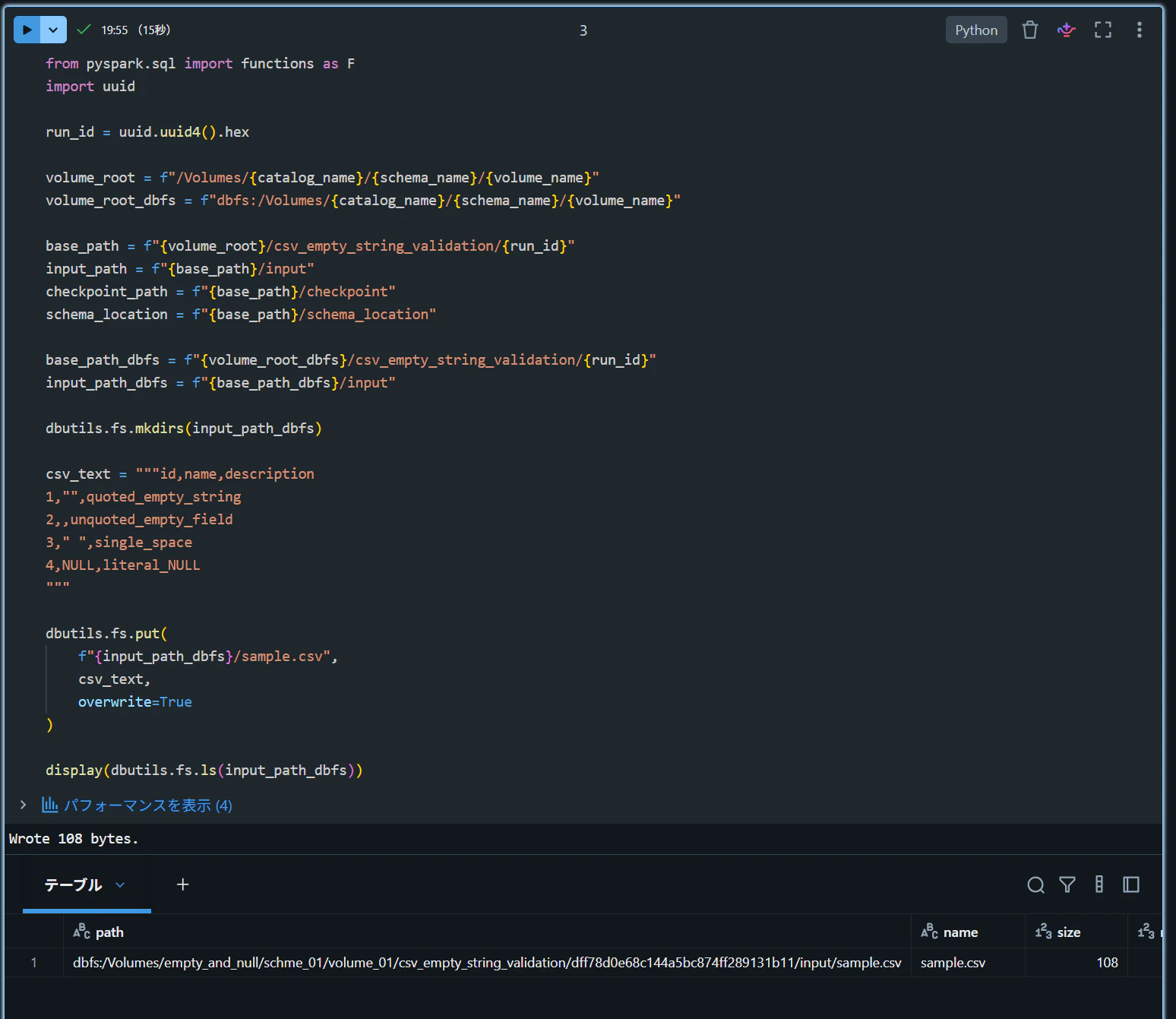
csv_text = """id,name,description
1,"",quoted_empty_string
2,,unquoted_empty_field
3," ",single_space
4,NULL,literal_NULL
"""

dbutils.fs.put(
    f"{input_path_dbfs}/sample.csv",
    csv_text,
    overwrite=True
)

display(dbutils.fs.ls(input_path_dbfs))
CSV 参照
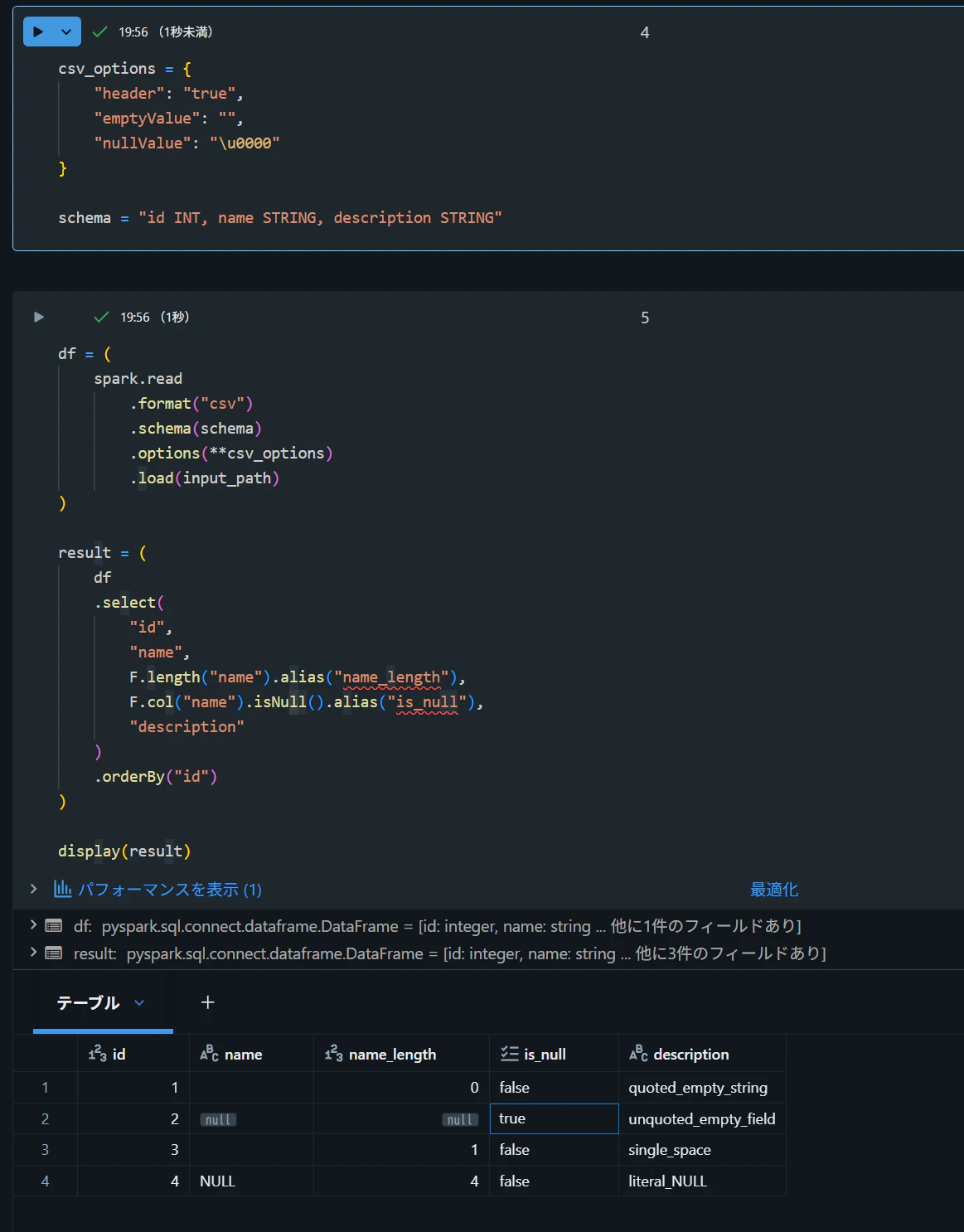
csv_options = {
    "header": "true",
    "emptyValue": "",
    "nullValue": "\u0000"
}

schema = "id INT, name STRING, description STRING"

df = (
    spark.read
        .format("csv")
        .schema(schema)
        .options(**csv_options)
        .load(input_path)
)

result = (
    df
    .select(
        "id",
        "name",
        F.length("name").alias("name_length"),
        F.col("name").isNull().alias("is_null"),
        "description"
    )
    .orderBy("id")
)

display(result)
| id | name | name_length | is_null | description |
|---|---|---|---|---|
| 1 | 0 | false | quoted_empty_string | |
| 2 | null | null | true | unquoted_empty_field |
| 3 | 1 | false | single_space | |
| 4 | NULL | 4 | false | literal_NULL |
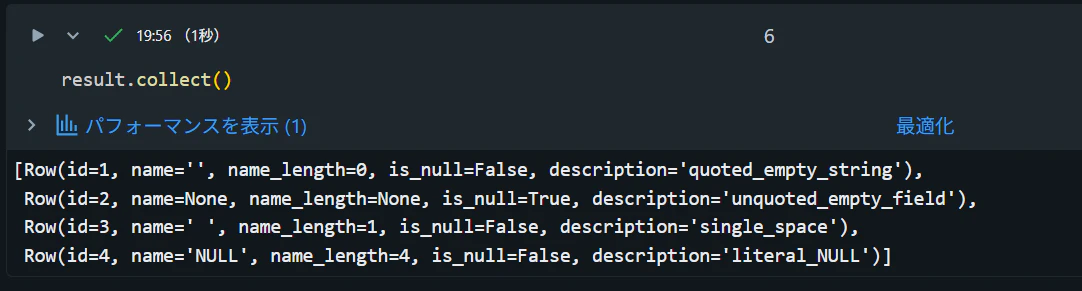
result.collect()
[
    Row(id=1, name="", name_length=0, is_null=False, description="quoted_empty_string"),
    Row(id=2,name=None,name_length=None,is_null=True,description="unquoted_empty_field"),
    Row(id=3, name=" ", name_length=1, is_null=False, description="single_space"),
    Row(id=4, name="NULL", name_length=4, is_null=False, description="literal_NULL"),
]