Standard Assets (for Unity 2018.4)のエラー直す方法。
使用Unity 2020.1.9f1
このアセットで、ThirdPerthonCharactor/prefab/ThirdPersonController を使用方法
下記をまずUnityに追加、インポートなどでプロジェクトの追加
https://assetstore.unity.com/packages/essentials/asset-packs/standard-assets-for-unity-2018-4-32351#description
Assets → Standard Assets → Utilityを開く。
②Utilityフォルダー内にある、「ForcedReset.cs」と「SimpleActivatorMenu.cs」を削除
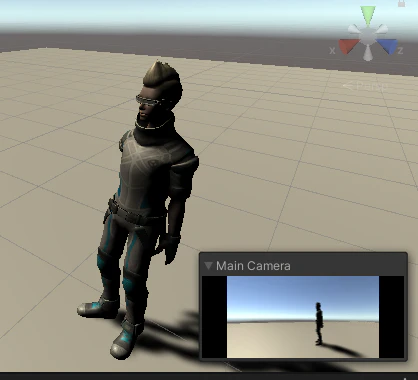

奈落に落ちてしまうので、Planeなどのオブジェクトで人(イーサン)が置ける場所を作る
ThirdPersonCharacterGuideLines.txt にやり方が書いてあり、2番で
- Place the "ThirdPersonCharacter" prefab in the scene.
と書かれているが、ThirdPersonController をシーンにドラッグ&ドロップしたら、
キャラクターがカーソルキーやスペースなどで動かせるようになる
おまけ
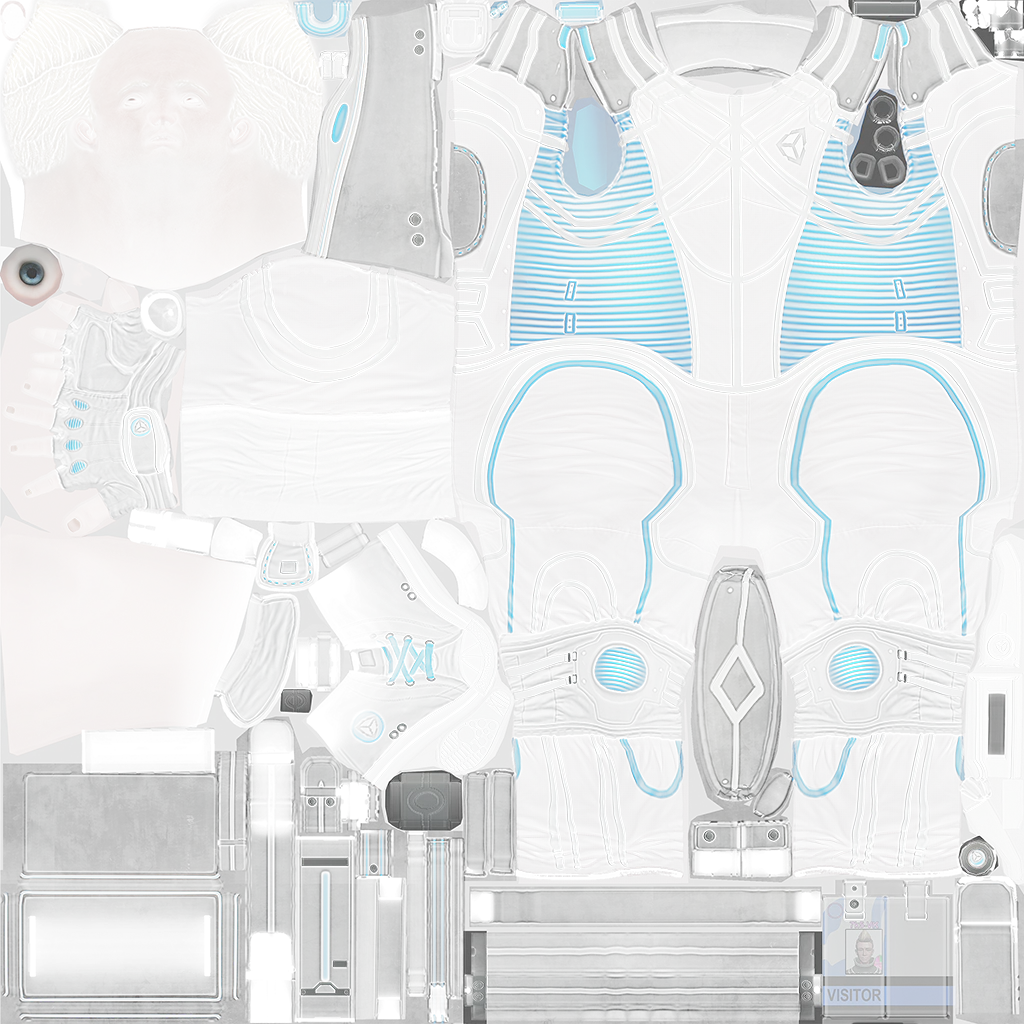
この画像をDL
そして ThirdPersonCharactor/Textures にドロップ
ドロップしたTextureを選んで EthanBody にドロップ
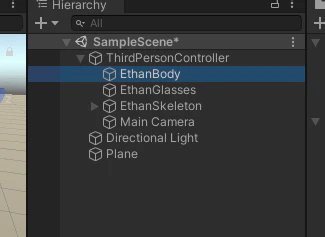
するとイーサンの服や肌に色が着色される