8
8

Delete article

Deleted articles cannot be recovered.

Draft of this article would be also deleted.

Are you sure you want to delete this article?

More than 5 years have passed since last update.

leanback-v17-24.0.0 の変更点 (AndroidTV)

Last updated at Posted at 2016-07-05

leanback とは

  • Android Support Library の1つ
  • AndroidTV 向けアプリを作る際に Google のガイドラインに則した標準的な UI/UX を実現する

課題

  • 拡張性が低くUIのカスタマイズが困難
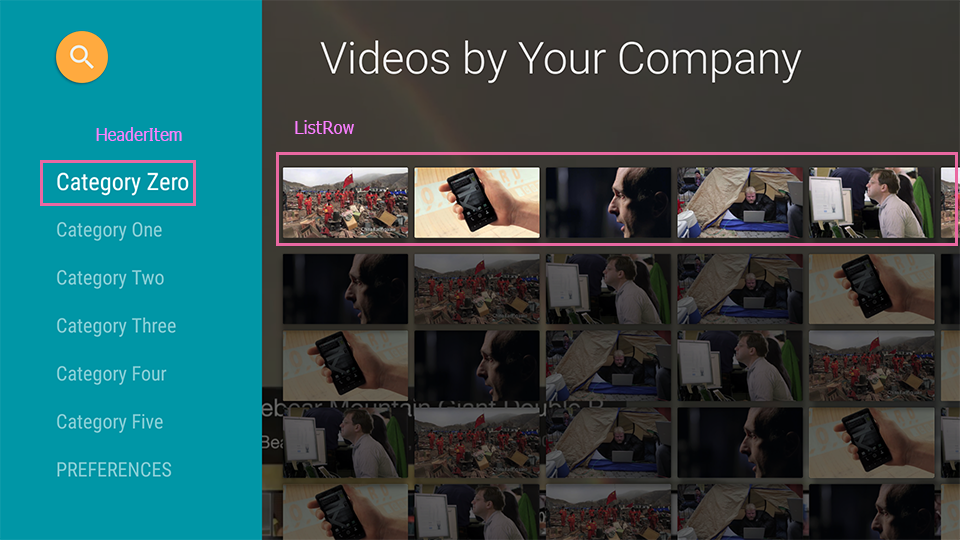
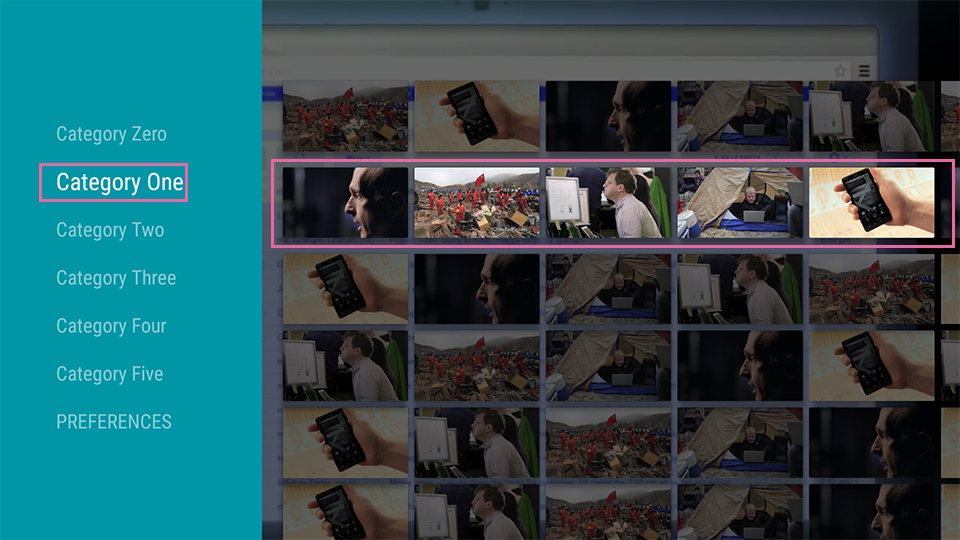
  • 例 BrowseFragment
    • 左カラムの1行が右カラムの1行に対応している
      screen_tv_sample01s.png

![screen_tv_sample02s.png](https://qiita-image-store.s3.amazonaws.com/0/112602/295b813a-9c7b-0938-4eb5-4260f535a795.png)
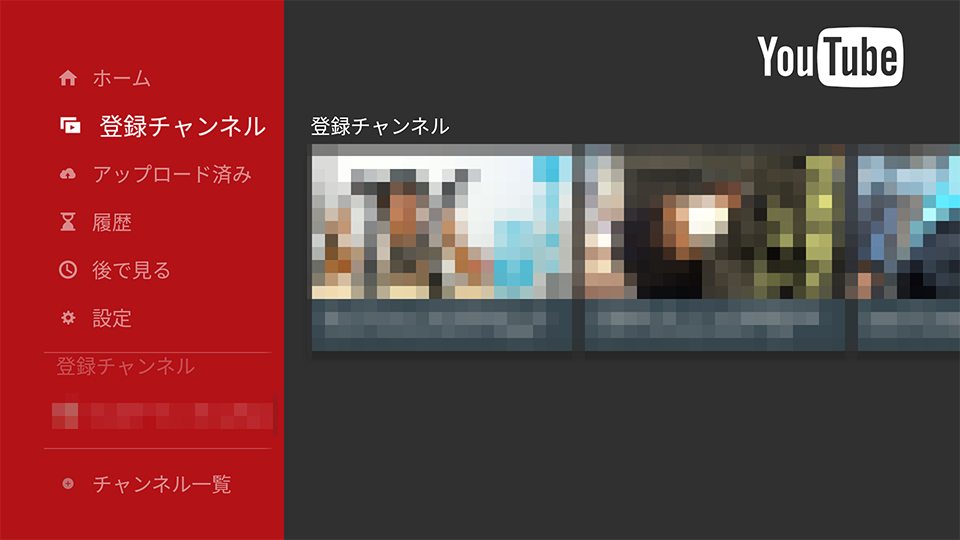
* 一方で Youtube のように、左カラムの各行に対して右カラム全体を切り替える仕組みは BrowseFragment では実現出来ず、BrowseFragment 内部で使っている HeadersFragment, RowsFragment などを組み合わせ自分で BrowseFragment のようなものを作る必要があった ![screen_tv_youtube01s.png](https://qiita-image-store.s3.amazonaws.com/0/112602/453ac460-44a0-34b0-e03b-dcf8a7bb190e.png)
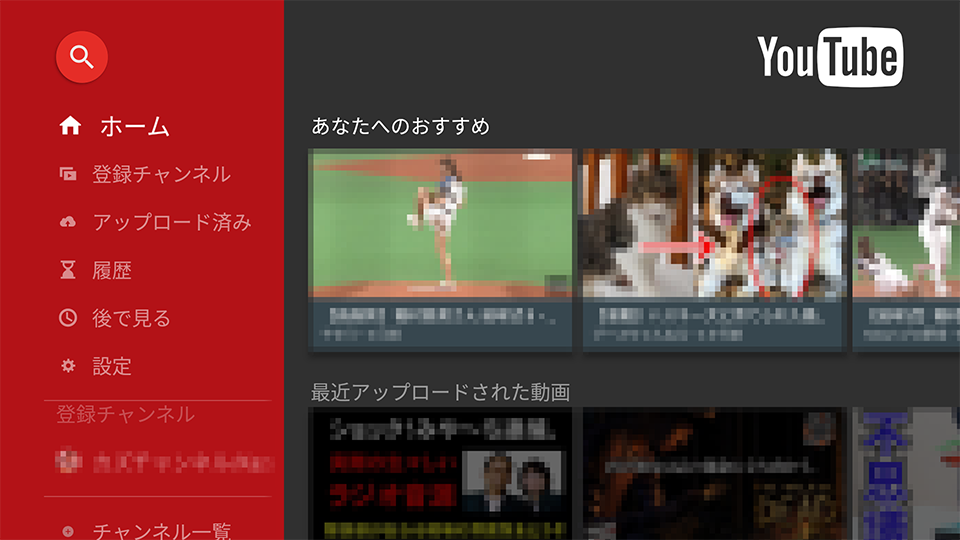
![screen_tv_youtube02s.png](https://qiita-image-store.s3.amazonaws.com/0/112602/63f50455-ae4d-8577-62f8-880855c882a3.png)

24.0.0 での変更点

  • GoogleI/O 2016 での AndroidTV のセッションで 24.0.0-beta の機能が紹介された (現在はbetaは取れている)
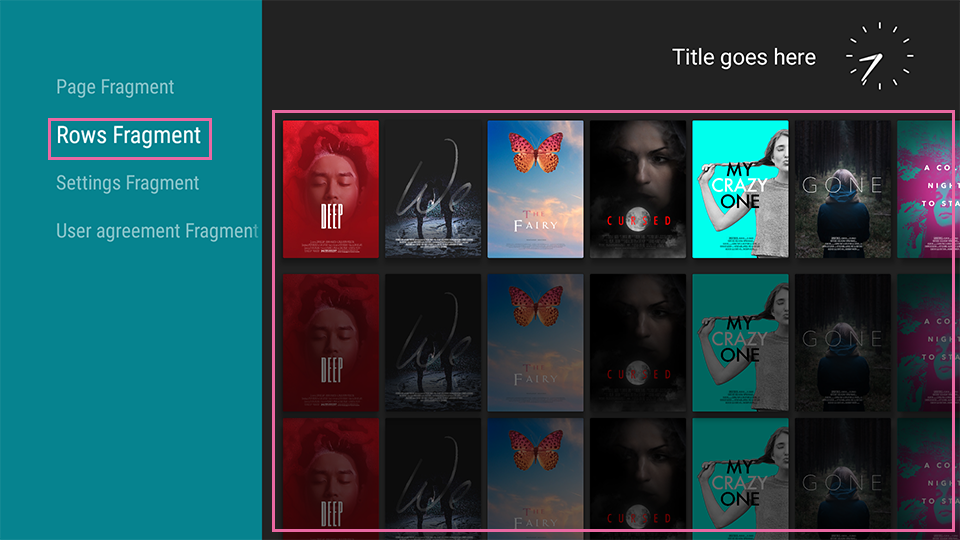
  • 従来右カラムには1行を表現する ListRow を与える事を要求されていたが、PageRow という新しいコンポーネントを与えられる
  • この仕組みを用いることで、左カラムの各行に対して右カラムを個別の Fragment で置換していくことが可能に
    screen_tv_showcase01dev.png

![screen_tv_showcase02dev.png](https://qiita-image-store.s3.amazonaws.com/0/112602/dae76105-1dd4-1657-aba6-b0a38e85a1bd.png)

実装例と個別の掘り下げ

  • 次回に続く
8
8
0

Register as a new user and use Qiita more conveniently

  1. You get articles that match your needs
  2. You can efficiently read back useful information
  3. You can use dark theme
What you can do with signing up
8
8

Delete article

Deleted articles cannot be recovered.

Draft of this article would be also deleted.

Are you sure you want to delete this article?