
はじめに
Webデザインで背景画像を使うとき、画像をどのように繰り返すか(リピートするか)を指定できるのが、CSSのbackground-repeatプロパティです。この記事では、background-repeatの基本から、よくある使い方、注意点までをまとめて解説します。
使いどころ
background-repeatは、Webページの背景にパターン画像やテクスチャ画像を敷き詰めたいときや、一部分だけ画像を繰り返したいときに役立ちます。例えば、以下のような場面で活用できます。
- 小さなパターン画像を敷き詰めておしゃれな背景を作りたい
- 横方向や縦方向だけに繰り返したい(バナーや罫線の装飾など)
- 1回だけ画像を表示したい(ロゴやワンポイントイラスト)
- スペースやround指定で、要素幅にきれいに収めたい
具体的な使い方
基本的な書き方
index.html
<div class="selector">
  <h2>記事</h2>
  <p>テキストテキストテキストテキストテキストテキストテキストテキストテキストテキストテキストテキストテキストテキストテキストテキストテキストテキストテキスト</p>
</div>
style.css
.selector {
  background-image: url("pattern_32x32.png");
  background-repeat: repeat; /* デフォルト。縦横に繰り返す */
}

画面いっぱいに敷き詰められました。
主な値
| 値 | 説明 |
|---|---|
repeat |
縦横ともに繰り返し(デフォルト) |
repeat-x |
横方向(X軸)だけ繰り返し |
repeat-y |
縦方向(Y軸)だけ繰り返し |
no-repeat |
繰り返さず、画像を1回だけ表示 |
space |
画像間にスペースを均等に空けて繰り返し |
round |
要素のサイズに合わせて画像サイズを調整し繰り返す |
使用例
横方向だけ繰り返す
style.css
.banner {
  background-image: url("stripe_32x32.png");
  background-repeat: repeat-x;
}

横方向に繰り返されていることがわかります。
縦の長さは画像のサイズである32pxとなってます。
一度だけ表示する
style.css
.logo {
  background-image: url("logo_300x300.png");
  background-repeat: no-repeat;
  background-position: center;
}
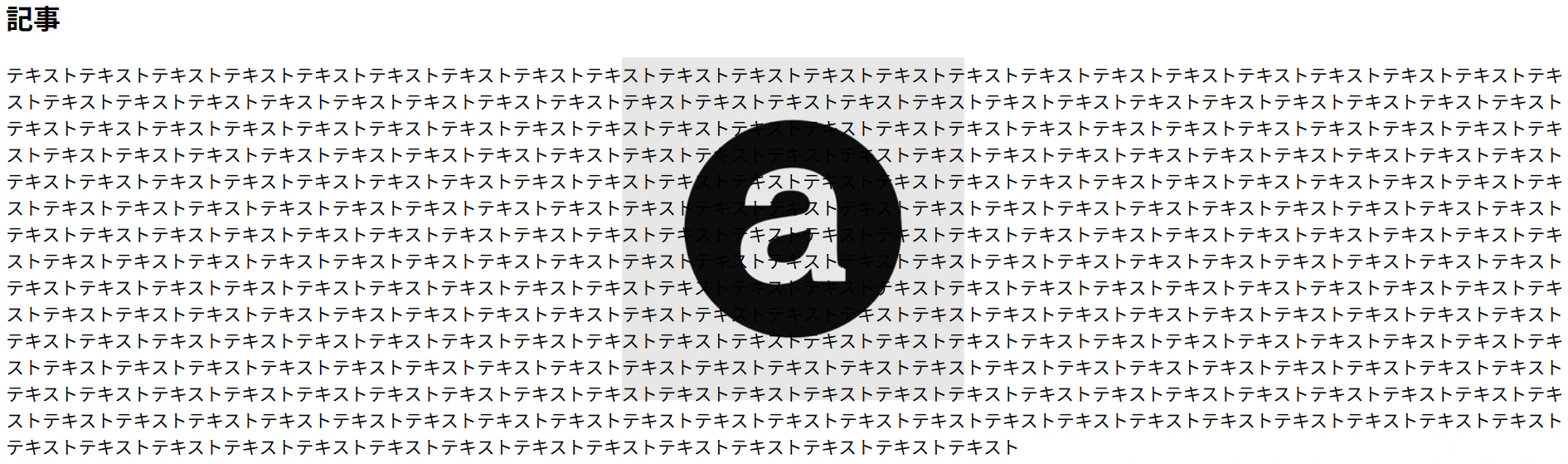
背景の上下左右中央に配置されていることがわかります。
画像間にスペースを入れて敷き詰める
style.css
.wall {
  width: 500px;
  height: 500px;
  background-image: url("brick_32x32.png");
  background-repeat: space;
}
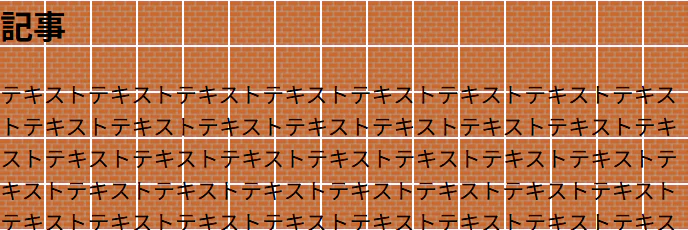
スペースが空きつつ敷き詰められているのがわかります。
要素幅に合わせて画像を伸縮させて繰り返す
style.css
.stretch {
  background-image: url("logo_32x32.png");
  background-repeat: round;
  color: blue;
}
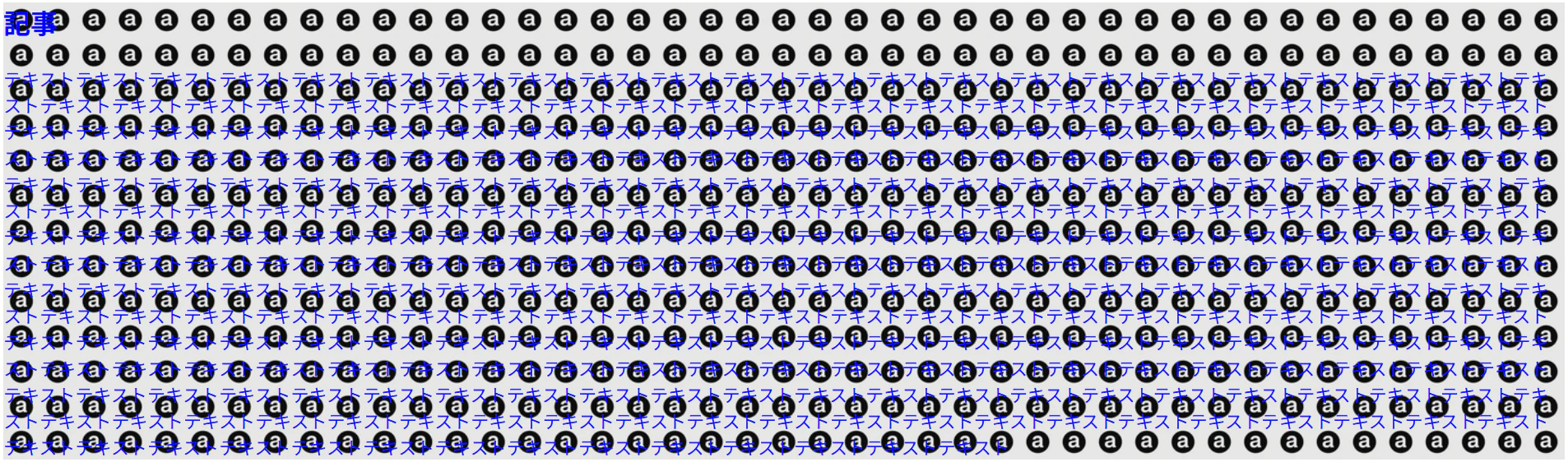
端に注目してみてください。
画像が切れることなく、ぴったりサイズで敷き詰められていることがわかります。
注意点
画像サイズやアスペクト比によっては、spaceやroundで意図しない見た目になることがあります。
モバイル対応時は画像サイズや表示方法に注意しましょう。
最後に
background-repeatは、ちょっとした装飾から、しっかりしたデザインパターンまで、幅広く使える便利なプロパティです。繰り返し方を調整するだけでWebサイトの印象が大きく変わるので、ぜひ色々な値を試してみてください!