0
0

Delete article

Deleted articles cannot be recovered.

Draft of this article would be also deleted.

Are you sure you want to delete this article?

More than 5 years have passed since last update.

Visual Studio Code[VS Code] のインストールと日本語設定

0
Last updated at Posted at 2019-06-04

初めに

英語の勉強だと思って英語表示でVisual Studio Codeを使っていたけど
結局日本語が便利そうだと気付いたのでインストール手順をメモ

環境

windows 10

インストール

ここからインストールしてください
https://code.visualstudio.com/download

日本語設定

VS Codeは最初は英語設定だが、拡張機能を使って日本語設定にすることができる。
Extensions で「Japanese Language Pack For Visual Studio Code」を選択、インストール
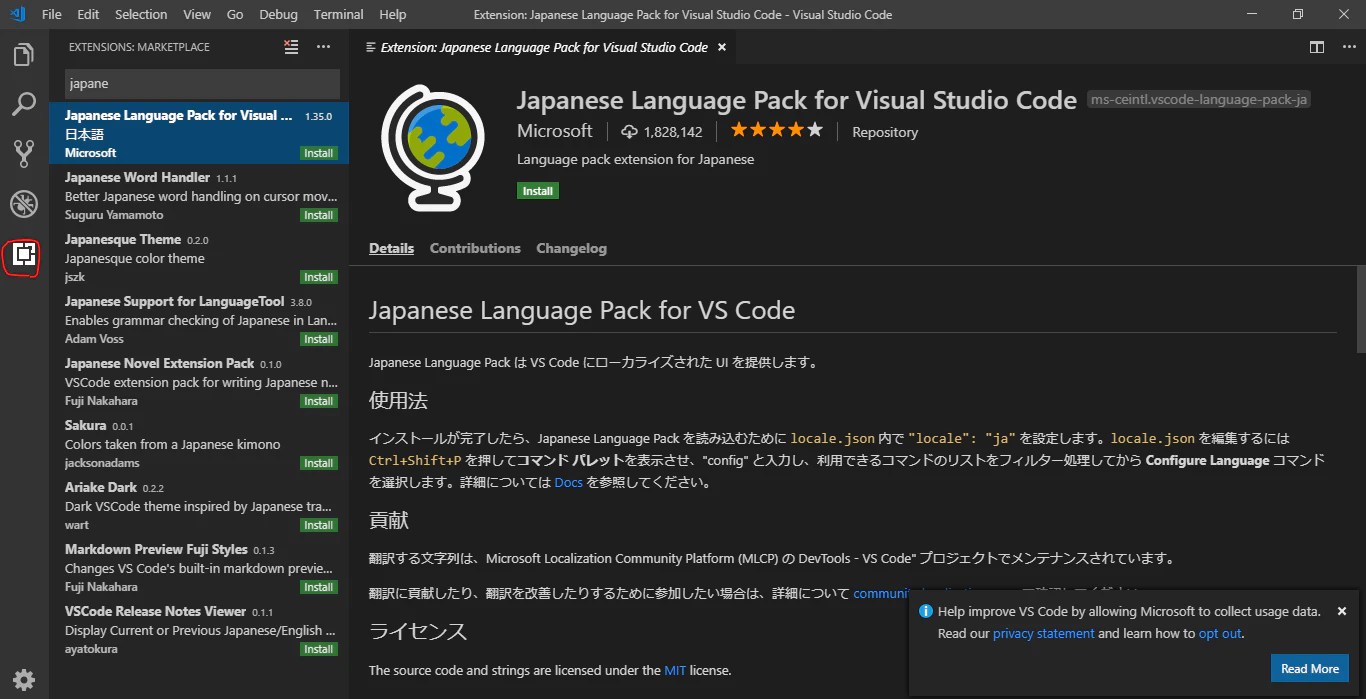
image.png

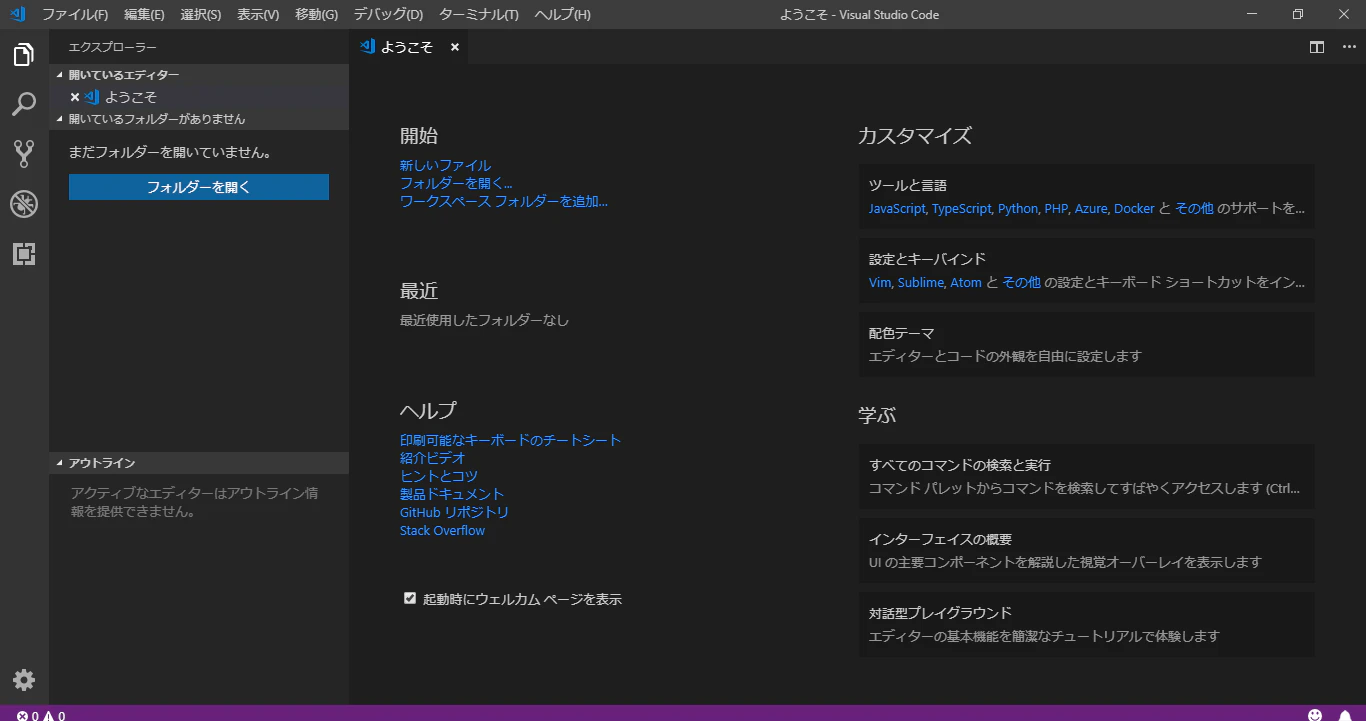
その後再起動すると日本語表示になった
image.png

ならない場合、viewからcommand palette(Ctrl + Shift + Pでも開く)
configure display languageで"ja"を選択

最後に

Visual Studio Codeは文字補完、git連携、拡張機能の多さでめちゃめちゃ便利だと感じています。
ぜひ使ってみてください!

0
0
0

Register as a new user and use Qiita more conveniently

  1. You get articles that match your needs
  2. You can efficiently read back useful information
  3. You can use dark theme
What you can do with signing up
0
0

Delete article

Deleted articles cannot be recovered.

Draft of this article would be also deleted.

Are you sure you want to delete this article?