
This article is an English version of a post I previously published in Japanese on Qiita.
I’m the creator of Pyxel. This is my first post on Qiita. Nice to meet you!
Thank you all for your continued support of the retro game engine forPython, Pyxel.
Pyxel started on GitHub in 2018 with the concept of “casual and fun game programming,” and thanks to all of you, it has now reached 17,000 stars and over 1.3 million downloads.
Among more than 400 million GitHub projects, Pyxel ranks #1 as a Python game development environment (with Pygame at #2 with 7.5k stars), and #8 among all game engines across all languages, steadily catching up to #7, Cocos2d-x (18.2k stars).

Purpose of this article
Today, as a token of my gratitude, I’d like to share the current status of Pyxel (as of 2024/11/2).
They say that a “persuasive presentation” is not about flashy catchphrases or pretty images, but about whether it properly addresses the questions and objections that naturally arise in the audience’s mind.
So instead of writing a standard introduction, I chose a slightly provocative title and structured this article as answers to the questions and objections that people who have never used Pyxel might have.
(If you prefer a conventional explanation, please refer to Pyxel’s official user guide.)
Everything written here is true, but the tone is a bit playful—so I hope you’ll read it in a relaxed spirit.
“I don’t even know what Pyxel is, and I don’t feel like looking it up.”
Thank you for reading this far.
Pyxel is a game development tool that can easily create things like this:
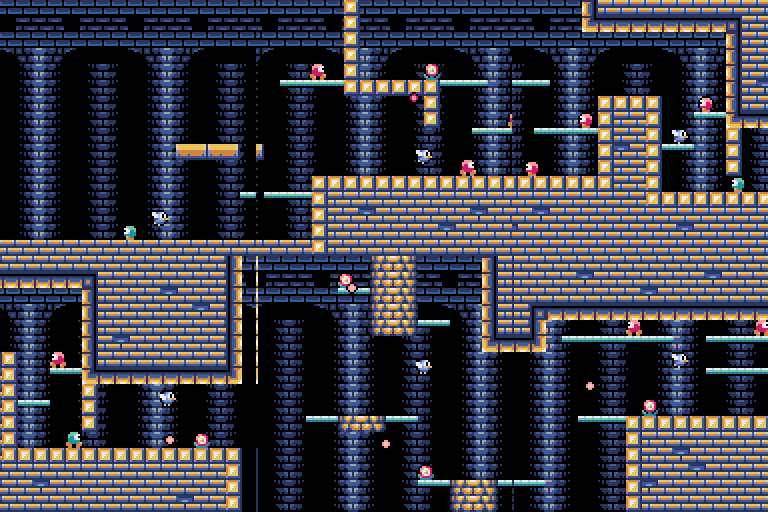
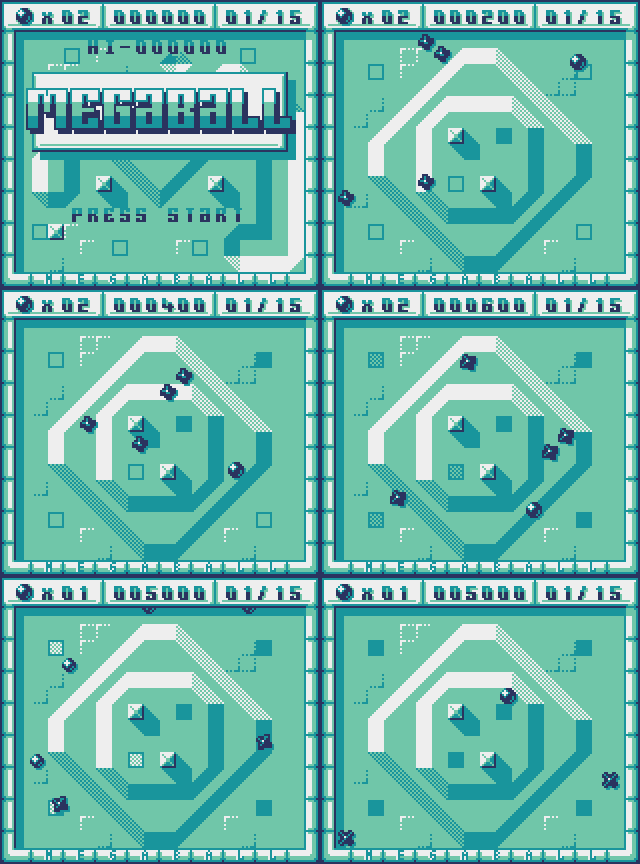
If you think “I need sound to understand” or “I need to play it to understand,” please click the images above. You can actually play them.
That’s what Pyxel can do.
“I’m not interested in playing or making games in the first place.”
Fair enough.
But don’t you ever feel like creating something that moves, or doing something a bit different as a break from work?
For example, someone visualized a serious security tool using Pyxel like this:
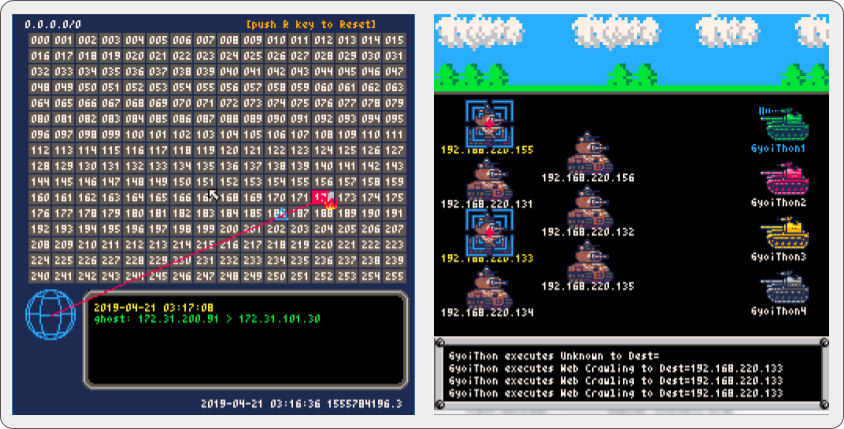
Even if you are building cutting-edge AI software in Python, all you need is:
pip install pyxel
and add:
import pyxel
at the top of your code—and suddenly you can draw pixel art.
Why not stand out from your colleagues with Pyxel? (In which direction you’ll stand out is another question…)
“I’m interested in game development, but my skills probably aren’t good enough.”
Pyxel is extremely simple: 16 colors and 4 simultaneous sound channels. You only need to learn a few commands (initialization and basic drawing) to start making games.
For example, the side-scrolling game shown earlier has less than 300 lines of code.
Pyxel uses Python, a beginner-friendly language that is also widely used in professional systems and AI development. It also comes with built-in tools for creating graphics and sounds.
If you like, click the images below to try Pyxel’s tools:
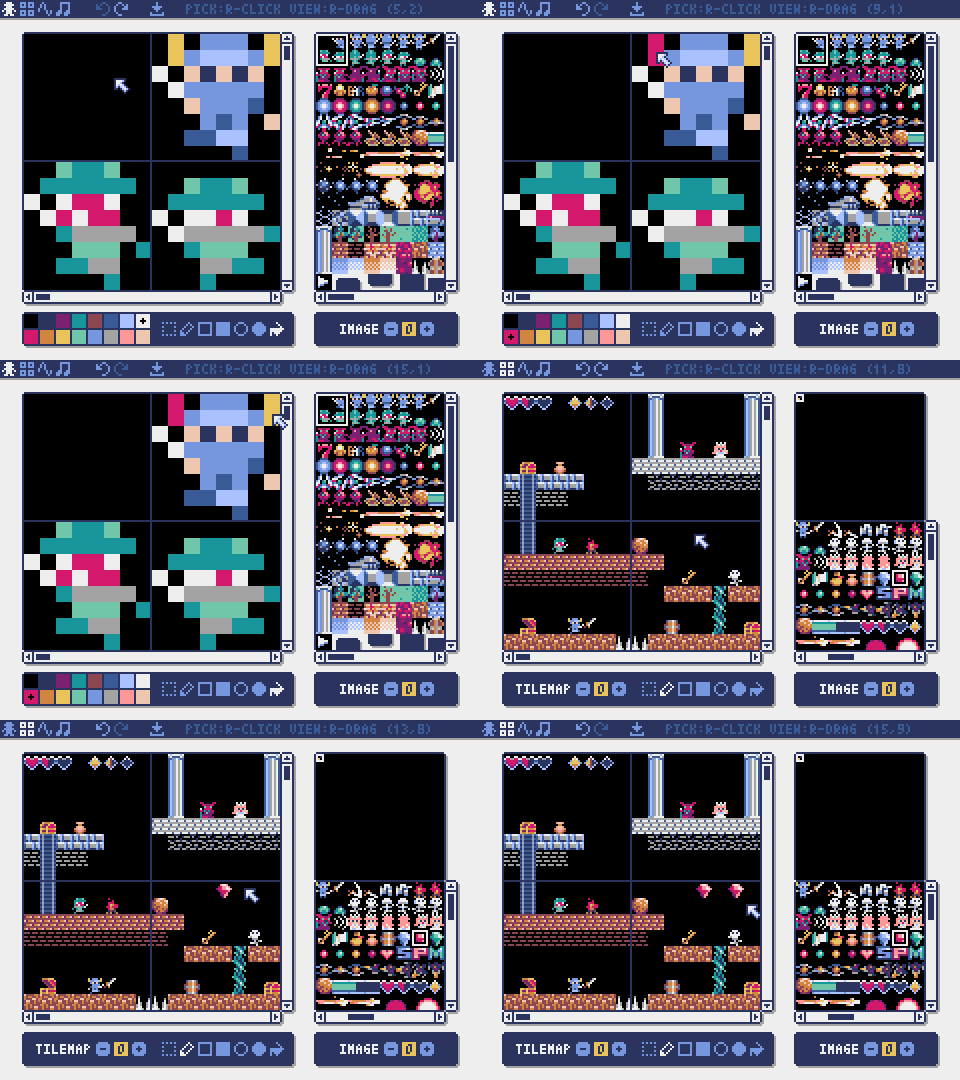
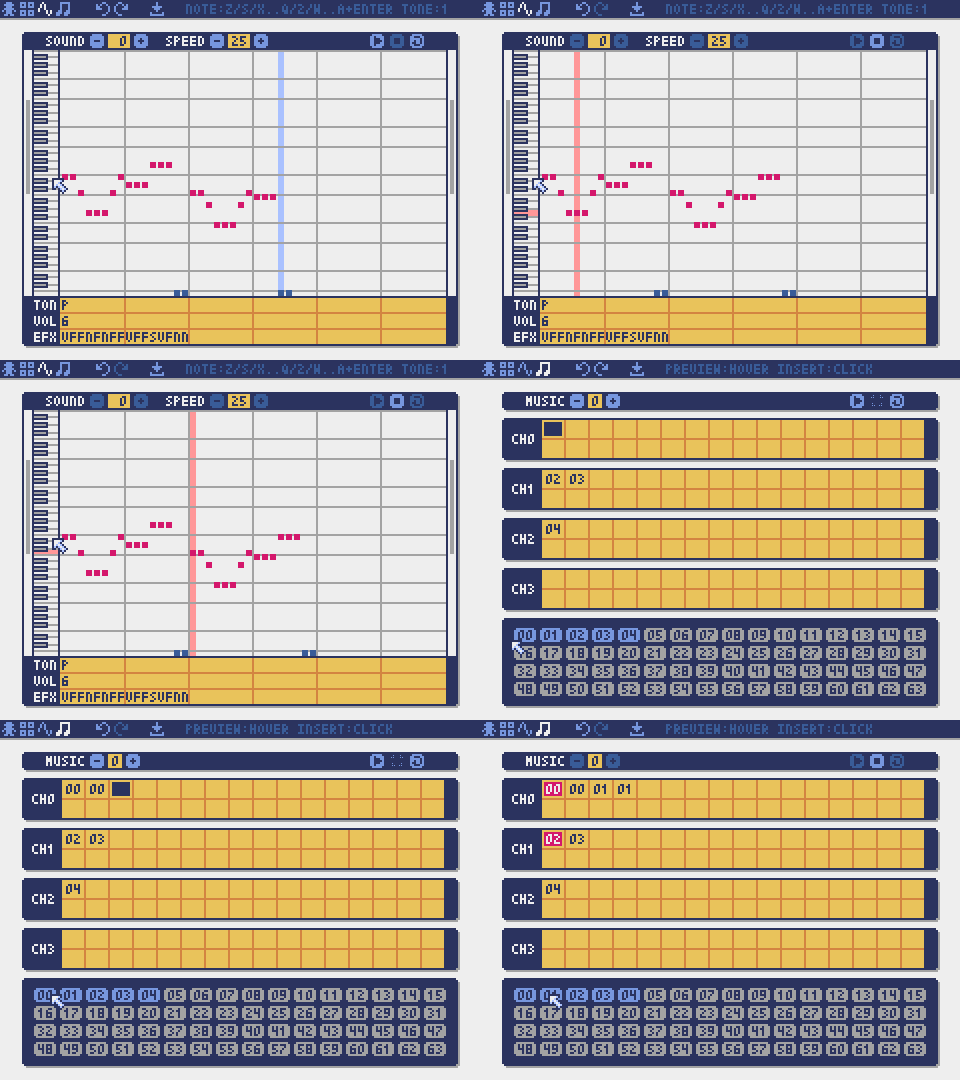
There are also very well-written tutorials such as this site and that site, so getting started should be quite easy.
“Still… can I really do it?”
Don’t worry.
Pyxel has been used as a learning tool at universities such as Keio University and Osaka University, as well as programming schools like TENTO.
There is also an annual programming contest led by France, with participants from 49 countries, 464 schools, and 11,500 students.
So if you have a pure heart like a child or a student, you’ll be just fine!
“But what should I make…?”
You’re persistent…
When you’re not sure what to create, it helps to see what others have made.
In Pyxel’s User Examples section, over 100 games are listed, and the source code for most of them is publicly available.
Some are even experimental works that use generative AI to automatically create cards.

Being able to casually combine Pyxel with other libraries like this is one of its greatest strengths.
“I don’t want retro games. I want to make huge AAA 3D games.”
I get that.
I used to work on AAA-class 3D games at a certain company myself. I even ended up appearing as a ghost in my debut stealth game somehow.
There are two main ways to think about this.
First: “I want to make everything myself.”
Modern 3D games require models, animations, effects, music, sound effects, and more. Truly making everything alone is extremely difficult.
If you want a realistic project size that still feels truly “made by you,” Pyxel—where you can control everything—might be a good option.
Second: “I want a stepping stone toward 3D games.”
To make serious AAA games, you need to be part of a large team, and you must convince others of your ideas.
Pyxel is a handy tool for building a portfolio or quickly turning ideas into something tangible to show your team.
“I don’t want this as a hobby. I want to make real games and earn money.”
Money matters.
But does “retro game” really mean “won’t sell”? Or does it mean “has strong character and sells well”?
A retro-style game released on Steam in October 2024, Dungeon Antiqua, is currently a big hit.
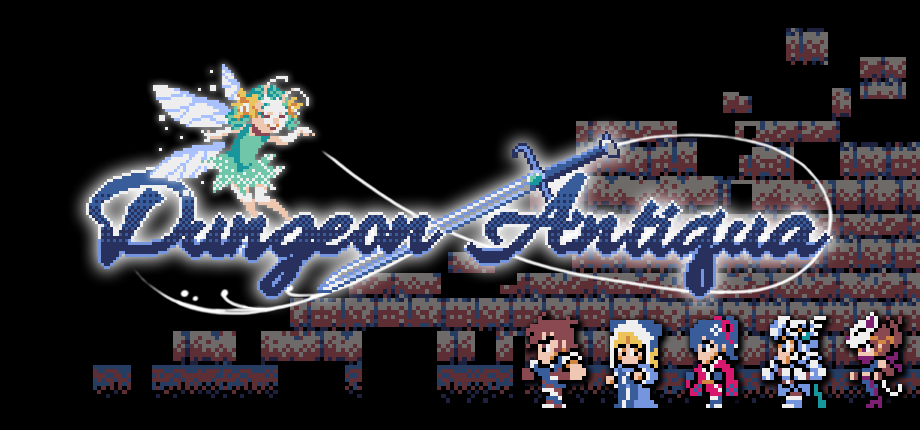
This shows the business potential of retro-style games.
And here are two important facts:
Dungeon Antiqua is actually made with Pyxel.
And Pyxel is free, so you don’t need to pay me any royalties. All profits are yours. (Donations are welcome though!)
Addendum: The creator, Shiromofu Factory, kindly wrote a recommendation article about Pyxel:
“I want to use more colors. 16 is nowhere near enough.”
Even the NES supported 52 colors.
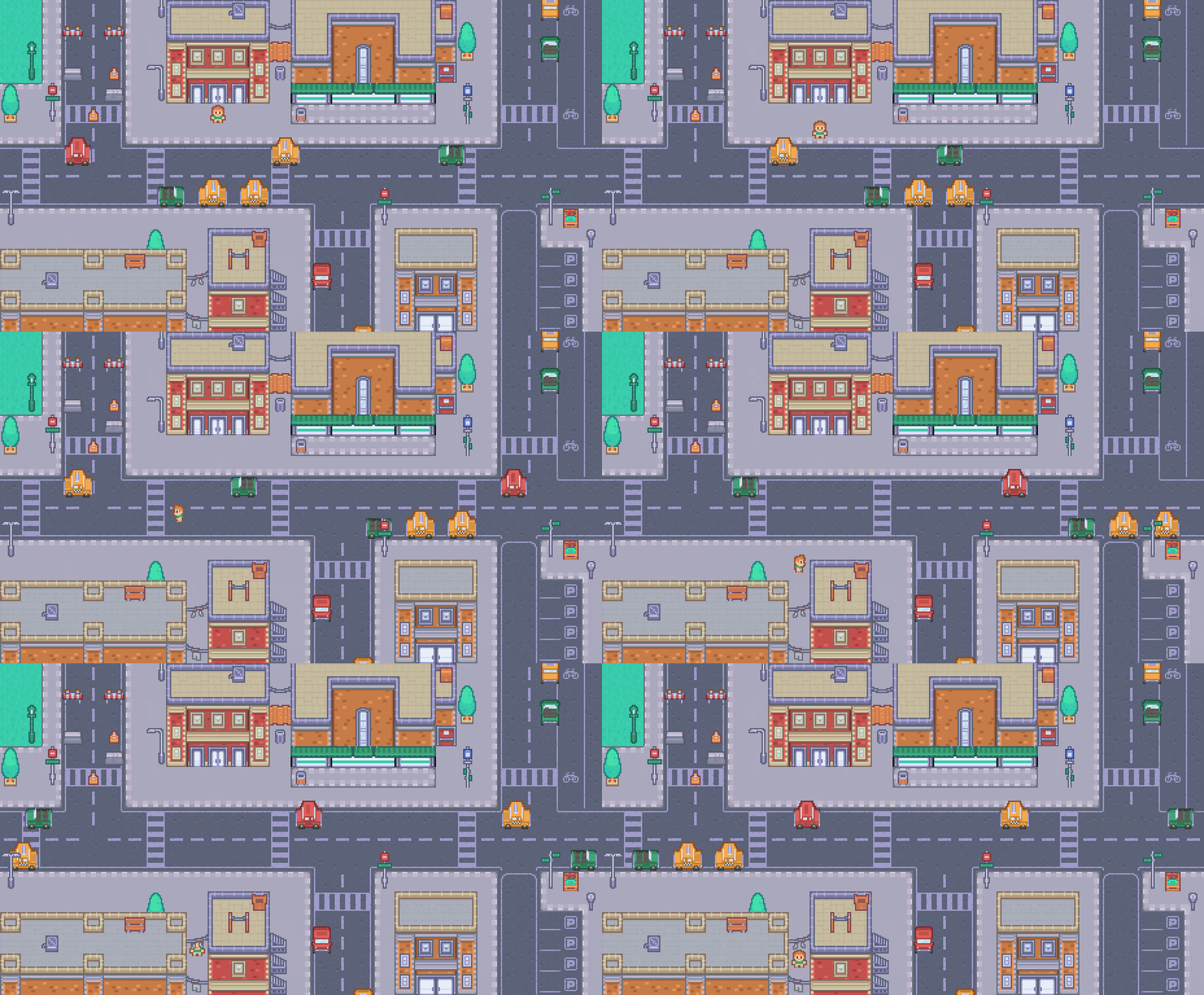
Pyxel allows you to change both the palette and the number of colors. You can modify them directly in code, or define them in a .pyxpal file.
The easiest way is to use the incl_colors option when loading an image:
pyxel.images[0].load(0, 0, "test.png", incl_colors=True)
This replaces Pyxel’s palette with the colors used in the image.
You can see a real example in this sample:
“Four sound channels aren’t enough.”
Sound can be extended too. See the actual code here.
Click the image below to hear it:
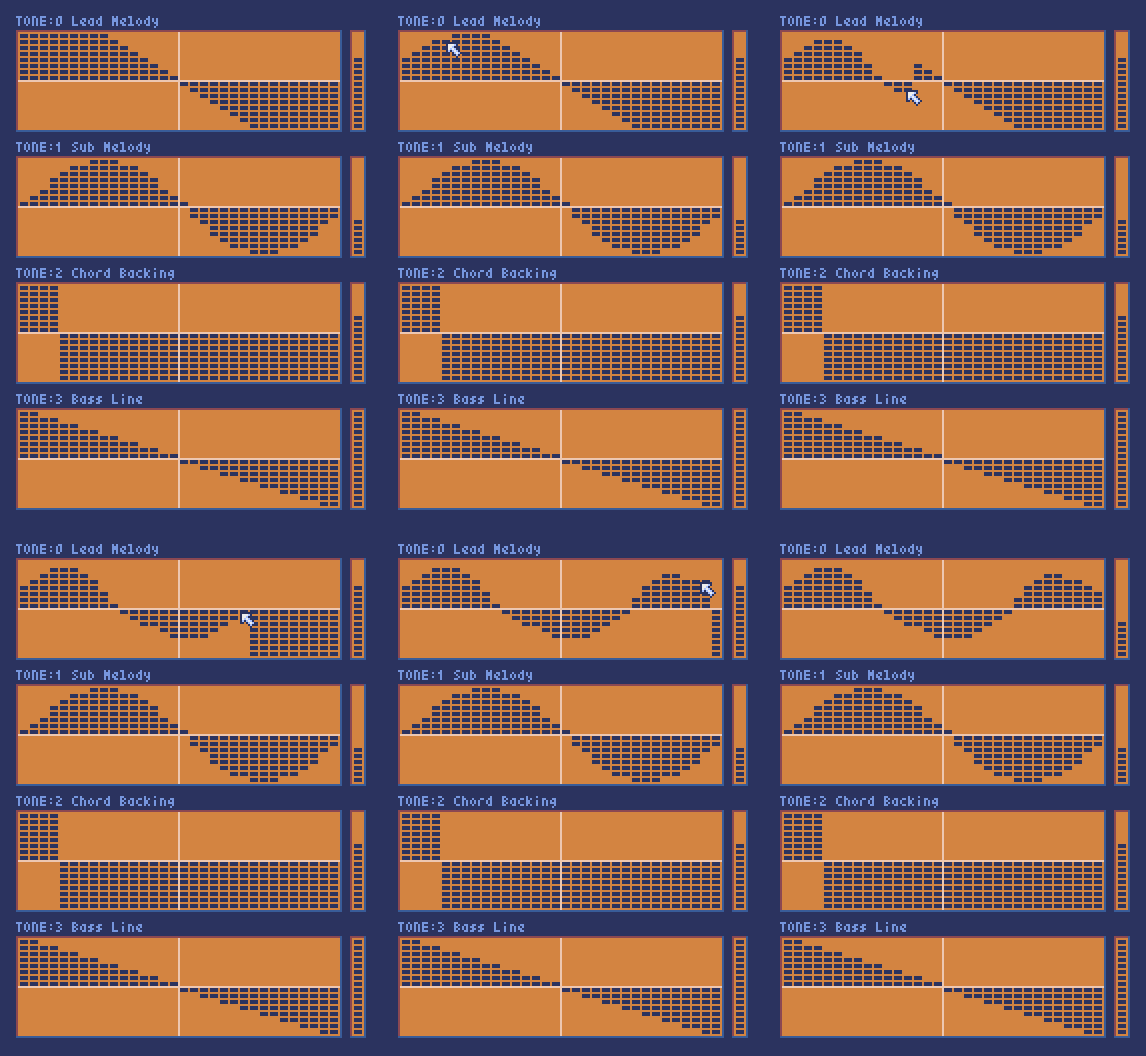
You can edit waveforms in real time, so try tweaking them with your mouse.
“I want more powerful tools for pixel art and maps.”
Pyxel includes graphics and tile map editors, but they prioritize simplicity, so large-scale assets can be challenging.
In such cases, feel free to use other tools you’re familiar with.
Pyxel supports loading common image formats and Tiled Map Files (TMX). We’ve tested it with Tiled.
“Installing everything sounds like a hassle.”
This is something I care deeply about.
If you use Python, you can simply run:
pip install pyxel
(No extra libraries needed. For Linux, see the user guide.)
And for those who want to install nothing at all—or are in strict corporate environments—you can even run Pyxel in a browser.
Just write this in an HTML file:
<script src="https://cdn.jsdelivr.net/gh/kitao/pyxel/web/pyxel.js"></script>
<pyxel-run script="

import pyxel
pyxel.init(200, 150)
pyxel.cls(8)
pyxel.line(20, 20, 180, 130, 7)
pyxel.show()

"></pyxel-run>
And you’ll get this:

It sounds fake, but it really works.
For details, see here.
(2025.12.28 update)
An online IDE that runs entirely in the browser has been added.
See this article.
“It has to run on XX platform or no one will play it.”
Supporting many platforms is hard for an indie open-source project, but here’s what Pyxel currently supports:
- Windows
- Mac
- Linux
- Chromebook
- Raspberry Pi
- Web browsers (including iPhone/Android)
- Various Chinese handheld consoles (via plumOS)

If you need something else, feel free to ask—though that’s probably rare.
You can also package your game as a .pyxapp file and run it on multiple platforms or convert it to native binaries.
In closing
So, how was my attempt to answer every possible reason not to use Pyxel?
If you think Pyxel sounds good, please consider starring it on GitHub:
👉 https://github.com/kitao/pyxel
Finally, one announcement:
In January next year, a book about Pyxel that I supervised and wrote will be published. I suspect you won’t find a reason not to buy that either 🙂
I’ll share more details when the time comes.