
環境はMacです
コンソールはもちろんターミナルを使います。
VirutualBoxはすでにインストールしている前提です
Install Vagrant
自分のPCにまずVagrantをインストールします。
-
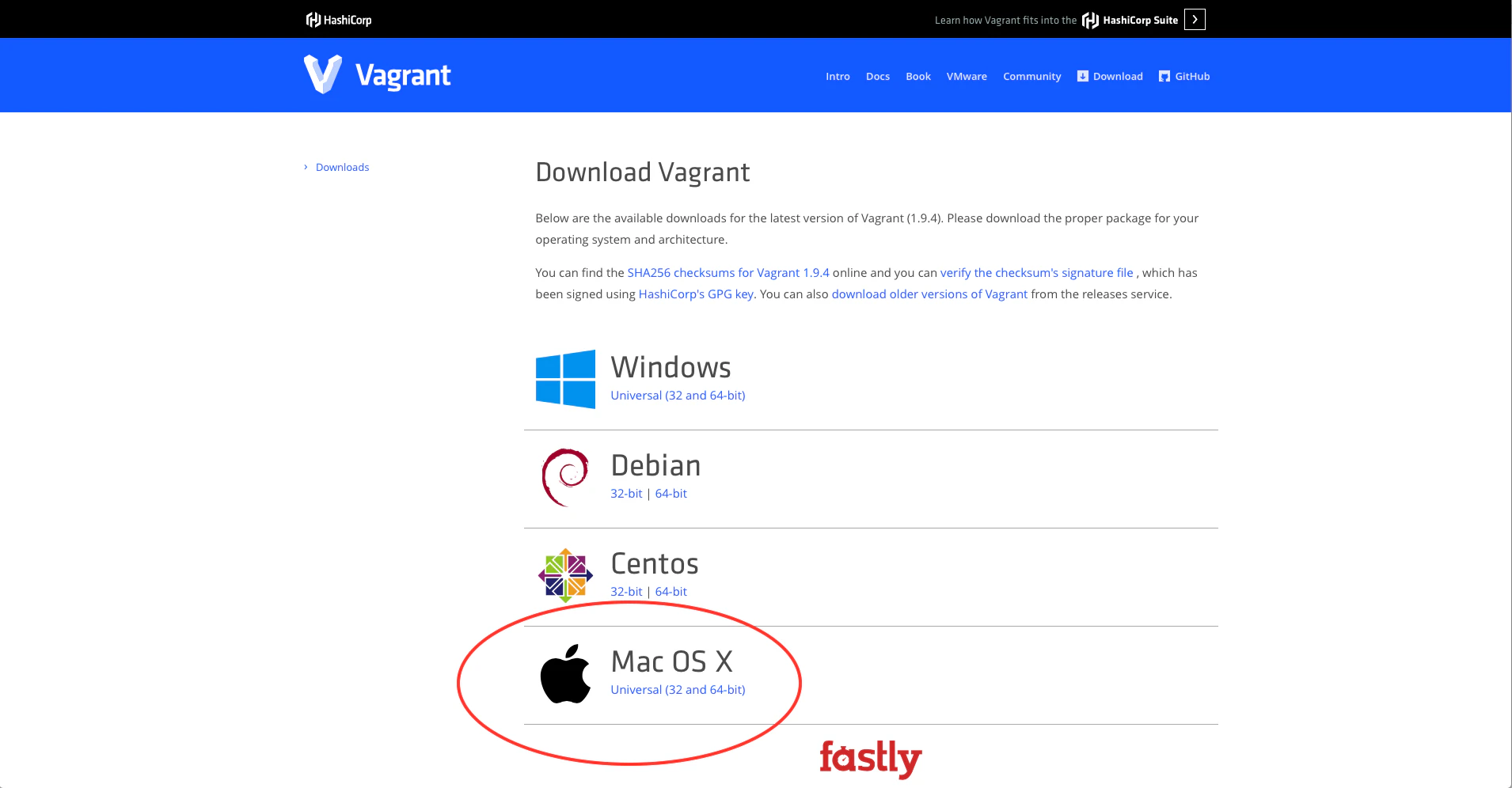
公式からダウンロードします <ダウンロード先>
-
ダウンロードファイルを開きます

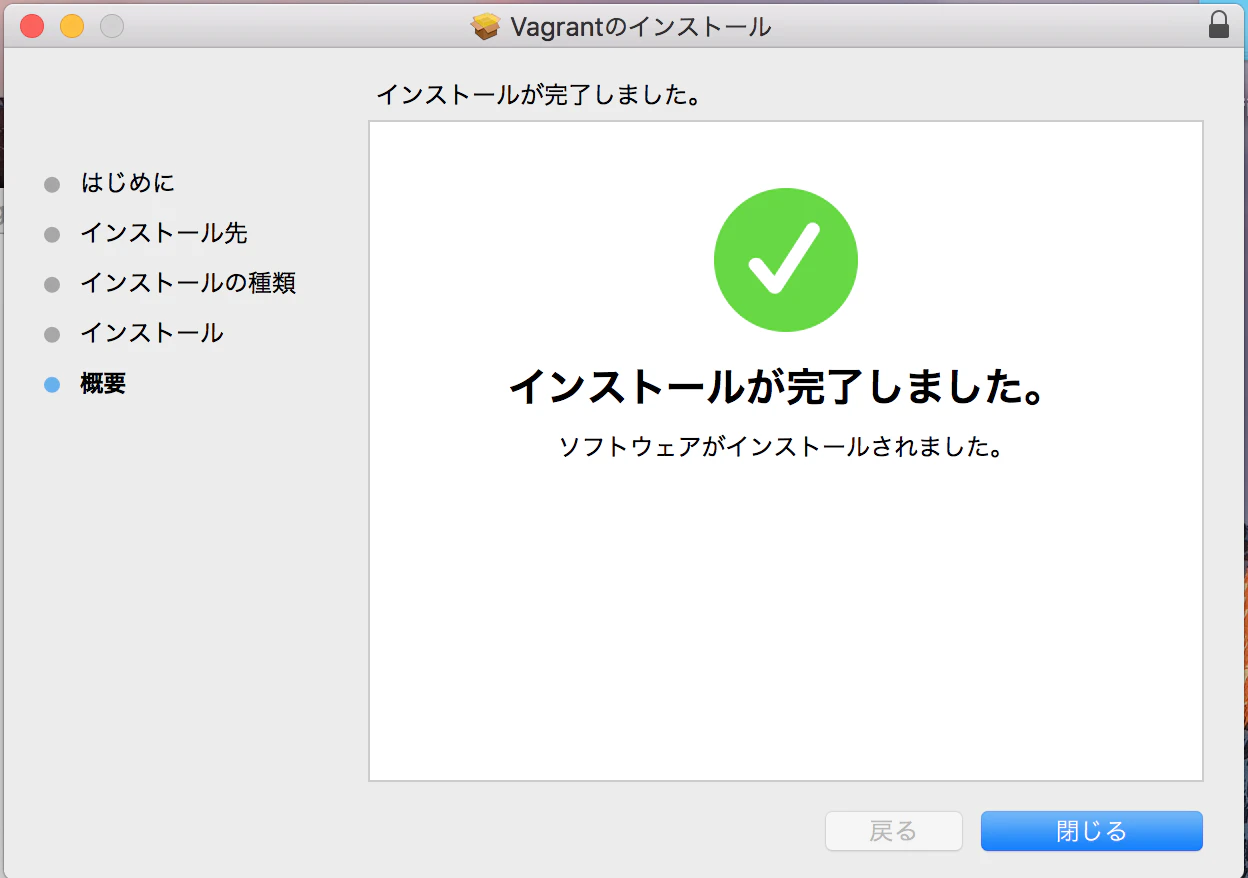
- あとはいつも通りインストールします

Verifying the Installation
次にインストール状況の確認です。
$ vagrant -v
↓
$ vagrant -v
Vagrant 1.9.4
以上のようにインストールされたVagratのバージョンがわかります
※2017/5/15現在の最新バージョンです
Vagrant command
以下のコマンドで
vagrantコマンドの一覧を確認できます
$ vagrant -h
Project Setup
- Vagrantの設定ファイルを置くディレクトリを用意します
※場所はどこでもいいようです
$ mkdir vagrant_getting_started
- 作ったディレクトリに移動します
$ cd vagrant_getting_started
- initコマンドを実行します
$ vagrant init
- initコマンドを実行するとVagrantFileが生成されます

VagrantFileはRubyで書かれた設定ファイルです
これの設定に通ずることができれば環境構築がより速くなります
Boxes
仮想マシンの大元になるイメージを設定します
- Boxの設定
$ vagrant box add hashicorp/precise64
※取得先は公式に載っているものになります - Discover Vagrant Boxes
- Boxの確認
$ vagrant box list
↓
$ vagrant box list
hashicorp/precise64 (virtualbox, 1.1.0)
Up And SSH
Vagrant up
いよいよvagrantを立ち上げるコマンドを打ちます
※ VagrantFileがあるディレクトリであることを確認してください
$ vagrant up
Error
おそらくこの流れで行くと以下のようなエラーが表示されます
Bringing machine 'default' up with 'virtualbox' provider...
==> default: Box 'base' could not be found. Attempting to find and install...
    default: Box Provider: virtualbox
    default: Box Version: >= 0
==> default: Box file was not detected as metadata. Adding it directly...
==> default: Adding box 'base' (v0) for provider: virtualbox
    default: Downloading: base
An error occurred while downloading the remote file. The error
message, if any, is reproduced below. Please fix this error and try
again.

Couldn't open file /Users/ユーザ名/VagrantFileがあるディレクトリ/base
VagrantFile Edit
ファイルを開き以下の箇所を編集します
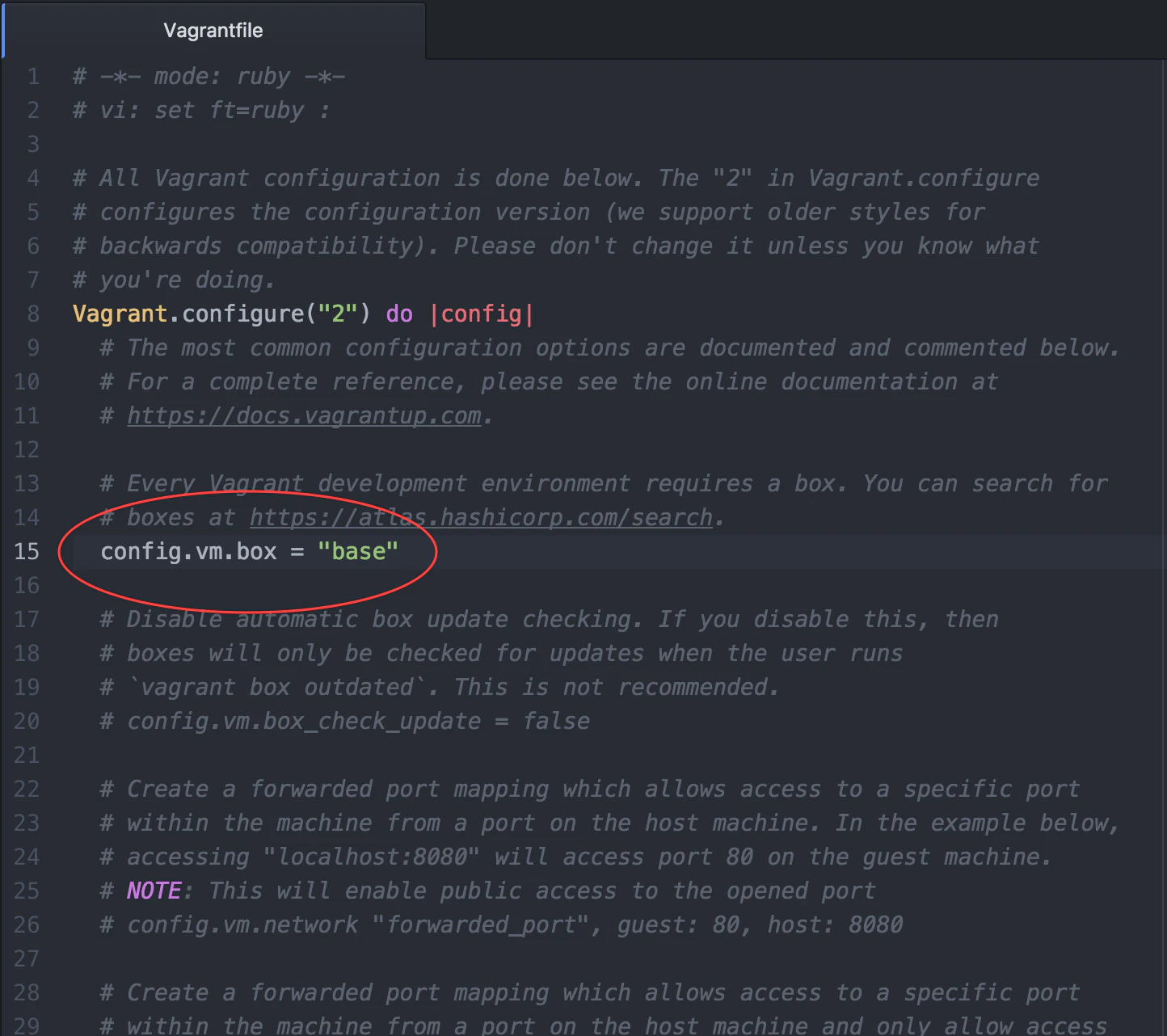
仮装マシンを立ち上げるのに参照するBOX名を示していますので
先ほど入れたhashicorp/precise64に変えます
config.vm.box = "base"
↓
config.vm.box = "hashicorp/precise64"
再度、試しましょう
$ vagrant up
うまくいったら次はログインしましょう
Vagrant ssh
$ vagrant ssh
↓
$ vagrant ssh
Welcome to Ubuntu 12.04 LTS (GNU/Linux 3.2.0-23-generic x86_64)

 * Documentation:  https://help.ubuntu.com/
New release '14.04.5 LTS' available.
Run 'do-release-upgrade' to upgrade to it.

Welcome to your Vagrant-built virtual machine.
Last login: Fri Sep 14 06:23:18 2012 from 10.0.2.2
これで成功です。
あとがき
自分用に公式のチュートリアルをまとめてみようと思ったものです
詳細は公式また他にもわかりやすい記事は色々あるのでご参考に
Vagrant公式
ドットインストール