0
1

Delete article

Deleted articles cannot be recovered.

Draft of this article would be also deleted.

Are you sure you want to delete this article?

More than 5 years have passed since last update.

Unityを始める(1)

0
Posted at

環境

MacOS

Unityをダウンロード

公式URLよりダウンロード
https://unity3d.com/jp/get-unity/download
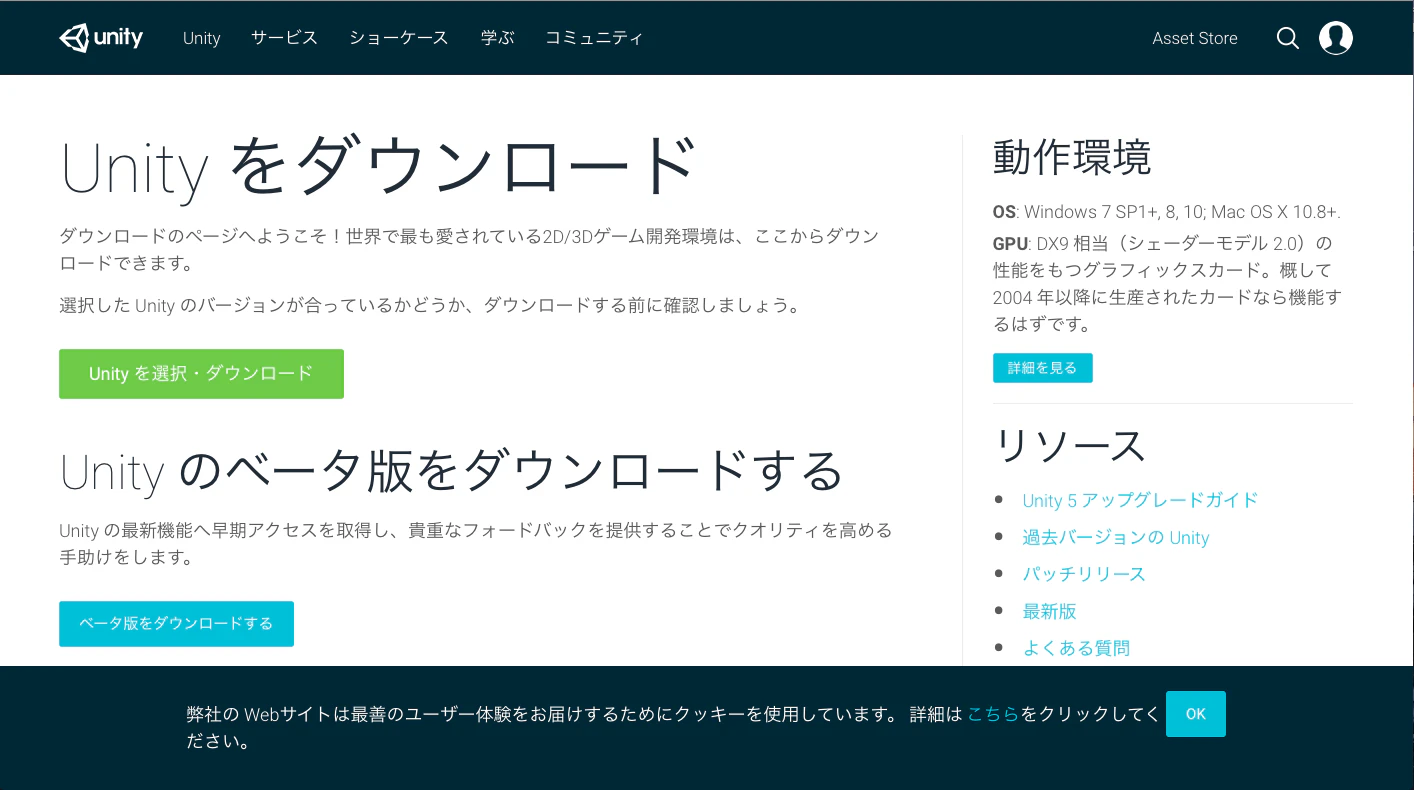
スクリーンショット 2017-01-30 10.58.25.png

インストールする

スクリーンショット 2017-01-30 11.02.16.png

アシスタントを開く

「Continue」を押す
スクリーンショット 2017-01-30 11.02.24.png

また「Continue」を押す
スクリーンショット 2017-01-30 11.03.18.png

とりあえずデフォルトで「Continue」を押す
スクリーンショット 2017-01-30 11.03.27.png

するとインストールが始まる
スクリーンショット 2017-01-30 11.03.50.png

そして完了
スクリーンショット 2017-01-30 11.16.51.png

「アプリケーション」から開く
スクリーンショット 2017-01-30 11.18.13.png

「create one」をクリック
スクリーンショット 2017-01-30 11.36.21.png

アカウントを作る
スクリーンショット 2017-01-30 11.22.48.png

有料か無料を選ばせられますが
とりあえず無料で使用します。

そして完了。
スクリーンショット 2017-01-30 11.51.55.png

0
1
0

Register as a new user and use Qiita more conveniently

  1. You get articles that match your needs
  2. You can efficiently read back useful information
  3. You can use dark theme
What you can do with signing up
0
1

Delete article

Deleted articles cannot be recovered.

Draft of this article would be also deleted.

Are you sure you want to delete this article?