

はじめに
OpenSearchCon Japanに行った際に、OpenSearch Controllerの存在を知ったので、kindクラスタで立てて遊んでみる。
利用ツール
- kind
- helm
- OpenSearch Controller
実行
❯ kind create cluster
Creating cluster "kind" ...
 ✓ Ensuring node image (kindest/node:v1.33.1) 🖼
 ✓ Preparing nodes 📦
 ✓ Writing configuration 📜
 ✓ Starting control-plane 🕹️
 ✓ Installing CNI 🔌
 ✓ Installing StorageClass 💾
Set kubectl context to "kind-kind"
You can now use your cluster with:

kubectl cluster-info --context kind-kind

Not sure what to do next? 😅  Check out https://kind.sigs.k8s.io/docs/user/quick-start/
次にhelmコマンドでopensearch controllerのhelm chartを追加する
❯ helm repo add opensearch https://opensearch-project.github.io/helm-charts/

"opensearch" has been added to your repositories

❯ helm repo update

Hang tight while we grab the latest from your chart repositories...
...Successfully got an update from the "opensearch-operator" chart repository
...Successfully got an update from the "opensearch" chart repository
Update Complete. ⎈Happy Helming!⎈

❯ helm search repo opensearch

NAME                                   	CHART VERSION	APP VERSION	DESCRIPTION
opensearch-operator/opensearch-cluster 	3.1.0        	2.8.0      	A Helm chart for OpenSearch Cluster
opensearch-operator/opensearch-operator	2.8.0        	2.8.0      	The OpenSearch Operator Helm chart for Kubernetes
opensearch/opensearch                  	3.3.2        	3.3.2      	A Helm chart for OpenSearch
opensearch/opensearch-dashboards       	3.3.0        	3.3.0      	A Helm chart for OpenSearch Dashboards
opensearch/data-prepper                	0.3.1        	2.8.0      	A Helm chart for Data Prepper
values.yaml
config:
  opensearch.yml: |-
    cluster.name: opensearch-cluster-test
    network.host: 0.0.0.0
extraEnvs:
  - name: OPENSEARCH_INITIAL_ADMIN_PASSWORD
    value: "$Password"
ちなみにパスワードは8未満だと、起動ができなくなるので注意
Password 12345 failed validation: "Password is too short". Please re-try with a minimum 8 character password and must contain at least one uppercase letter, one lowercase letter, one digit, and one special character that is strong. Password strength can be tested here: https://lowe.github.io/tryzxcvbn
helm installを実行してopensearch contrllerをkindクラスタにインストール
❯ helm install opensearch-deployment opensearch/opensearch -f values.yaml

NAME: opensearch-deployment
LAST DEPLOYED: Mon Dec 15 01:36:14 2025
NAMESPACE: default
STATUS: deployed
REVISION: 1
TEST SUITE: None
NOTES:
Watch all cluster members come up.
  $ kubectl get pods --namespace=default -l app.kubernetes.io/component=opensearch-cluster-master -w
アンイストールしたい場合は以下
❯ helm uninstall opensearch-deployment
release "opensearch-deployment" uninstalled
無事にpod起動するとOK
❯ k get pod
NAME                          READY   STATUS    RESTARTS   AGE
opensearch-cluster-master-0   1/1     Running   0          58s
opensearch-cluster-master-1   1/1     Running   0          58s
opensearch-cluster-master-2   1/1     Running   0          58s
適当にデータを入れてみる
❯ curl -X POST "https://localhost:9200/my-index/_doc/" -u admin:$Password --insecure -H 'Content-Type: application/json' -d'
{
  "title": "OpenSearch Basics",
  "content": "OpenSearch is a scalable, flexible, and extensible open-source software suite for search, analytics, and observability applications.",
  "tags": ["search", "analytics"]
}'
{"_index":"my-index","_id":"FonHHZsBWVBAxajNs7yY","_version":1,"result":"created","_shards":{"total":2,"successful":1,"failed":0},"_seq_no":0,"_primary_term":1}%

❯ curl -X GET "https://localhost:9200/my-index/_search?q=content:flexible&pretty" -u admin:$Password --insecure
{
  "took" : 4,
  "timed_out" : false,
  "_shards" : {
    "total" : 1,
    "successful" : 1,
    "skipped" : 0,
    "failed" : 0
  },
  "hits" : {
    "total" : {
      "value" : 1,
      "relation" : "eq"
    },
    "max_score" : 0.13076457,
    "hits" : [
      {
        "_index" : "my-index",
        "_id" : "FonHHZsBWVBAxajNs7yY",
        "_score" : 0.13076457,
        "_source" : {
          "title" : "OpenSearch Basics",
          "content" : "OpenSearch is a scalable, flexible, and extensible open-source software suite for search, analytics, and observability applications.",
          "tags" : [
            "search",
            "analytics"
          ]
        }
      }
    ]
  }
}
一旦検索はできた
Fuzzy search(あいまい検索)も可能
❯ curl -X GET "https://localhost:9200/my-index/_search?q=content:softwar~&pretty" -u admin:$Password --insecure
{
  "took" : 5,
  "timed_out" : false,
  "_shards" : {
    "total" : 1,
    "successful" : 1,
    "skipped" : 0,
    "failed" : 0
  },
  "hits" : {
    "total" : {
      "value" : 1,
      "relation" : "eq"
    },
    "max_score" : 0.11208393,
    "hits" : [
      {
        "_index" : "my-index",
        "_id" : "FonHHZsBWVBAxajNs7yY",
        "_score" : 0.11208393,
        "_source" : {
          "title" : "OpenSearch Basics",
          "content" : "OpenSearch is a scalable, flexible, and extensible open-source software suite for search, analytics, and observability applications.",
          "tags" : [
            "search",
            "analytics"
          ]
        }
      }
    ]
  }
}
N-gramですが日本語検索もしてみる
❯ curl -X PUT "https://localhost:9200/japanese-ngram" -u admin:$Password --insecure -H 'Content-Type: application/json' -d'
{
  "settings": {
    "analysis": {
      "analyzer": {
        "my_ngram_analyzer": {
          "tokenizer": "my_tokenizer"
        }
      },
      "tokenizer": {
        "my_tokenizer": {
          "type": "ngram",
          "min_gram": 2,
          "max_gram": 3,
          "token_chars": ["letter", "digit"]
        }
      }
    }
  },
  "mappings": {
    "properties": {
      "content": {
        "type": "text",
        "analyzer": "my_ngram_analyzer"
      }
    }
  }
}'
{"acknowledged":true,"shards_acknowledged":true,"index":"japanese-ngram"}%
日本語のデータも投入
❯ curl -X POST "https://localhost:9200/japanese-ngram/_doc/" -u admin:monster15158PSDfika --insecure -H 'Content-Type: application/json' -d'
{
  "title": "テストデータ",
  "content": "日本語検索のテストをしましょう。東京都に行きたい。"
}'
{"_index":"japanese-ngram","_id":"HonNHZsBWVBAxajNTbzi","_version":1,"result":"created","_shards":{"total":2,"successful":2,"failed":0},"_seq_no":0,"_primary_term":1}%
検索してヒットした。kuromojiは入ってなかったのでプラグインとして入れる必要はありそう。
 curl -X GET "https://localhost:9200/japanese-ngram/_search?pretty" -u admin:"$Password" --insecure -H 'Content-Type: application/json' -d'
{
  "query": {
    "match": {
      "content": "東京"
    }
  }
}'
{
  "took" : 3,
  "timed_out" : false,
  "_shards" : {
    "total" : 1,
    "successful" : 1,
    "skipped" : 0,
    "failed" : 0
  },
  "hits" : {
    "total" : {
      "value" : 1,
      "relation" : "eq"
    },
    "max_score" : 0.13076457,
    "hits" : [
      {
        "_index" : "japanese-ngram",
        "_id" : "HonNHZsBWVBAxajNTbzi",
        "_score" : 0.13076457,
        "_source" : {
          "title" : "テストデータ",
          "content" : "日本語検索のテストをしましょう。東京都に行きたい。"
        }
      }
    ]
  }
}
ここでOpenSearch Dashboardも入れてみる
❯ helm install my-dashboard opensearch/opensearch-dashboards \
  --set opensearchCluster.endpoints={my-deployment-opensearch-cluster-master:9200}
NAME: my-dashboard
LAST DEPLOYED: Mon Dec 15 02:08:47 2025
NAMESPACE: default
STATUS: deployed
REVISION: 1
TEST SUITE: None
NOTES:
1. Get the application URL by running these commands:
  export POD_NAME=$(kubectl get pods --namespace default -l "app.kubernetes.io/name=opensearch-dashboards,app.kubernetes.io/instance=my-dashboard" -o jsonpath="{.items[0].metadata.name}")
  export CONTAINER_PORT=$(kubectl get pod --namespace default $POD_NAME -o jsonpath="{.spec.containers[0].ports[0].containerPort}")
  echo "Visit http://127.0.0.1:8080 to use your application"
  kubectl --namespace default port-forward $POD_NAME 8080:$CONTAINER_PORT

❯ k get pod
NAME                                                 READY   STATUS    RESTARTS   AGE
my-dashboard-opensearch-dashboards-c7ffdbb89-7nghb   1/1     Running   0          2m40s
opensearch-cluster-master-0                          1/1     Running   0          30m
opensearch-cluster-master-1                          1/1     Running   0          30m
opensearch-cluster-master-2                          1/1     Running   0          30m
後はport-forwardingして、http://localhost:5601 にアクセスする
kubectl port-forward svc/my-dashboard-opensearch-dashboards 5601:5601
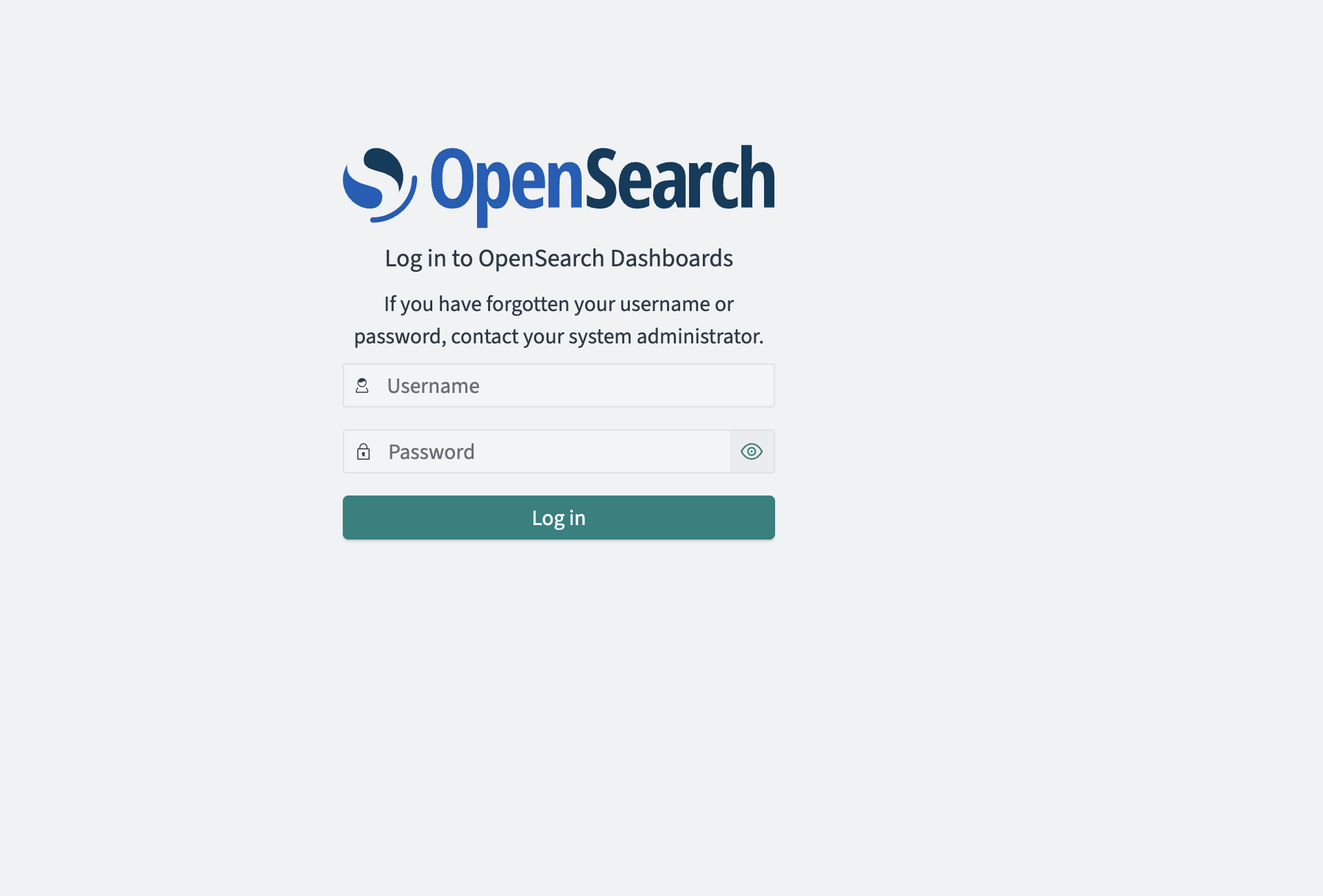
すると以下のような画面に行くのでadminとパスワードを入力
そうするとOpenSearch Dashboardに入れる。
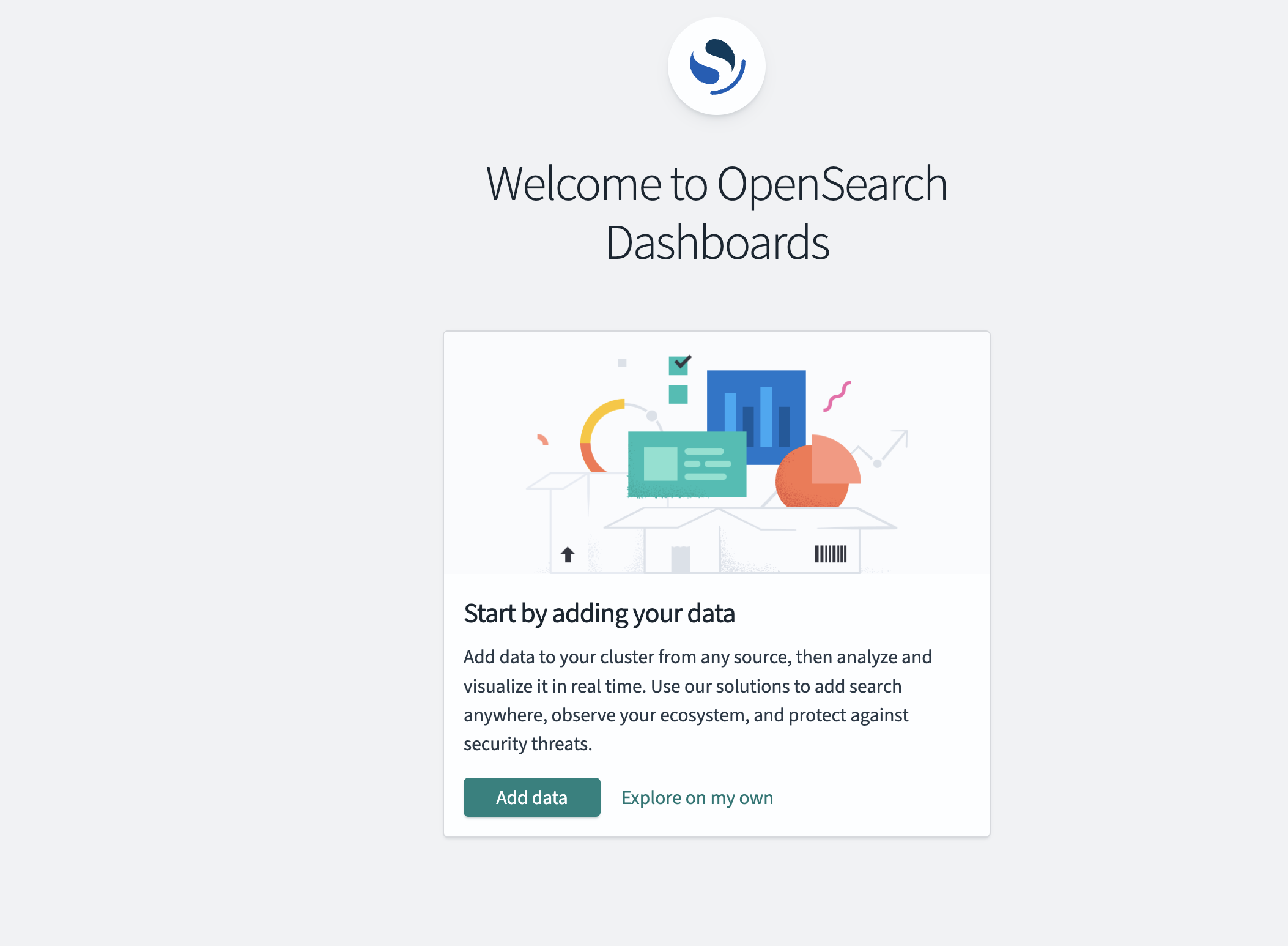
基本的にはKibanaの画面でDevToolsも叩ける
indexを見てみると、先程のcurl叩いて作ったindexもある。
(kibanaのindexはそのままkibanaであることを初めて知った...
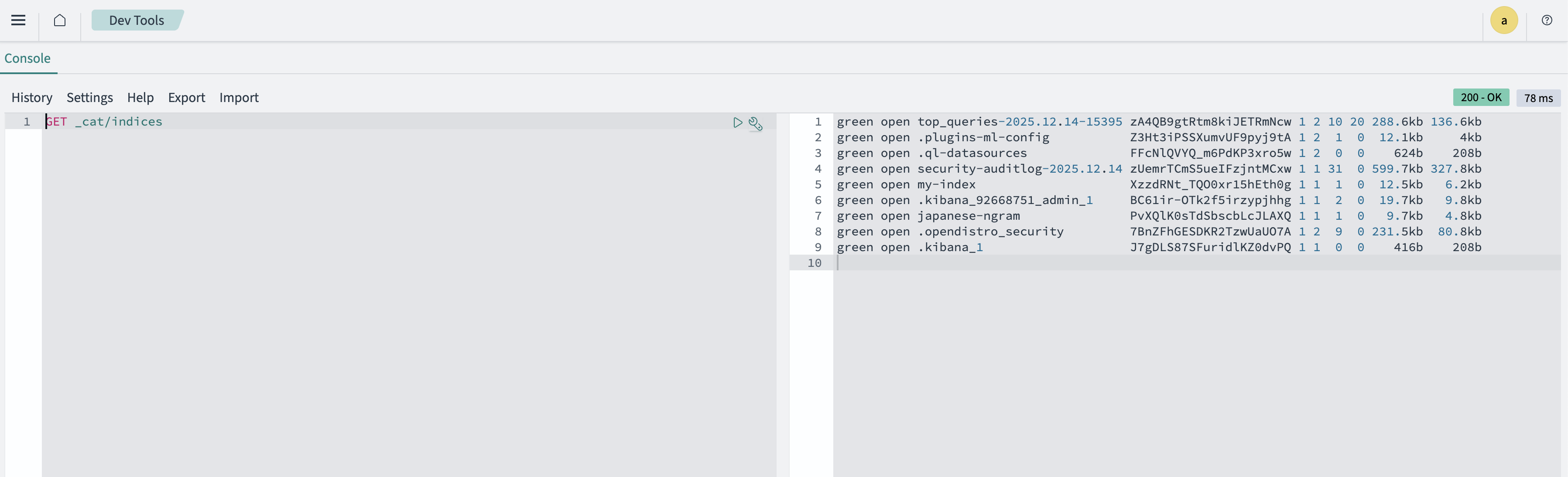
ちゃんと投入したデータも入っていそうだし、検索もできた

終わりに
kindクラスタ上で簡単にopensearch controllerで遊んでみた。
次はAPIもkindクラスタに立ててOpenSearch Clusterとつなげて遊んでみたい。