1
0

Delete article

Deleted articles cannot be recovered.

Draft of this article would be also deleted.

Are you sure you want to delete this article?

More than 3 years have passed since last update.

[Rider/AndroidStudio]フォントの設定

1
Last updated at Posted at 2023-01-05

概要

JetBrainsのIDE、RiderやAndroidStudio等のフォント設定についてのまとめです。

本文

エディターのフォント
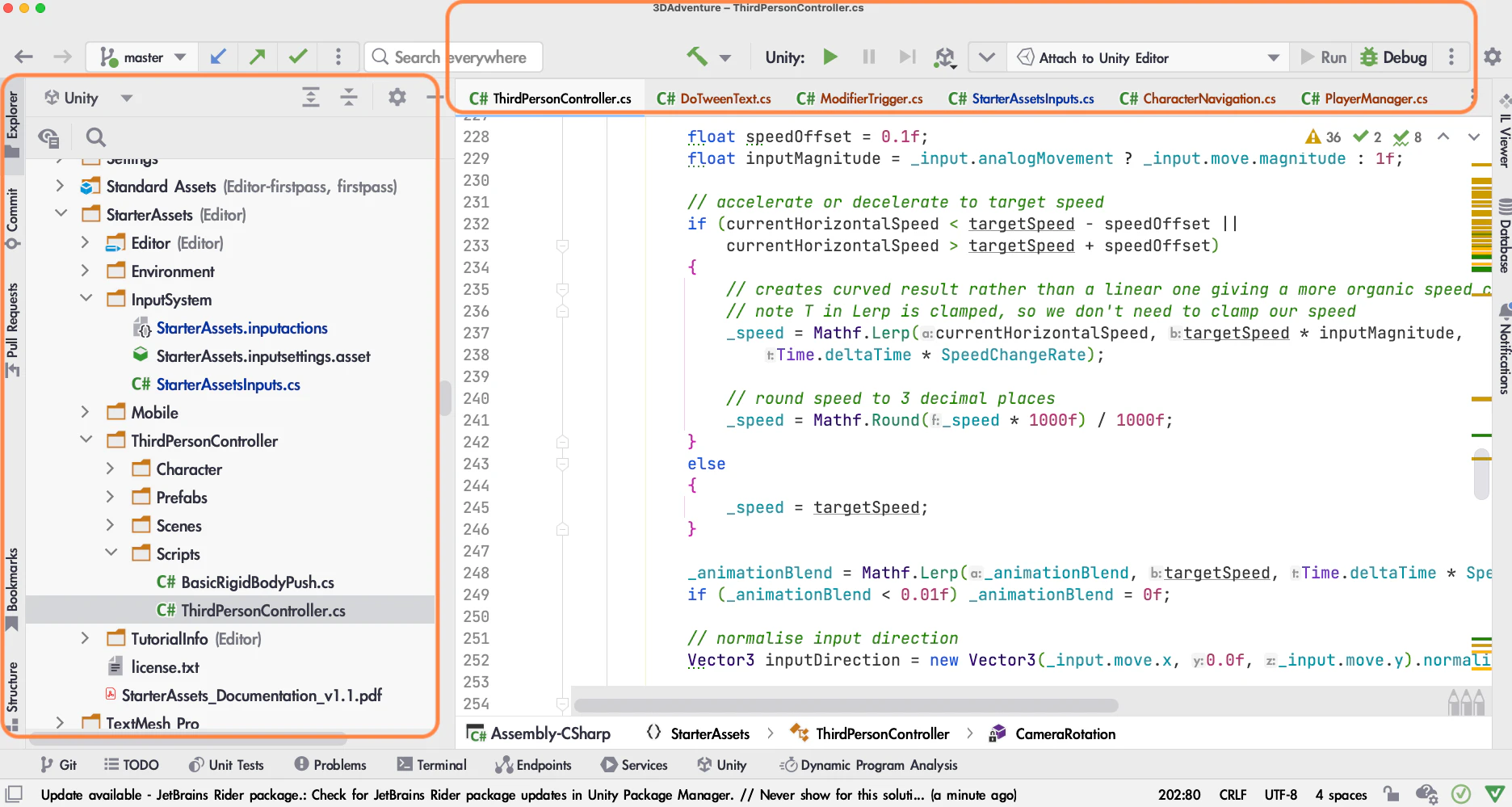
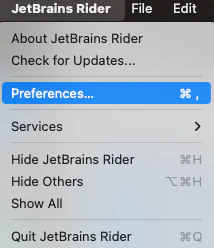
スクリーンショット 2023-01-05 8.43.16.png
JetBrains Rider > Preferences
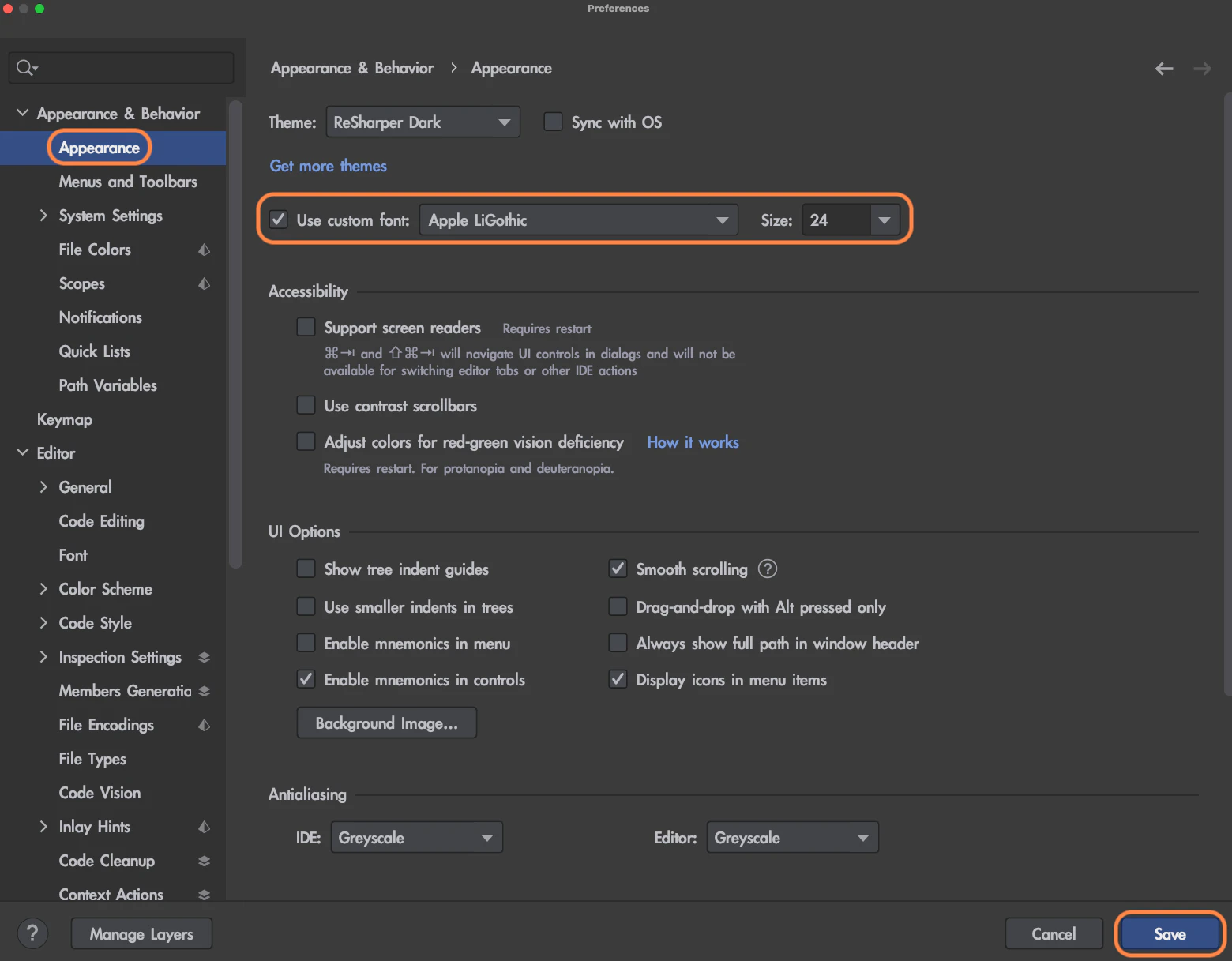
スクリーンショット 2023-01-05 8.43.22.png
Appearance&Behavior > Appearance
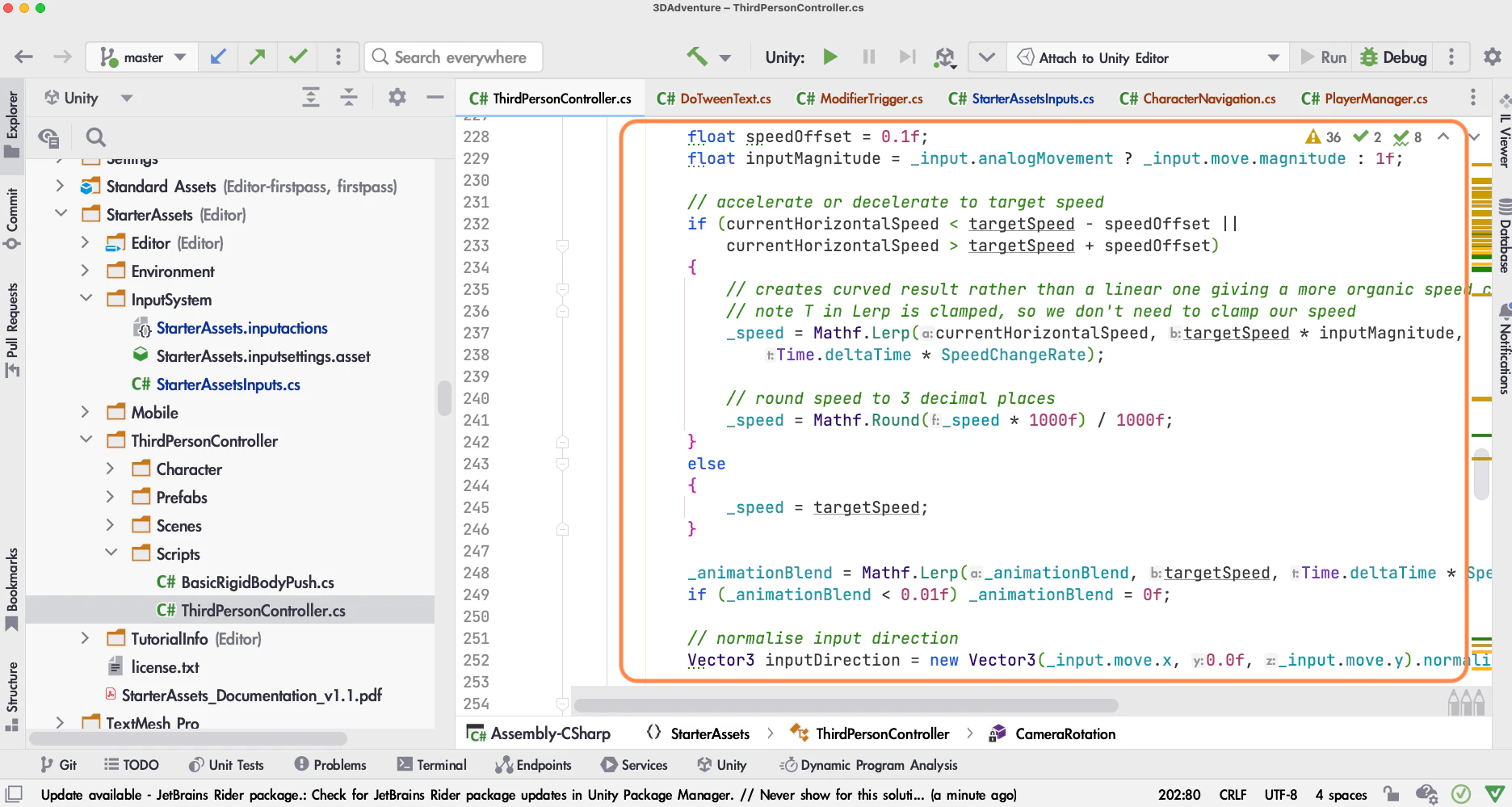
スクリーンショット 2023-01-05 8.44.21.png

コードのフォント

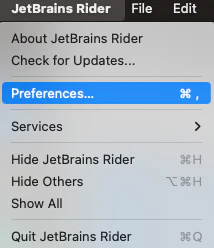
スクリーンショット 2023-01-05 8.43.16 2.png
JetBrains Rider > Preferences
スクリーンショット 2023-01-05 8.43.22.png
Editor > Font
もしスクショ上部のように警告メッセージが表示されていたらフォントの設定を変更しても反映されないと思います。その時は警告メッセージのリンク先へ飛んでください。
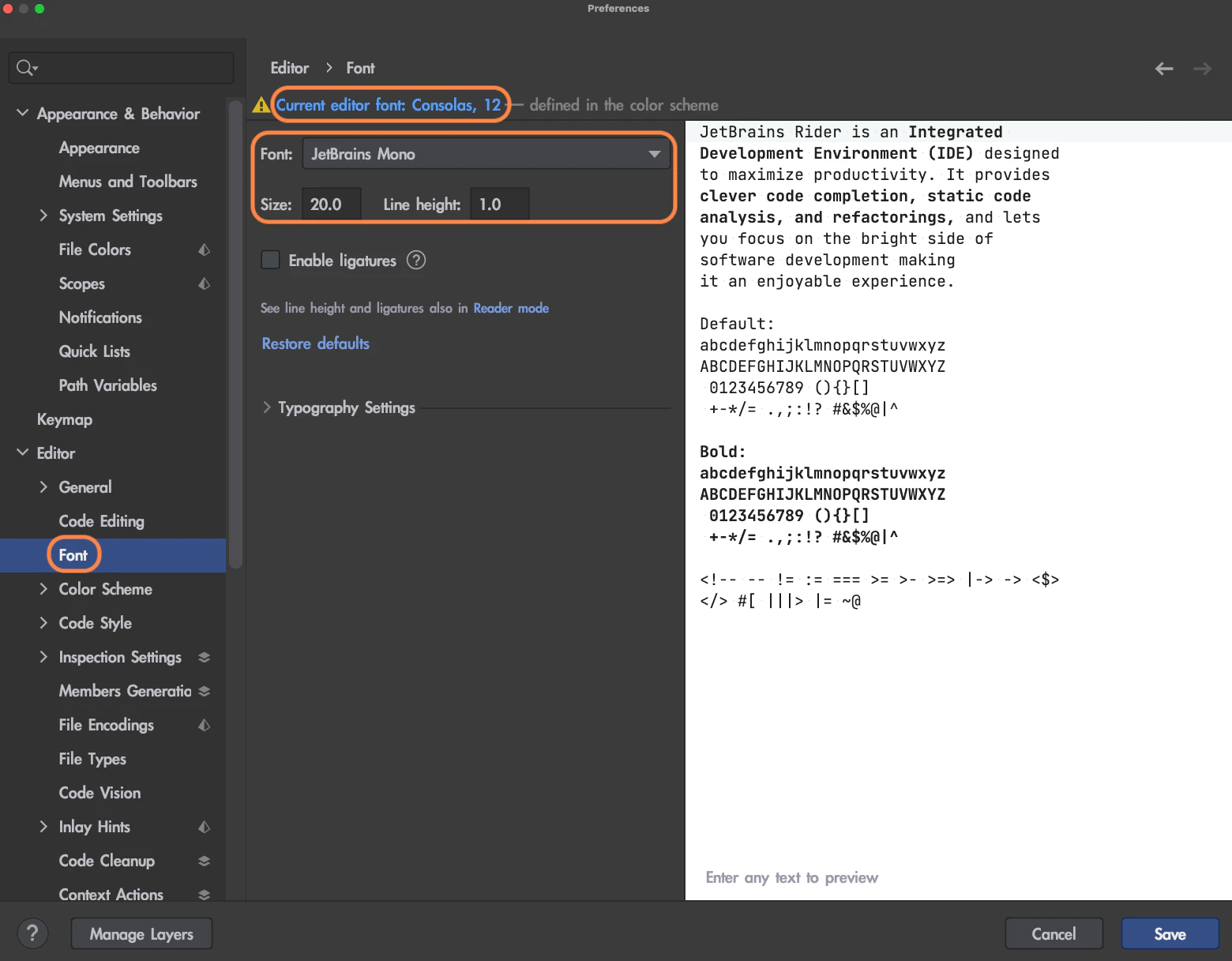
スクリーンショット 2023-01-05 8.44.28.png
リンク先の画面上部Schemeに現在選択中のテーマが表示されています。FontやSizeを変更することでフォントを設定することができます。
(使いたいテーマを変更する時はAppearance&Behavior > Appearanceで設定してください)
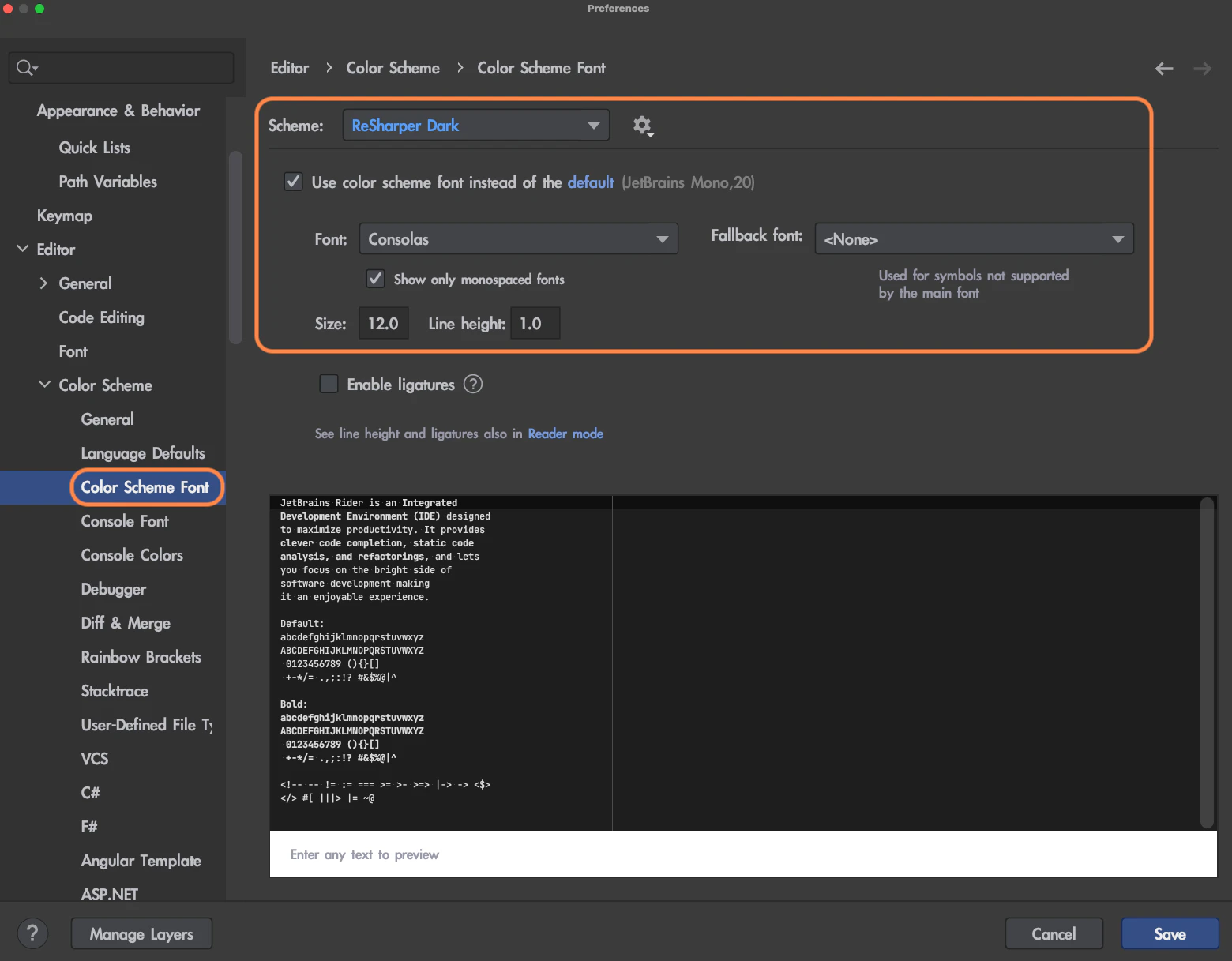
スクリーンショット 2023-01-05 8.44.33.png

commandキーを押したままマウスのホイールを上下に回転させることでもフォントサイズを変更できます。
(この方法は一時的なものです。IDEを再起動すると元に戻ります。)

個人的おすすめフォント(日本語・英語・記号が見やすい)

Verdana(コードのフォントには向かないですがエディタ側のフォントに良い感じです)

1
0
0

Register as a new user and use Qiita more conveniently

  1. You get articles that match your needs
  2. You can efficiently read back useful information
  3. You can use dark theme
What you can do with signing up
1
0

Delete article

Deleted articles cannot be recovered.

Draft of this article would be also deleted.

Are you sure you want to delete this article?