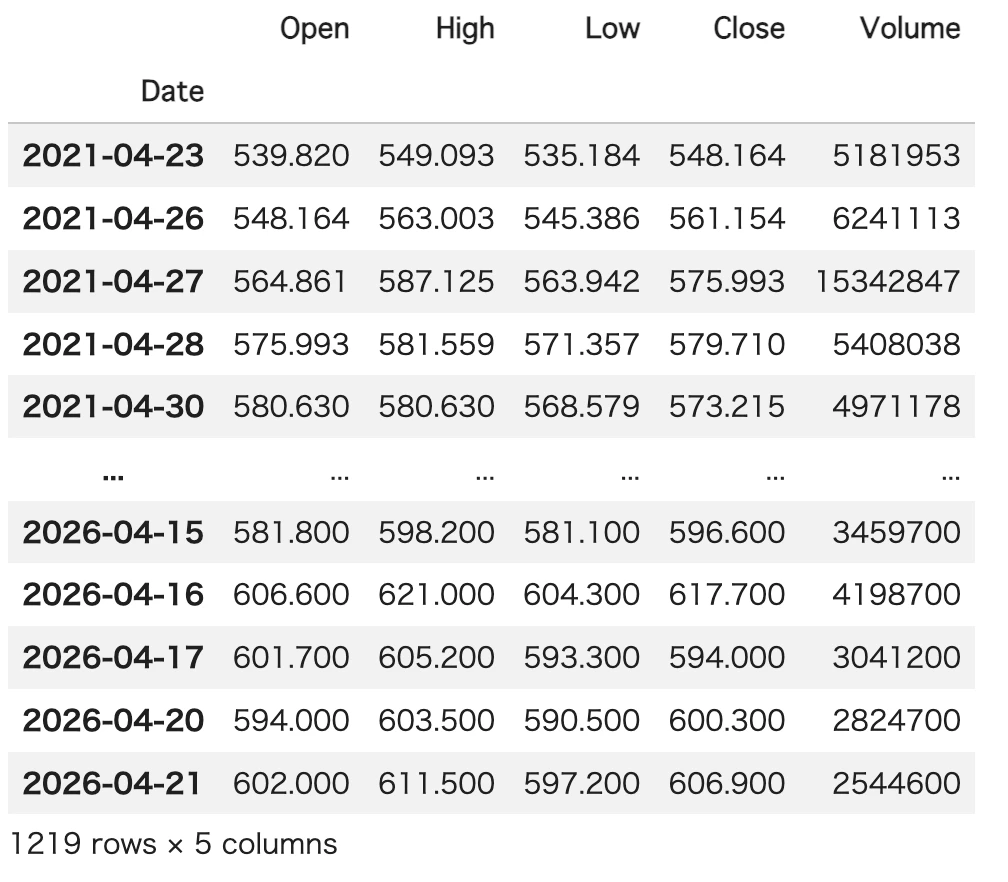
pandas_datareader stooq からの株価取得
API KEY が必要になったのでメモ。
import requests

url = "https://stooq.com/q/d/l/?s=9434.jp&d1=20230101&d2=20240101&i=d"
res = requests.get(url, headers={"User-Agent": "Mozilla/5.0"})
print(res.status_code)
print(res.text[:500])
200
Get your apikey:
- Open https://stooq.com/q/d/?s=9434.jp&get_apikey
- Enter the captcha code.
- Copy the CSV download link at the bottom of the page - it will contain the variable.
- Append the variable with its value to your requests, e.g.
https://stooq.com/q/d/l/?s=9434.jp&d1=20230101&d2=20240101&i=d&apikey=XXXXXXXXXXXXXXXXXXXXXXXXXXXXXXXX
上記の手順でCSVダウンロードリンクから apikeyの値をコピーして利用。
stooqのCSVから株価データを参照する場合
本来の使い方はこっちかな
import requests
import pandas as pd
from io import StringIO

def get_stock_data(ticker, start, end, apikey):
    """stooq から株価データを取得する"""
    s = start.strftime("%Y%m%d")
    e = end.strftime("%Y%m%d")
    #url = f"https://stooq.com/q/d/l/?s={ticker.lower()}&d1={s}&d2={e}&i=d&apikey={apikey}"
    url = f"https://stooq.com/q/d/l/?s={ticker.lower()}&i=d&apikey={apikey}"
    res = requests.get(url, headers={"User-Agent": "Mozilla/5.0"})
    df = pd.read_csv(StringIO(res.text), index_col=0, parse_dates=True).sort_index()
    return df

# 使い方
from datetime import datetime
apikey = "ここにAPIキーを貼る"
df = get_stock_data("2929.JP", datetime(2023,1,1), datetime(2024,1,1), apikey)
print(df.tail())
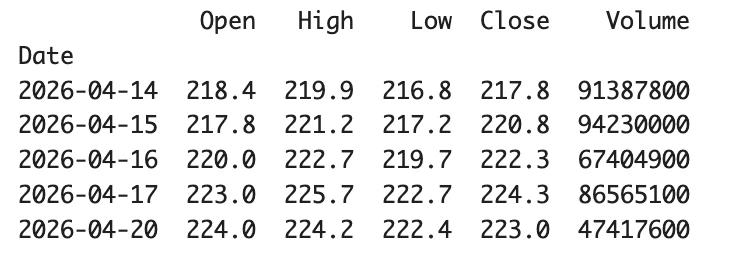
pandas_datareader で取得する場合
pandas_datareader ではapiKeyを付与してリクエストするように修正
import pandas_datareader.data as pdr
import requests

def get_stock_data(code):
  apikey = "ここにAPIキーを貼る"

  session = requests.Session()
  session.headers.update({
    "User-Agent": "Mozilla/5.0 (Windows NT 10.0; Win64; x64) AppleWebKit/537.36"
    })
  # APIキーをクエリパラメータとして付与
  session.params = {"apikey": apikey}
  df = pdr.DataReader("{}.JP".format(code), "stooq", session=session).sort_index()
  return df

# 使い方
df = get_stock_data(4902)
df