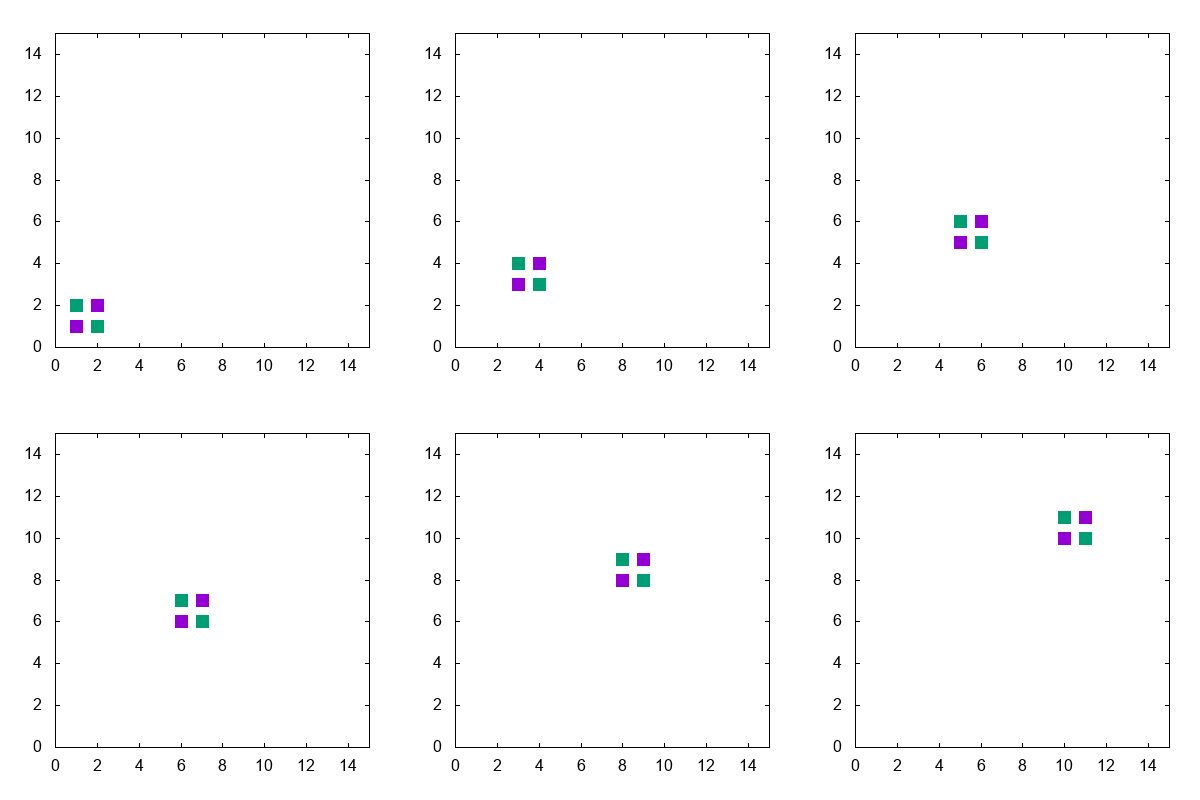
ちょっとした計算結果をアニメーションにしたいとき、テキストファイルや静止画ファイルが多量発生するのはあまりうれしくないですよね。
なのでプログラム中から直接アニメーションgifを生成する方法を検討してみました。
C/C++からのgnuplot呼び出し
必要な操作はこれだけです。
# include <cstdio>
FILE *gp = popen("gnuplot", "w");
あとはfprintf(gp, fmt, ...)でコマンドを流し込んでいけばOK。ofstreamにする方法もきっとあるんでしょうがここでは触れません。
座標の直接指定
いちいちテキストファイルを生成したくないときは、ファイル名に'-'を指定してからデータを流し込んでやります。最後に"e"の文字を送るとファイルの終わりです。あとの方の例で出てくるように
plot '-', '-'
のように複数指定することも可能です。
アニメーションgifのターミナル
set terminal gif animate optimize delay 10 size 400,400
set output 'tmp.gif'
こんなふうにしてあとはplotコマンドを連発するだけです。
実例
# include <cstdio>
# include <cassert>

int main(){
    FILE *gp = popen("gnuplot", "w");
    assert(gp);

    fprintf(gp, "set terminal gif animate optimize delay 10 size 400,400\n");
    fprintf(gp, "set output 'tmp.gif'\n");

    fprintf(gp, "set nokey\n");
    fprintf(gp, "set size square\n");
    fprintf(gp, "set xr [0:15]\n");
    fprintf(gp, "set yr [0:15]\n");

    for(int j=0; j<10; j++){

        fprintf(gp, "plot '-' pt 5 ps 2, '-' pt 5 ps 2\n");
        fprintf(gp, "%d, %d\n", 1+j, 1+j);
        fprintf(gp, "%d, %d\n", 2+j, 2+j);
        fprintf(gp, "e\n");
        fprintf(gp, "%d, %d\n", 1+j, 2+j);
        fprintf(gp, "%d, %d\n", 2+j, 1+j);
        fprintf(gp, "e\n");
    }
    pclose(gp);

    return 0;
}
絵がださいのは仕様です。