
最初に
こんにちは
クリスマスが近づいてきたので、JavaScriptだけで作れるちょっとしたクリスマス用ミニゲームを作りました。
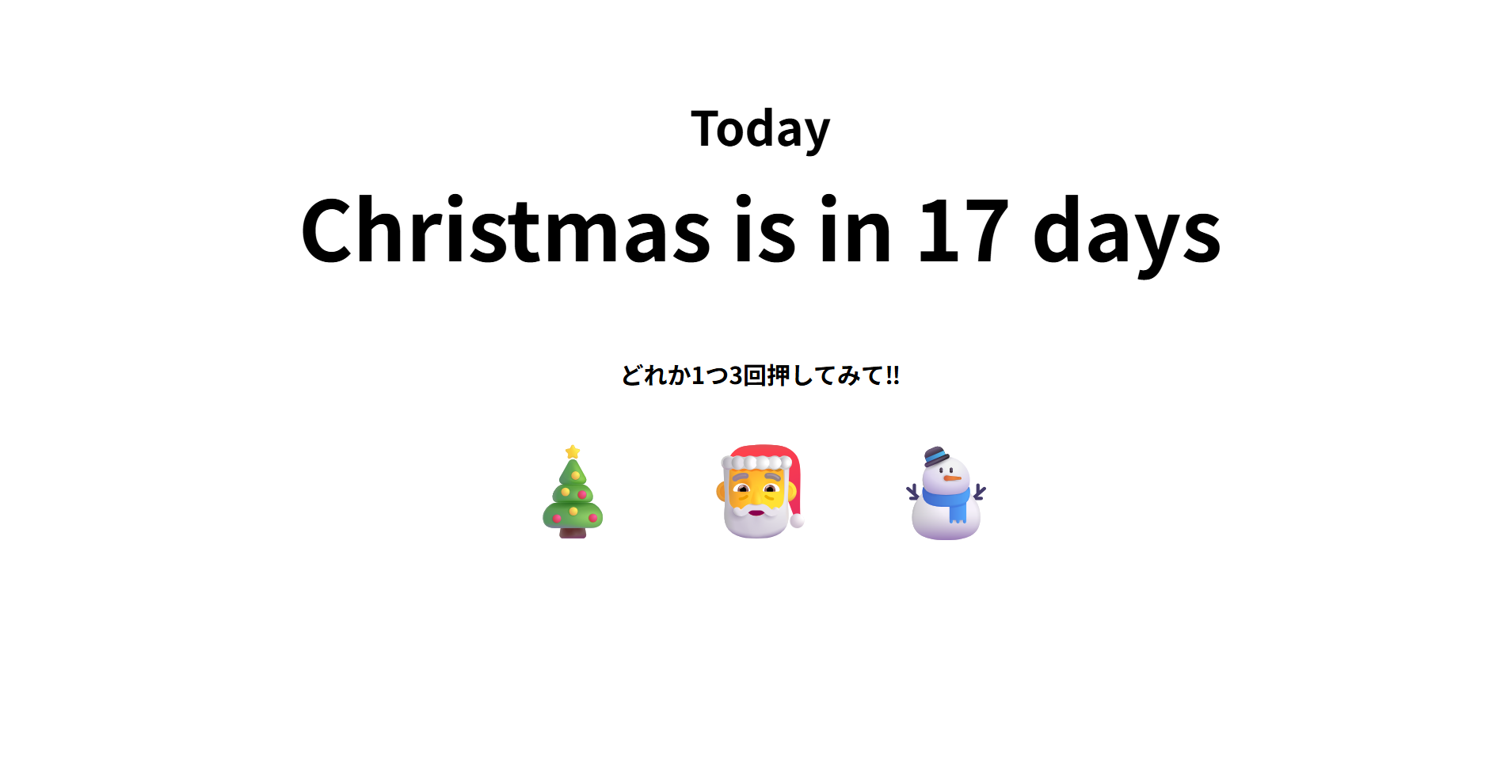
・クリスマスまでのカウントダウン表示
・絵文字を3回押すとおみくじが発動
・ネタ運勢あり
・コピペだけで動作
この記事では、完成コード+仕組み説明+動作イメージをまとめています。
【完成コード⇓⇓⇓】
December 8th.HTML
// <!DOCTYPE html>
<html lang="ja">
<head>
<meta charset="UTF-8">
<title>December 8th</title>
<style>
  body {
    text-align: center;
    font-family: sans-serif;
    background-color: #ffffff;
    margin: 0;
    padding: 0;
  }

  h2 {
    font-size: clamp(24px, 5vw, 40px);
    margin-top: 12vh;
    margin-bottom: 5px;
    transition: margin 0.3s ease;
  }

  #count {
    font-size: clamp(30px, 8vw, 70px);
    font-weight: bold;
    transition: margin 0.3s ease;
  }

  #subMessage {
    font-size: clamp(16px, 4vw, 32px);
    margin-top: 10px;
  }

  h3 {
    font-size: clamp(14px, 3vw, 20px);
    margin-top: 60px;
  }

  .icon {
    font-size: clamp(40px, 10vw, 80px);
    margin-top: 10px;
    cursor: pointer;
  }

  .icon span {
    margin: 15px;
    user-select: none;
    transition: transform 0.2s;
  }

  .icon span:active {
    transform: scale(1.2);
  }

  .christmas-margin {
    margin-top: 18vh !important;
  }

  #result {
    margin-top: 30px;
    font-size: clamp(20px, 6vw, 45px);
  }


  #resetBtn {
    margin-top: 15px;
    padding: 5px 15px;
    font-size: clamp(12px, 3vw, 15px);
    border: none;
    border-radius: 6px;
    background-color: #124557;
    color: rgb(255, 255, 255);
    cursor: pointer;
    display: none;
  }

  #resetBtn:active {
    transform: scale(0.95);
  }
</style>
</head>
<body>

<h2 id="title">Today</h2>
<div id="count"></div>
<div id="subMessage"></div>

<h3>どれか1つ3回押してみて‼</h3>
<div class="icon">
  <span onclick="touchicon(1)">🎄</span>
  <span onclick="touchicon(2)">🎅</span>
  <span onclick="touchicon(3)">⛄</span>
</div>

<h2 id="result"></h2>

<button id="resetBtn" onclick="resetFortune()">リセット</button>

<script>
function countdown() {
  const end = new Date("2025-12-25");
  const now = new Date();
  const diff = end - now;
  const d = Math.floor(diff / (1000 * 60 * 60 * 24));

  const title = document.getElementById("title");
  const count = document.getElementById("count");
  const sub = document.getElementById("subMessage");

  if (d <= 0) {
    title.style.display = "none";
    count.innerHTML = "🌟 Merry Christmas 🌟";
    sub.innerHTML = "素敵なクリスマスをお過ごしください!!";
    document.body.style.backgroundColor = "rgb(129, 221, 224)";
    count.classList.add("christmas-margin");
  } else {
    title.style.display = "block";
    title.innerHTML = "Today";
    count.innerHTML = `Christmas is in ${d} days`;
    sub.innerHTML = "";
    count.classList.remove("christmas-margin");
    document.body.style.backgroundColor = "#ffffff";
  }
}

setInterval(countdown, 1000);
countdown();

let touchCount = 0;

function touchicon(num) {
  touchCount++;
  if (touchCount === 3) {
    showResult();
  }
}

function showResult() {
  const fortunes = [
  "3秒で忘れる幸運が訪れる",
  "今日の運勢:WiFi 1本",
  "何かが起きる(起きないかもしれない)",
  "5秒後に運が上がる。多分",
  "あなたの人生に伏線が張られる",
  "その伏線は10年後に回収される",
  "Google検索に載らないレア運"
  ];

  const r = fortunes[Math.floor(Math.random() * fortunes.length)];
  document.getElementById("result").innerHTML = r;

  touchCount = 0;

  // リセットボタン
  document.getElementById("resetBtn").style.display = "inline-block";
}

function resetFortune() {
  document.getElementById("result").innerHTML = "";
  touchCount = 0;

  document.getElementById("resetBtn").style.display = "none";
}
</script>

</body>
</html>
※おみくじの結果メッセージは、ChatGPTに手伝ってもらって作りました。
★完成ページ★
《普段》
《おみくじを引いた時》
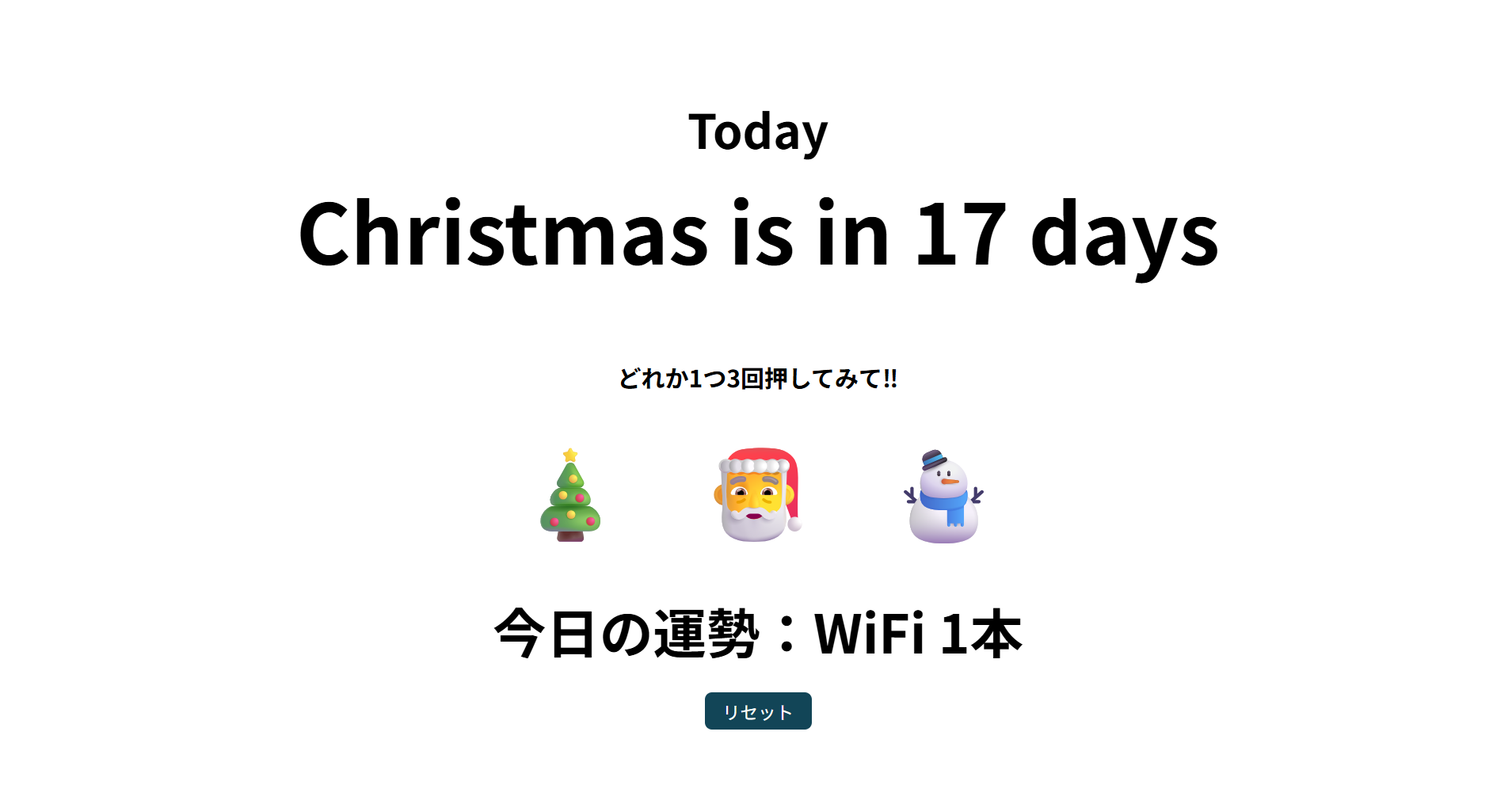
※クリスマスの絵文字を3回押すと、ランダムでネタ運勢が表示されます。
運勢の内容は配列からランダムに抽選しています。
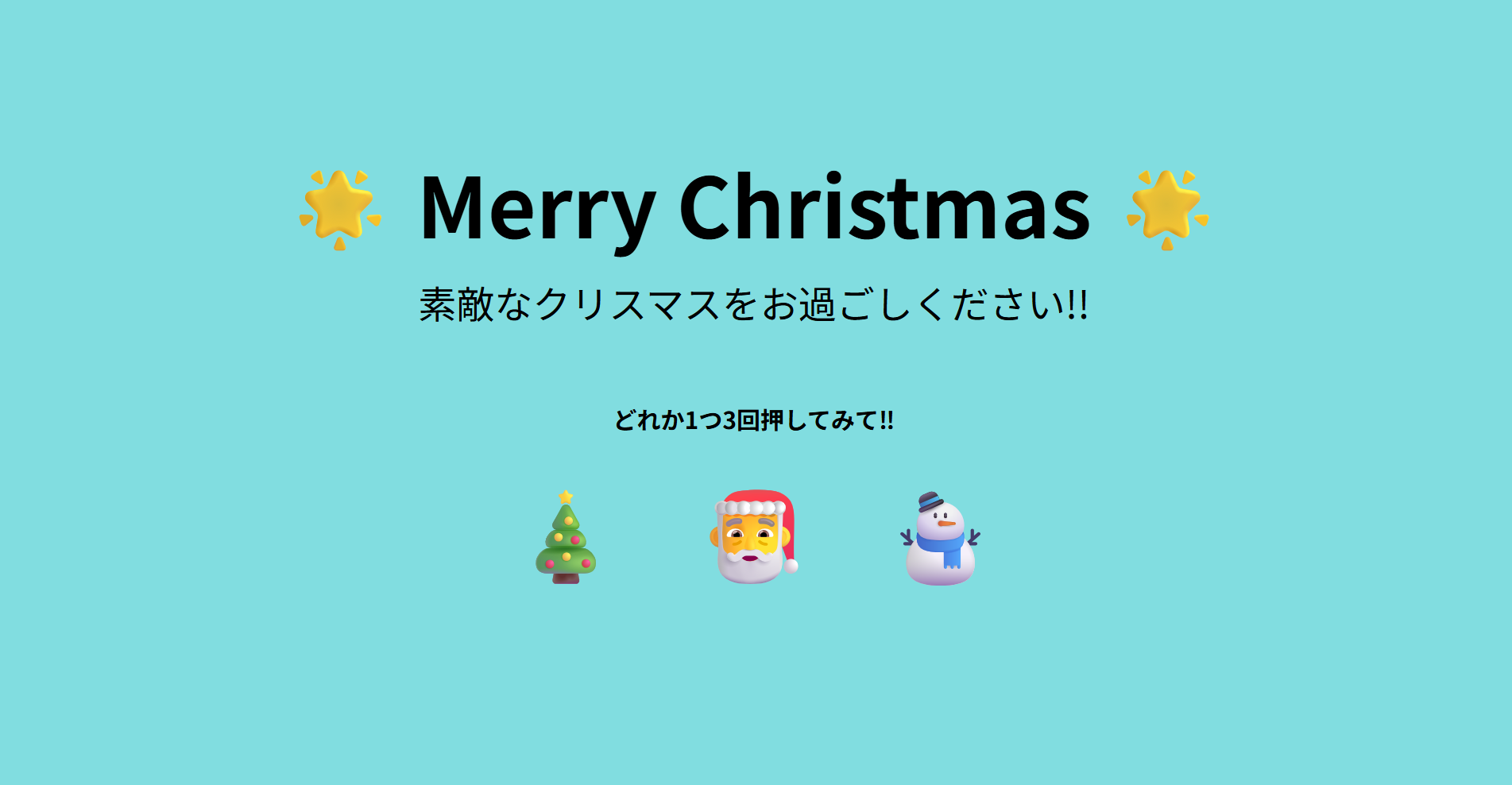
《クリスマス当日》
最後に
最後まで閲覧していただきありがとうございます!
今回のミニアプリは
クリスマス向けの “遊べる” JavaScript ミニゲーム として制作しました。
製作期間は短かったのですが、色々なサイトを参考にしながら何とか形にすることができました。
これからもっと JavaScript を学んで、自由にカスタムできるように頑張ります!
皆さんもぜひ自由に改造して遊んでみてください 🎅🎄
皆さんのアイデア次第で、もっと面白い仕掛けも作れるはずです!