
2025年12月にリリースされた、新しいモバイルUIのフレームワークMobile UIについてまとめ。
ドキュメント
公式サイト - ドキュメントとは別にMobile UIの公式サイトがある。Silk UIやOutSystems UIなど過去のUIもそうだった
Product Releases and Updates
モバイル関係では、以下の情報が、2025年12月に続けて出ていた。互いに関係がある。
Mobile UIとは
- モバイル向けのWidgetをまとめたもの
- モバイルアプリケーション専用のUI。OutSystems UIはクロスプラットフォームUIとして残っており、今でもApp作成時に選択できる
- ランタイムにcordovaも使える https://success.outsystems.com/ja-jp/documentation/outsystems_developer_cloud/building_apps/mobile_apps/mobile_ui_framework/mobile_ui_versus_outsystems_ui/#framework-comparison
- 多分ODCのみ(O11のIDEであるService Studioでは選択肢に出てこない)
試しに使ってみる
新しいMobile App作成時に、使用するUI Frameworkを選択する項目が追加されている。

いつもOutSystems UIがぶら下がっている位置(UI FlowとThemesの最後)にMobileUIがある。
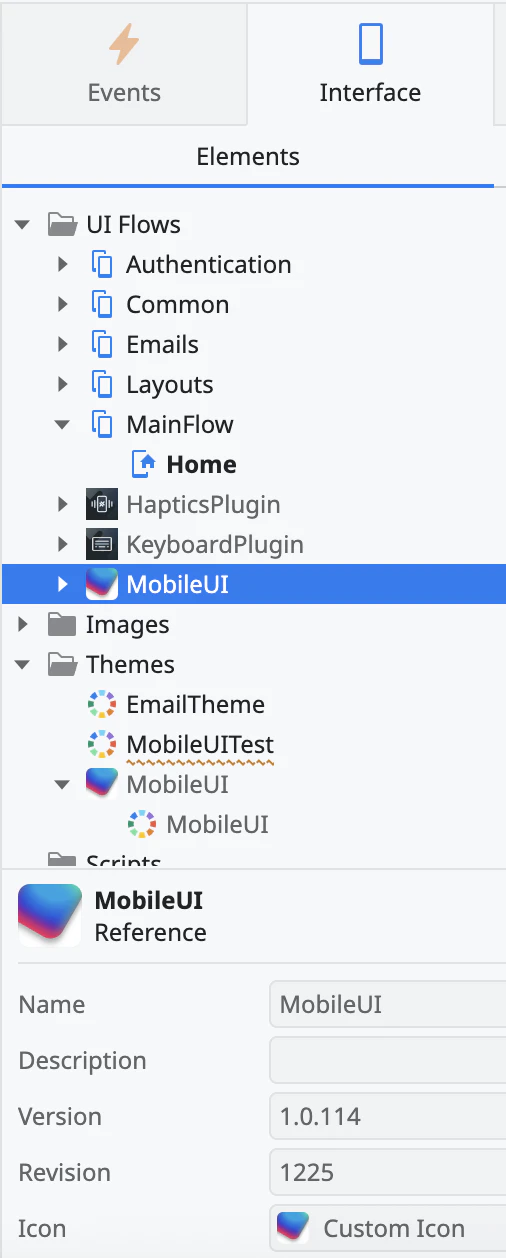
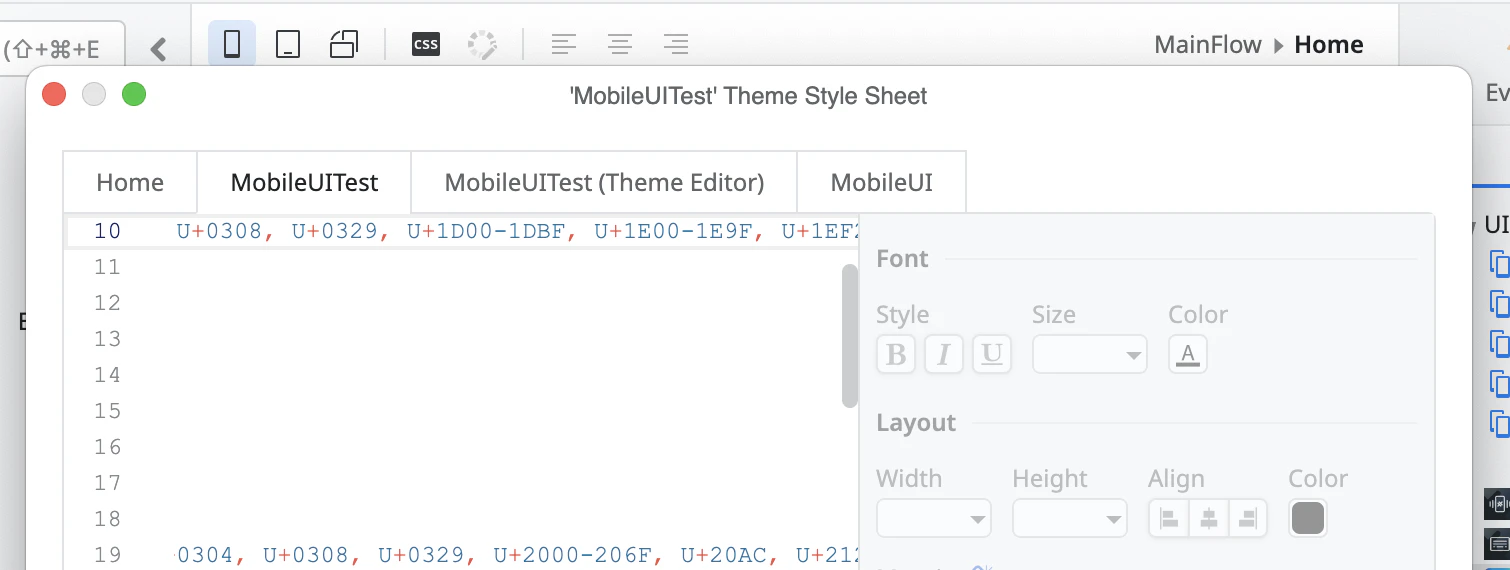
Screenを開いたときに、画面上部に出てくる「CSS」をクリックすると、Style Sheet Editorが開く。OutSystemsUIを使っているときは、「Open Theme Editor」ボタンが表示されるのだが、MobileUIを使っていると表示されない。つまり、Theme Editorが使えない。
Widgetの種類も違っており、例えばTableが無いようだ。

また、Screen Templateも無さそう。UI Flowを右クリック → Add Screenを選択すると、通常はどのScreen Templateで画面を作るか選択するダイアログが出るが、MobileUIを使っているとそのまま画面が作成される。
Capacitor
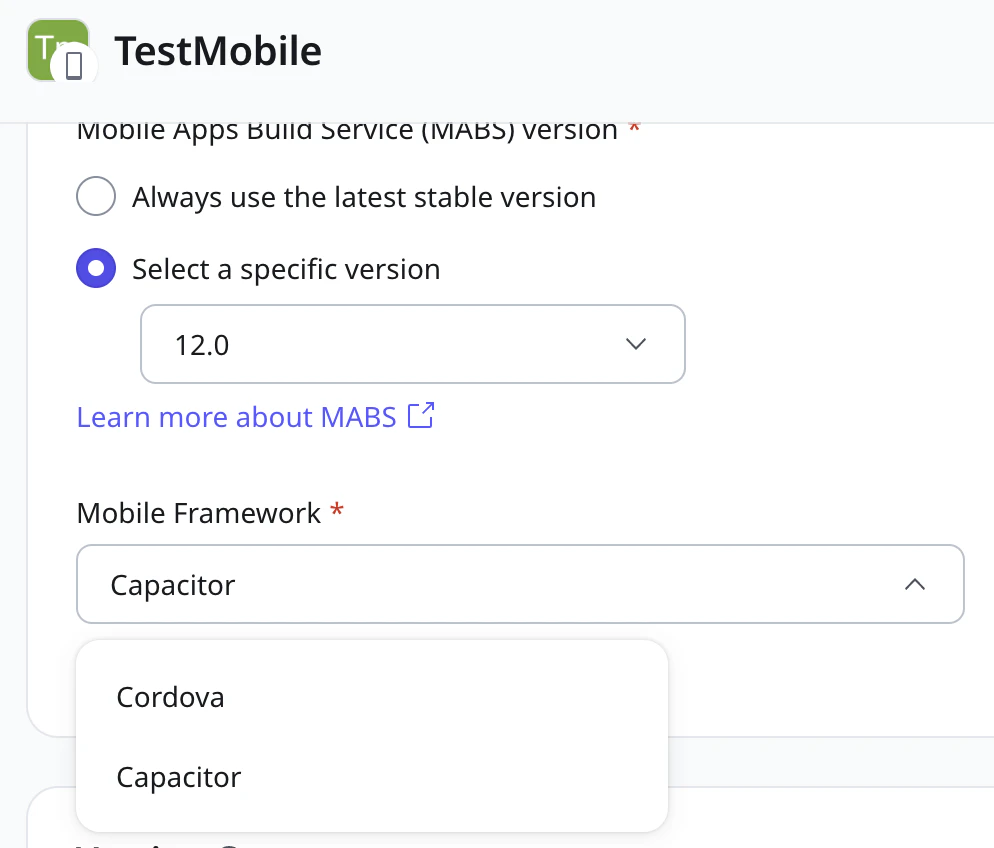
MABS 12からランタイムとして、CapacitorとCordovaから選べるようになる。
パッケージ作成時に、MABS12.0を選択すると、Mobile FrameworkのドロップダウンリストでCordovaとCapacitorから選択できる。
Mobile apps > Getting started with mobile app developmentの以下の部分によると、
You only need to consider the runtime choice when:
Selecting plugins
Building mobile packages
ランタイムをCordovaにするかCapacitorにするかは、どのプラグインを使うか、と実際にパッケージを作成する時にだけ考えればいいとのこと。実務的にはプラグインだけで考えたら良さそう。
なお、OutSystemsがサポートしているプラグインはどちらにも対応しているとのこと。
MobileUIはこのCapacitorだけではなく、古いランタイムであるCordovaでも使えるとのこと。