0
1

Delete article

Deleted articles cannot be recovered.

Draft of this article would be also deleted.

Are you sure you want to delete this article?

More than 5 years have passed since last update.

【NOTE】List of Conda Command

0
Last updated at Posted at 2019-06-22

 OSはWin10です。
 自分用のメモなので、詳しい説明は端折ります。

インストール

 こちらのインストールする手順を参考にしてご覧ください。
 記載されたanacondaは最新のバージョンではないかもしれません。

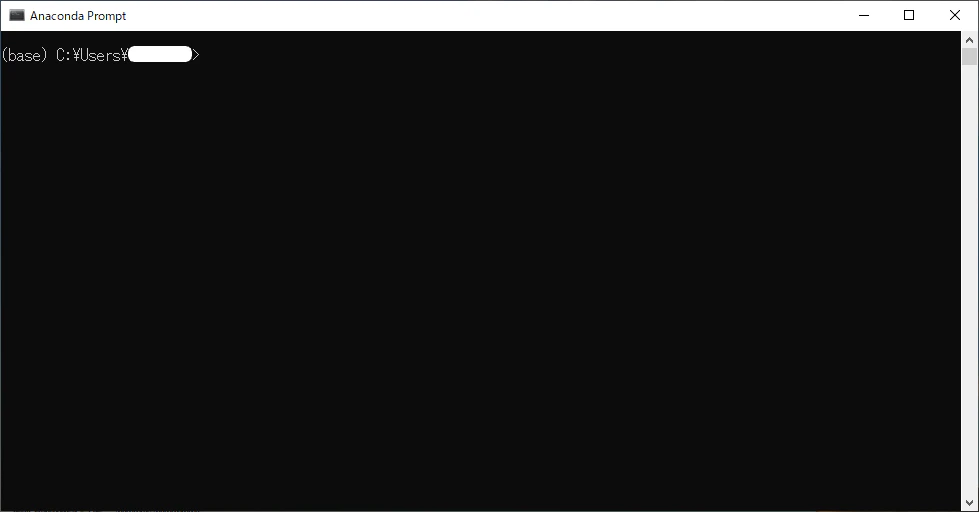
Anaconda Promptを開く

 **(base)は、anacondaのデフォルトのベース環境を指します。
 今後、仮想環境を作ったら、
(仮想環境英数字名)**で表示されます。

 仮想環境をいくつ使っており、私は(base)環境をあまり使わないです。各環境へ切り替えるときだけ?使います。
tempsnip.png

Promptにコマンドを入力する

 以下は愛用のコマンドです。

 1. conda upgrade conda
 2. conda create -n [env_name] python=[ver_number]
 3. conda create -n [new_env_name] --clone [old_env_name]
 4. conda info -e
 5. conda activate [env_name]
 6. conda deactivate [env_name]
 7. conda remove -n [env_name] --all
 8. conda remove -n [old_env_name] --all
 9. conda clean --all

(TBC)

0
1
0

Register as a new user and use Qiita more conveniently

  1. You get articles that match your needs
  2. You can efficiently read back useful information
  3. You can use dark theme
What you can do with signing up
0
1

Delete article

Deleted articles cannot be recovered.

Draft of this article would be also deleted.

Are you sure you want to delete this article?