
ちなみに、来週、Realm使って岡山Swiftもくもく会やろうと思うんだけど、最近、Realm使えなくなったよね。
— イルカ@新米プログラマー (@ikkitang) 2016年5月14日
まず、ここから、解決しないと。。 #okswift https://t.co/QPESkjKeFU
先日、こんな所ではまりました。
再挑戦してみました!
参考にしたサイト
Realm公式サイト を参考にさせていただいております。
テストプロジェクトを作成
testRealm1 ってプロジェクトを作りました。
Master-Detail Application
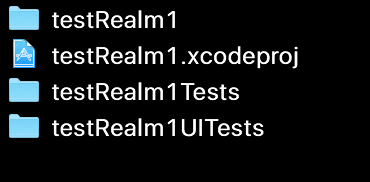
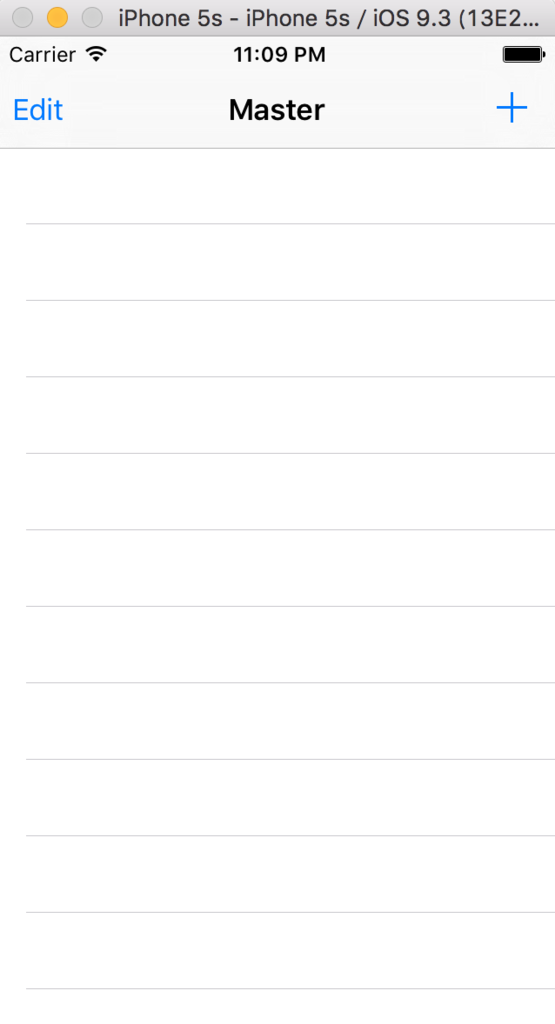
※ まずは、動作チェック
ターミナルでアクセスして、CocoaPodsでインストールを試みます。
$ pod version
    1.0.0.beta.3
$ pod init
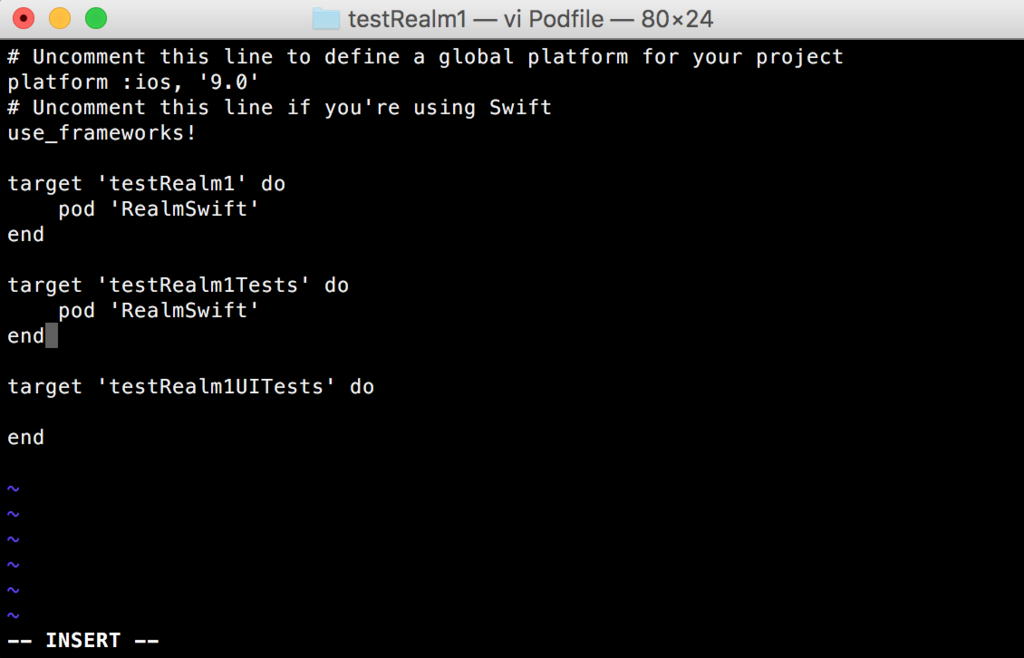
$ vi Podfile で PodFileを修正します。
$ pod install 結果はこんな感じ。
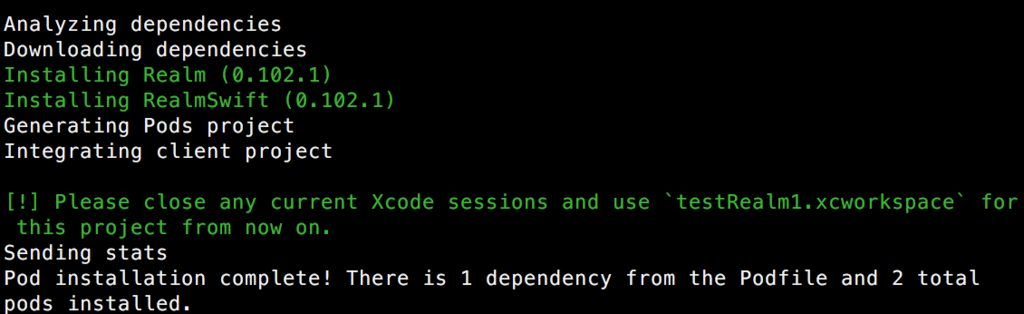
入ったように見える。
フォルダ内部はこんな感じに変更になりました。
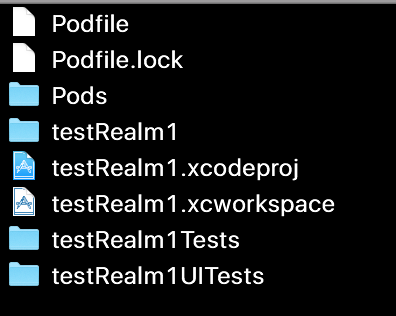
$ open testRealm1.xcworkspace
取り敢えず、Realmを何も使っていない状態で、動くかどうかの動作チェックとして、ビルドしてみました。


umbrella header 'Realm.h' not found!
。。。。??? (´・ω・`)
同じ、エラー、、、。。 辛い。
解決方法
どうやら、 CocoaPods 1.0 以上が、Realm対応していない、みたいな話らしいです。
参考: realm / realm-cocoa
cocoapods の バージョンを指定して、インストールしてみる事とします。
皆、大好き、Qiitaより、調べました。 参照先
bundler を インストールします。
$ gem install bundler
$ cd ~~/testRealm1
$ bundle init
vi Gemfile で、設定を指定します。
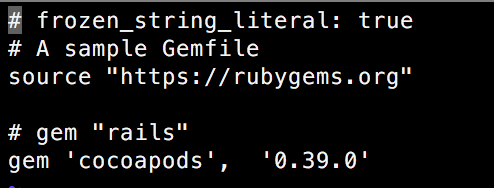
$ bundle install --path vendor/bundle で、Gemfileに従って、インストールを行います。
$ bundle exec pod --version
   0.39.0
$ bundle exec pod install
って事で、CocoaPods のバージョンが 0.39.0 で指定されて、Realmがインストールされました。
解決して、ビルドも通りました!! よっしゃ!!
宣伝
私事で恐縮ですが、現在、岡山で月一でSwiftのもくもく会を開いております。
興味有る方は是非、いっしょにもくもくしましょう!
第五回岡山Swiftもくもく会 申込ページ
Twitter ハッシュタグ: #okswift