0
0

Delete article

Deleted articles cannot be recovered.

Draft of this article would be also deleted.

Are you sure you want to delete this article?

Aurora and RDS postgreSQLのバージョンアップ方法

Posted at

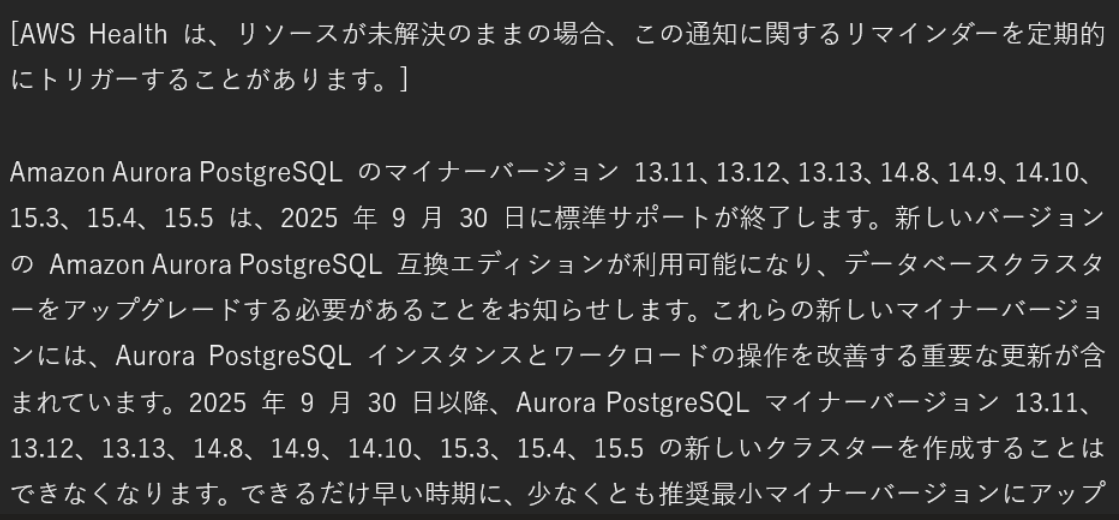
AWSより以下のようなメールが届き、postgreSQLのバージョンアップをしなければならない
{58774791-F32C-4C30-8F3B-1440E267EAE9}.png

今回はaws cliを使って行っていきます。

1. スナップショットを取得する

クラスターの確認を行う

aws rds describe-db-clusters --query "DBClusters[?Engine=='aurora-postgresql'].DBClusterIdentifier" -
-output text

対象のクラスターのスナップショットを取得する

aws rds create-db-cluster-snapshot --db-cluster-identifier <クラスター名> --db-cluster-snapshot-identifier <任意のスナップショット名>

スナップショットの欄を確認して、指定したスナップショット名でできていたら完了
{D8C6F314-5194-48E1-96B0-A38C2B1BBBA9}.png

2. バージョンアップの実施

クラスターのバージョンアップを行う
今回は15.415.10にアップデートしたかったため、--engine-version 15.10を指定する

aws rds modify-db-cluster --db-cluster-identifier <クラスター名> --engine-version 15.10 --apply-immediately

アップデート中
{9F8B63C7-738E-4C5E-9050-F878524B9CA1}.png

アップデート完了
15.10にアップデートされていることを確認する
{F2281ACA-6143-4878-A781-94A94A97B787}.png

まとめ

今回はaws cliを用いてpostgreSQLのバージョンアップを行いました。
コンソールで操作するより、aws cliで行うと素早くできました。

0
0
0

Register as a new user and use Qiita more conveniently

  1. You get articles that match your needs
  2. You can efficiently read back useful information
  3. You can use dark theme
What you can do with signing up
0
0

Delete article

Deleted articles cannot be recovered.

Draft of this article would be also deleted.

Are you sure you want to delete this article?