
同時更新されない頭文字と長さを自由に設定する自動採番する数字を一箇所に表示する方法をこの記事で教えます。
1.専用のオブジェクト
表示するオブジェクトOrder_Headerのレコードをテキスト型に設定する
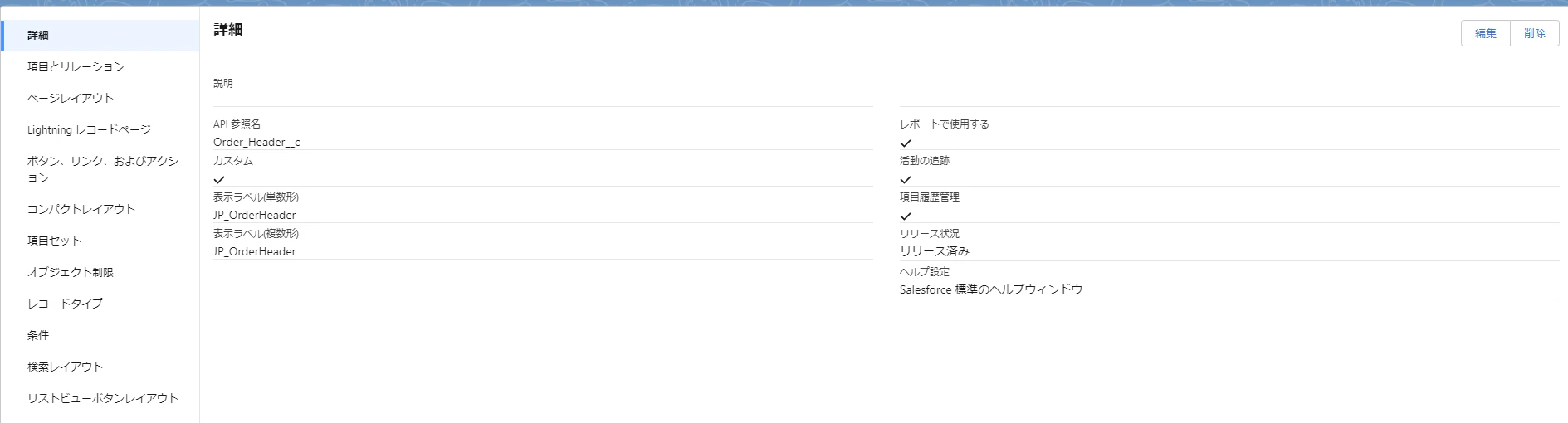
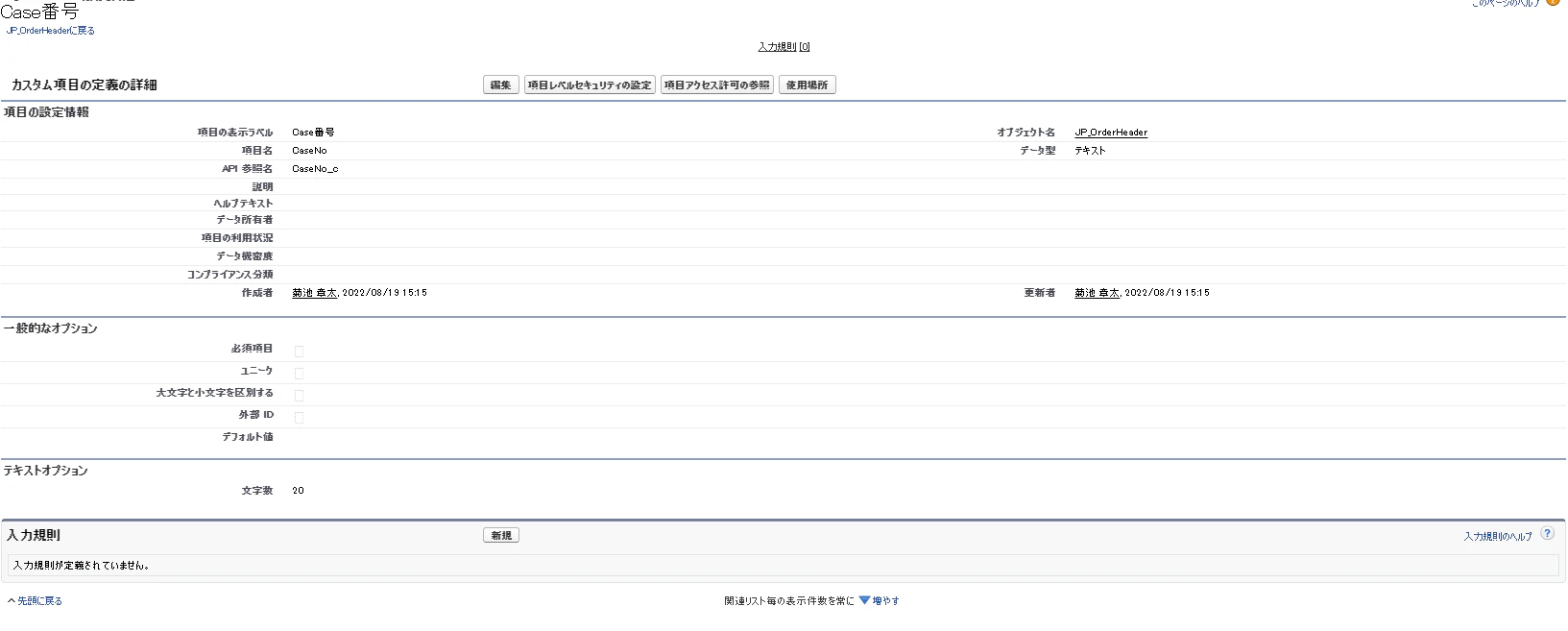
採番を管理するオブジェクトSequenceNoを作成する

2.メソッド作成する
頭文字を決めるprefix + 数字を決めるSequeceId + 尾語決めるsuffix で”Case00000x”の形式にする。
 public static String getNewOrderHeaderCaseNo(){
        //更新が被らないようにFOR UPDATEを使い排他性をつける
        SequenceNo__c lists0 = [SELECT id,Type__c,prefix__c,sequenceId__c,suffix__c From SequenceNo__c WHERE Type__c='CaseNo' Limit 1 FOR UPDATE];

        lists0.sequenceId__c+=1;
        Decimal maxCaseNo=lists0.sequenceId__c;
        String newmaxCaseNo='000000'+maxCaseNo;
        String suffix=lists0.suffix__c;
        //尾語がNullなら空にする
        if(suffix==null){
            suffix='';
        }
        //左に自動シフトするように.right(6)をつける
        String CaseNo=lists0.prefix__c+newmaxCaseNo.right(6)+suffix;
        update lists0;
        system.debug(CaseNo);
        return CaseNo;

    }