
はじめに
案件でSingleStoreを触る機会があったので、Self-Managedの方法でデプロイした際の手順を残しておきます。
SingleStoreとは
SingleStoreはMySQL互換の分散型データベースで、OLTPとOLAPの両方を単一のデータベースで実行できるHTAPデータベースです。
デプロイ方法は大きく以下の2種類に分けられます。
- Helios
- Self-Nanaged
Helios
Heliosはいわゆるフルマネージドなサービスで、AWS、Azure、Google Cloudの3つのプラットフォームからデプロイ先を構築することができます。
金額は従量課金でSLAやサポートの有無、機能によっていくつかのプランに分かれており、他のユーザーと環境を共有するSharedであれば1ワークスペースは無償で利用可能です。
Self-Managed
Self-Managedはデプロイ先のプラットフォームに縛られることなく、ベアメタルや仮想マシン、KubernetesなどにSingleStoreをデプロイすることができます。
今回は、OCIのComputeという仮想マシンのサービス上に、SingleStore Dev ImageというGitHub上で公開されている検証用のものを構築します。
OCIの前提条件
- 東京リージョン(ap-tokyo-1)
- VCNは適切な設定済み
- Compute
- VM.Standard.E5.Flex
- 3 OCPU
- RAM 36GB
- Ubuntu 24.04
Dockerのインストール
sudo apt update &&\
sudo apt upgrade -y &&\
sudo apt install ca-certificates curl &&\
sudo curl -fsSL https://download.docker.com/linux/ubuntu/gpg -o /etc/apt/keyrings/docker.asc &&\
echo \
"deb [arch=$(dpkg --print-architecture) signed-by=/etc/apt/keyrings/docker.asc] https://download.docker.com/linux/ubuntu \
$(. /etc/os-release && echo "${UBUNTU_CODENAME:-$VERSION_CODENAME}") stable" | \
sudo tee /etc/apt/sources.list.d/docker.list > /dev/null &&\
sudo apt update &&\
sudo apt install -y docker-ce docker-ce-cli containerd.io docker-buildx-plugin docker-compose-plugin
Dockerイメージの起動
sudo docker run \
    -d --name singlestoredb-dev \
    -e ROOT_PASSWORD="YOUR SINGLESTORE ROOT PASSWORD" \
    --platform linux/amd64 \
    -p 3306:3306 -p 8080:8080 -p 9000:9000 \
    ghcr.io/singlestore-labs/singlestoredb-dev:latest
YOUR SINGLESTORE ROOT PASSWORDのところに任意のパスワードを入力します。
Studio UIへのアクセス
事前にComputeを配置したサブネットに紐づいたセキュリティ・リストで8080ポートへのアクセスを許可します
任意のブラウザから以下のURLにアクセスします。
http://<ComputeのパブリックIP>:8080
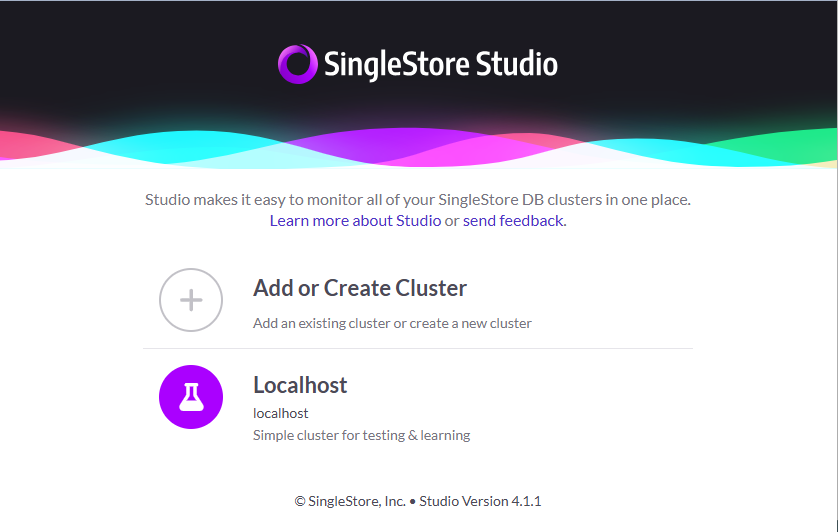
Localhostを選択します。
- Username: root
- Password: 事前に設定した任意のパスワード
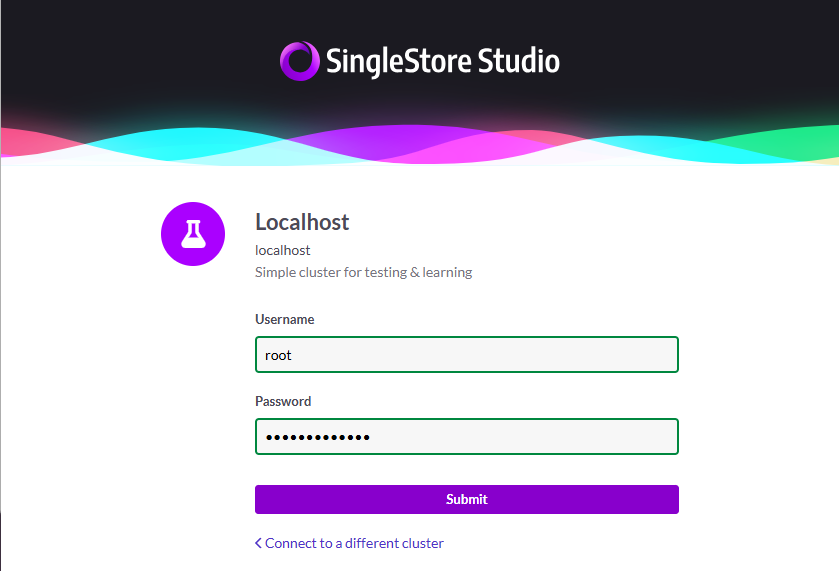
ログインが完了すると管理画面が表示されます。

以上です。
OCIでも素敵なSingleStoreライフを。