0
0

Delete article

Deleted articles cannot be recovered.

Draft of this article would be also deleted.

Are you sure you want to delete this article?

More than 1 year has passed since last update.

【メモ】Githubのユーザー名を変えた時にやったこと

0
Posted at

Githubのユーザー名の変更方法

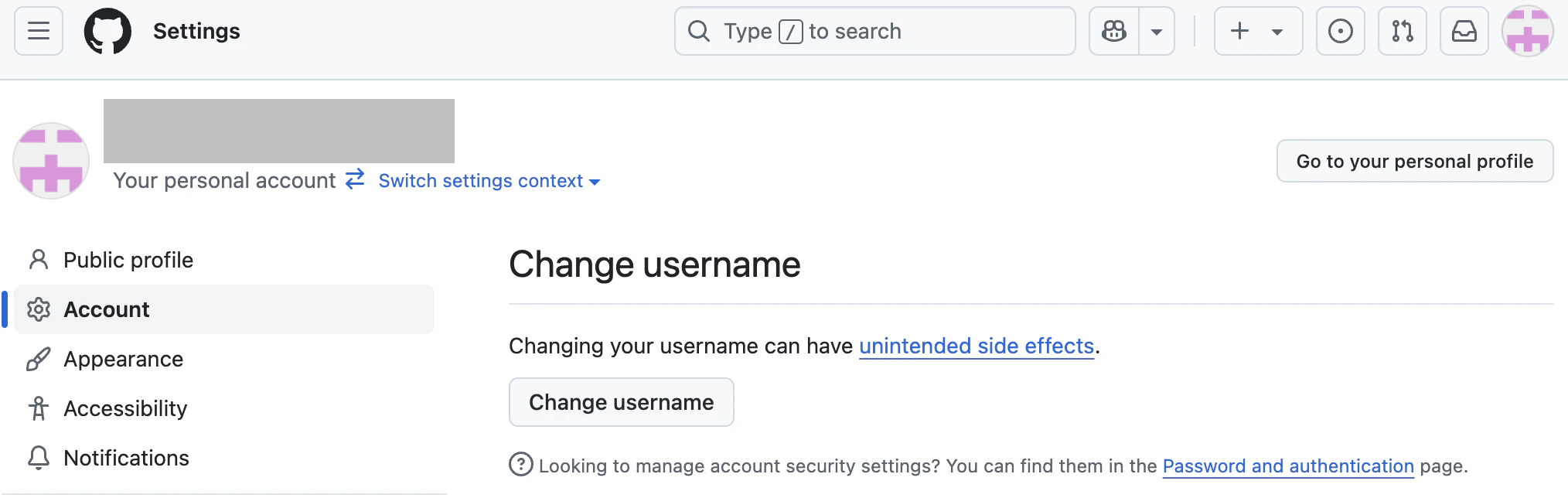
  1. 左上のアイコンをクリック>Settings

  2. 1.Account>Change username
    スクリーンショット 2025-03-17 0.56.46.png

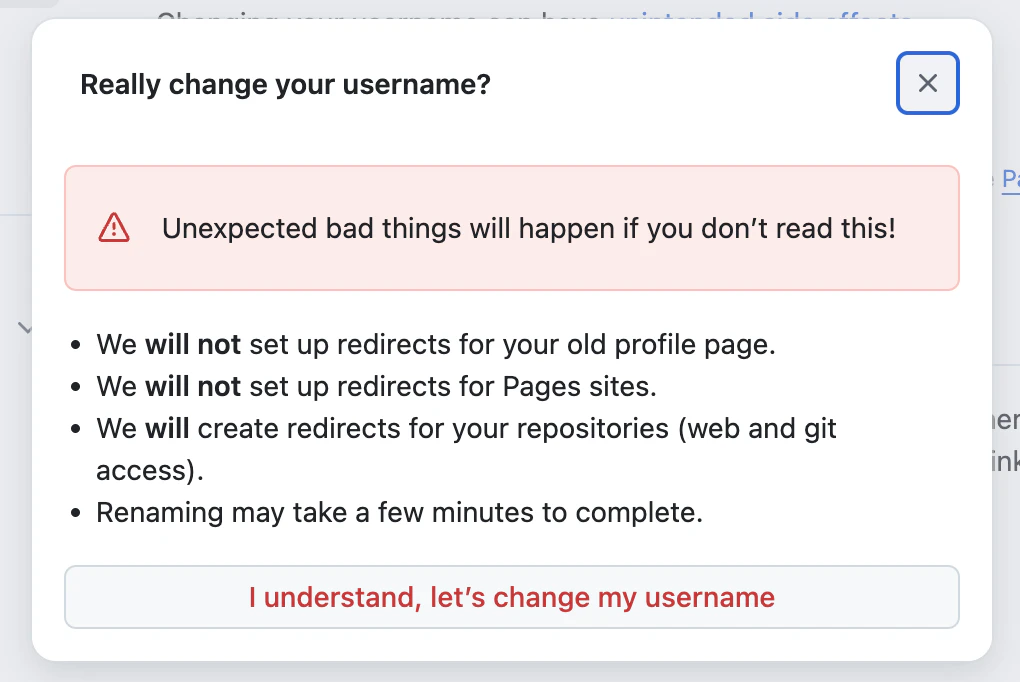
  3. 警告を読んで進む
    スクリーンショット 2025-03-17 0.59.29.png

本当にユーザー名を変更しますか?
これを読まないと、予期せぬ悪いことが起こります!

  • 古いプロフィール ページのリダイレクトは設定されません。
  • Pages サイトのリダイレクトは設定されません。
  • リポジトリ (Web および Git アクセス) のリダイレクトを作成します。
  • 名前の変更が完了するまでに数分かかる場合があります。
  1. ユーザー名を入力して「Change my username」を選択

VSCode側でやったこと

今後のコミットの名前を変更する方法

git config --global --list

user.nameとuser.emailを確認

修正したければ

git config --global user.name "新しい名前"
git config --global user.email "新しいメールアドレス"

※過去全てを修正する方法、一部コミットを修正する方法もあったが今回は不要なのでスルー。

0
0
0

Register as a new user and use Qiita more conveniently

  1. You get articles that match your needs
  2. You can efficiently read back useful information
  3. You can use dark theme
What you can do with signing up
0
0

Delete article

Deleted articles cannot be recovered.

Draft of this article would be also deleted.

Are you sure you want to delete this article?