
Creating short AI videos used to be the slowest part of my content workflow.
I could generate good-looking images, but turning them into videos often meant repeating prompts, fixing motion issues, and spending more time editing than creating.
I wanted a workflow that was simple enough to repeat and flexible enough to use for different projects.
After trying several models, I started building my workflow around LTX 2.3.
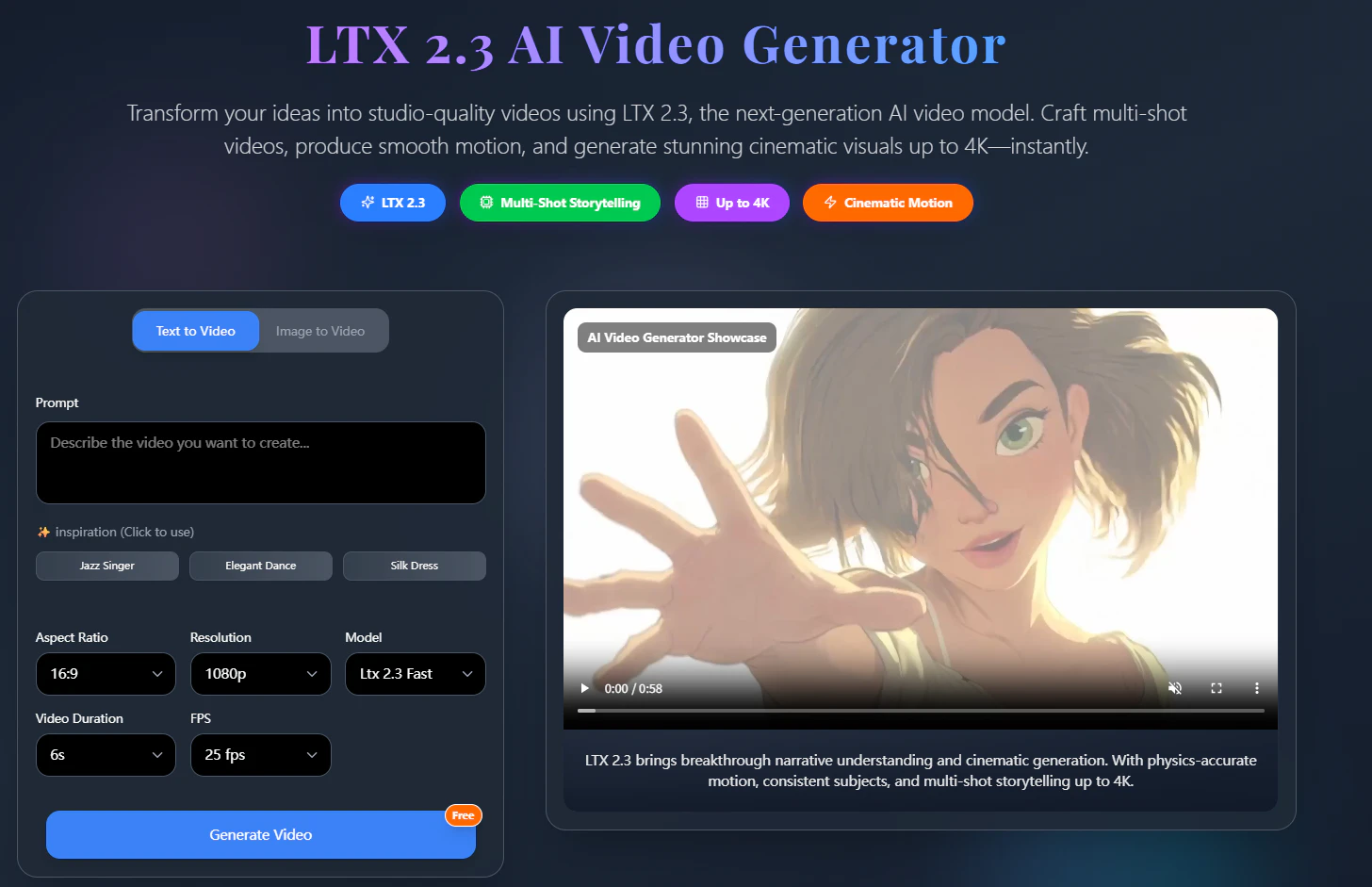
What Is LTX 2.3?
LTX 2.3 is an AI video generation model designed for multiple creative workflows.
It supports:
Text-to-Video
Image-to-Video
Audio-to-Video
Native portrait video
Reference-based generation
One thing I like is that it can fit into an existing creative pipeline instead of replacing it. It also improves prompt adherence, image-to-video motion, native portrait generation, and synchronized audio compared with earlier releases.
My Workflow
Step 1 — Build a Strong Reference Image
I never start with video.
Instead, I spend a few minutes creating a single image that already looks like the final scene.
Example prompt:
A futuristic coffee shop at sunset,
cinematic lighting,
warm colors,
highly detailed,
professional photography
Getting the composition right here saves a lot of time later.
Step 2 — Generate the Video
Next, I upload the image into LTX 2.3 AI Video Generator.
Instead of describing the entire scene again, I only focus on motion.
Example prompt:
Slow camera push forward,
natural head movement,
soft lighting changes,
cinematic atmosphere,
smooth motion
I've found that short, motion-focused prompts usually produce more predictable results.
Step 3 — Generate Multiple Versions
I normally create 3–5 versions.
Each generation is slightly different, especially when it comes to:
Camera movement
Motion quality
Lighting
Scene pacing
Comparing several versions usually helps me find one that needs very little editing.
Step 4 — Finish the Video
Finally, I import the clip into CapCut.
The only edits I usually make are:
Captions
Background music
Logo
Basic transitions
Because the AI-generated footage already contains most of the visual storytelling, the editing stage becomes much faster.
Use Cases
This workflow has worked well for several projects:
Short promotional videos
YouTube Shorts
TikTok content
Product concept videos
AI storytelling experiments
Social media marketing
The same workflow can easily be adapted by changing only the reference image and motion prompt.
Why I Like This Workflow
After using it for several weeks, a few advantages became clear:
Less time spent regenerating videos
Better prompt adherence
More consistent image-to-video motion
Native vertical video support for social platforms
Easy to integrate with existing editing software
The biggest improvement isn't just video quality.
It's having a workflow that is easy to repeat and refine over time. LTX 2.3 is designed around production-ready workflows with stronger motion, improved prompt following, native portrait output, and support for text-, image-, and audio-to-video generation.
Final Thoughts
I'm still experimenting with different prompts and camera movements, but this workflow has become one of the most reliable ways for me to turn ideas into short AI videos.
If you're exploring AI video creation, try building a simple image-first workflow and test it with your own prompts. Small adjustments often make a much bigger difference than changing models.