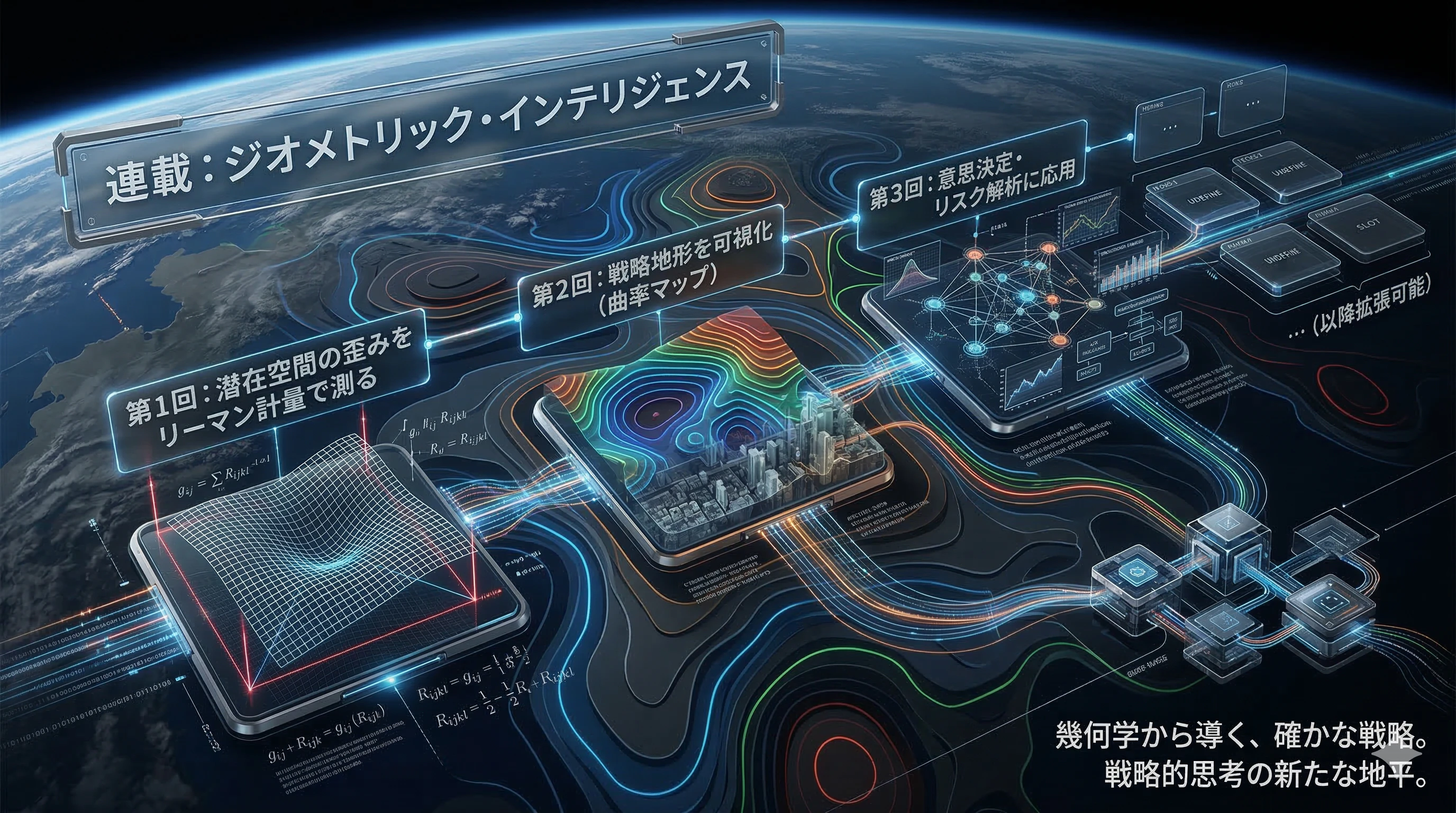
記事の要約
連載初回の記事第1回では、VAEの潜在空間を正しく測るための「定規(リーマン計量 $g$)」を手に入れました。
連載2回目となる本稿 では、その定規の「変化」を解析することで、空間の 曲がり具合(曲率) を算出します。
- 曲率が高い場所には何があるのか?
- 平坦な場所はチャンスなのか?
Pythonによる可視化を通じて、データの中に眠る「ブルーオーシャン」を幾何学的に特定する手法を解説します。
1. 振り返り:場所によって変わる「定規」のその先へ
前回、私たちは「デコーダを通した現実世界での距離」を潜在空間上で測るための計量テンソル $g = J^T J$ を導出しました。
ここで重要な事実に気づきます。
「場所によって定規のメモリが変わるなら、その変化率を見れば、空間の凸凹がわかるのではないか?」
幾何学の世界では、この「定規の変化」を、曲率(Curvature) と呼びます。
2. 曲率(Curvature)とは何か:情報の「密度」を測る
潜在空間における曲率は、ビジネス文脈では 「情報の密度」や「データの複雑性」 と解釈できます。
-
曲率が高いエリア(Red Ocean)
少し動くだけで現実のデータが劇的に変化する場所です。
競合がひしめき合い、微細なパラメータの違いが大きな結果の差を生む「激戦区」を意味します。 -
曲率がゼロに近いエリア(Blue Ocean)
空間が平坦で、データの変化が安定している場所です。
未開拓で、予測可能性が高い「可能性の空白地帯」である可能性があります。
3. 数学的準備:計量の微分とスカラー曲率
曲率を計算するには、計量 $g$ をさらに微分する必要があります。
① クリストッフェル記号(Christoffel symbols)
計量の変化率を整理するための係数です。

② スカラー曲率(Scalar Curvature)
空間の「曲がり具合」を一つの数値に凝縮したものです。
今回は2次元の潜在空間で、その地点がどれほど「尖っているか」を算出します。
4. Python実装:自動微分で曲率を算出する
PyTorchの自動微分を活用し、計量 g の勾配から曲率を求めます。
import torch

def compute_scalar_curvature(decoder, z):
    """
    特定の地点 z におけるスカラー曲率を計算する
    (簡略化した数値微分アプローチ)
    """
    z.requires_grad_(True)

    # 1. 計量 g を計算する関数
    def get_g(z_input):
        J = torch.autograd.functional.jacobian(decoder, z_input, create_graph=True)
        J = J.view(-1, z_input.shape[0])
        return torch.matmul(J.T, J)

    # 2. 曲率の計算
    g = get_g(z)
    det_g = torch.det(g)

    # 行列式の対数微分で変化の指標を作る
    log_det_g = torch.log(det_g + 1e-6)
    grad = torch.autograd.grad(log_det_g, z, create_graph=True)[0]
    curvature = torch.norm(grad) # 変化の激しさを曲率の代用とする

    return curvature.item()

# サンプル地点での曲率
z_sample = torch.tensor([0.5, -0.2])
k = compute_scalar_curvature(decoder, z_sample)
print(f"地点 {z_sample.tolist()} の曲率インデックス: {k:.4f}")
5. 戦略地形図の描画:カラーマップで見る「勝機」
import matplotlib.pyplot as plt
import numpy as np

# グリッドの作成
x = np.linspace(-3, 3, 30)
y = np.linspace(-3, 3, 30)
X, Y = np.meshgrid(x, y)
Z_curv = np.zeros_like(X)

# 全グリッドで曲率を計算
for i in range(len(x)):
    for j in range(len(y)):
        z_point = torch.tensor([X[i,j], Y[i,j]], dtype=torch.float32)
        Z_curv[i,j] = compute_scalar_curvature(decoder, z_point)

# 可視化
plt.figure(figsize=(10, 8))
cp = plt.contourf(X, Y, Z_curv, cmap='magma', levels=50)
plt.colorbar(cp, label='Curvature (Information Density)')
plt.title("Strategic Curvature Map: Red vs Blue Ocean")
plt.xlabel("Market Maturity")
plt.ylabel("Geopolitical Risk")
plt.show()
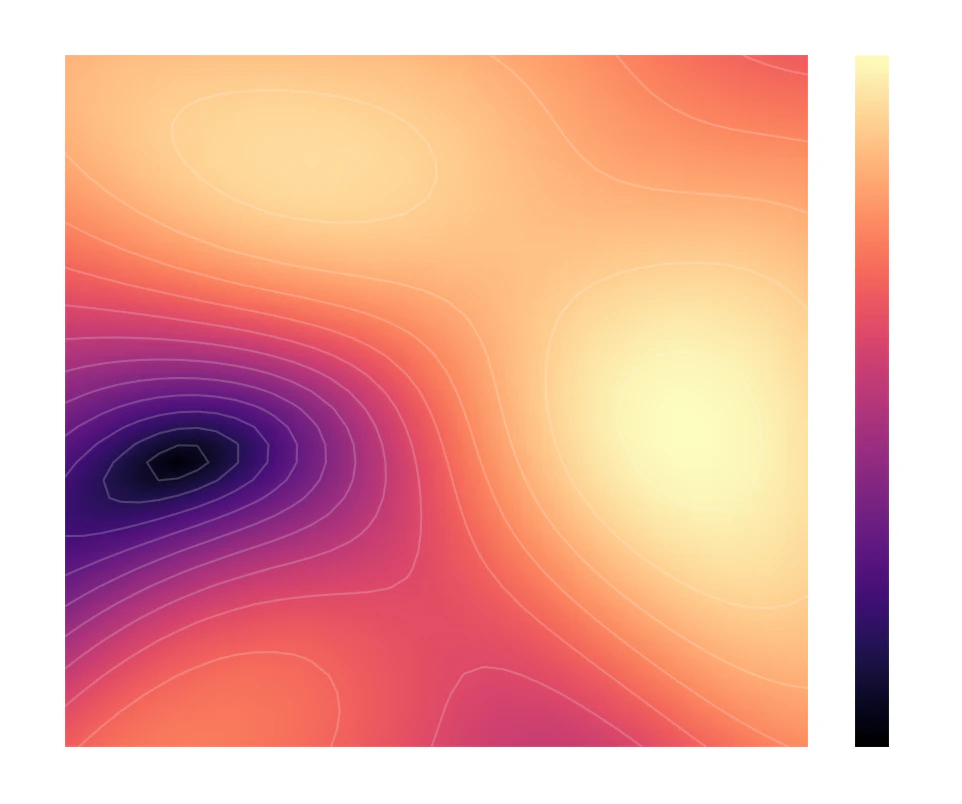
マップの読み方
- 明るい色(黄・白):高曲率エリア。変化が激しく、データ密度が高い(レッドオーシャン)
- 暗い色(紫・黒):低曲率エリア。平坦で安定している(ブルーオーシャン候補)
6. ビジネス・インテリジェンスへの昇華
- リスクの可視化:曲率急上昇の境界線は市場ルールの断層。戦略には慎重なリサーチが必要。
- 空白地の発見:高曲率エリアに挟まれた平坦な場所はニッチかもしれません。
- シミュレーションの安定性:平坦な場所での予測は高曲率よりノイズに強く、信頼性が高い。
まとめ:幾何学は「直感」を「数値」に変える
AIが作った抽象空間を、リーマン幾何学というレンズを通して「触れる地形」に変換。
直感は、今や「曲率マップ」という客観的指標に置き換わりました。
次回予告: 「最短経路」を探索せよ
- タイトル:【連載:ジオメトリック・インテリジェンス 第3回】ユークリッドを超えて:測地線(Geodesics)による最適戦略ルートの算出
地形がわかれば、次はその上をどう歩くかが問題 です。
曲がった空間における本当の最短ルート「測地線(Geodesics)」の計算と意思決定への応用を解説します。
参考文献
-
Arvanitidis, G., et al. (2018). Latent Space Oddity: on the Curvature of Deep Generative Models
-
Geometry of Deep Generative Models for Disentangled Representations
潜在空間の幾何と曲率を解析し、距離・分離性に関する議論を行っている研究。 -
Theory and Evaluation Metrics for Learning Disentangled Representations — VAE の潜在空間に対して分離性・解釈性のメトリクスを提案し、比較・評価を行っている論文。
-
Causal Intervention Framework for Variational Auto Encoder Mechanistic Interpretability —
連載第2回、いかがでしたでしょうか?
皆さんのデータでは、どんな地形が浮かび上がりましたか?コメント欄で教えてください!
Pythonコード全文
import torch
import torch.nn as nn
import matplotlib.pyplot as plt
import numpy as np

# ---------------------------------------------------------
# 1. モデルの定義 (Softplusを採用して幾何学的な滑らかさを確保)
# ---------------------------------------------------------
class StrategicDecoder(nn.Module):
    def __init__(self, latent_dim=2, data_dim=100):
        super().__init__()
        self.net = nn.Sequential(
            nn.Linear(latent_dim, 32),
            nn.Softplus(),  # 滑らかな微分を可能にする魔法の関数
            nn.Linear(32, 64),
            nn.Softplus(),
            nn.Linear(64, data_dim)
        )

    def forward(self, z):
        return self.net(z)

# ---------------------------------------------------------
# 2. 幾何学的指標の計算ロジック
# ---------------------------------------------------------
def compute_metrics(decoder, z_point):
    """
    特定の地点 z における計量テンソル g と曲率インデックスを計算
    """
    z = z_point.clone().detach().requires_grad_(True)

    # ヤコビアン J の計算
    # (data_dim, latent_dim) の行列
    J = torch.autograd.functional.jacobian(decoder, z, create_graph=True)

    # リーマン計量 g = J^T * J の計算
    g = torch.matmul(J.T, J)

    # 曲率インデックス (計量の行列式の勾配を情報の密度の変化として捉える)
    det_g = torch.det(g)
    log_det_g = torch.log(det_g + 1e-6)

    # 勾配(変化率)を取得
    grad = torch.autograd.grad(log_det_g, z)[0]
    curvature_idx = torch.norm(grad)

    return curvature_idx.item()

# ---------------------------------------------------------
# 3. メイン実行処理
# ---------------------------------------------------------
def main():
    print("戦略地形の解析を開始します...")

    # 再現性のためのシード固定
    torch.manual_seed(42)

    # モデルの準備
    decoder = StrategicDecoder()
    decoder.eval() # 推論モード

    # グリッドの生成 (潜在空間の探索範囲)
    res = 40  # 解像度
    x_range = np.linspace(-3, 3, res)
    y_range = np.linspace(-3, 3, res)
    X, Y = np.meshgrid(x_range, y_range)
    Z_curv = np.zeros_like(X)

    # 全グリッドの曲率を算出
    for i in range(res):
        for j in range(res):
            z_point = torch.tensor([X[i,j], Y[i,j]], dtype=torch.float32)
            Z_curv[i,j] = compute_metrics(decoder, z_point)
        if (i + 1) % 10 == 0:
            print(f"解析進捗: {((i+1)/res)*100:.0f}%")

    # プロット
    plt.figure(figsize=(12, 9))
    plt.style.use('dark_background') # エレガントな黒背景

    # 曲率マップ(ヒートマップ)
    mesh = plt.pcolormesh(X, Y, Z_curv, shading='gouraud', cmap='magma')
    cbar = plt.colorbar(mesh)
    cbar.set_label('Information Density / Curvature Index', fontsize=12)

    # 等高線を追加して「地形感」を出す
    plt.contour(X, Y, Z_curv, colors='white', alpha=0.2, levels=15)

    plt.title("Geometric Intelligence: Strategic Curvature Map", fontsize=16, pad=20)
    plt.xlabel("Dimension 1 (e.g. Market Maturity)", fontsize=12)
    plt.ylabel("Dimension 2 (e.g. Geopolitical Risk)", fontsize=12)

    print("地形図の描画が完了しました。")
    plt.show()

if __name__ == "__main__":
    main()
###(実行結果)
以下は、Google Colab環境での実行結果です。
戦略地形の解析を開始します...
解析進捗: 25%
解析進捗: 50%
解析進捗: 75%
解析進捗: 100%
地形図の描画が完了しました。