
Recently, I've been testing different AI video generation workflows for short-form content.
Most AI video tools can generate impressive clips, but I found that having a repeatable workflow is much more important than simply using the latest model.
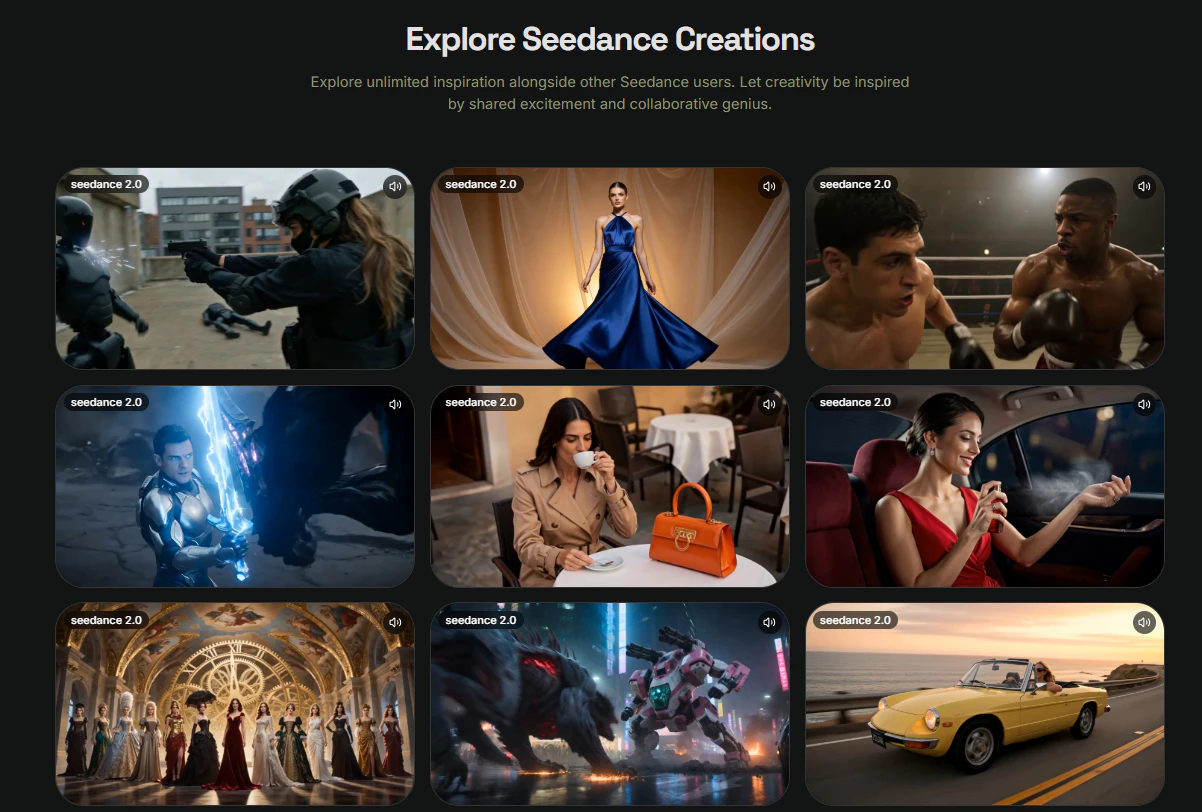
This is the workflow I've been using recently with Seedance.
Tools
- ChatGPT (idea generation)
- GPT Image (scene creation)
- Seedance (video generation)
- CapCut (editing)
Step 1: Create a Storyboard Image
Before generating a video, I usually create a key frame that represents the main scene.
Example prompt:
A traveler standing on a futuristic train platform,
cinematic lighting,
high detail,
dramatic atmosphere,
film still
I've noticed that starting with a strong image often produces more consistent results than jumping directly into text-to-video.
Step 2: Generate the Video
After creating the image, I upload it to
and focus on describing movement rather than appearance.
Example prompt:
Slow camera push forward,
subtle character movement,
natural lighting changes,
cinematic motion,
realistic atmosphere
Seedance supports text, image, audio, and video references, allowing creators to build videos with stronger consistency and more control over camera movement and scene composition.
Step 3: Generate Multiple Variations
I usually create 3–5 versions.
Even when using the same prompt, the results can vary in:
- Camera movement
- Character behavior
- Scene pacing
- Overall mood
This gives me more options during editing.
Step 4: Edit for Shorts and TikTok
Once I have the generated clips, I import them into CapCut.
At this stage I only add:
- Captions
- Background music
- Transitions
- Branding
Because the footage is already generated, the editing process is surprisingly fast.
What Worked Best
After several tests, I found that the most effective workflow is:
ChatGPT
↓
Generate Key Image
↓
Seedance
↓
CapCut
↓
TikTok / YouTube Shorts
The biggest improvement came from using reference images instead of relying entirely on text prompts.
Final Thoughts
AI video generation is improving quickly, but having a repeatable workflow still matters more than chasing every new model release.
For short-form content creators, combining image generation with Seedance has been one of the simplest ways I've found to turn ideas into videos efficiently.
I'm still experimenting with different prompts and reference setups, but this workflow has produced the most consistent results so far.