
One of the biggest challenges in AI video creation isn't generating a video—it's testing ideas quickly.
When I'm experimenting with different concepts, I don't want to wait for a full production-quality render every time I change a prompt. I just need a fast way to see whether an idea, camera movement, or scene composition works.
That's why I started using a lightweight workflow built around Seedance 2 Mini.
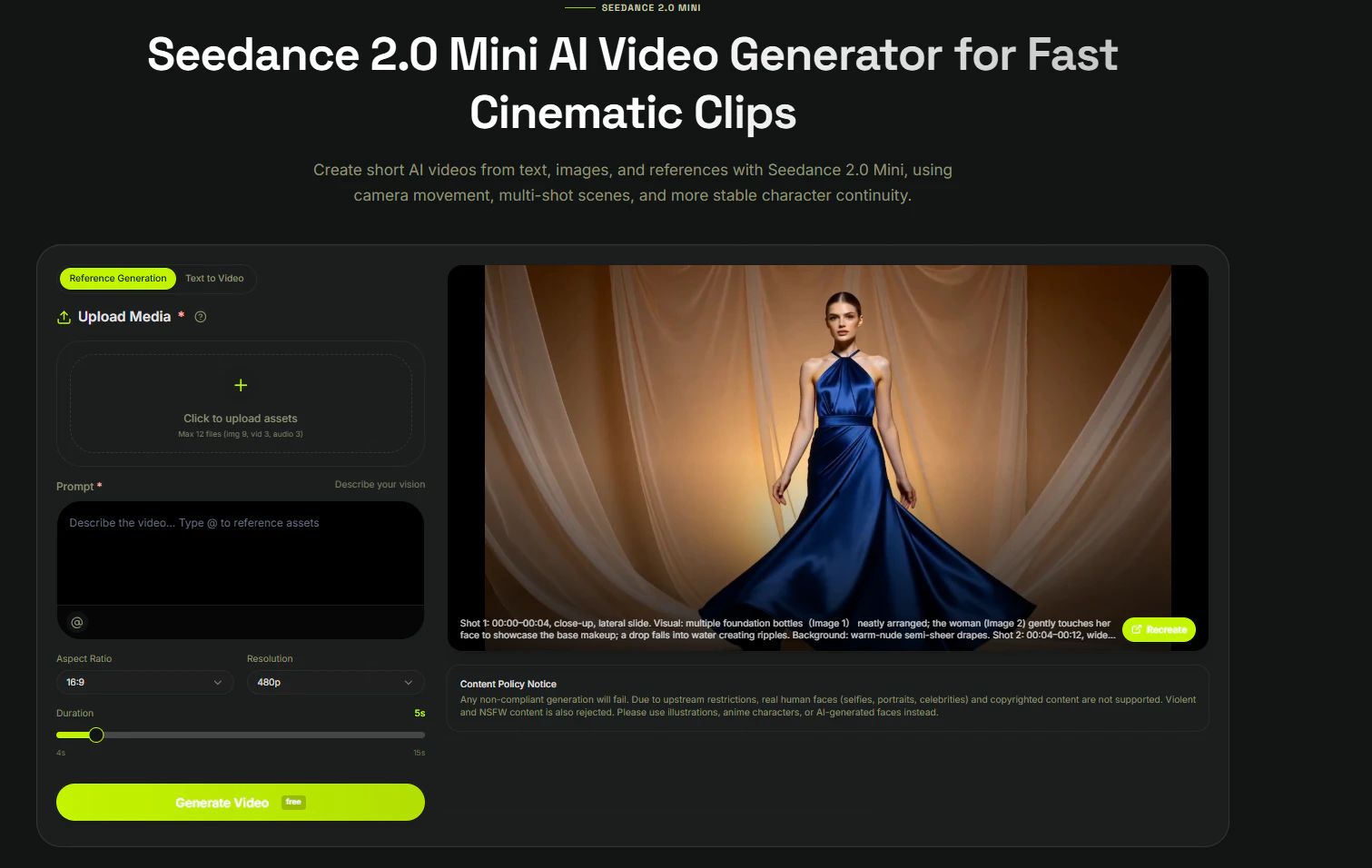
What Is Seedance 2 Mini?
Seedance 2 Mini is designed for fast AI video generation and rapid iteration.
It supports:
- Text-to-Video
- Image-to-Video
- Fast concept generation
- Quick prompt testing
- Short-form video creation
Instead of aiming for a final production render, I use it as a rapid prototyping tool before moving to more complex workflows. Fast generation lanes like Seedance 2 Mini are intended for quick prompt and reference testing before higher-control production passes.
My Workflow
Step 1 — Create a Reference Image
I always begin with a single image.
Example prompt:
A modern coffee shop interior,
warm cinematic lighting,
minimalist design,
soft morning sunlight,
highly detailed
Starting with a reference image makes it easier to evaluate motion later.
Step 2 — Generate a Quick Video
Next, I upload the image into Seedance 2 Mini AI Video Generator.
Instead of describing every visual detail again, I only focus on movement.
Example motion prompt:
Slow camera push forward,
subtle environmental movement,
soft lighting transition,
cinematic atmosphere,
natural motion
Keeping the prompt simple usually produces more predictable results.
Step 3 — Compare Different Variations
Rather than relying on the first generation, I normally create four or five versions.
Then I compare:
- Camera movement
- Motion smoothness
- Scene pacing
- Visual consistency
This takes only a few minutes and helps me decide which direction is worth developing further.
Step 4 — Build the Final Version
Once I find a concept I like, I move into my normal editing workflow.
Usually that means:
- Upscaling or regenerating the preferred scene
- Adding captions
- Background music
- Basic transitions
- Exporting for social media
Using a fast prototype first saves me from spending time refining ideas that don't work.
Use Cases
This workflow has worked well for several different projects:
- YouTube Shorts concepts
- TikTok content ideas
- Product teaser videos
- Storyboard visualization
- Marketing prototypes
- AI animation experiments
It's especially useful when I want to validate an idea before investing more time in a higher-quality render.
Why This Workflow Works
The biggest advantage isn't higher quality.
It's faster decision-making.
Instead of waiting for every generation to finish, I can quickly explore different prompts, camera angles, and motion styles before committing to a final version.
For brainstorming and early-stage production, that has significantly improved my creative workflow.
Final Thoughts
I've learned that AI video creation isn't only about choosing the most powerful model.
Having a repeatable workflow for testing ideas is just as important.
Using a fast prototype-first approach allows me to experiment more, iterate faster, and spend less time regenerating videos that don't match my original vision.
If you're building AI videos regularly, try creating a lightweight workflow for rapid testing before moving on to your final production pipeline.