
The product image was already approved.
The composition worked, the lighting felt right, and there was enough room for copy.
Then came the follow-up:
“Can we make a short video version?”
I used to treat that as a new job. New prompt, new composition, new rounds of testing.
Now I keep the image and start with a much smaller question:
What actually needs to move?
Start Small
Take a desk-lamp campaign.
The still already gives me the product, room, lighting, and overall mood. I don't need to describe all of that again.
For the first video test, I only want two things to happen:
- The lamp switches on.
- The camera moves a little closer.
My motion prompt can stay simple:
Keep the same desk layout and lamp.

The lamp switches on.
Warm light spreads softly across the desk.

Slow camera push toward the product.
Keep the movement subtle.
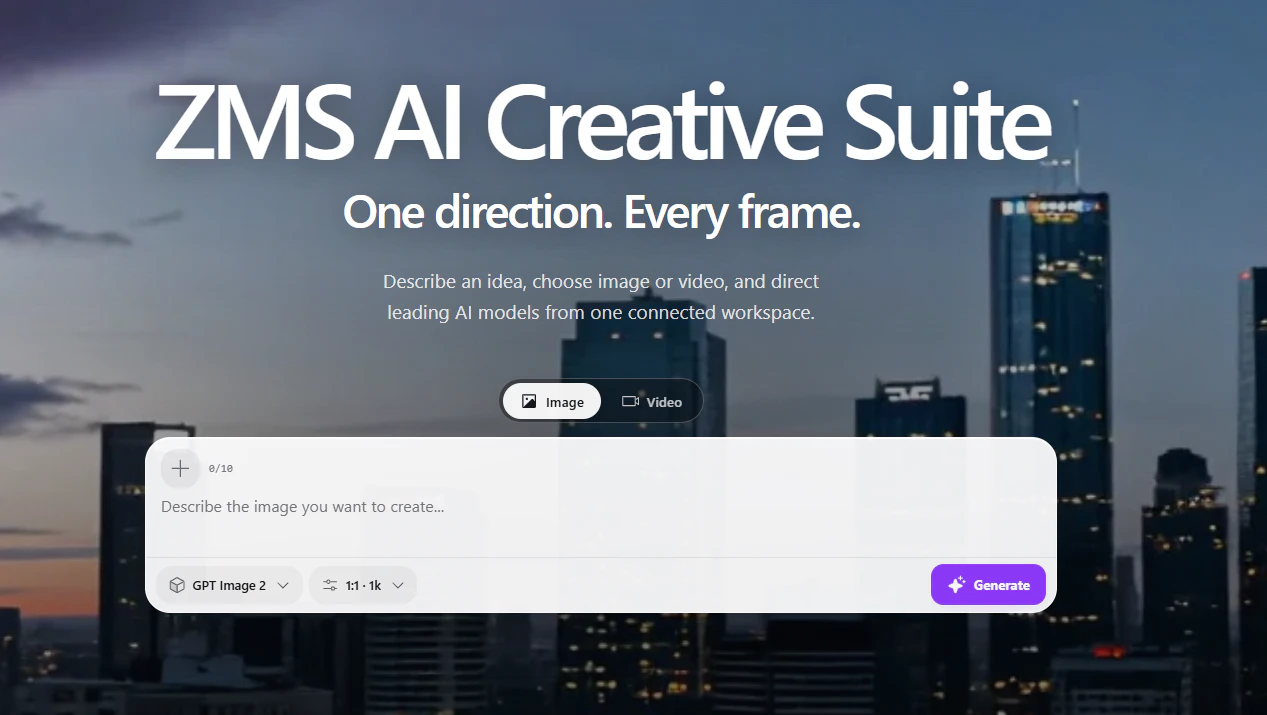
I can bring the existing image and this motion idea into ZMS AI and choose a video workflow that fits the test.
At this point, I don't care about trying every model. I want to know whether this still image can become a useful moving shot.
Check the Product First
I watch the first draft with the original image beside it.
Before looking at camera movement or atmosphere, I check the product:
- Is the shape still right?
- Have the proportions changed?
- Are buttons or controls still where they should be?
- Did the logo change?
- Did the color shift?
If something important has drifted, I deal with that first.
There's little value in polishing a beautiful shot of the wrong product.
Only Fix the Problem You See
If the product looks fine but the camera feels too busy, I simplify the camera instruction.
If the shot feels too tight, I change the framing.
If the light turns on too quickly, I adjust the timing.
I try not to change all three at once.
This gives me a much clearer idea of what each revision is doing.
The same rule applies to models. I don't switch just because the first result isn't perfect. I try another option when the same problem keeps getting in the way.
Reuse the Direction
Once the short motion test works, I already have the basis for several pieces of content.
The original still can stay on the landing page.
A vertical crop can work for social.
The moving version can become a short product post.
For another variation, I might start with the room dark and let the lamp reveal the desk.
The important part is that I haven't invented four unrelated concepts. They still belong to the same campaign.
Keep the Useful Parts
Most test generations don't need to stay in my project folder.
What I actually keep is much smaller:
- The approved reference
- The motion prompt that worked
- A useful camera instruction
- Notes about details that tend to drift
- The final direction
Those are the things I can reuse.
Do a Reality Check
For product work, I always separate what looks good from what is actually true.
A generated lamp might appear brighter than the real one. A device might look thinner. A material might pick up a finish it doesn't have.
Those visual changes shouldn't become product claims.
Before publishing, I compare important details with approved product information. I also make sure any reference photos, people, artwork, logos, or other assets are appropriate and authorized for the workflow I'm using. I avoid putting confidential production material into a new tool without checking its current rules and terms first.
Final Thoughts
Turning a still into video doesn't always need a new creative concept.
Sometimes the useful move is much smaller:
Keep the image. Add one action. Watch what changes.
If that works, build on it.
If it doesn't, at least I know exactly what needs another look.