
When I first started experimenting with AI video generation, I focused too much on finding the "perfect" model.
The reality was that my biggest problem wasn't the model itself—it was having an inconsistent workflow.
Some generations looked great, while others required multiple retries because of awkward camera movement, inconsistent subjects, or prompts that didn't produce the result I expected.
Instead of switching between different tools every week, I decided to build a repeatable workflow that I could improve over time.
Recently, Sulphur 2 has become an important part of that process.
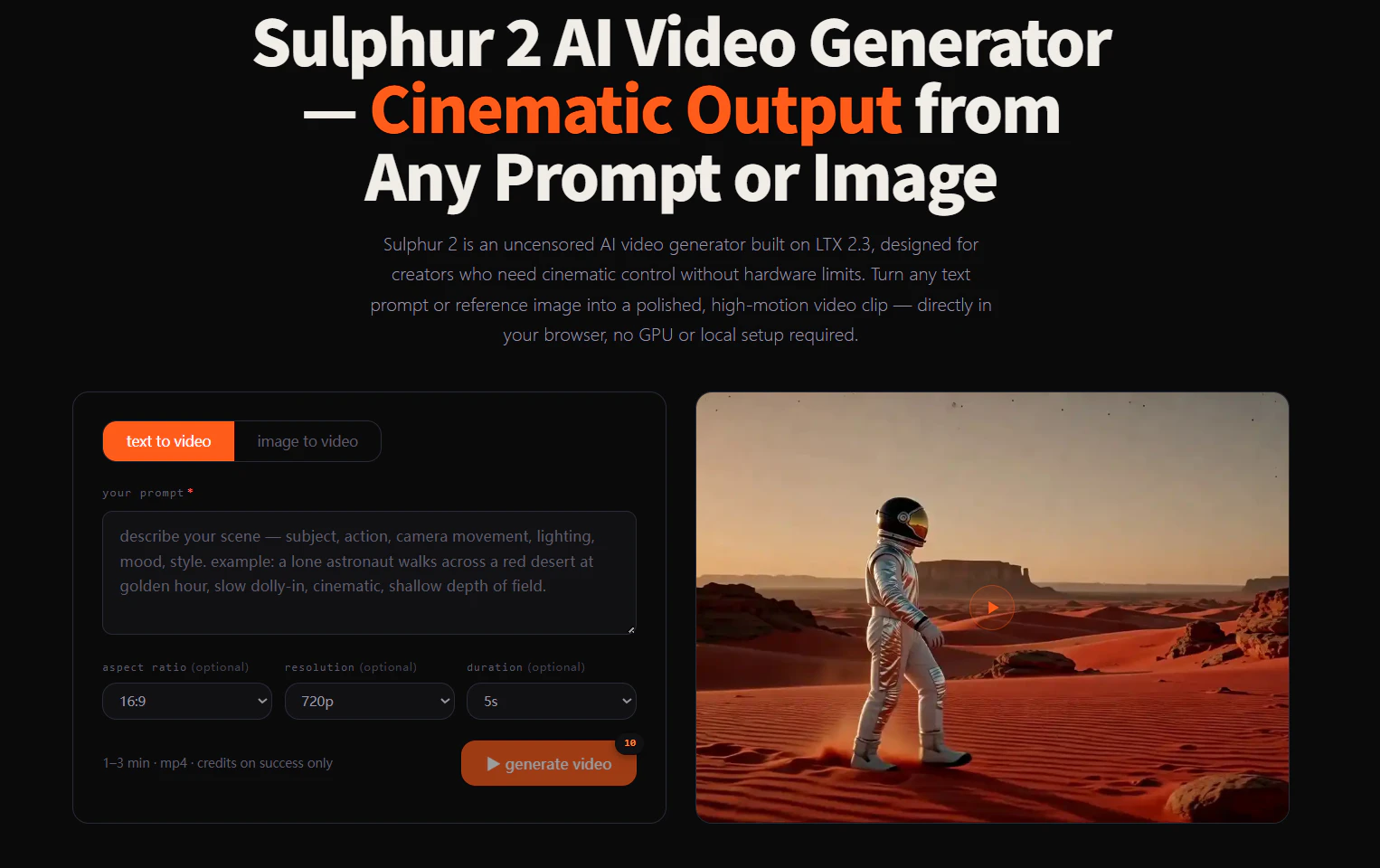
What Is Sulphur 2?
Sulphur 2 is an open-weights AI video model built on the LTX 2.3 architecture.
It supports several creative workflows, including:
- Text-to-Video
- Image-to-Video
- Reference image generation
- ComfyUI workflows
- Local deployment or browser-based generation
Rather than replacing my existing workflow, I use it as a flexible tool for quickly turning concepts into cinematic video clips. Sulphur 2 is a fine-tuned LTX 2.3 model that supports both text-to-video and image-to-video generation while remaining compatible with existing LTX workflows.
My Workflow
Step 1 — Create a Strong Reference Image
I always start with a single reference image.
Example prompt:
A luxury perfume bottle on a marble table,
cinematic lighting,
warm reflections,
high-end commercial photography,
ultra realistic
I don't worry about animation yet.
The goal is simply to create a composition that already feels like a frame from a commercial.
Step 2 — Generate the Video
Once the image is ready, I upload it to Sulphur 2 AI Video Generator.
Instead of rewriting the entire scene, I only describe the motion.
Example prompt:
Slow cinematic camera push in,
soft reflections moving across the glass,
subtle lighting transition,
premium commercial atmosphere,
smooth realistic motion
Keeping the motion prompt simple has produced much more consistent results in my tests.
Step 3 — Generate Multiple Variations
I never rely on the first generation.
Usually I create four or five versions and compare:
- Camera movement
- Motion realism
- Subject consistency
- Lighting
- Overall atmosphere
Even small prompt changes can produce surprisingly different results.
Step 4 — Finish the Edit
Once I choose my favorite version, I move into CapCut.
Normally I only add:
- Captions
- Background music
- Logo
- Simple transitions
Since the AI-generated footage already establishes the visual style, post-production becomes much faster.
Use Cases
This workflow has been useful for several types of projects.
Product Marketing
Creating concept videos before investing in a full commercial production.
YouTube Shorts
Turning a single reference image into a short cinematic clip.
Social Media Content
Producing videos for TikTok, Instagram Reels, and X.
Storyboarding
Testing camera movement and scene composition before building a complete sequence.
Creative Prototyping
Exploring multiple visual ideas without spending hours editing each version.
Why This Workflow Works
What has made the biggest difference isn't simply using another AI model.
It's having a repeatable creative process.
Starting with a strong reference image, using short motion-focused prompts, and comparing several generations before editing has significantly reduced the amount of time I spend regenerating videos.
Since Sulphur 2 is built on LTX 2.3 and remains compatible with its ecosystem, it fits naturally into both browser-based and local creative workflows. It also supports text-to-video, image-to-video, official ComfyUI workflows, and open-weight deployment.
Final Thoughts
I've realized that creating better AI videos isn't just about using a newer model.
A consistent workflow usually has a much bigger impact than constantly changing tools.
Starting with a reference image, focusing on motion prompts, and refining only the strongest generations has become one of the most reliable ways for me to create short cinematic videos.
If you're exploring AI video creation yourself, try building a simple workflow first and experiment with your own prompts. You may find that improving the process is more valuable than changing the model.