こちらのページを参考にしました。
How to install and configure Ruby on Rails
Ubuntu 23.10 にインストールしました。
Rails のインストール
sudo apt install rails
次のようなエラーメッセージが出ますが、Rails はインストールされています。
Selecting previously unselected package node-through2.
Preparing to unpack .../579-node-through2_4.0.2-2_all.deb ...
Unpacking node-through2 (4.0.2-2) ...
Selecting previously unselected package yarnpkg.
Preparing to unpack .../580-yarnpkg_1.22.19+~cs24.27.18-2_all.deb ...
Unpacking yarnpkg (1.22.19+~cs24.27.18-2) ...
Errors were encountered while processing:
 /tmp/apt-dpkg-install-sZ0Ygl/000-chromium-browser_1%3a85.0.4183.83-0ubuntu3_amd
64.deb
E: Sub-process /usr/bin/dpkg returned an error code (1)
インストールされたバージョンの確認
$ ruby --version
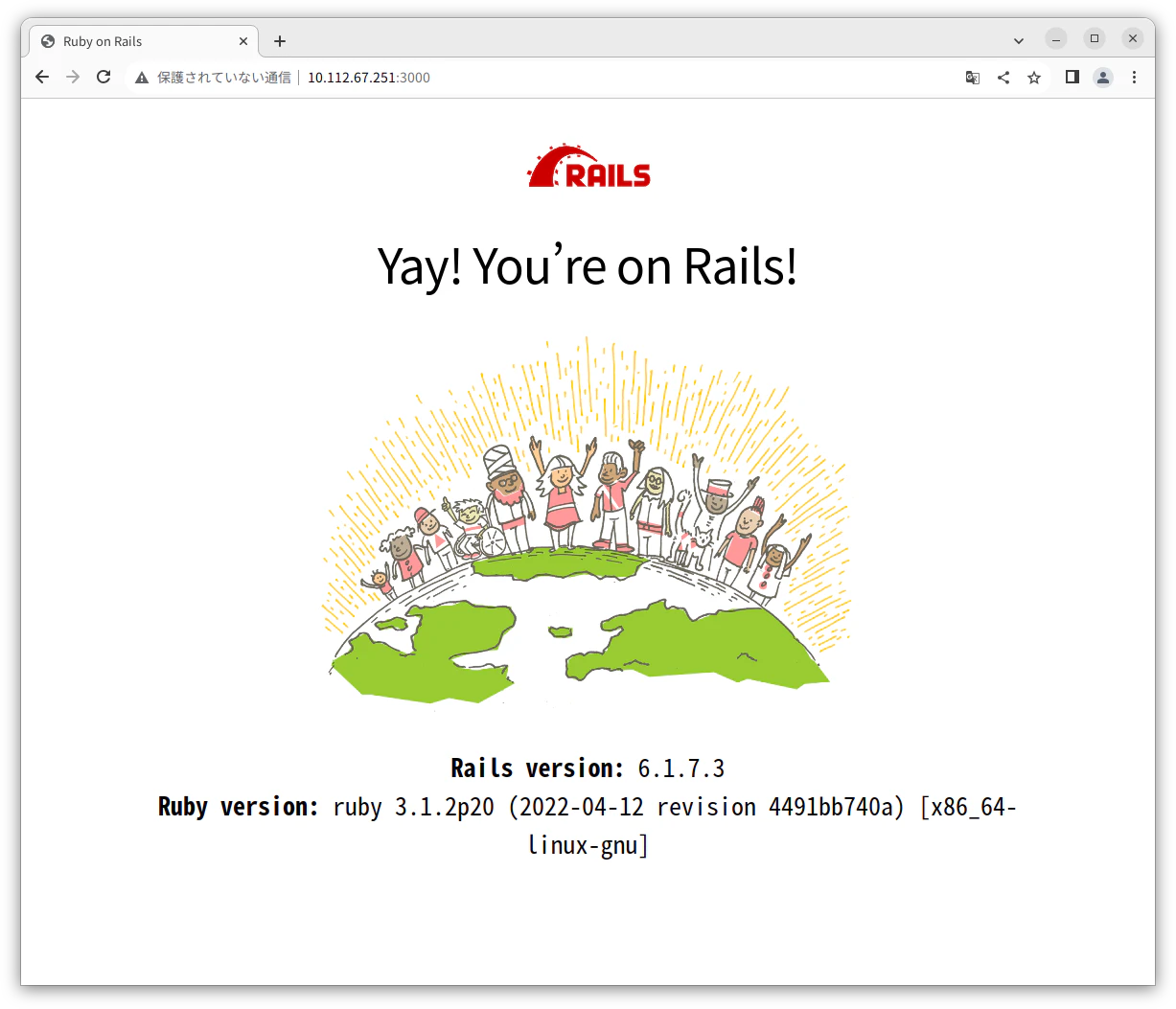
ruby 3.1.2p20 (2022-04-12 revision 4491bb740a) [x86_64-linux-gnu]

$ rails --version
Rails 6.1.7.3
プロジェクトの作成
rails new railsapp
実行結果
$ rails new railsapp
(省略)
rails aborted!
Errno::ENOENT: No such file or directory @ rb_sysopen - /usr/share/rubygems-integration/all/gems/webpacker-5.4.3/lib/install/../../package.json
/home/uchida/tmp/railsapp/bin/rails:5:in `<top (required)>'
/home/uchida/tmp/railsapp/bin/spring:10:in `require'
/home/uchida/tmp/railsapp/bin/spring:10:in `block in <top (required)>'
/home/uchida/tmp/railsapp/bin/spring:7:in `<top (required)>'
Tasks: TOP => app:template
(See full trace by running task with --trace)
エラーは出ていますが、プロジェクトは作成されました。
サーバーの起動
cd railsapp
rails s -b 0.0.0.0
$ rails s -b 0.0.0.0
=> Booting Puma
=> Rails 6.1.7.3 application starting in development
=> Run `bin/rails server --help` for more startup options
Puma starting in single mode...
* Puma version: 5.6.5 (ruby 3.1.2-p20) ("Birdie's Version")
*  Min threads: 5
*  Max threads: 5
*  Environment: development
*          PID: 10260
* Listening on http://0.0.0.0:3000
Use Ctrl-C to stop
ブラウザーでアクセス
コードの追加
rails g controller users index
コードを次のように変更
app/controllers/users_controller.rb
class UsersController < ApplicationController
  def index
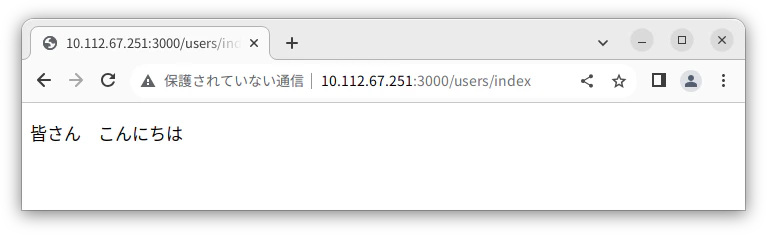
    render plain: '皆さん こんにちは'
  end
end
ブラウザーで http://IPアドレス:3000/users/index にアクセス