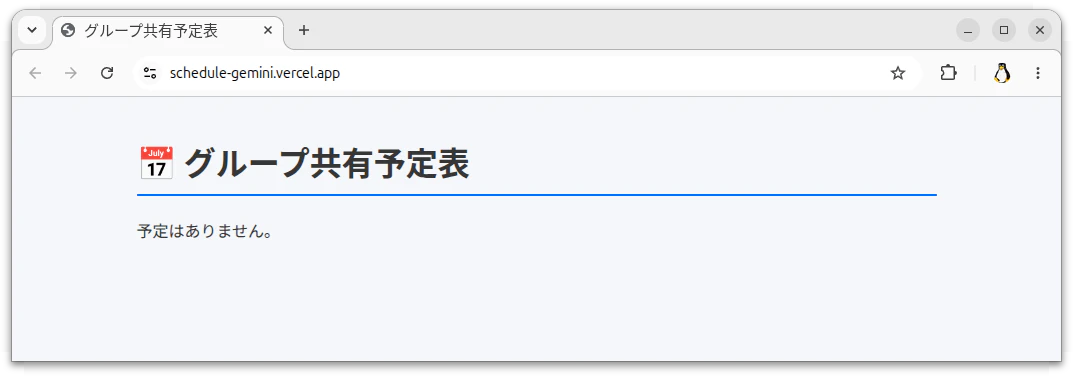
現時点で、AI がどれくらいプログラムを作れるか試してみました。
厳密には、私が AI を使いこなして、AI にプログラムを作らせることができるか
試してみました。
作成するプログラム
10人程のグループで、共有して使う予定表
表示項目は、日付、時間、場所、内容、備考
表示例
2026年8月1日 AM10:00 中央公民館 定例会
2026年8月10日 PM14:00 東公民館 リハーサル
2026年8月15日 AM10:00 文化会館 発表会 昼食を持参
2026年9月7日 AM10::00 中央公民館 定例会
2026年9月21日 AM10:00 西公民館 リハーサル
システム条件
- データは、Upstash の Redis に保存
- Vercel で、ホームページとして表示する
- データの更新は、Vercel に設置した Rest のプログラムで行う
- プログラムは、GitLab に保存する
前提条件
1. Vercel にデータベースは作成済。トークンも取得済。
2. Gitlab と Vercel のアカウントも取得済
欲しい出力
1. Gitlab にアップロードするデータ一式
2. Upstash にテストデータを投入するためのスクリプト
上記の情報でプログラムが作成できるか試します。
Claude の結果
- schedule-app.zip をダウンロードします
- 解凍後に、Gitlab に push します
- Vercel で Gitlab のデータを import します
- Deploy します
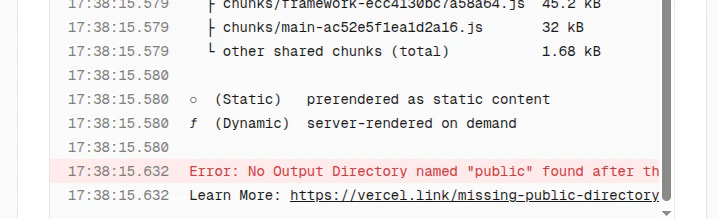
次のエラーが出ました。
Gemini の結果
- group-schedule-project.zip をダウンロードします
- 解凍後に、Gitlab に push します
- Vercel で Gitlab のデータを import します
- Deploy します
次のエラーが出ました。
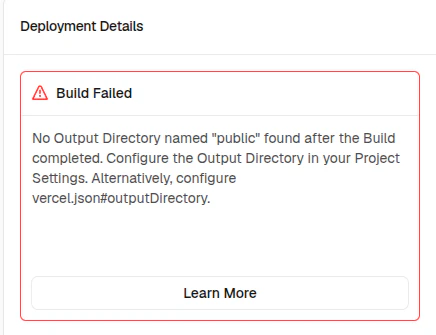
解決方法
Deploy 時に、Application Preset を Next.js にしておく必要があります。

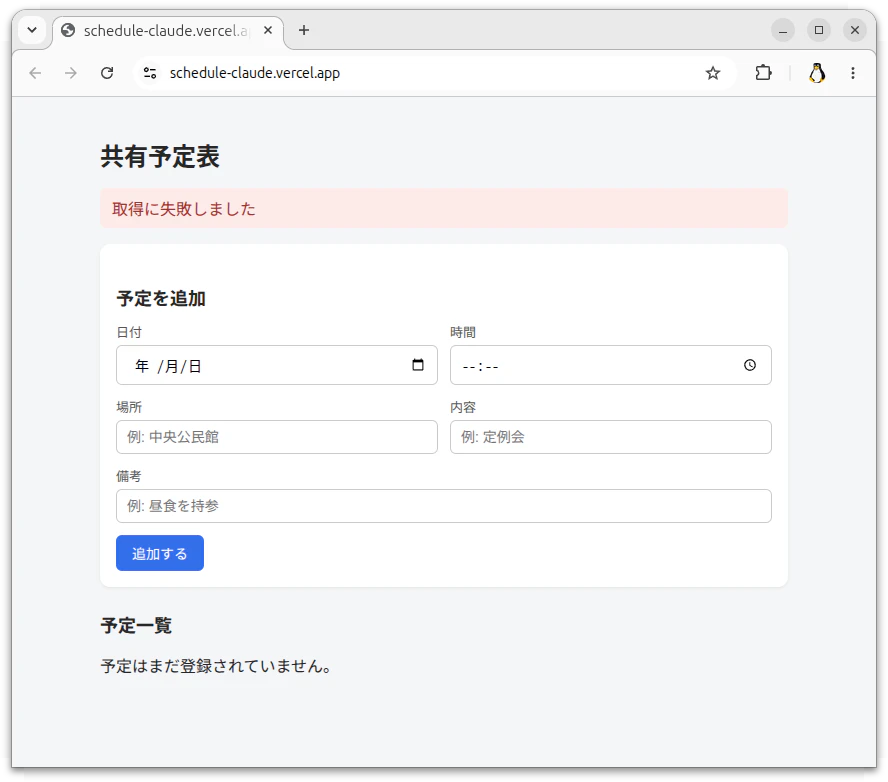
Upstash の URL とトークンを設定しない時の結果
Claude
Gemini