
ESP32 でループバックテストを行ってみました。
GPIO19 と GPIO23 を接続します。

プログラム
loop_back/loop_back.ino
// ---------------------------------------------------------------------
/*
	loop_back.ino

						Jun/25/2025
*/
// ---------------------------------------------------------------------
#include <SPI.h>

// SPIの設定
const int SPI_SCK = 18; // SCK (クロック) ピン
const int SPI_MISO = 19; // MISO (マスター入力、スレーブ出力) ピン
const int SPI_MOSI = 23; // MOSI (マスター出力、スレーブ入力) ピン
const int SPI_SS = 5; // SS (スレーブセレクト) ピン - ループバックテストでは通常使用しませんが、定義しておきます。

int count = 0;
// ---------------------------------------------------------------------
void setup() {
	Serial.begin(115200);
	while (!Serial); // シリアルポートが開くまで待機 (一部のボードで必要)
	Serial.println("SPI Loopback Test Start!");

	// SPIを初期化 (マスターモード)
	// SCK, MISO, MOSIのピンを指定
	SPI.begin(SPI_SCK, SPI_MISO, SPI_MOSI, SPI_SS);

	// SPI設定: クロック速度、データ順序、データモード
	// SPI.setClockDivider(SPI_CLOCK_DIV8); // クロック分周器 (例: 80MHz / 8 = 10MHz)
	SPI.setFrequency(1000000); // 1MHzに設定 (任意の周波数)
	SPI.setBitOrder(MSBFIRST); // 最上位ビットから送信
	SPI.setDataMode(SPI_MODE0); // データモード0 (CPOL=0, CPHA=0)

	Serial.println("SPI Initialized.");

	Serial.println("Please short MISO (GPIO19) and MOSI (GPIO23) pins!");
	delay(2000);
}

// ---------------------------------------------------------------------
void loop() {
	const byte dataToSend[] = {0x41, 0x42, 0x43, 0x44, 0x45};
	const int nnx = sizeof(dataToSend);
	const int nnt = nnx - 1;
	byte receivedData[nnx];
	bool testPassed = true;

	Serial.print("Sending: ");
	for (int i = 0; i < nnx; i++) {
		Serial.print("0x");
		Serial.print(dataToSend[i], HEX);
		if (i < nnt) Serial.print(", ");
	}
	Serial.println();

	for (int i = 0; i < nnx; i++) {
		receivedData[i] = SPI.transfer(dataToSend[i]);
	}

	Serial.print("Received: ");
	for (int i = 0; i < nnx; i++) {
		Serial.print("0x");
		Serial.print(receivedData[i], HEX);
		if (i < nnt) Serial.print(", ");
	}
	Serial.println();

	// 送信データと受信データを比較
	for (int i = 0; i < nnx; i++) {
		if (dataToSend[i] != receivedData[i]) {
			testPassed = false;
			break; // 一つでも異なるデータがあれば失敗
		}
	}

	if (testPassed) {
		Serial.println("Loopback Test PASSED!");
	} else {
		Serial.println("Loopback Test FAILED!");
	}

	Serial.print(count); // 区切り線
	Serial.println(" ---"); // 区切り線

	delay(3000);
	count++;
}

// ---------------------------------------------------------------------
実行結果
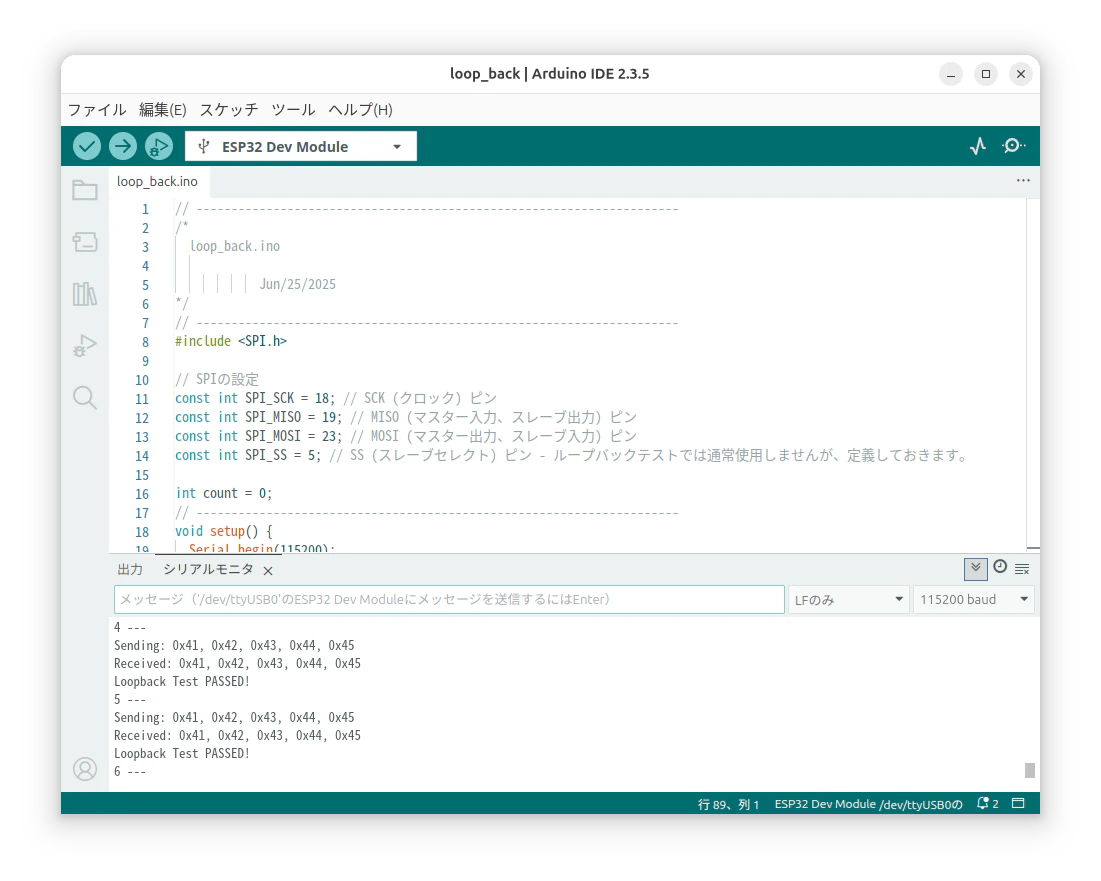
Sending: 0x41, 0x42, 0x43, 0x44, 0x45
Received: 0x41, 0x42, 0x43, 0x44, 0x45
Loopback Test PASSED!
15 ---
Sending: 0x41, 0x42, 0x43, 0x44, 0x45
Received: 0x41, 0x42, 0x43, 0x44, 0x45
Loopback Test PASSED!
16 ---