
初めに
Linuxカーネルは、後から自分で機能を追加できます。
ドライバ等がその例です。
最小限の実装
先ずはカーネルモジュールの開発方法にのみ焦点を絞るため、ログを書き出す最も簡単なコードを書きます。
Makefile.
obj-m += hello.o

all:
	make -C /lib/modules/$(shell uname -r)/build M=$(PWD) modules

clean:
	make -C /lib/modules/$(shell uname -r)/build M=$(PWD) clean
hello.c
#include <linux/module.h>   // モジュール用マクロ
#include <linux/kernel.h>   // KERN_INFOなど
#include <linux/init.h>     // __init, __exitマクロ

// モジュール読み込み時に呼ばれる関数
static int __init hello_init(void)
{
    printk(KERN_INFO "Hello, Kernel World!\n");
    return 0; // 0を返すと成功
}

// モジュールが削除されたときに呼ばれる関数
static void __exit hello_exit(void)
{
    printk(KERN_INFO "Goodbye, Kernel World!\n");
}

// マクロで登録
module_init(hello_init);
module_exit(hello_exit);

// モジュール情報
MODULE_LICENSE("GPL");
MODULE_AUTHOR("Your Name");
MODULE_DESCRIPTION("A simple Hello World Kernel Module");
コンパイル及び実行
make                 # カーネルモジュールをビルド(hello.ko が生成される)
sudo insmod hello.ko # モジュールをカーネルに挿入する
sudo rmmod hello     # モジュールをカーネルから削除する
sudo dmesg | tail -n 2  # カーネルログの末尾を表示(Hello/Goodbyeメッセージを確認)
modinfo hello.ko    # モジュールの情報を表示(LICENSE, AUTHOR, DESCRIPTIONなどを確認)
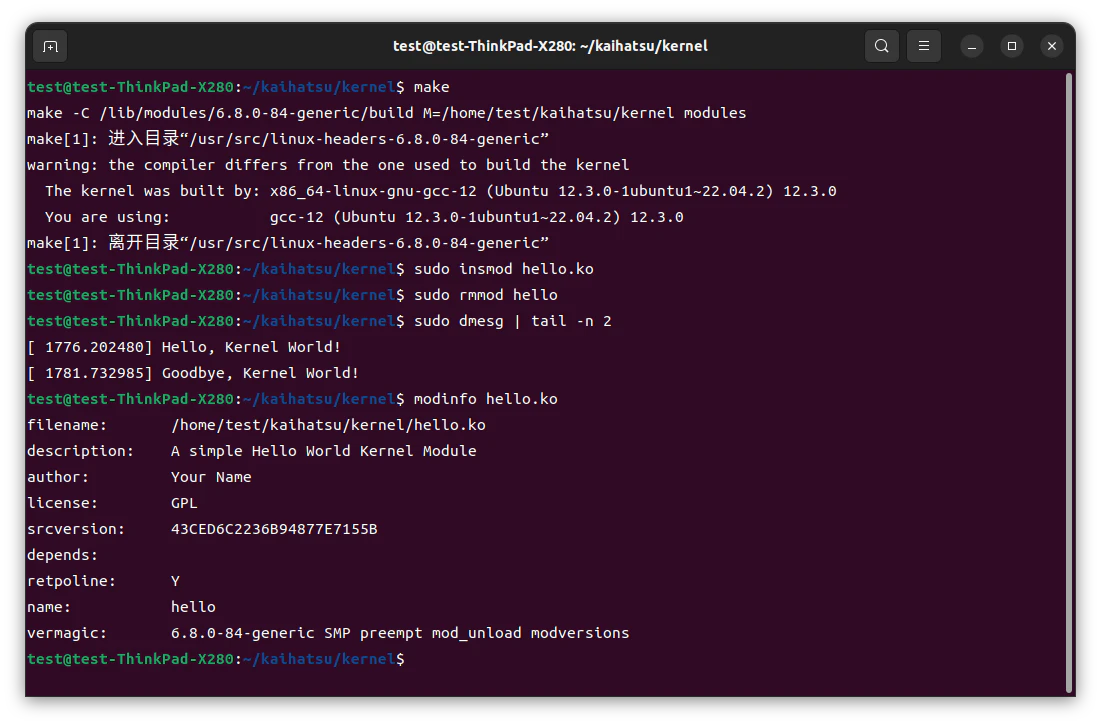
test@test-ThinkPad-X280:~/kaihatsu/kernel$ make
make -C /lib/modules/6.8.0-84-generic/build M=/home/test/kaihatsu/kernel modules
make[1]: 进入目录“/usr/src/linux-headers-6.8.0-84-generic”
warning: the compiler differs from the one used to build the kernel
  The kernel was built by: x86_64-linux-gnu-gcc-12 (Ubuntu 12.3.0-1ubuntu1~22.04.2) 12.3.0
  You are using:           gcc-12 (Ubuntu 12.3.0-1ubuntu1~22.04.2) 12.3.0
make[1]: 离开目录“/usr/src/linux-headers-6.8.0-84-generic”
test@test-ThinkPad-X280:~/kaihatsu/kernel$ sudo insmod hello.ko
test@test-ThinkPad-X280:~/kaihatsu/kernel$ sudo rmmod hello
test@test-ThinkPad-X280:~/kaihatsu/kernel$ sudo dmesg | tail -n 2
[ 1776.202480] Hello, Kernel World!
[ 1781.732985] Goodbye, Kernel World!
test@test-ThinkPad-X280:~/kaihatsu/kernel$ modinfo hello.ko
filename:       /home/test/kaihatsu/kernel/hello.ko
description:    A simple Hello World Kernel Module
author:         Your Name
license:        GPL
srcversion:     43CED6C2236B94877E7155B
depends:
retpoline:      Y
name:           hello
vermagic:       6.8.0-84-generic SMP preempt mod_unload modversions
test@test-ThinkPad-X280:~/kaihatsu/kernel$
動作環境(Linux / x86_64 版)
OS: Ubuntu 22.04.5 LTS (Jammy Jellyfish)
Kernel: Linux 6.8.0-84-generic
CPU: Intel Core i5-8250U, 4 cores, 8 threads, Little Endian
GCC: 12.3.0
Architecture: x86_64