
getElementById使い方
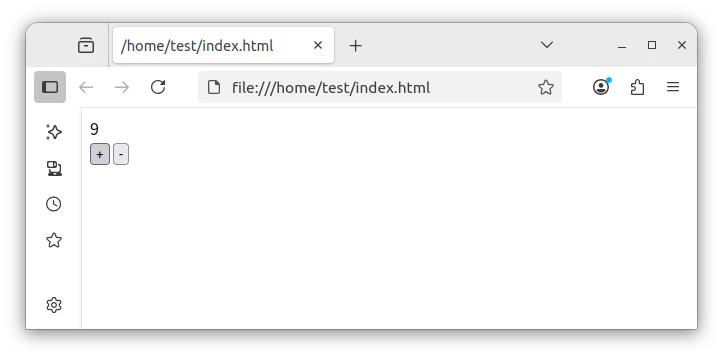
index.htm
<!DOCTYPE html>
<html>
<body>
<div id="count">0</div>
<button onclick="inc()">+</button>
<button onclick="dec()">-</button>

<script>
let count = 0;
const countElement = document.getElementById('count');

function inc(){
count++;
countElement.textContent = count;
}

function dec(){
if(count>0)
count--;
countElement.textContent = count;
}

</script>
</body>
</html>
select使い方
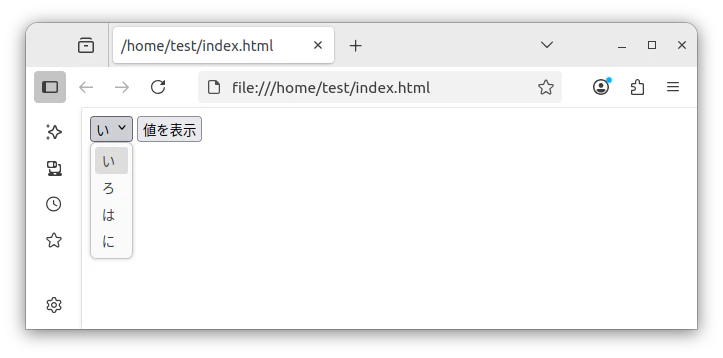
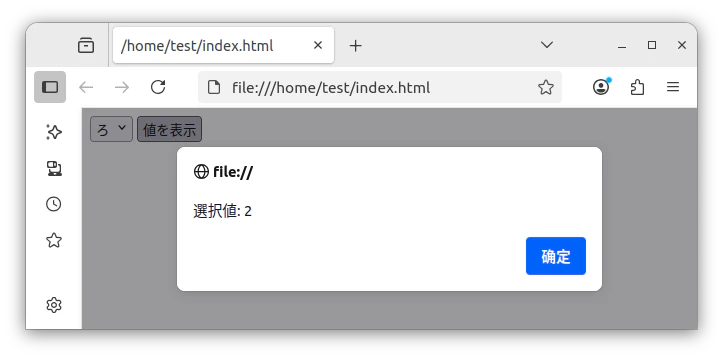
index.htm
<!DOCTYPE html>
<html>
<body>

<select id="comboBox">
<option value="1">い</option>
<option value="2">ろ</option>
<option value="3">は</option>
<option value="4">に</option>
</select>
<button onClick="showValue()">値を表示</button>

<script>
function showValue(){
const comboBox = document.getElementById('comboBox');
const selectedValue = comboBox.value;
alert("選択値: " + selectedValue);
}
</script>
</body>
</html>
innerHTML使い方
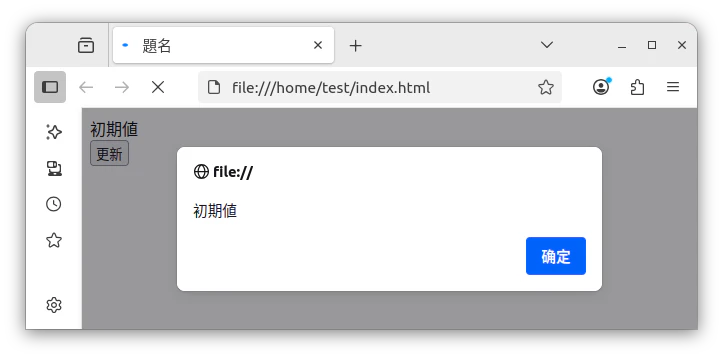
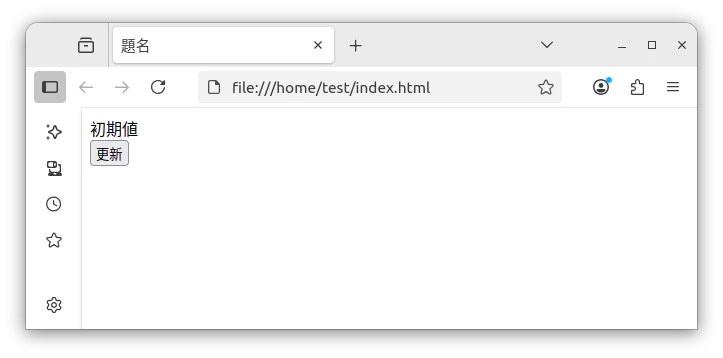
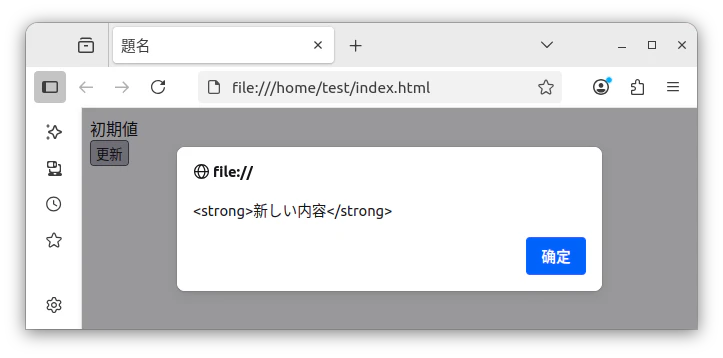
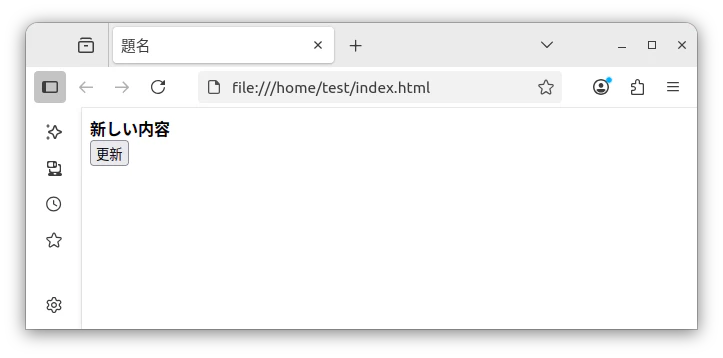
index.htm
<!DOCTYPE html>
<html>
<head>
<meta charset="UTF-8">
<title>題名</title>
</head>
<body>

<div id="demo">初期値</div>
<button onclick="updateContent()">更新</button>

<script>
alert(document.getElementById("demo").innerHTML);

function updateContent() {
document.getElementById("demo").innerHTML = "<strong>新しい内容</strong>";
alert(document.getElementById("demo").innerHTML);
}

</script>
</body>
</html>
非同期
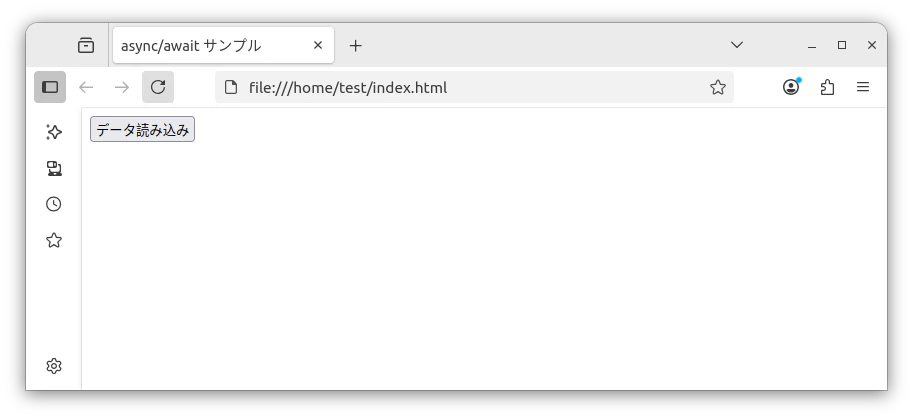
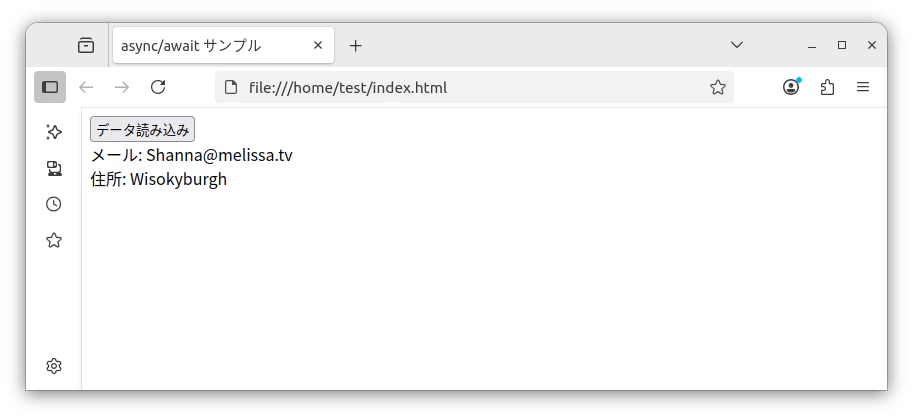
index.htm
<!DOCTYPE html>
<html>
<head>
<meta charset="UTF-8">
<title>async/await サンプル</title>
</head>
<body>
<button id="loadBtn">データ読み込み</button>
<div id="output"></div>

<script>
document.getElementById('loadBtn').addEventListener('click', async () => {
try {
const data = await fetchData();
document.getElementById('output').innerHTML =
`メール: ${data.email}<br>住所: ${data.address.city}`;
} catch (error) {
console.error('処理エラー:', error);
}
});

// 非同期関数定義
async function fetchData() {
const response = await fetch('https://jsonplaceholder.typicode.com/users/2');

// ステータスチェック
if (!response.ok) {
throw new Error(`HTTPエラー! ステータス: ${response.status}`);
}

return response.json();
}
</script>
</body>
</html>