
「3 年で飽きるアドベントカレンダー」、7 日目の記事。先日に引き続き趣味に拠るアプリです。
完成図
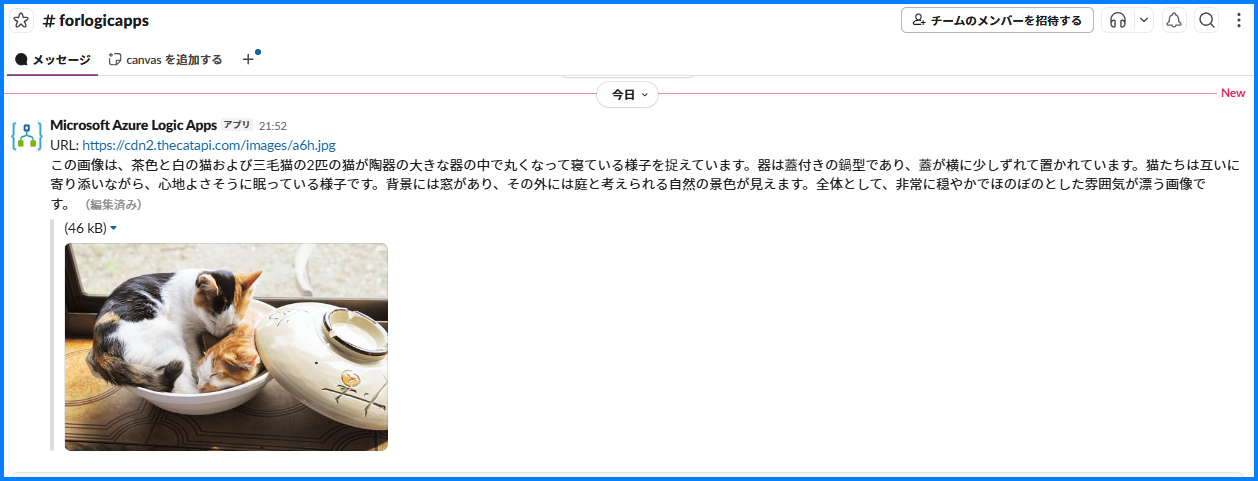
このワークフローを Azure Logic Apps で簡単に作ろうというものです。
材料
API: The Cat API - Cat as a Service
無料で使える (癒やされたいだけの) 公開APIリスト: ねこ、いぬ、キツネ、柴犬、ジブリ #jQuery - Qiita
Logic Apps コネクタ
Slack - Connectors | Microsoft Learn
Azure OpenAI - Connectors | Microsoft Learn を使います。
「チャット_メッセージの完了を作成する」アクションを用います。
コード
Logic Apps コードは以下。
{
    "definition": {
        "$schema": "https://schema.management.azure.com/providers/Microsoft.Logic/schemas/2016-06-01/workflowdefinition.json#",
        "contentVersion": "1.0.0.0",
        "triggers": {
            "When_a_HTTP_request_is_received": {
                "type": "Request",
                "kind": "Http",
                "inputs": {
                    "schema": {
                        "test": "param"
                    }
                }
            }
        },
        "actions": {
            "チャット_メッセージの完了を作成する": {
                "runAfter": {
                    "HTTP": [
                        "Succeeded"
                    ]
                },
                "type": "ApiConnection",
                "inputs": {
                    "host": {
                        "connection": {
                            "name": "@parameters('$connections')['azureopenai']['connectionId']"
                        }
                    },
                    "method": "post",
                    "body": {
                        "messages": [
                            {
                                "role": "user",
                                "content": [
                                    {
                                        "type": "text",
                                        "text": "あなたは猫です。この画像について説明してください。語尾はニャーに統一してください"
                                    },
                                    {
                                        "type": "image_url",
                                        "image_url": {
                                            "url": "@body('HTTP')[0]['url']"
                                        }
                                    }
                                ]
                            }
                        ],
                        "temperature": 1,
                        "top_p": 1,
                        "stream": false,
                        "stop": null,
                        "max_tokens": 4096,
                        "presence_penalty": 0,
                        "frequency_penalty": 0,
                        "n": 1,
                        "seed": 0,
                        "logprobs": false,
                        "response_format": {
                            "type": "text"
                        }
                    },
                    "path": "/2024-02-15-preview/deployments/@{encodeURIComponent('noydeploy')}/chat/completions",
                    "queries": {
                        "api-version": "2024-12-01-preview"
                    }
                }
            },
            "HTTP": {
                "runAfter": {},
                "type": "Http",
                "inputs": {
                    "uri": "https://api.thecatapi.com/v1/images/search",
                    "method": "GET"
                },
                "runtimeConfiguration": {
                    "contentTransfer": {
                        "transferMode": "Chunked"
                    }
                }
            },
            "メッセージの投稿_(V2)": {
                "runAfter": {
                    "チャット_メッセージの完了を作成する": [
                        "Succeeded"
                    ]
                },
                "type": "ApiConnection",
                "inputs": {
                    "host": {
                        "connection": {
                            "name": "@parameters('$connections')['slack']['connectionId']"
                        }
                    },
                    "method": "post",
                    "body": {
                        "channel": "C053D6QKW5Q",
                        "text": "URL: @{body('HTTP')[0]['url']}\n@{body('チャット_メッセージの完了を作成する')['choices'][0]['message']?['content']} "
                    },
                    "path": "/v2/chat.postMessage"
                }
            }
        },
    },
(後略)

}
ポイント
"image_url" にて URL を渡すと、画像を確認してくれます。
ビジョン対応チャット モデルを使用する方法 - Azure OpenAI in Microsoft Foundry Models | Microsoft Learn
次に示すコマンドは、ビジョン対応チャット モデルをコードで使用する最も基本的な方法です。 これらのモデルをプログラムで初めて使用する場合は、画像を含むチャットのクイックスタートから始めることをお勧めします。
"messages": [
     {
         "role": "user",
         "content": [
                 {
                    "type": "text",
                    "text": "この画像について説明してください"
                 },
                 {
                    "type": "image_url",
                    "image_url": {
                        "url": "@body('HTTP')[0]['url']"
                     }
                 }
               ]
できたニャー
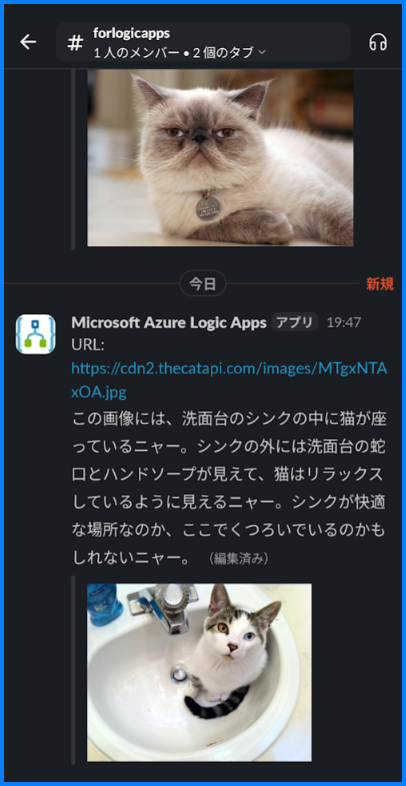
くつろいでいるのかもしれないニャー
良いですね。以上ニャー