1
1

Delete article

Deleted articles cannot be recovered.

Draft of this article would be also deleted.

Are you sure you want to delete this article?

NetDataのダウンロードしてみた

Posted at

NetData を Ubuntu Server にインストールして監視ダッシュボードを確認する

NetData は、Linux/Windows/macOS/コンテナ/IoT まで対応したリアルタイム監視ツールです。
CPU・メモリ・ディスク I/O・ネットワーク・アプリケーションなど、数千項目を1秒未満の粒度でグラフ化できます。

前提条件

  • Ubuntu Server が稼働していること
  • sudo 権限を持っていること
  • サーバーのIPアドレスを把握していること(後でブラウザからアクセスするため)

NetDataのダウンロード

wget -O /tmp/netdata-kickstart.sh https://get.netdata.cloud/kickstart.sh
sudo bash /tmp/netdata-kickstart.sh
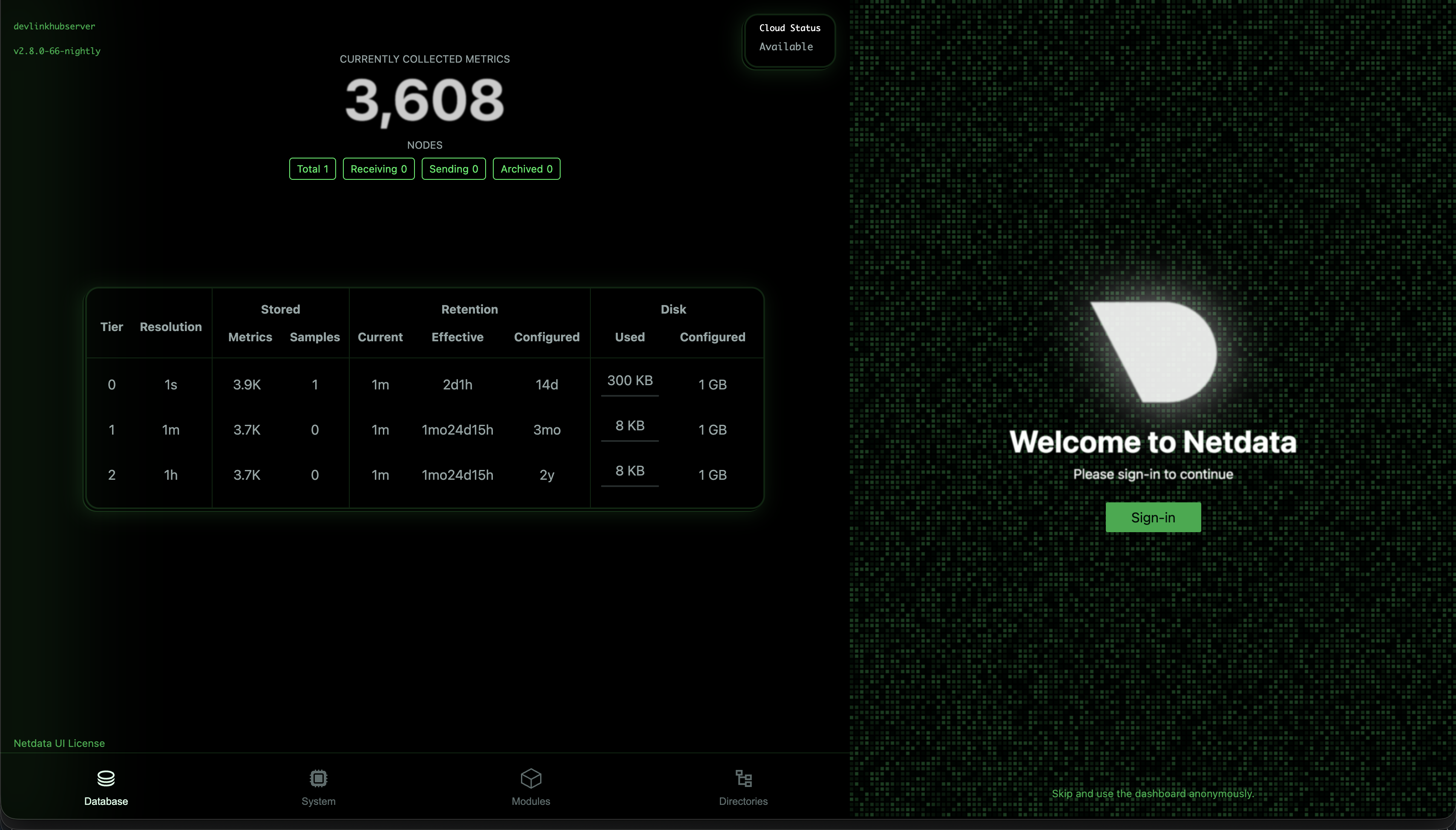
image.png

ログインして上に出てきたコマンドをubuntu server上で動かしてプライベートキーを取得しましょう。
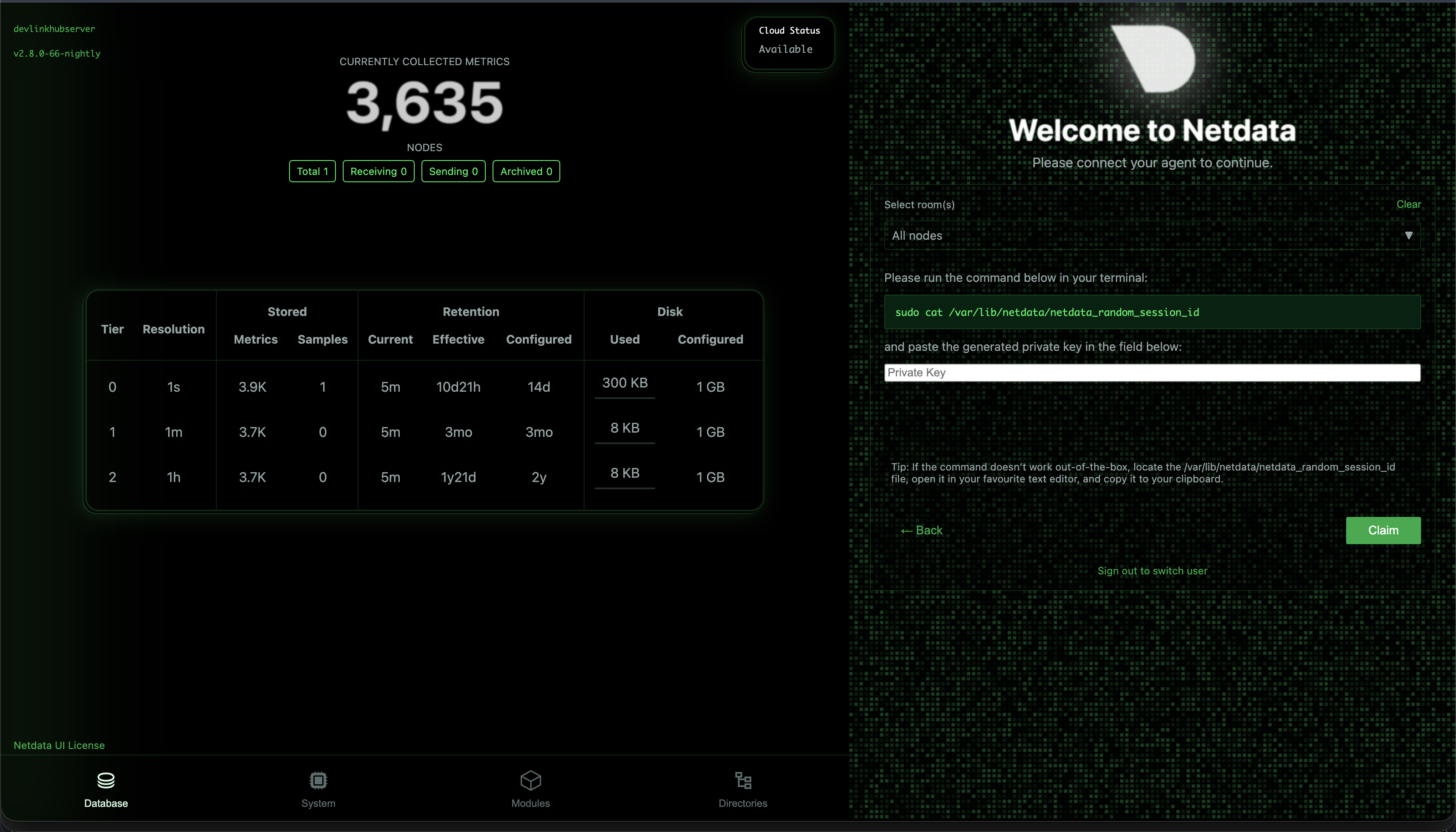
image.png

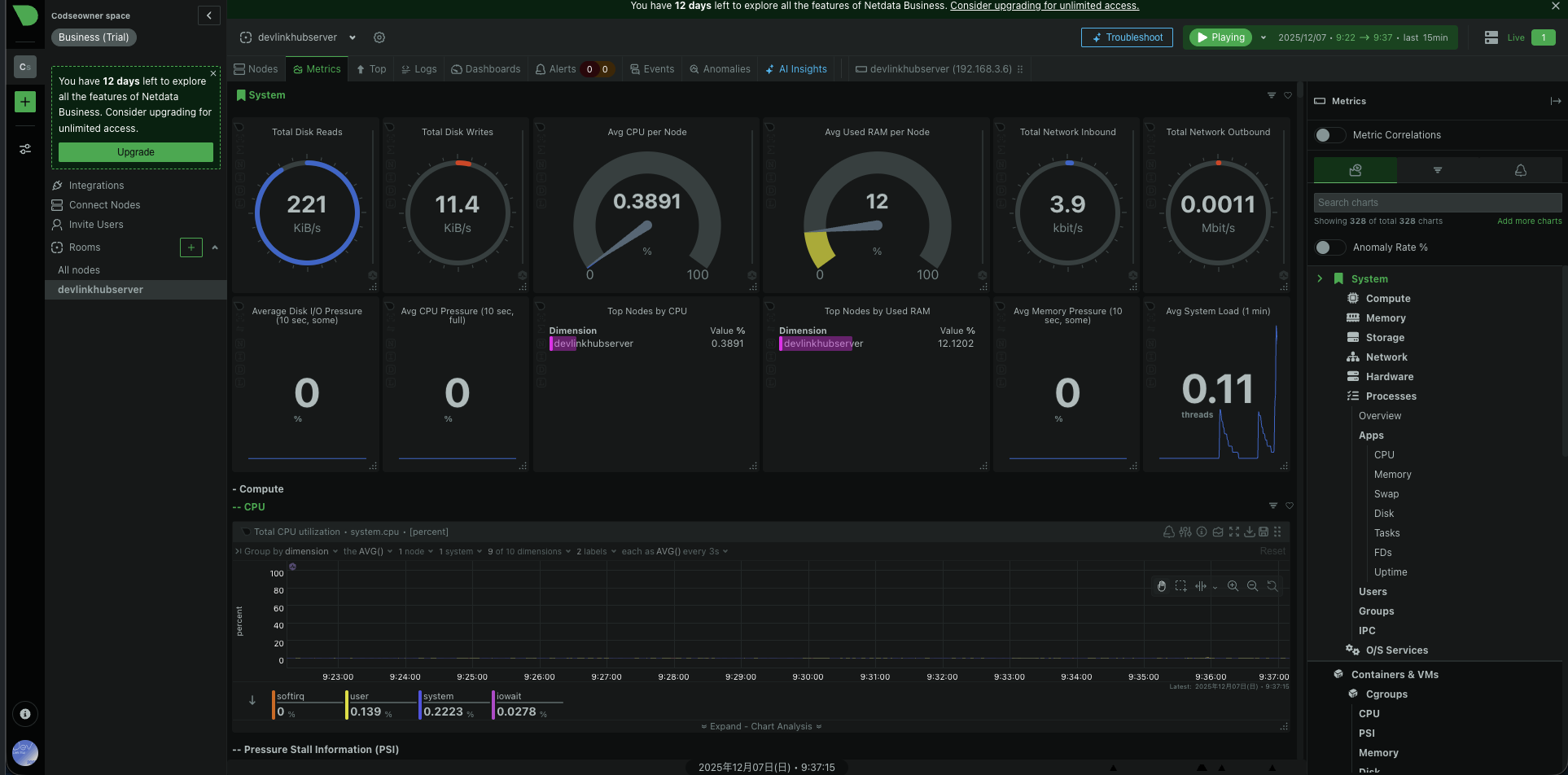
そのようにやっていくとこのような画面になると思います。
image.png

まとめ

試しに入れてみましたがやはり自分みたいな初心者はdesktopを入れようと思いました。

1
1
0

Register as a new user and use Qiita more conveniently

  1. You get articles that match your needs
  2. You can efficiently read back useful information
  3. You can use dark theme
What you can do with signing up
1
1

Delete article

Deleted articles cannot be recovered.

Draft of this article would be also deleted.

Are you sure you want to delete this article?