
Wordpressで
テーマ⇒SWLL
プラグイン⇒XML Sitemap & Google News
を使おうとしたら下記のエラーが出たことがある。
This page contains the following errors:

error on line 13 at column 70: Entity ‘raquo’ not defined

Below is a rendering of the page up to the first error.
このエラーに悩んでいる人もいるかもしれないので、直し方を解説していきたい。
SWELLの設定を見直せば万事解決
SWELLは、デフォルトの設定でXMLサイトマップの機能を使わないようになっているらしい。
だから、まずは、以下の手順で設定を変更してほしい。
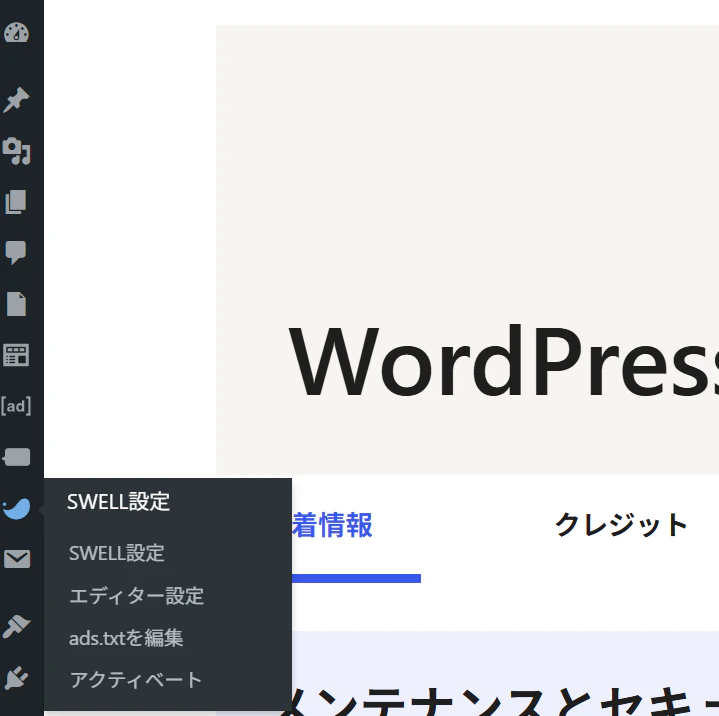
①SWELLの設定ページへ
SWELL設定をクリックして②へ
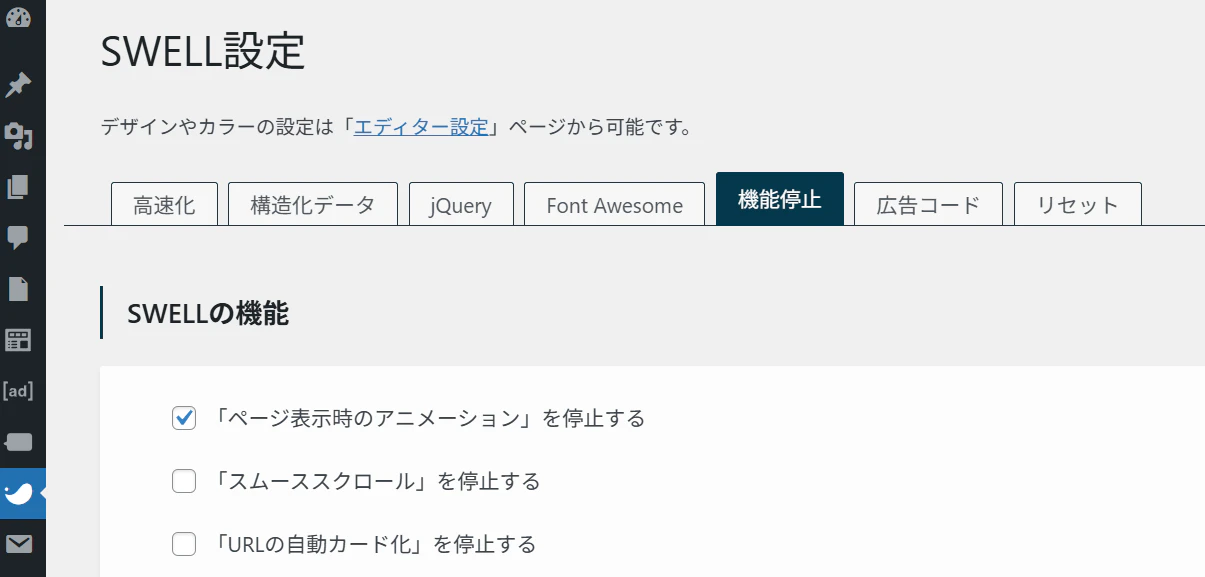
②機能設定へ
タブの機能設定を押して③へ
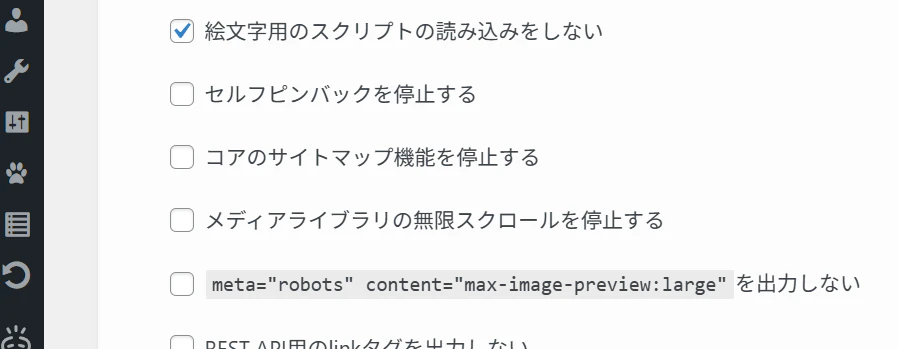
③「コアのサイトマップ機能を停止する」のチェックを外す。
「コアのサイトマップ機能を停止する」のチェックを外したら、④へ
④変更を保存する
下の方にある「変更を保存」ボタンを押せば、完了!

SWELLの設定を変更した後は確認しよう
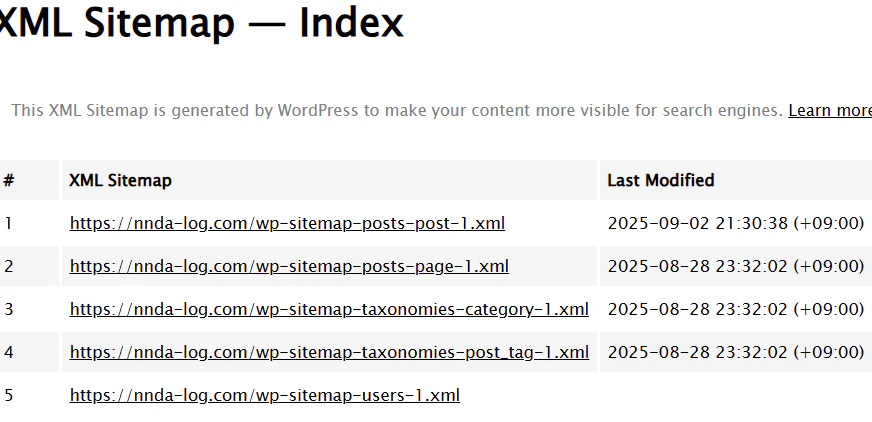
SWELLの設定を変更した後は、XMLサイトマップのエラーが消えているか確認しよう
下記のどちらでもOK
https://サイトのドメイン/sitemap.xml
https://サイトのドメイン/wp-sitemap.xml
これで、エラーが解消されているなら、下のような表が現れるはず。
さらに万全を期すには
さらに万全を期すには、下記2ステップすればいいと思う。
①XML Sitemap Validatorで確認
②Google Search Consoleに登録
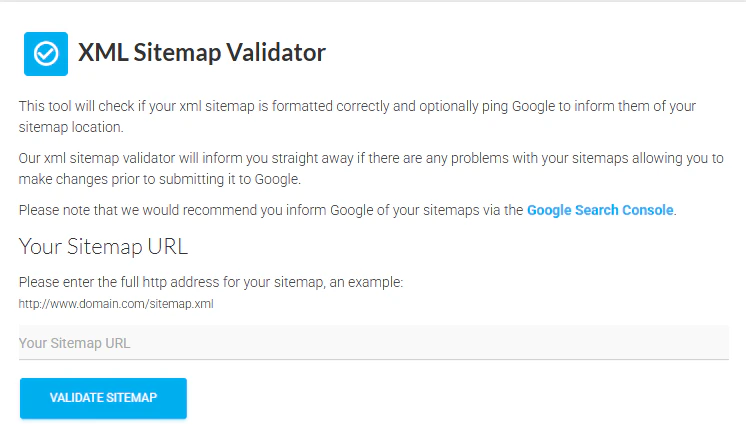
①XML Sitemap Validatorで確認
Your Sitemap URLにサイトマップのURLを入れてボタンを押せば問題ないか確認できる。
②Google Search Consoleに登録
おそらく、SWELLを使っている人は、SEOのプラグインに「SEO SIMPLE PACK」を使っていると思う。
だから、Google Search Consoleに登録するには、header.phpに直接、メタタグを差し込む必要がある。
下記サイトを参考にしてほしい。
以上