
前置き
以前 AI の力を借りて、Windows 上の Fortran から Win64 API を通して、Bluetooth Printer に出力するプログラムを作りました。
最近の AI の力を借りてこれを改定し、よりシンプルなものにしました。
具体的には、DLL を呼ぶのではなく Link 時にライブラリを指定したこと、誤って Win32 の仕様に従っていた構造体を修正したこと、エラー処理を加えたことなどが、主たる修正点です。
プログラム
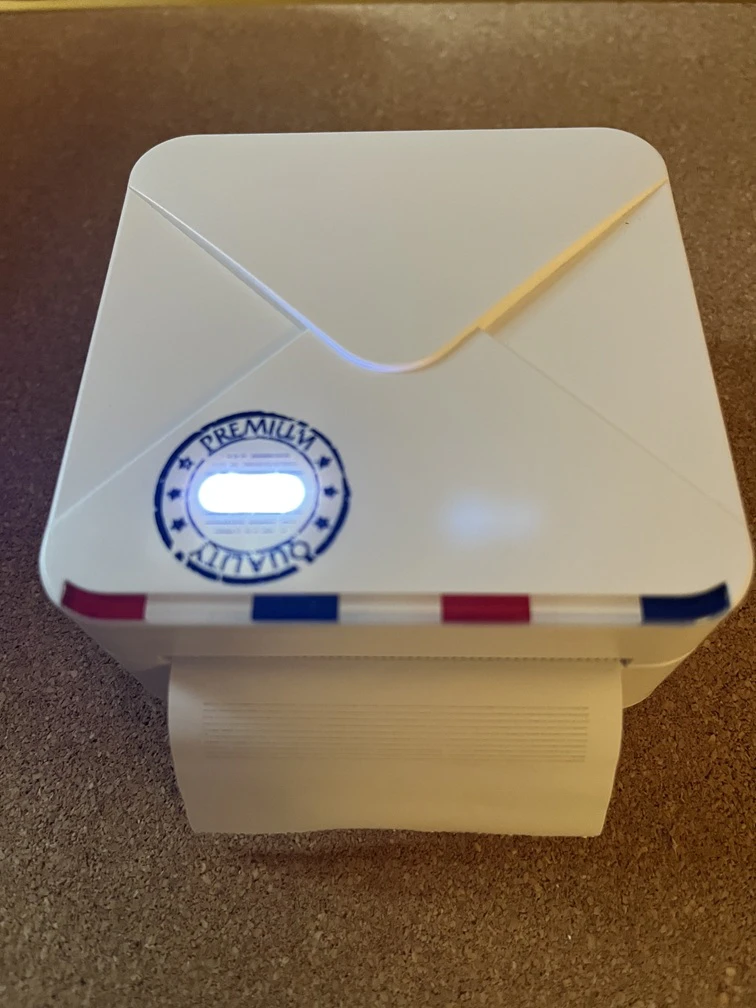
プログラムは、以前のものとおなじく Phomemo M02S プリンタに直線を何本か引かせるというものです。
AI に書かせたものを元に、プリンタ接続時のエラー処理を、Block 構造からの exit で行うというように手で改変しました。
なお、コンパイル時にはライブラリとして ws2_32.lib を付け加える必要があります。
M02S プリンター固有のアドレス mac = z'00158354A27F' は、それぞれの機器に合わせて変える必要があります。
実行結果
コンパイル時にウォーニングが出ますが、これは Windows 派生型のバイト配置定義が 8 byte 区切りになっていないために生じるもので、むしろここでの正しさの証になっています。
C:>ifx M02S.f90 /link ws2_32.lib
Intel(R) Fortran Compiler for applications running on Intel(R) 64, Version 2025.3.2 Build 20260112
Copyright (C) 1985-2026 Intel Corporation. All rights reserved.

M02S.f90(11): warning #6379: The structure contains one or more misaligned fields.   [SOCKADDR_BTH]
    type, bind(C) :: SOCKADDR_BTH
---------------------^
Microsoft (R) Incremental Linker Version 14.50.35728.0
Copyright (C) Microsoft Corporation.  All rights reserved.

-out:M02S.exe
-subsystem:console
ws2_32.lib
M02S.obj

C:>M02S
 Connected.
 Battery:          88 %
 End.
プログラム
program bt_m02s_minimal
    use, intrinsic :: iso_c_binding
    implicit none

    ! --- Windows API 定数 ---
    integer, parameter :: AF_BTH = 32, SOCK_STREAM = 1, BTHPROTO_RFCOMM = 3
    integer(c_int16_t), parameter :: WINSOCK_VERSION = z'0202'

    ! --- 構造体定義 ---
    !DIR$ OPTIONS /ALIGN=(RECORDS=PACKED)
    type, bind(C) :: SOCKADDR_BTH
        integer(c_int16_t) :: family = AF_BTH
        integer(c_int64_t) :: addr
        integer(c_int32_t) :: guid(4)
        integer(c_int32_t) :: port = 0 ! port=0 auto ;  M02S/M04S/M834: port=1, Poooli L3: port=6
    end type SOCKADDR_BTH
    !DIR$ end OPTIONS

    type, bind(C) :: WSADATA ! for Win64 (Winsock2)
        integer(c_int16_t) :: wVersion
        integer(c_int16_t) :: wHighVersion
        integer(c_int16_t) :: iMaxSockets
        integer(c_int16_t) :: iMaxUdpDg
        type(c_ptr)        :: lpVendorInfo
        character(c_char)  :: szDescription(257)
        character(c_char)  :: szSystemStatus(129)
    end type WSADATA

    ! --- API インターフェース ---
    interface
        function WSAStartup(v, d) bind(C, name='WSAStartup')
            import
            integer(c_int) :: WSAStartup
            integer(c_int16_t), value :: v
            type(c_ptr), value :: d
        end function WSAStartup

        function WSACleanup() bind(C, name='WSACleanup')
            import
            integer(c_int) :: WSACleanup
        end function WSACleanup

        function socket(af, t, p) bind(C, name='socket')
            import
            integer(c_intptr_t) :: socket
            integer(c_int), value :: af, t, p
        end function socket

        function connect(s, a, l) bind(C, name='connect')
            import
            integer(c_int) :: connect
            integer(c_intptr_t), value :: s
            type(c_ptr), value :: a
            integer(c_int), value :: l
        end function connect

        function send(s, b, l, f) bind(C, name='send')
            import
            integer(c_int) :: send
            integer(c_intptr_t), value :: s
            character(c_char) :: b(*)
            integer(c_int), value :: l, f
        end function send

        function recv(s, b, l, f) bind(C, name='recv')
            import
            integer(c_int) :: recv
            integer(c_intptr_t), value :: s
            character(c_char) :: b(*)
            integer(c_int), value :: l, f
        end function recv

        function closesocket(s) bind(C, name='closesocket')
            import
            integer(c_int) :: closesocket
            integer(c_intptr_t), value :: s
        end function closesocket
    end interface

    ! --- 変数宣言 ---
    type(WSADATA), target      :: wsa
    type(SOCKADDR_BTH), target :: sab
    integer(c_intptr_t)        :: s
    integer(c_int)             :: res
    integer(c_int64_t)         :: mac = z'00158354A27F'
    integer(c_int16_t)         :: kw = 72, ih = 100
    character(c_char)          :: rb(10)
    character(1), parameter    :: ESC=achar(27), GS=achar(29), US=achar(31)
    integer :: i

    ! --- 実行 ---
    if (WSAStartup(WINSOCK_VERSION, c_loc(wsa)) /= 0) stop "WSA Error"

sock:block
        s = socket(AF_BTH, SOCK_STREAM, BTHPROTO_RFCOMM)
        if (s == -1_c_intptr_t) then
            print *, "socket failed"
            exit sock
        end if
        sab%addr = mac
        sab%guid = [z'00001101', z'10000000', z'80000080', z'FB349B5F']

        res = connect(s, c_loc(sab), int(c_sizeof(sab), c_int)) ! size 30 bytes
        if (res == 0) then
            print *, "Connected."
        else
            print *, "Connect Failed."
            exit sock
        end if


        res = send(s, ESC//'@', 2, 0)
        res = send(s, GS//'v0'//achar(0)//transfer(kw, "  ")//transfer(ih, "  "), 8, 0)

        do i = 1, ih
            if (mod(i, 10) == 0) then
                res = send(s, repeat(achar(255), 72), 72, 0)
            else
                res = send(s, repeat(achar(0), 72), 72, 0)
            end if
        end do

        res = send(s, US//achar(17)//achar(8), 3, 0) ! block till print ends
        res = recv(s, rb, 10, 0)
        if (res >= 3) print *, "Battery:", iachar(rb(3:3)), "%"

        res = closesocket(s)
    end block sock

    res = WSACleanup()
    print *, "End."
end program bt_m02s_minimal
まとめ
前回 2024年の夏に AI に Fortran から Bluetooth を利用するプログラムを書かせた時よりも AI の Fortran プログラミング能力が向上しているようでした。その一方で、よく Win64 API の要件を調べもせずに、一般論に基づいてダメ出しをしてくるので、API 定義のソースを引用しながらダメ出しするように指示しないといけない場面がありました。
今回は以前に動くものを作っていたので、物言いがおかしいことに気づきましたが、丸投げスタイルではすっかり騙されたと思います。
いずれにせよ、Fortran から利用が難しいと思われていた API なども、相当に利用のハードルが下がったと思われます。