
はじめに
Google Colaboratoryで生成AIを試してみたいな~とふと思ったので、Googleが提供しているGoogle Gemini APIを試してみます。
API Keyを取得する
Google GeminiをGoogle Colaboratoryで使用するためには、API Keyを取得する必要があります。
以下の方法で取得することができました。
以下のURLにアクセスします。
Google AI for Developers
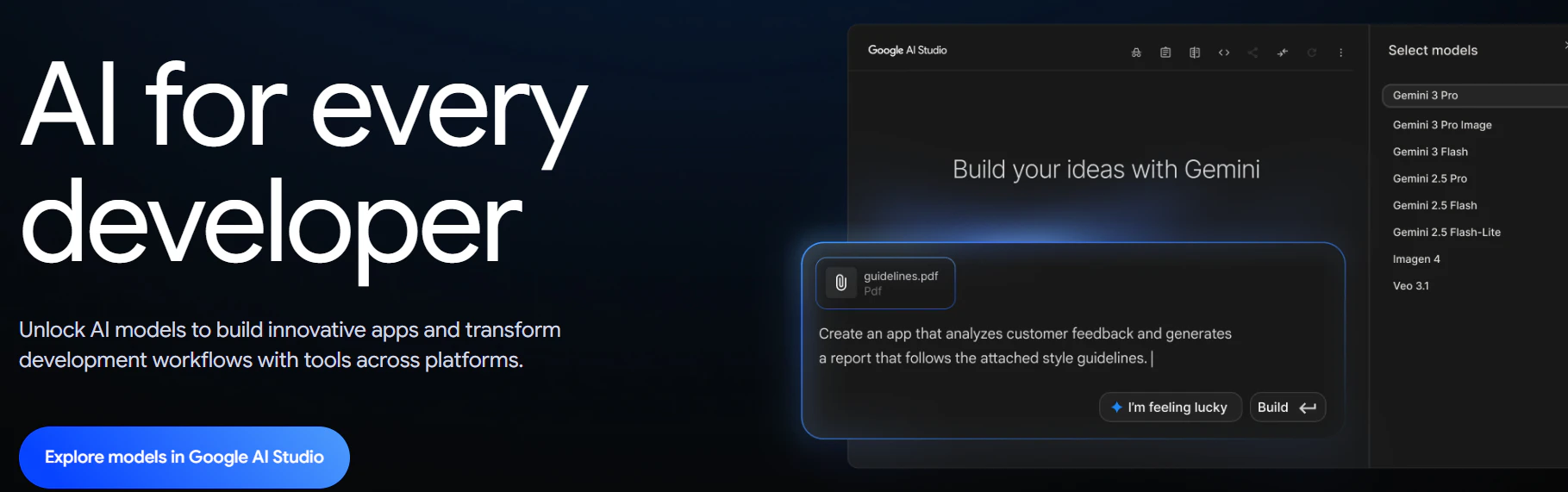
Explore models in Google AI Studioを選択します。
Privacy Policyに同意すると以下のように、Google AI Studio画面が表示されます。
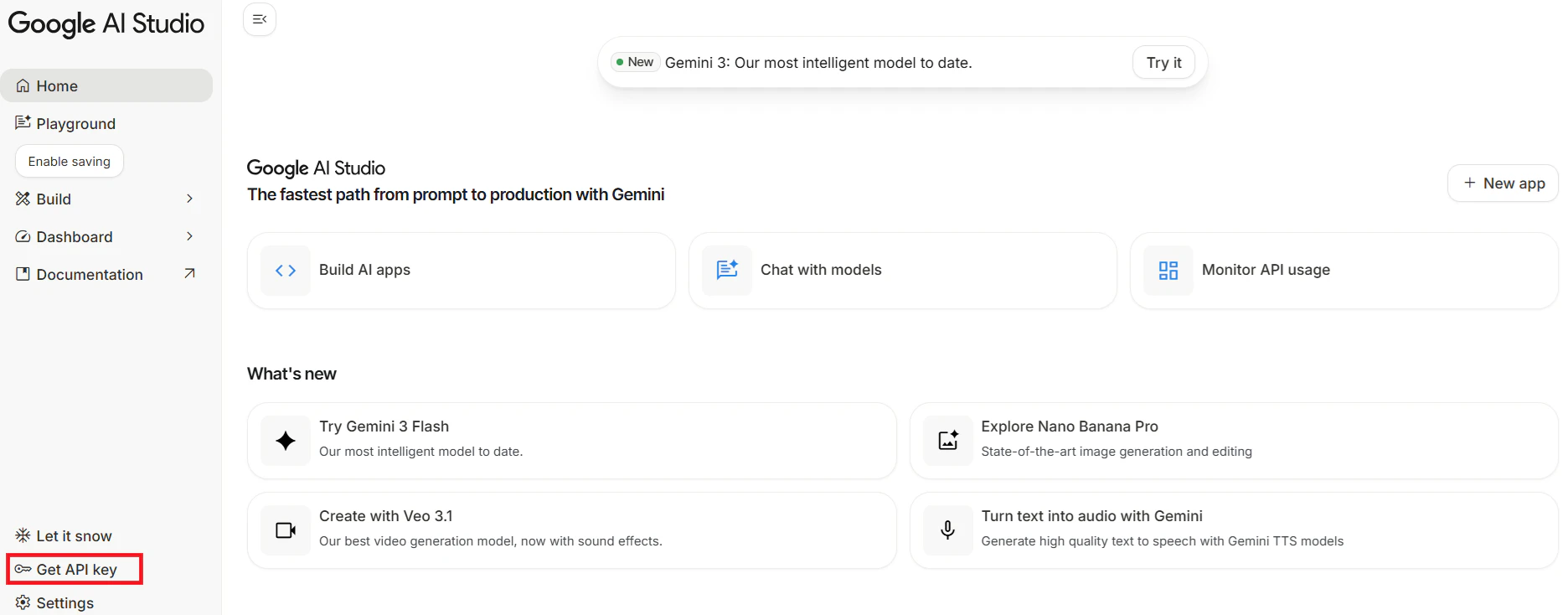
赤枠のGet API keyを選択します。そうすると作成したAPI Keyが表示されます。
このAPI Keyをメモしておきます。
Google ColaboratoryにAPI Keyを設定する
Google Colaboratoryで左端にある鍵ボタンを押下すると、シークレット画面が表示されます。
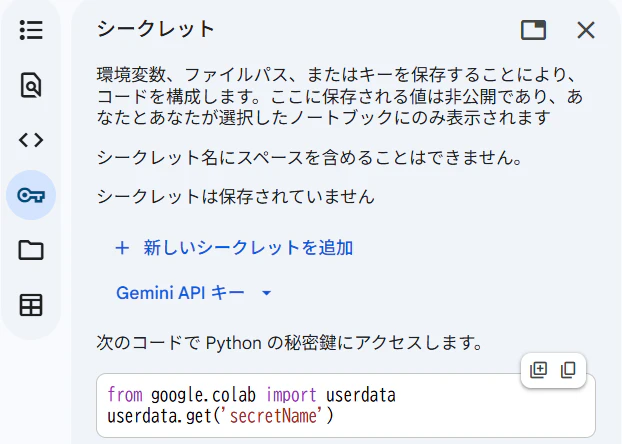
ここで「+ 新しいシークレットを追加」を選択し、メモしていたAPI Keyを設定します。以下のように設定しました。
名前:GOOGLE_API_KEY
値:メモしていたAPI Key
実行してみる
さて準備できたので、以下のコードを試してみます。
from google.colab import userdata
GOOGLE_API_KEY = userdata.get('GOOGLE_API_KEY')

# Initialize SDK client // SDK クライアントの初期化
from google.genai import Client
client = Client(api_key=GOOGLE_API_KEY)

# Choose a model // モデルの選択
MODEL_ID = "gemini-2.5-flash-image"

# Send text prompts // テキストプロンプトの送信
#from IPython.display import Markdown
response = client.models.generate_content(
    model=MODEL_ID,
    contents="真蛸の絵柄が書かれた凧を揚げている真蛸の絵をイラスト風に描いて"
)

for part in response.parts:
    if part.text is not None:
        print(part.text)
    elif part.inline_data is not None:
        image = part.as_image()
        image.save("generated_image.png")
念のため、設定されているランタイムをチェックします。
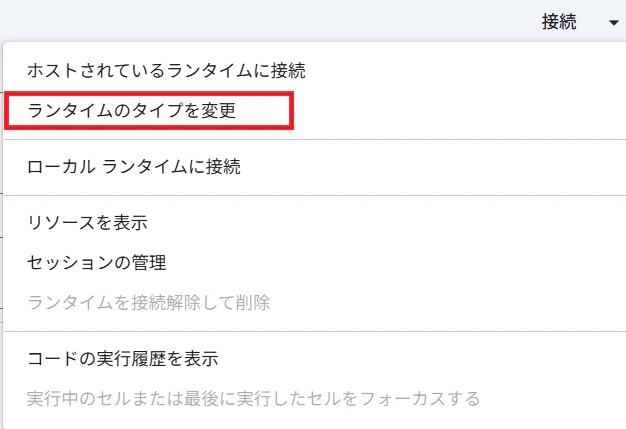
ここでCPUが設定されていないことを確認します。
上記のコードを試してみたところ、以下のエラーが表示されました。
「You exceeded your current quota, please check your plan and billing details.」
現在の割り当てを超えました?何も設定した覚えが。。。
いろいろと調べてみたところ、Google AI Studio画面の以下のお支払情報を設定を設定する必要がありました。

お支払情報を設定したのち、再度試してみたところ、無事、実行することができました。
以下はGeminiが作成した画像になります。

今どきの生成AIはすごいですね。