
参考
いろいろ注意
- 過去ログを見よ!!!
- なぜか、抜き挿したら、上手く行った。
- 書き込み時は、リセットの長押し。
- 接続しても、直ぐには、繋がらない。
- ウェートが200ミリ秒だと、チャタリングが発生した。
- いろいろ、キーボードもゲームコントローラーもレッドオーシャン、拡散の方向に進んでいる!!!
- いろいろ、電波文化祭を申し込んだ。(20260915
結果

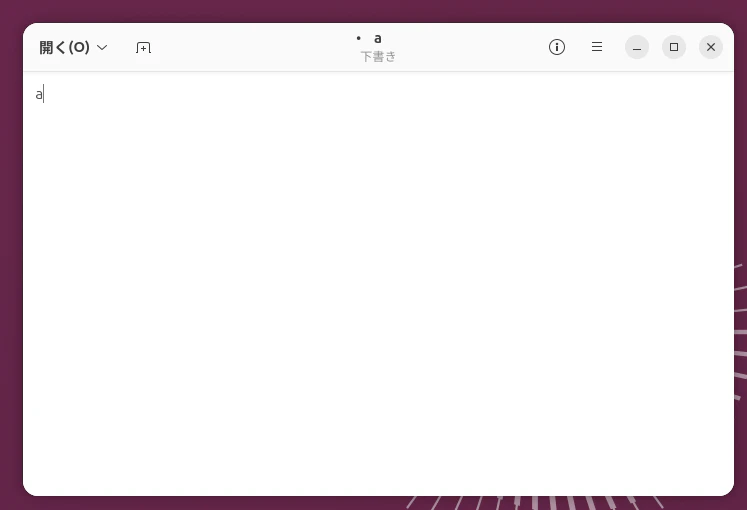
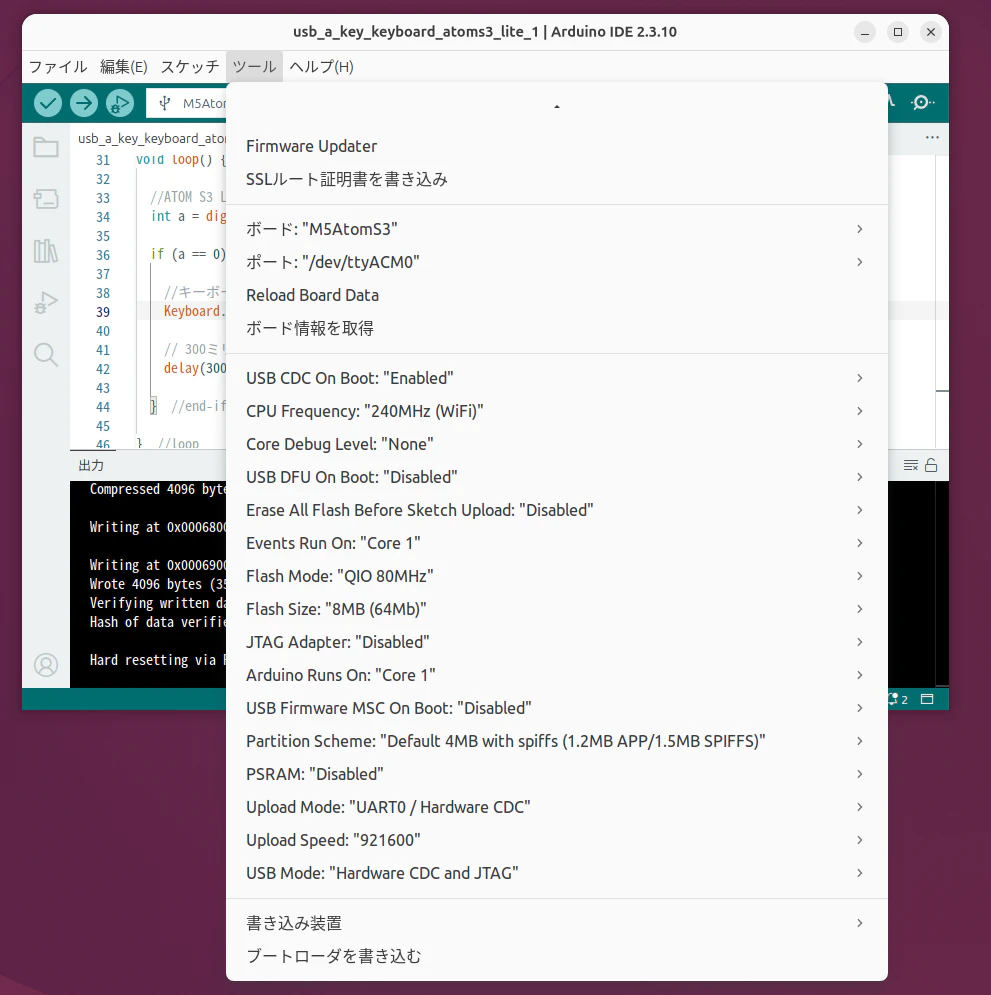
プログラム
//usb_a_key_keyboard_atoms3_lite_1


//インクルド
#include <Arduino.h>
#include "USB.h"
#include "USBHIDKeyboard.h"


//定義
USBHIDKeyboard Keyboard;


//初期化
void setup() {

  //buttonの初期化
  pinMode(41, INPUT_PULLUP);

  //USBの初期化関連
  // initialize control over the keyboard:
  Keyboard.begin();
  USB.begin();
  delay(3000);  //ウェート 各自、調整せよ

}  //setup


//メインループ
void loop() {

  //ATOM S3 LITEのボタンの読み込み
  int a = digitalRead(41);

  if (a == 0) {  //キーが押されたら

    //キーボードへaを転送
    Keyboard.write('a');

    // 300ミリ秒待つ(チャタリング対策の処理)
    delay(300);

  }  //end-if

}  //loop