
いろいろ注意
- 過去ログを見よ!!!
- タイミングは、適度に調整の事(なんのこと
- ESP32 3.3.7
- 適度に修正
const char *ssid = "ご自宅のSSID";
const char *password = "ご自宅のパスワード";
結果

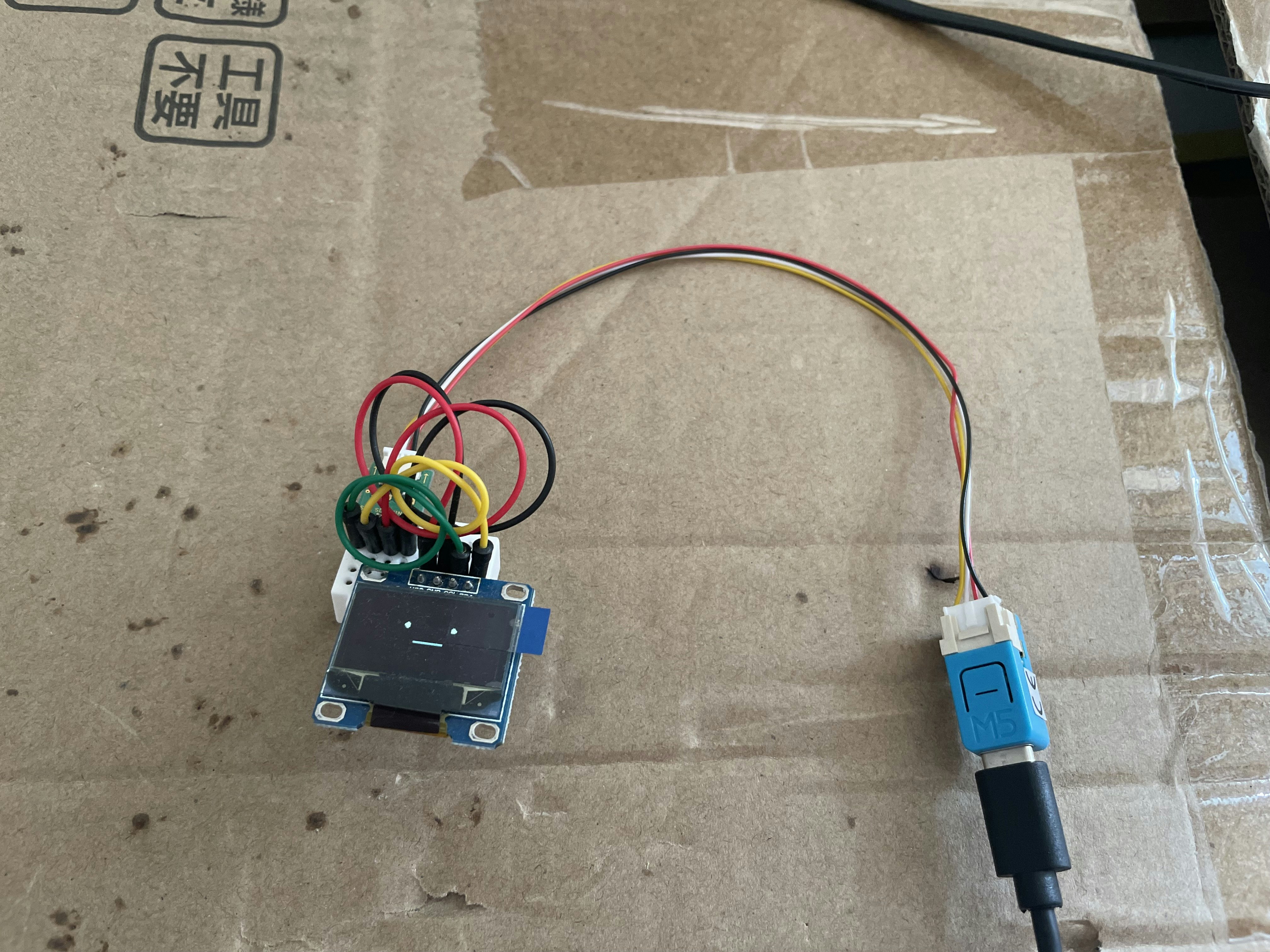
イメージ(実際とは、違う(SSD1306が無い((画像の使い回し)
プログラム
//ser_SNTP_HH_MM_test4n_m5nanoc6_1


//ヘッダーファイル
#include <Arduino.h>
#include <WiFi.h>
#include <time.h>


//定義 (NTP)
const char *ssid = "ご自宅のSSID";
const char *password = "ご自宅のパスワード";


//初期化
void setup() {

  //シリアルポートの初期化
  Serial.begin(9600);

  //WiFiの初期化
  WiFi.mode(WIFI_STA);
  WiFi.begin(ssid, password);

  //Wifi、シリアルの接続待ち
  delay(3000);  //決め打ちなので、おかしかったら調整してね! wifiの待ち0.5*6

}  //setup


//メインループ
void loop() {

  //時間-->

  time_t t;       //経過秒
  struct tm *tm;  //時間の実体とポインター

  t = time(NULL);      //経過秒を取得する
  tm = localtime(&t);  //経過秒を時間の構造体に変換する

  //set time 時間合わせの再設定
  static int set_1H = 0xFFFF;      //適当な大きい値
  if (set_1H > ((60 * 60) - 1)) {  // 1 hour ?
    set_1H = 0;  //counter reset
    configTzTime("JST-9", "ntp.nict.jp", "ntp.jst.mfeed.ad.jp");
  }  //endif
  set_1H++;  //カウントアップ

  //-->時間


  //表示-->

  //時分秒
  Serial.printf("%02d:%02d:%02d\n", tm->tm_hour, tm->tm_min, tm->tm_sec);  //時刻を表示する

  //-->表示


  delay(1000);  //1秒待つ

}  //loop