
Single-board computers are now widely used as the core hardware for many embedded products. From compact industrial controllers to smart displays and public information terminals, these boards provide a practical balance of performance, size, and cost. Although processor choices vary, most embedded systems today adopt one of two main software platforms: an Android-based SBC or a Linux-based SBC. Both rely on the Linux kernel, but the way they behave, how developers interact with them, and the applications they serve often diverge. This article describes those differences from an engineering perspective to help align the software platform with the product’s goals.
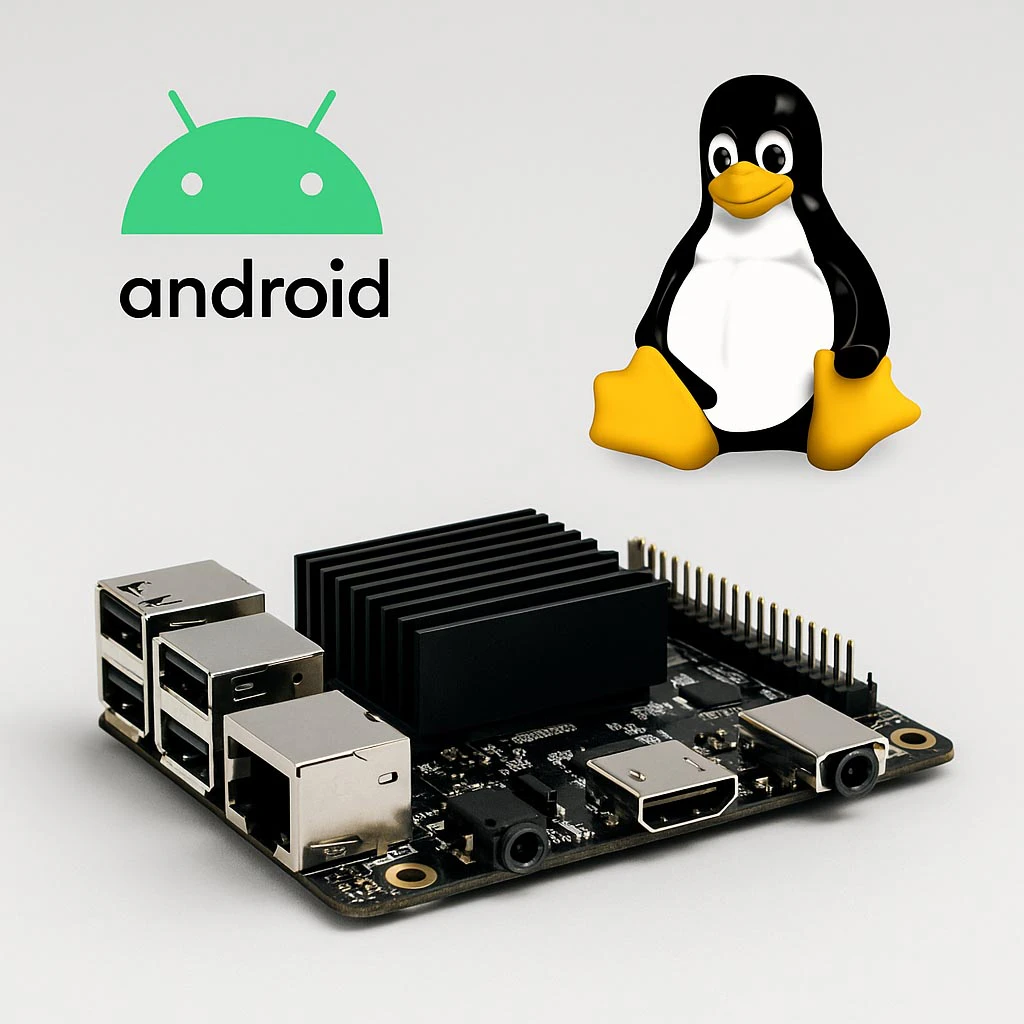
1. What an Android SBC Actually Is
An Android SBC operates much like a tablet or smartphone without the Google ecosystem. Most boards ship with an AOSP-based image and use mobile-oriented SoCs such as Rockchip, Amlogic, or entry-level Qualcomm processors. The familiar Android framework remains present—activity lifecycle management, graphics layers, multimedia services, and input handling.
For devices where the screen is the primary interface, Android offers several advantages out of the box:
- Touch-friendly UI behavior
- Smooth animations and GPU-accelerated transitions
- Ready-to-use video playback pipelines
- Automatic scaling for high-DPI layouts
These characteristics reduce development effort for products that emphasize visual interaction, such as smart displays, information kiosks, fitness consoles, and customer-facing terminals.
However, Android’s tightly layered system can introduce complexity. Vendor HAL customizations, framework dependencies, and component coupling mean that integrating a new touchscreen controller or sensor sometimes requires changes across multiple layers. Android abstracts many low-level details, which can restrict systems requiring precise timing or specialized hardware behavior.
2. What Defines a Linux SBC
A Linux SBC typically runs a standard distribution such as Debian or Ubuntu, or a custom-built image using Yocto or Buildroot. Even when the hardware is similar to Android-capable SoCs, the engineering workflow is very different. Developers interact directly with device trees, kernel modules, and the POSIX environment.
This direct access makes Linux highly adaptable. Engineers can:
- Fine-tune boot sequences
- Add or remove system services
- Build custom daemons for hardware interaction
- Integrate industrial interfaces such as CAN, RS485, or custom I²C/SPI sensors
Linux is often chosen when system behavior, determinism, and long-term maintainability are more important than UI polish. Industrial controllers, gateways, robotics platforms, and laboratory instruments fall into this category.
3. Architectural Differences That Matter
Although Android and Linux share the same kernel base, the user-space environment is built for very different priorities.
Android
Android adds a structured framework above the kernel, relying on components such as:
- ActivityManager
- SurfaceFlinger
- MediaCodec
- InputManager
If any of these layers fail, the UI becomes unusable even if the kernel continues running. Android provides consistency, but its fixed system architecture leaves less room for custom process structures or novel system layouts.
Linux
Linux imposes no such structure. Engineers decide:
- Which services start at boot
- Which run as background daemons
- How applications communicate with hardware
- Whether the device runs a graphical environment or remains headless
This flexibility benefits systems where multiple independent processes or hardware-centric tasks run in parallel.
4. Boot Characteristics and Startup Behavior
Android’s startup sequence is comparatively heavy. Even after the kernel loads, the framework continues initializing system services for several seconds. The UI may appear ready while background components are still starting. This is acceptable for appliances or terminals with infrequent reboot cycles, but unsuitable for devices that must recover quickly after a power interruption.
Linux can achieve much faster startup times. A minimal image built with Yocto or Buildroot can reach its main application within a few seconds. Engineers can disable unnecessary services to create a predictable boot profile. This makes Linux more suitable for field equipment requiring automatic recovery.
5. Differences in UI Capabilities
UI behavior is one of the areas where Android and Linux diverge the most.
Android
- Optimized for touch input
- Smooth animations and stable rendering
- Mature multimedia stack
- Layout scaling suited for modern displays
If a product must play video, present dashboards, or support gesture-based interaction, Android provides these functions with minimal customization.
Linux
Linux offers broader UI choices—Qt, GTK, Chromium-based UIs, or even direct framebuffer applications. This flexibility is useful, but UI performance varies depending on GPU drivers, window systems, and application design. Achieving smooth interaction on lower-end hardware often requires deliberate optimization.
6. Integrating Peripherals and Drivers
Linux generally provides more straightforward peripheral integration. With access to the kernel and device tree, developers can add new drivers or adapt existing ones as long as documentation is available.
Android’s HAL-based structure means peripherals already supported by the SoC vendor integrate easily, but components outside the vendor’s reference design can require modifications across multiple layers. Adding a new camera, touch controller, or display timing configuration may involve work in the HAL, kernel, and framework.
For industrial buses like CAN or RS485, Linux’s existing ecosystem makes development more direct. Android can support them but is not optimized for these environments.
7. Runtime Performance and Scheduling Behavior
Android prioritizes UI responsiveness. Rendering threads receive scheduling boosts, giving the system a smooth, consumer-grade interaction profile. This works well for applications where visual continuity is essential.
Linux provides more predictable timing for computational tasks, background processes, and sensor loops. Multi-threaded control systems benefit from Linux’s consistency. Real-time patches can further enhance timing determinism when needed.
8. Power Management Characteristics
Android incorporates extensive power-management behavior inherited from smartphones:
- Aggressive idle control
- Application lifecycle management
- Dynamic frequency scaling tuned for battery efficiency
These features help reduce power consumption for portable devices.
Linux offers the same kernel-level mechanisms but leaves configuration to the developer. In some embedded systems, power-saving features are intentionally reduced to maintain responsiveness or limit wake-up delays.
9. Development Workflow and Tools
Android development primarily uses:
- Android Studio
- Java/Kotlin for application logic
- NDK for performance-critical components
The development flow is structured and emphasizes UI-driven applications.
Linux development is more open-ended. Engineers can use C, C++, Python, Go, or other languages. Debugging and introspection rely on established tools such as gdb, strace, and system logs. Linux is more convenient for hardware-centric or network-heavy applications.
10. Lifecycle and Maintenance Considerations
Linux distributions often provide long maintenance windows, especially for industrial-focused processors. Kernel patches and security updates remain available for many years.
Android versions evolve quickly. Vendors typically support only the specific Android release that shipped with the board. This is workable for short product cycles but may challenge systems expected to remain in service for extended periods.
11. When an Android SBC Is the Right Fit
Android is well-suited for devices that:
- Depend on a polished touchscreen interface
- Display video or animated content
- Use WebView for dynamic information
- Require a UI similar to consumer electronics
- Benefit from rapid UI development workflows
Examples include kiosks, smart displays, fitness equipment, and retail terminals.
12. When a Linux SBC Makes More Sense
Linux is better for systems that:
- Run continuous background tasks
- Require deterministic control behavior
- Integrate with industrial interfaces or custom sensors
- Need long-term software stability
- Do not rely on complex animations
Typical examples include industrial gateways, robotics controllers, test equipment, and automation systems.
13. Conclusion
Android SBCs and Linux SBCs differ less in kernel functionality and more in how their user-space environments shape system behavior. Android is a strong match for visually driven, interactive products. Linux provides flexibility, transparency, and long-term stability for hardware-oriented systems. The decision between them depends on whether the device’s core role is screen-centric or hardware-centric.