
はじめに
ブラウザの動作確認を目視確認するとか眠たくなる作業はやりたいので自動化しておきたい。
Selenium とか知っているけど webdriver でプログラム組む面倒な作業はしたくないというめんどくさがり。
ダウンロード

Test Cafe Studio のインストール
ダウンロードしたファイル「DevExpressTestCafeStudioSetup-win-1.4.0.exe」をダブルクリックするとインストールが始まる
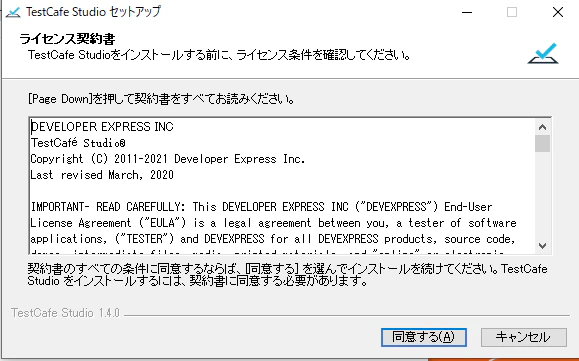
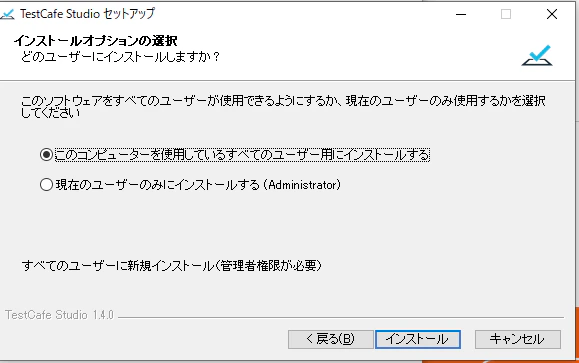
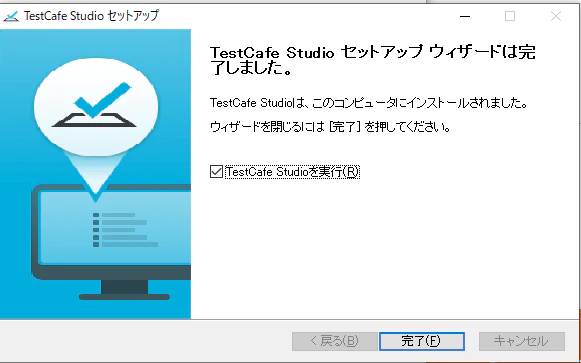
TestCafe のインストール
npmをインストール
以下から node.js をダウンロードしてインストール
https://nodejs.org/ja/download/
npm を使って TestCafe をインストール
npm install -g testcafe
testcafe -b
TestCafe のコマンドを試してみる
C:\Users\Administrator>testcafe -b
ie
edge
chrome
firefox
edge-legacy
Test Cafe Studio で作成した js を利用して実行する。
C:\Users\Administrator>testcafe edge "C:\Users\Administrator\TestCafeStudio\10-1-5-11-8080\New Test.js"
 Running tests in:
 - Microsoft Edge 88.0.705.74 / Windows 10

 test000
 √ New Test (screenshots: C:\Users\Administrator\screenshots)


 1 passed (55s)

C:\Users\Administrator>