
はじめに
Raspberry Pi から Slack に投稿できるようにする。
ゆくゆくは、ボタンを押したら投稿するようにしたいのだが、とりあえず普通に投稿できるようにする。
プログラムは Ruby を利用する。
WebHook の準備
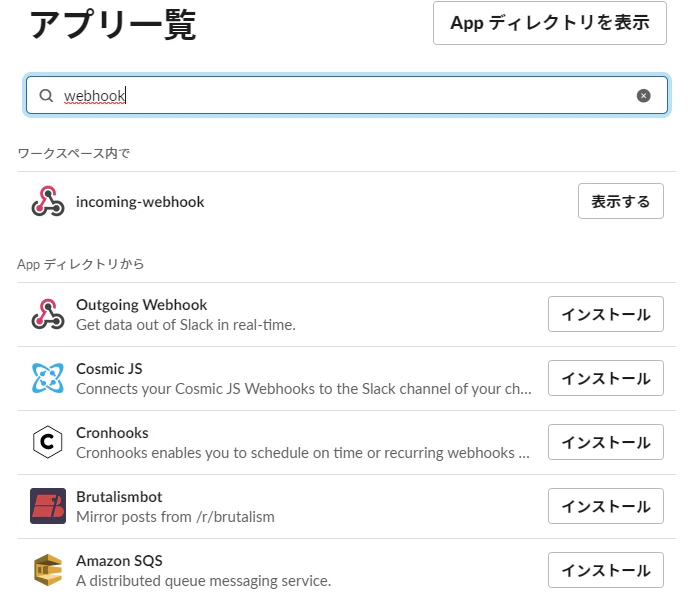
slackの左下にある「Add more apps」をクリックして、検索で「incomming webhook」と入れると出てくるので「インストール」をクリック
※)もうインストール済みなので「表示」と書かれている。

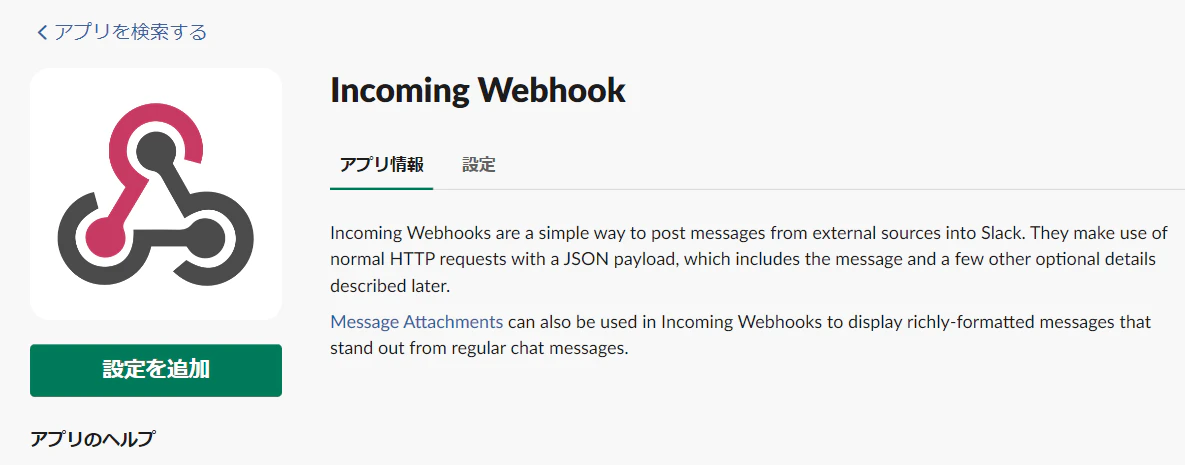
ブラウザが立ち上がって Incomming WebHookの画面が出るので「設定の追加」を押す
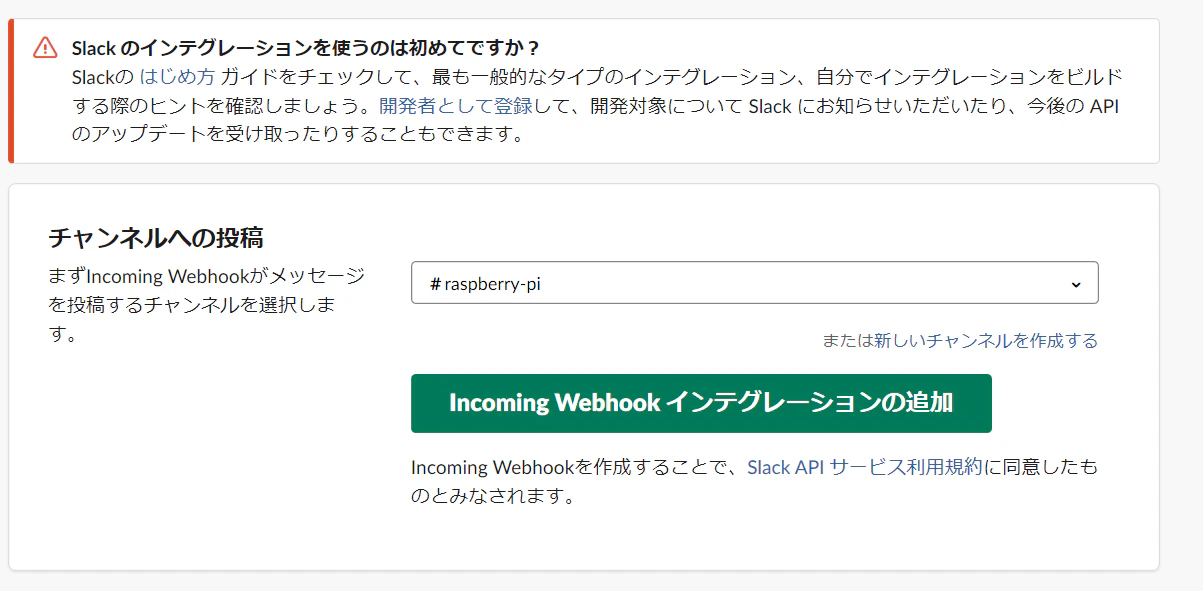
チャネルを選んで、「Incomming WebHookインテグレーションの追加」を押す
ここで選択するチャネルは何でもよいので、なにか選んでおく。(プログラムで、どのチャネルに投稿するか決められる)
Webhook URLが出てくるので、これをコピペしておく。
Rasberry Piの確認
Raspberry Pi 3B+ を Full でインストールすると、Rubyもインストールされているはずだが、とりあえず確認する。
# ruby -v
ruby 2.5.5p157 (2019-03-15 revision 67260) [arm-linux-gnueabihf]
よしよし、インストールされている。
slack-notifier のインストール
ruby のライブラリである slack-notifier を gem コマンドを利用してインストールする。
※)gem とは RubyGemsが公開しているライブラリのこと。
# gem install slack-notifier
Successfully installed slack-notifier-2.3.2
Parsing documentation for slack-notifier-2.3.2
Installing ri documentation for slack-notifier-2.3.2
Done installing documentation for slack-notifier after 1 seconds
1 gem installed
slack に送信するプログラムを作る
いたって簡単。
WEBHOOKURL に Incomming WEBHook で取得したURL、CHANNEL に送信したいチャネルを記載する。
require 'slack-notifier'

# slack Incomming Webhookの設定
WEBHOOKURL = "<Incomming Webhook で取得したURL>"
CHANNEL = "#<送信したいチャネル名>"
USERNAME = "<Slackに投稿するユーザ名(表示されるユーザ名)>"

# 通知内容
attachment = {
  color: "good",
  text: "送信完了!",
}

notifier = Slack::Notifier.new  WEBHOCKURL, channel: CHANNEL, username: USERNAME
notifier.ping '', attachments: [ attachment ]
ちなみに attachments の color にプリセットされているものは以下の3つ。
- good
- warning
- danger