2
4

Delete article

Deleted articles cannot be recovered.

Draft of this article would be also deleted.

Are you sure you want to delete this article?

More than 5 years have passed since last update.

Mac OS向けのアプリで新規windowを段々に表示する

2
Last updated at Posted at 2016-12-30

windowを段々に表示する

手順

  1. windowController classを作る
  2. 実装

手順1 windowController classを作る

File>New>File...
と選び表示されたものからCocoa Classを選ぶ

スクリーンショット 2016-12-30 13.12.23.png

Class名を入力し
Subclass of をNSWindowControllerにする
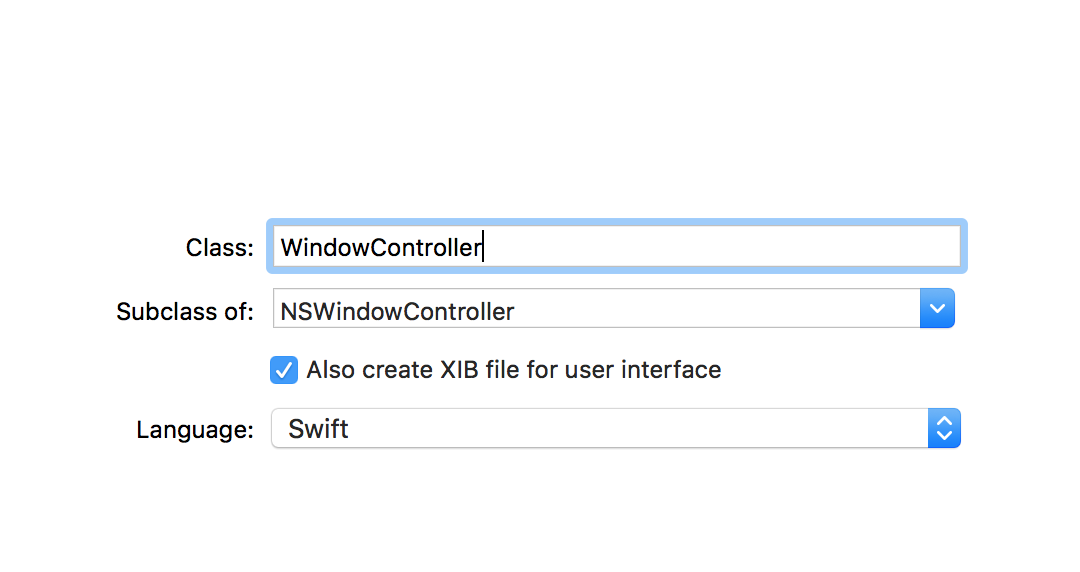
スクリーンショット 2016-12-30 13.12.40.png

手順2 実装

2.1 storyboardとの対応付け

storyboardの Window Controller Scene から Windows Controllerを選ぶ
そして右側のメニュから Show the Identity inspector のCustom Classを手順1で作成したclassにする
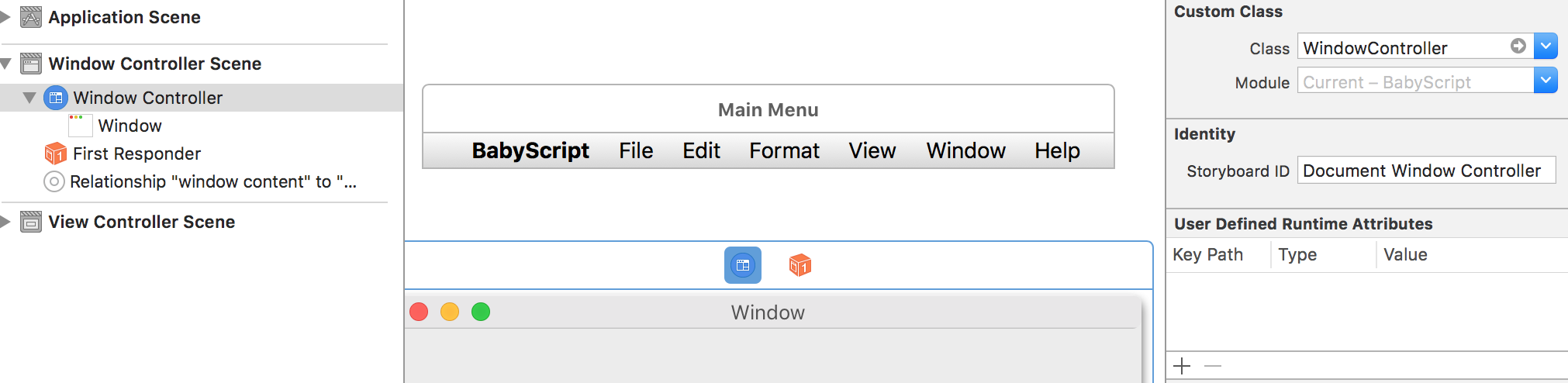
スクリーンショット 2016-12-30 13.16.32.png

2.2 プログラムのの実装

手順1の作成したclassに下記のプログラムを入力する

required init?(coder: NSCoder) {
        super.init(coder: coder)
        shouldCascadeWindows = true
}

表示結果

新規windowを作成してみると段々に新規windowが表示されていることがわかりますね
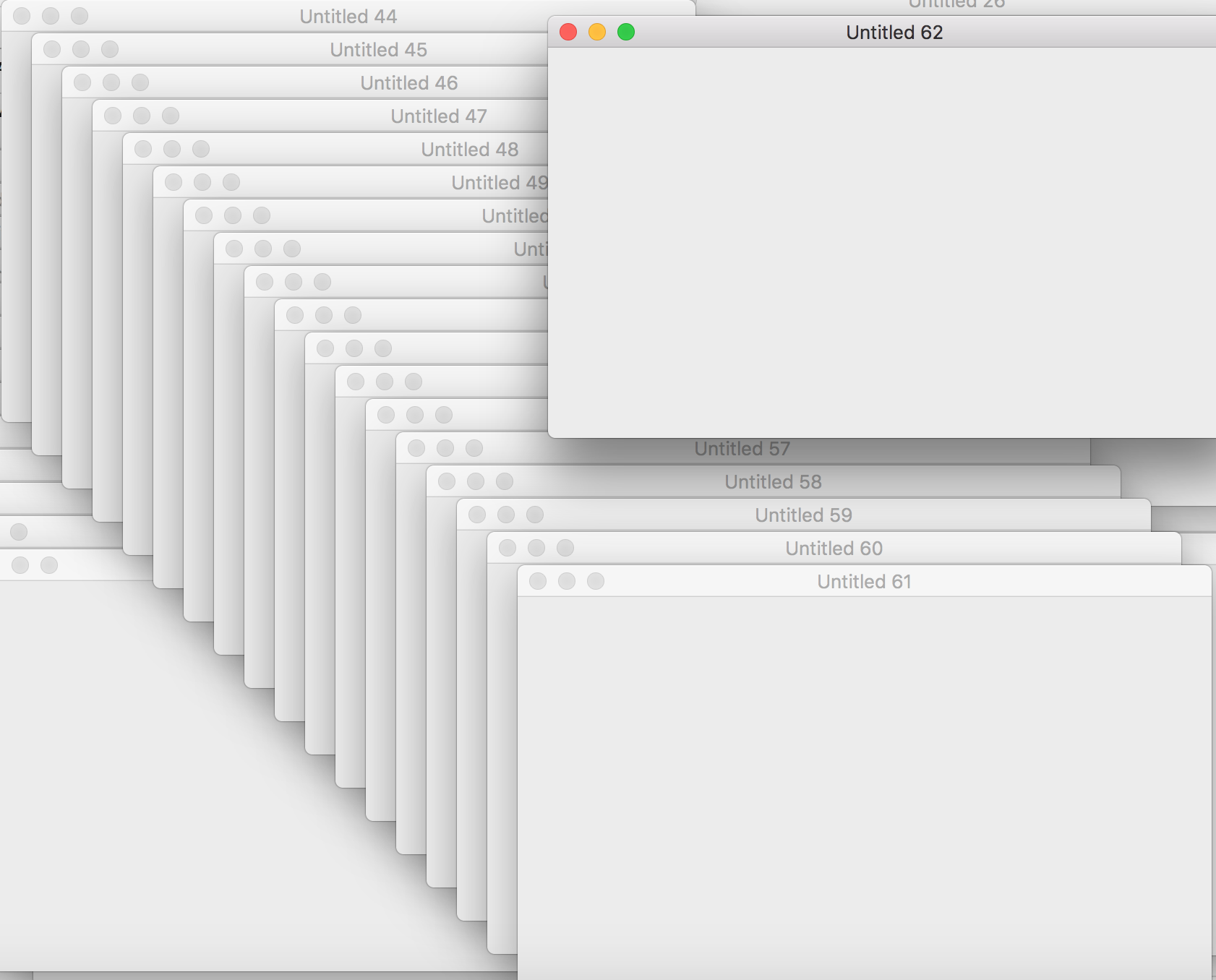
スクリーンショット 2016-12-30 13.21.02.png

2
4
0

Register as a new user and use Qiita more conveniently

  1. You get articles that match your needs
  2. You can efficiently read back useful information
  3. You can use dark theme
What you can do with signing up
2
4

Delete article

Deleted articles cannot be recovered.

Draft of this article would be also deleted.

Are you sure you want to delete this article?