
使い方
事前に各質問にIDを付与しておいて、そのIDからデータを辿ることができます。
function onFormSubmit(e){

    const data = getInteraction(e);
}
以下のデータ構造を返します。
{
  email : <string>,
  timestamp : <Date>,
  editResponseUrl : <string>,
  questionId1 : {
    name : <string>,
    type : <FormApp.ItemType>,
    title : <string>,
    helptext : <string>,
    item : <FormApp.FormResponse>,
    value : <string | object>
  },
  questionId2 : {...}
}
そのため、次のように書くことができます。
    const data = getInteraction(e);

    //e.response.getItemResponses().filter(q=>q.getTitle() === "質問名").getResponse() と同等
    data["質問名"].value;
    //質問名ではなく、任意のIDで代替可
    data.hogehoge.value;

    //email,timestamp,編集用URLの取得
    data.email;
    data.timestamp;
    data.editResponseUrl;

    //e.response.getItemResponses().filter(q=>q.getTitle() === "質問名").getItem() と同等
    data["質問名"].item;
    //質問名ではなく、任意のIDで代替可
    data.hogehoge.item;
補足
GridItemのvalueは、オブジェクトの形式です。 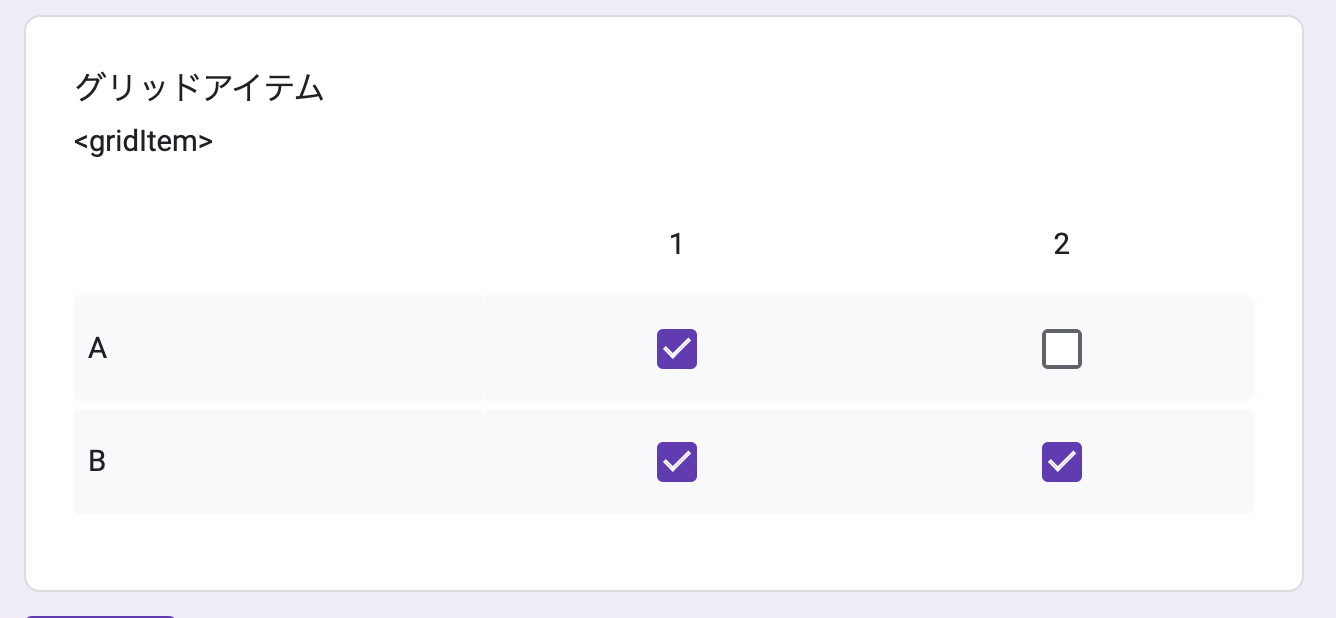 data.gridItem.value;
//{"A" : ["1"], "B" : ["1","2"]}
IDの設定
質問の説明欄に、以下の書式で記載します。
書式 : <ID>

Example : <hogehoge>
例)
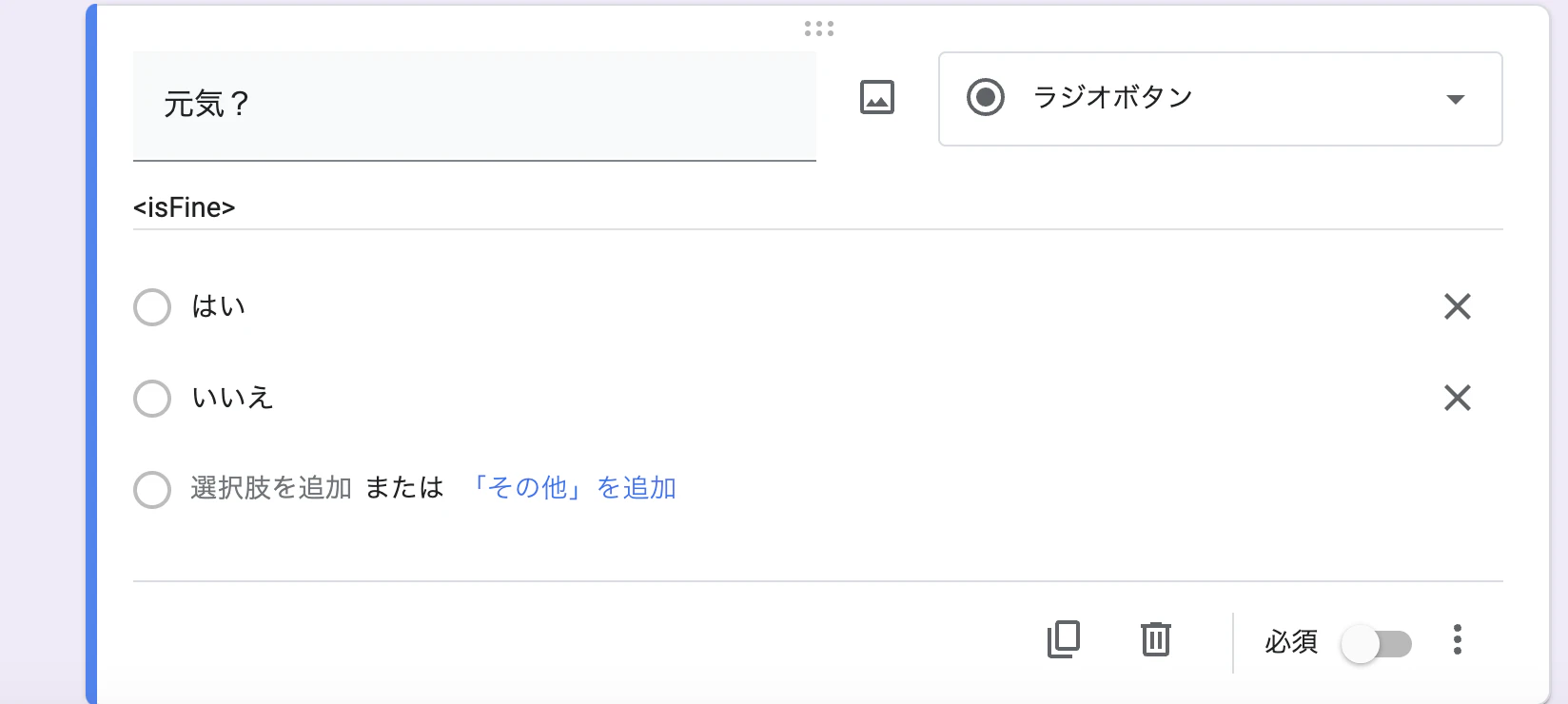
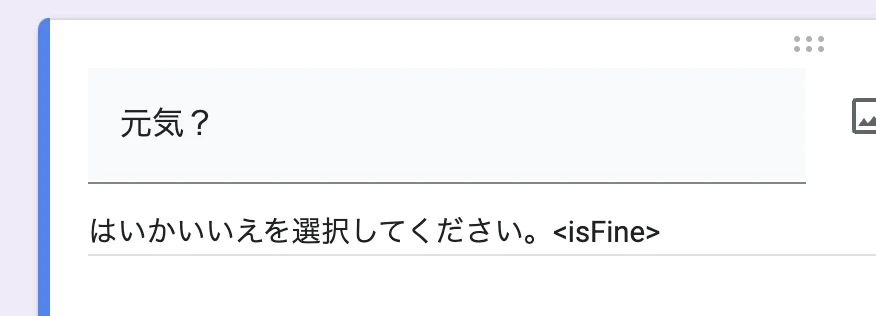
IDは正規表現で抜き出しているので、説明文を記載しても問題ありません。
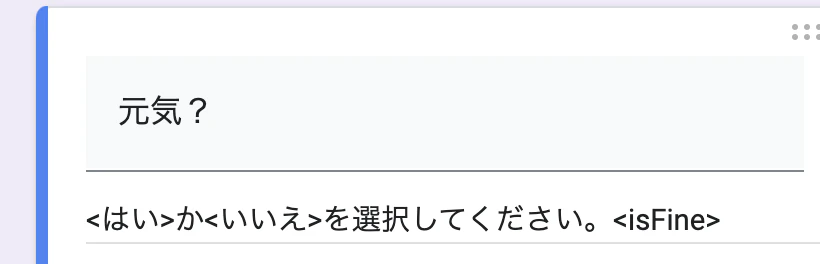
また、説明の文章に<>を使用しても大丈夫です。一番最後の<>をIDとして判定します。
ソースコード
function getInteraction(e){

  const res = {

    email : e.response.getRespondentEmail(),
    timestamp : e.response.getTimestamp(),
    editResponseUrl : e.response.getEditResponseUrl()

  };

  for(const itemResponse of e.response.getItemResponses()) {

    const item = itemResponse.getItem();
    const response = itemResponse.getResponse();
    const helpText = item.getHelpText()||null;
    const questionId = helpText.match(/<.*?>/g)?.slice(-1)[0].replace(/<|>/g,"") || item.getTitle();
    res[questionId] = new FormResponseClass(questionId,item,response);

  }

  return res;

}


class FormResponseClass{

  constructor(questionId,item,response){

    this.name = questionId;
    this.type = item.getType().toString();
    this.title = item.getTitle();
    this.helptext = item.getHelpText();
    this.item = item;
    this.value = response;

    if(this.isGridItem()){

      this.value = {};
      const rows = this.item.asGridItem().getRows();
      for(let i=rows.length;i--;){

        this.value[rows[i]] = response[i];

      }

    }

    if(this.isCheckboxGridItem()){

      this.value = {};
      const rows = this.item.asCheckboxGridItem().getRows();
      for(let i=rows.length;i--;){

        this.value[rows[i]] = response[i];

      }

    }

  }

  isCheckboxGridItem(){

    return this.type === FormApp.ItemType.CHECKBOX_GRID.toString();

  }

  isGridItem(){


    return this.type === FormApp.ItemType.GRID.toString();

  }


}