
##はじめに
argocdを導入し、Githubアカウントでログイン出来るようになればいいなーと思い立ち、Githubとの連携を試してみました。
ここでは、ローカルに立てたargocdへgithubアカウントへ接続できるのか試した検証結果を備忘録として記します。
###前提
・mac環境にk8s clusterを作成し、そこにargocdを載せる
・mac: macOS Big Sur version11.6
##SSO連携の前段階
argocdのプロジェクトを管理するのにコマンドが必要なのでインストールする
# brew tap argoproj/tap
Updating Homebrew...
==> Auto-updated Homebrew!
Updated 2 taps (homebrew/core and homebrew/cask).
==> Updated Formulae
Updated 9 formulae.
==> Updated Casks
Updated 6 casks.

==> Tapping argoproj/tap
Cloning into '/usr/local/Homebrew/Library/Taps/argoproj/homebrew-tap'...
remote: Enumerating objects: 382, done.
remote: Counting objects: 100% (113/113), done.
remote: Compressing objects: 100% (80/80), done.
remote: Total 382 (delta 65), reused 76 (delta 32), pack-reused 269
Receiving objects: 100% (382/382), 67.96 KiB | 2.34 MiB/s, done.
Resolving deltas: 100% (220/220), done.
Tapped 1 formula (15 files, 85.9KB).
# brew install argoproj/tap/argocd
Updating Homebrew...
==> Auto-updated Homebrew!
Updated 1 tap (homebrew/core).
==> Updated Formulae
Updated 6 formulae.

Warning: Use argocd instead of deprecated argoproj/tap/argocd
Warning: Use argocd instead of deprecated argoproj/tap/argocd
Warning: argocd 2.1.3 is already installed and up-to-date.
To reinstall 2.1.3, run:
  brew reinstall argocd
##SSO連携設定
###①mac環境内に作成されたサービス一覧を参照し、サーバのクラスターIPを控える
# kubectl get service -n argocd
NAME                    TYPE        CLUSTER-IP       EXTERNAL-IP   PORT(S)                      AGE
argocd-dex-server       ClusterIP   10.104.157.46    <none>        5556/TCP,5557/TCP,5558/TCP   7d
argocd-metrics          ClusterIP   10.108.131.14    <none>        8082/TCP                     7d
argocd-redis            ClusterIP   10.96.129.252    <none>        6379/TCP                     7d
argocd-repo-server      ClusterIP   10.110.74.232    <none>        8081/TCP,8084/TCP            7d
argocd-server           ClusterIP   10.97.205.169    <none>        80/TCP,443/TCP               7d
argocd-server-metrics   ClusterIP   10.106.234.117   <none>        8083/TCP                     7d
###②Port Fowardingする
Port Fowardingがわからない場合は参考資料を参照してください。
argocdのデータを中継することを指します。
# kubectl port-forward svc/argocd-server -n argocd 8080:443
###③ブラウザへargocdサーバ情報を入力し、画面が表示されることを確認する
https://localhost:8080
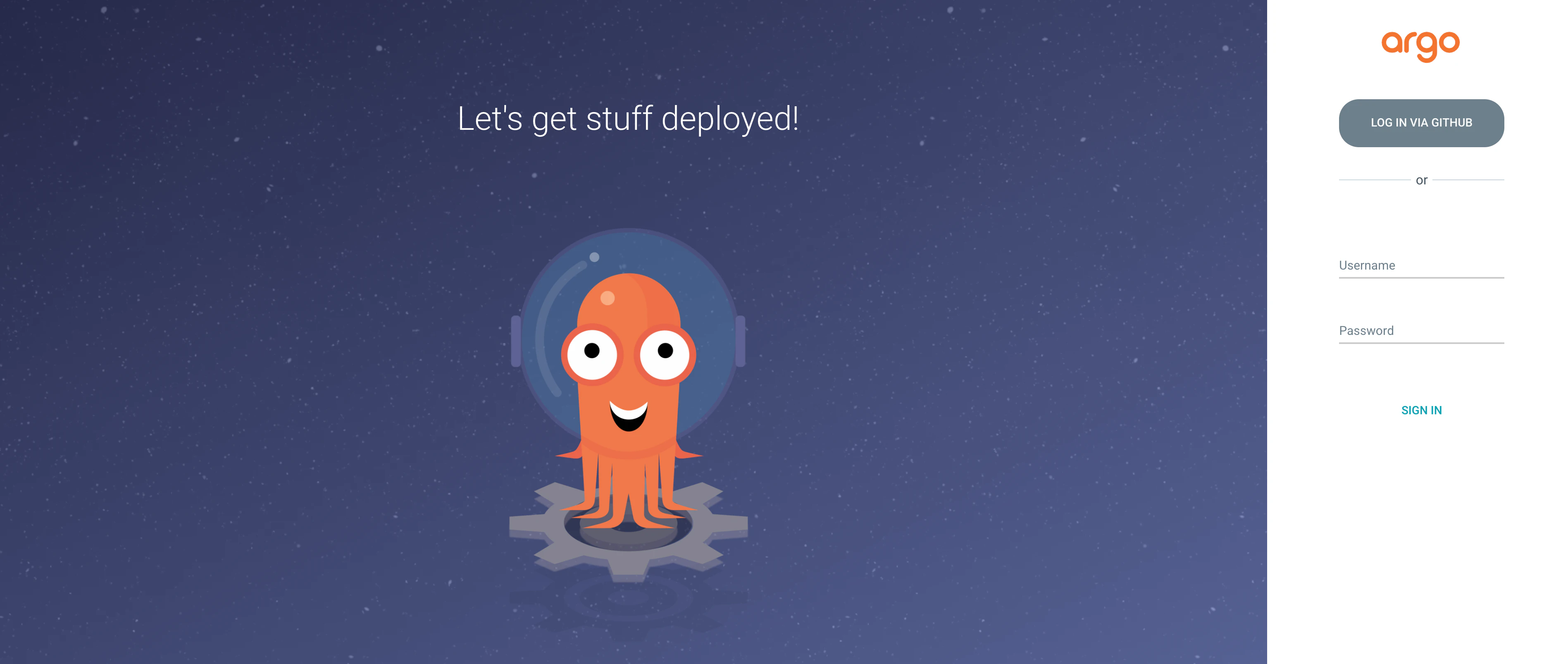
※画像はGITHUB連携によるログインを可能にしたargocdの為、argocdのログイン画面にGITHUBでログインが可能となるボタンが存在します。
設定する前段階では、存在しないので注意です。
###④パスワードを出力し、ログイン
初期パスワードからのログインについては以下にまとめたので、参照してください。
argocdへログインできなかった時の対処法
###⑤SSO連携の為にconfigmapを編集する
詳しくは参考資料を参照してください。
# kubectl edit configmap argocd-cm -n argocd
##参考資料
ArgoCDのGithubとのSSO連携設定
「分かりそう」で「分からない」でも「分かった」気になれるIT用語辞典