


はじめに
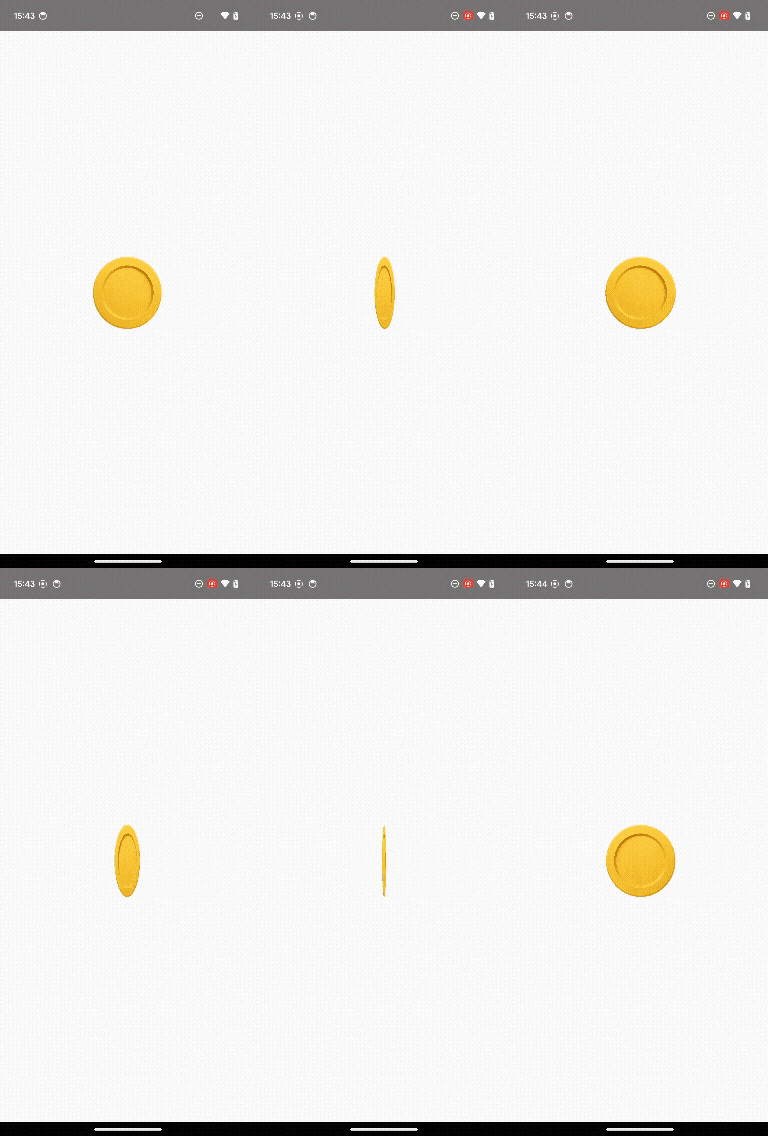
Apple Watchでアクティビティを達成した際に表示される、あのコインがくるっと回転する演出について、Jetpack Composeで再現できるか気になったので試してみました。
今回実装したものは以下のような動きです。
使用技術と前提
- Jetpack Compose 1.6以降
- Kotlin 2.0
- Animatable を使用して状態を管理
- pointerInput と VelocityTracker を組み合わせたスワイプ検知
- graphicsLayer による rotationY 制御
実装の概要
回転の制御には Animatable<Float> を使用し、スワイプ中の回転は snapTo、指を離したあとの惰性回転は animateDecay を用いています。
また、rotationZ ではなく rotationY を使うことで、奥行きのある「立体的な回転」を実現しています。
コード全体
@Composable
fun InteractiveCoin() {
    val rotation = remember { Animatable(0f) }
    val scope = rememberCoroutineScope()
    val density = LocalDensity.current

    val decay = remember {
        splineBasedDecay<Float>(density)
    }

    Box(
        modifier = Modifier
            .fillMaxSize()
            .pointerInput(Unit) {
                val velocityTracker = VelocityTracker()

                detectDragGestures(
                    onDragStart = {
                        velocityTracker.resetTracking()
                    },
                    onDragEnd = {
                        val velocity = velocityTracker.calculateVelocity().x
                        scope.launch {
                            rotation.stop()
                            rotation.animateDecay(
                                initialVelocity = velocity,
                                animationSpec = decay
                            )
                        }
                    },
                    onDrag = { change, dragAmount ->
                        change.consume()
                        velocityTracker.addPosition(change.uptimeMillis, change.position)
                        scope.launch {
                            rotation.snapTo(rotation.value + dragAmount.x)
                        }
                    }
                )
            },
        contentAlignment = Alignment.Center
    ) {
        CoinImage(rotationY = rotation.value)
    }
}

@Composable
fun CoinImage(rotationY: Float) {
    val density = LocalDensity.current

    Image(
        painter = painterResource(id = R.drawable.coin_transparent),
        contentDescription = null,
        modifier = Modifier
            .size(160.dp)
            .graphicsLayer {
                this.rotationY = rotationY
                cameraDistance = 12 * density.density
            }
    )
}
素材について
今回使用したコイン画像は、背景が透過されたPNG画像です。
自作しても構いませんが、円形で金属的なテクスチャを用意すると見栄えが良くなります。
さいごに
今回の実装を通じて、Jetpack Compose でもアニメーションとジェスチャーを組み合わせたリッチなインタラクションを比較的簡単に構築できることがわかりました。
今後もUIのちょっとした再現や工夫を試していきたいと思います。