

この記事は「AIエージェントを業務システムに入れる前の完全チェックリスト2026」に統合・移行しました。
統合版では権限・ID設計・CI安全テスト・ガバナンスを1本にまとめています。本記事はControl Plane設計の原典として引き続き公開します。
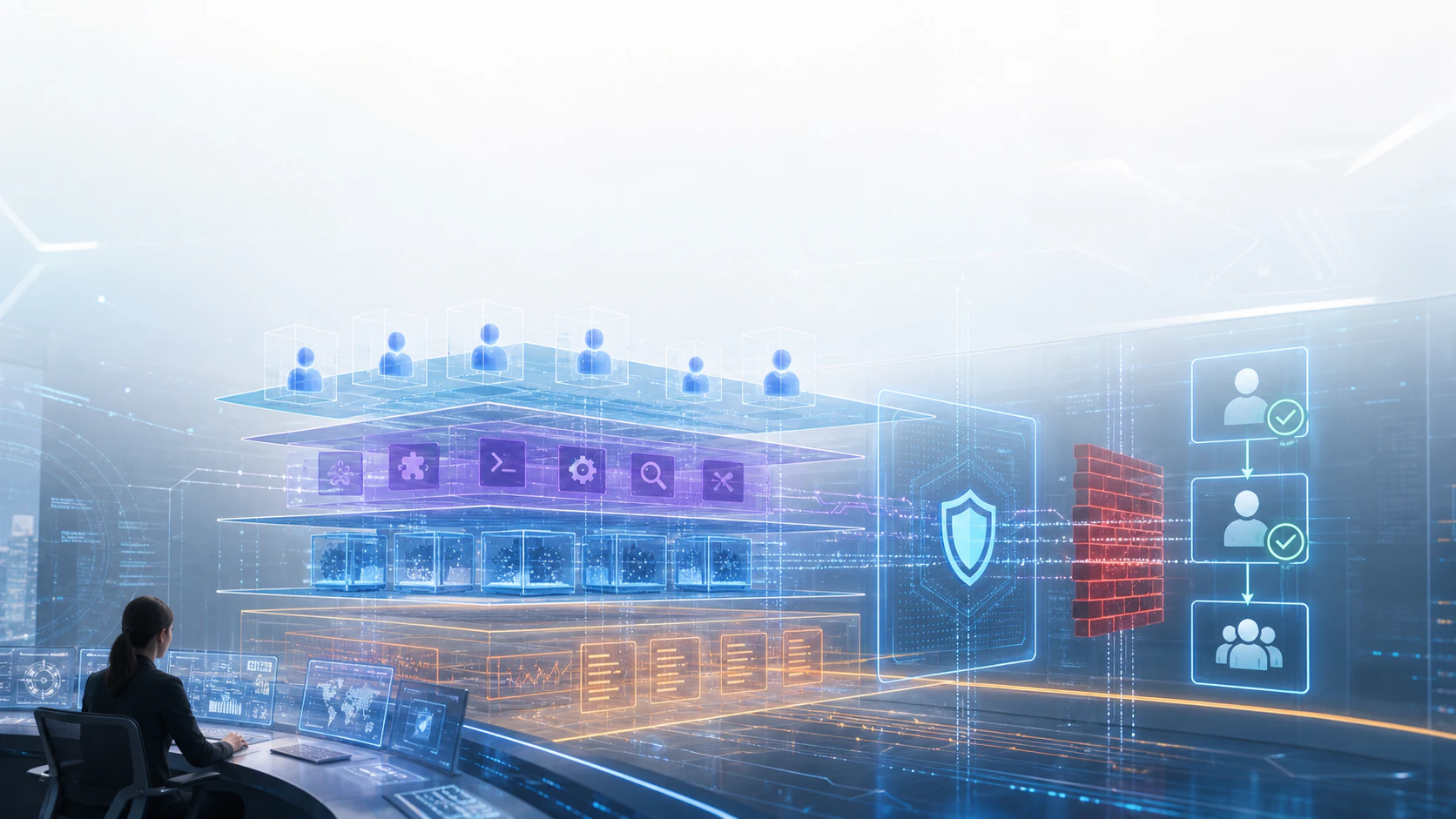
2026年5月21日 JST 時点の英語圏AIニュースを見ると、AIエージェント導入の主戦場は「どのモデルを選ぶか」から、エージェントをどう管理・監査・停止できる状態で本番に置くかへ移っています。
Googleはクラウド上のmanaged agentsを出し、AnthropicはSDK/MCP基盤を強化し、GitHubはCopilot cloud agent設定をREST APIで監査できるようにし、OpenAIはEnterprise向けのagent/remote access/admin controlsを拡張し、NVIDIAはagent skillsの検証・署名・skill cardを提示しています。
この記事では、これらの一次情報をもとに、AIエージェント導入前に作るべき Control Plane の実装チェックリストを整理します。ニュースで確認できる事実と、そこからの実務解釈を分けて扱います。
結論
AIエージェントを本番利用するなら、アプリ本体とは別に、次のControl Planeを設計するべきです。
| Control Plane項目 | 目的 | 最低限の実装 |
|---|---|---|
| Agent Identity | どのagentが実行したかを追う | agent_id、owner、workspace、実行host、token種別 |
| Runtime Boundary | 実行環境の影響範囲を閉じる | sandbox種別、永続状態、network allowlist、file scope |
| Tool / MCP Registry | 接続可能な外部操作を固定する | MCP server、API scope、read/write/action分類 |
| Skill Supply Chain | agentに入る能力を検証する | skill card、署名、scan結果、依存関係、owner |
| Policy Audit API | 設定差分を継続監査する | repo/workspace単位の設定取得、drift検知、PR gate |
| Human Approval Gate | 外部影響を人が止める | 金額、顧客影響、本番変更、秘密情報、CI/CDの承認条件 |
一言でいうと、AIエージェントのControl Planeは、「何を任せるか」ではなく「何を任せてよい状態だと証明できるか」を管理する層です。
1. Google: managed agentはRuntime Boundaryを先に決める合図
確認できる事実
Googleは2026年5月19日、Gemini APIのManaged Agentsを発表しました。Antigravity agentをAPIから起動し、推論、tool利用、コード実行をクラウド上で扱えると説明しています。
引用:
"executes code in an isolated, ephemeral Linux environment"
日本語訳: 隔離された一時的なLinux環境でコードを実行します。
また、Googleはremote Linux environmentがtool call、file管理、web browsingを扱い、follow-up callでsession状態を継続できると説明しています。
実務解釈
managed agentは便利ですが、導入側から見ると「実行環境を自社で細かく作らなくてよい」ことと「実行環境の責任を曖昧にしてよい」ことは別です。
まず設計すべきなのは、model選定ではなくRuntime Boundaryです。
agent_runtime_boundary:
  agent_id: support-ticket-triage-agent
  provider_runtime: gemini-managed-agent
  sandbox:
    isolation: ephemeral_linux
    persistent_state: session_files_only
    cleanup_policy: delete_after_task_close
  file_scope:
    read:
      - /workspace/tickets/redacted
    write:
      - /workspace/output
    deny:
      - /workspace/secrets
      - /workspace/customer_raw_exports
  network:
    default: deny
    allow:
      - api.github.com
      - api.linear.app
  required_logs:
    - agent_id
    - runtime_id
    - tool_calls
    - files_read
    - files_written
    - external_urls
失敗しやすいのは、sandboxを「安全そうな実行場所」として扱い、session永続化、network、file書き込み、browser利用の境界を別々に管理しないことです。
2. Anthropic: API仕様とMCPはTool Registryとして扱う
確認できる事実
Anthropicは2026年5月18日、SDKとMCP server toolingを手がけるStainlessの買収を発表しました。StainlessはAnthropic公式SDK生成にも関わり、TypeScript、Python、Go、JavaなどのSDK、CLI、MCP server生成を支援してきたと説明されています。
引用:
"agents are only as capable as the systems they can reach"
日本語訳: エージェントは、到達できるシステムの範囲でしか有用になりません。
実務解釈
MCPやSDKは、agentの「便利な接続部品」ではなく、agentが実行できる操作範囲そのものです。
人間向けのAPIドキュメントでは多少曖昧でも運用で吸収できることがあります。しかしagentの場合、曖昧なAPI仕様はそのまま誤操作、過剰権限、監査不能につながります。
Tool Registryでは、少なくとも次を固定します。
tool_registry:
  - name: github-repo-readonly
    type: mcp_server
    owner: platform-team
    allowed_agents:
      - code-review-agent
    auth_scope:
      - repo:read
    actions:
      read:
        - get_issue
        - list_pull_requests
        - get_file
      write: []
      destructive: []
    data_classification:
      max_input: internal
      max_output: internal
    change_control:
      breaking_change_requires: security_review

  - name: billing-admin-api
    type: rest_api
    owner: finance-platform
    allowed_agents: []
    reason: "write and money movement require human-only operation"
ここで重要なのは、MCP server名だけを管理しないことです。serverの内側にあるtool、scope、write可否、data classification、owner、変更レビュー条件まで管理対象にします。
3. GitHub: agent設定はAPIで監査できる状態にする
確認できる事実
GitHubは2026年5月18日、repositoryのCopilot cloud agent configurationをREST APIで監査できる機能をpublic previewとして発表しました。
引用:
"audit the security posture of your repositories at scale"
日本語訳: repository群のセキュリティ態勢を大規模に監査できます。
GitHubはこのAPIが、MCP server configuration、enabled tools、GitHub Actions workflow policy、firewall configurationを返すと説明しています。
実務解釈
AI coding agentの導入で怖いのは、最初の設定ミスだけではありません。より現実的なのは、repositoryごとに設定が少しずつずれ、半年後に「どのrepoでどのagentが何をできるか」が分からなくなることです。
そのため、Control Planeにはpolicy audit jobを入れます。
agent_policy_audit:
  schedule: "daily"
  targets:
    - org: example-org
      repos: all
  checks:
    - name: mcp_servers_are_allowlisted
      fail_when:
        - mcp_server not in approved_mcp_servers
    - name: write_tools_require_human_review
      fail_when:
        - enabled_tool.write == true
        - required_reviewers < 1
    - name: firewall_default_deny
      fail_when:
        - firewall.default != deny
    - name: actions_policy_no_auto_prod
      fail_when:
        - workflow_policy.allows_production_deploy == true
        - human_approval_required == false
  output:
    - security_report.md
    - drift_pr
ポイントは、agent設定を「管理画面で見れば分かる」状態にしないことです。APIで取れるなら、CIやscheduled jobでdrift検知できます。
4. OpenAI: workspace agentとremote accessはIdentity Planeで分ける
確認できる事実
OpenAIのChatGPT Enterprise & Edu release notesでは、2026年5月14日にCodex remote accessとaccess tokens for automationが案内されています。ChatGPT mobile appから長時間実行中のCodex作業に接続し、質問への回答、実行のリダイレクト、承認、出力レビュー、host切り替えができると説明されています。
引用:
"admins able to manage workspace-level availability"
日本語訳: 管理者がworkspaceレベルの利用可否を管理できます。
同じrelease notesでは、2026年5月7日にEnterprise Key Management対応workspace agentsが案内され、agentsはtemplateまたはscratchから作成でき、publishing前にpreviewでき、workspace内で共有でき、schedule実行できると説明されています。
実務解釈
agentのIdentity Planeでは、少なくとも次を分けます。
| 種別 | 例 | 主なリスク | 管理すべきもの |
|---|---|---|---|
| Human interactive | mobileからCodexに戻る | 承認者の取り違え | user identity、device、MFA、approval log |
| Automation token | 非対話workflow | token流出、過剰scope | token owner、expiry、scope、last used |
| Workspace agent | schedule実行 | owner不明、共有範囲拡大 | agent owner、publish status、schedule、connected apps |
| App connector | Slack/Drive/Teamsなど | data oversharing | RBAC、read/write action、sensitivity label |
設計テンプレートは次の形です。
agent_identity_plane:
  human_approval:
    required_for:
      - production_deploy
      - customer_visible_message
      - billing_change
      - external_post
    approver_policy:
      min_role: workspace_admin
      mfa_required: true
      record:
        - approver_user_id
        - device_context
        - diff_summary
        - timestamp

  automation_tokens:
    max_ttl_days: 30
    require_owner: true
    allowed_scopes:
      - read_project_context
      - write_local_artifact
    denied_scopes:
      - publish_external
      - rotate_secrets

  workspace_agents:
    default_publish_state: private
    schedule_requires_owner: true
    connected_apps_default: disabled
    external_actions_default: review_required
agentを「誰かの代わりに動くもの」として扱うだけでは足りません。人間、token、workspace agent、connectorを別のidentityとして扱い、承認ログを統合する必要があります。
5. NVIDIA: SkillはpromptではなくSupply Chainとして検証する
確認できる事実
NVIDIAは2026年5月19日、NVIDIA-verified agent skillsについて技術ブログを公開しました。verified skillsはportable instruction setsとして、transparency、provenance、security scanning、cryptographic signingなどをskill layerに持ち込むものとして説明されています。
引用:
"trust extends beyond the runtime"
日本語訳: 信頼は実行環境の外側にも広がります。
NVIDIAはverified skillがcataloged、scanned、signed、skill cardでdocumentedされると説明しています。また、SkillSpectorがhidden instructions、prompt injection、tool poisoning、excessive agencyなどのagent固有リスクも確認するとしています。
実務解釈
AI agentのskillは、単なるprompt片ではありません。agentに新しい能力を追加するdeployable artifactです。
つまり、アプリケーションのlibraryやcontainer imageと同じように、skillにもSupply Chain管理が必要です。
skill_supply_chain:
  required_files:
    - SKILL.md
    - SKILLCARD.yaml
  required_metadata:
    - owner
    - purpose
    - allowed_tools
    - required_permissions
    - data_flow
    - known_risks
    - limitations
    - verification_status
  checks:
    static:
      - no_hidden_instruction
      - no_secret_access_pattern
      - no_unapproved_network_target
      - no_destructive_default_action
    provenance:
      - source_repo_verified
      - signature_verified
      - version_pinned
    review:
      - security_owner_approved
      - product_owner_approved
失敗しやすいのは、skillを「便利な手順書」としてそのままagentに入れることです。skillはtool使用、data access、実行判断を変えるため、導入前にcard、scan、署名、version pinningを確認するべきです。
実装チェックリスト
AIエージェント導入前に、次のチェックをPR templateやsecurity reviewに入れます。
## AI Agent Control Plane Checklist

### 1. Agent Identity
- [ ] agent_id と owner が明記されている
- [ ] human user / automation token / workspace agent が区別されている
- [ ] tokenのscope、TTL、last_usedを確認できる
- [ ] 承認ログに approver、diff、timestamp が残る

### 2. Runtime Boundary
- [ ] sandbox種別が明記されている
- [ ] file read/write scopeがallowlist化されている
- [ ] network default deny が設定されている
- [ ] session stateの保持/削除条件が決まっている
- [ ] browser利用時のdomain allowlistがある

### 3. Tool / MCP Registry
- [ ] MCP server と内包toolsが一覧化されている
- [ ] read/write/destructive actionを分類している
- [ ] API scopeがagent単位で最小化されている
- [ ] 新規tool追加時のreview ownerが決まっている

### 4. Skill Supply Chain
- [ ] SKILL.md だけでなく skill card を確認している
- [ ] source repo、署名、versionを固定している
- [ ] hidden instruction / prompt injection / exfiltration riskをscanしている
- [ ] skillのknown limitationsを運用runbookに反映している

### 5. Policy Audit
- [ ] repo/workspace設定をAPIで取得できる
- [ ] drift検知をscheduled job化している
- [ ] firewall、MCP、enabled tools、workflow policyを監査している
- [ ] 違反時にPR、issue、Slack通知のいずれかを出す

### 6. Human Approval
- [ ] production deployは人間承認が必須
- [ ] customer-visible actionは人間承認が必須
- [ ] billing/payment/contract変更はagentに直接実行させない
- [ ] secretやcustomer raw dataに触る操作は停止条件を持つ
よくある失敗パターン
| 失敗 | なぜ危険か | 対策 |
|---|---|---|
| sandboxがあるので安全だと思う | network、file、session stateが開いていると影響範囲が広がる | Runtime BoundaryをYAML化する |
| MCP server単位でしか管理しない | server内のwrite toolやdestructive actionを見落とす | tool単位でread/write/destructive分類する |
| skillをpromptとして扱う | skillがagentの能力と権限判断を変える | skill card、scan、署名、version pinningを必須にする |
| 管理画面で設定確認するだけ | repo数が増えるとdriftに気づけない | REST APIやCLIでscheduled auditする |
| automation tokenを人間ユーザー扱いする | owner不明、scope過剰、失効漏れが起きる | token identityとTTLを別管理する |
| 人間承認を「レビューしたはず」で済ませる | 事故後に誰が何を承認したか追えない | approval logをartifact化する |
最小構成のControl Planeモデル
最初から大きなplatformを作る必要はありません。小さく始めるなら、次の5ファイルで十分です。
agent-control-plane/
  agents.yaml              # agent_id, owner, runtime, token, schedule
  runtimes.yaml            # sandbox, network, file scope
  tools.yaml               # MCP/API/tools, scopes, read/write/destructive
  skills.yaml              # skill source, card, signature, scan result
  policy-audit.yml         # scheduled audit job definition
agents.yaml の例です。
agents:
  - id: pr-fix-agent
    owner: developer-platform
    runtime: github-copilot-cloud-agent
    identity_type: workspace_agent
    allowed_repos:
      - service-api
      - frontend-app
    allowed_actions:
      - read_issue
      - create_branch
      - open_draft_pr
    denied_actions:
      - merge_pr
      - deploy_production
      - rotate_secret
    required_approval:
      - run_ci_on_agent_pr
      - merge_to_main
tools.yaml の例です。
tools:
  - id: github-mcp
    type: mcp
    owner: developer-platform
    actions:
      read:
        - get_issue
        - get_pull_request
        - get_file
      write:
        - create_branch
        - update_file
        - open_pull_request
      destructive:
        - delete_branch
    policy:
      write_requires_draft_pr: true
      destructive_allowed: false
この程度の小さな台帳でも、agent導入時の会話は大きく変わります。「このagentは便利か」ではなく、「このagentはどこまででき、どこで止まり、どう監査されるか」をレビューできるようになるからです。
まとめ
直近のAIニュースから読み取れる流れは明確です。
- agent runtimeはmanaged化し、sandboxとstate管理が前提になる
- APIとMCPはagentの操作境界そのものになる
- repositoryやworkspaceのagent設定はAPIで監査する時代になる
- human、automation token、workspace agentは別identityとして管理する必要がある
- skillはpromptではなく、署名・scan・cardを持つsupply chain artifactになる
AIエージェント導入で最初に作るべきものは、壮大な自律化構想ではありません。
agent、runtime、tool、skill、policy、approvalを一枚で追えるControl Planeです。
参考リンク
- Google: Introducing Managed Agents in the Gemini API
https://blog.google/innovation-and-ai/technology/developers-tools/managed-agents-gemini-api/ - Anthropic: Anthropic acquires Stainless
https://www.anthropic.com/news/anthropic-acquires-stainless - GitHub Changelog: Audit repository Copilot cloud agent configuration via the REST API
https://github.blog/changelog/2026-05-18-audit-repository-copilot-cloud-agent-configuration-via-the-rest-api/ - OpenAI Help Center: ChatGPT Enterprise & Edu Release Notes
https://help.openai.com/en/articles/10128477-chatgpt-enterprise-edu-release-notes - NVIDIA Technical Blog: NVIDIA-Verified Agent Skills Provide Capability Governance for AI Agents
https://developer.nvidia.com/blog/nvidia-verified-agent-skills-provide-capability-governance-for-ai-agents/
この記事を書いた人✏️@YushiYamamoto
ITPRODX.com代表 / AIアーキテクト
Next.js / TypeScript / n8nを活用した自律型アーキテクチャ設計を専門としています。
日々の自動化の検証結果や、ビジネス側の視点(ROI等)に関するより深い考察は、以下の公式サイトおよびnoteで発信しています。