
どんな描画結果が出るのか?
こうなる
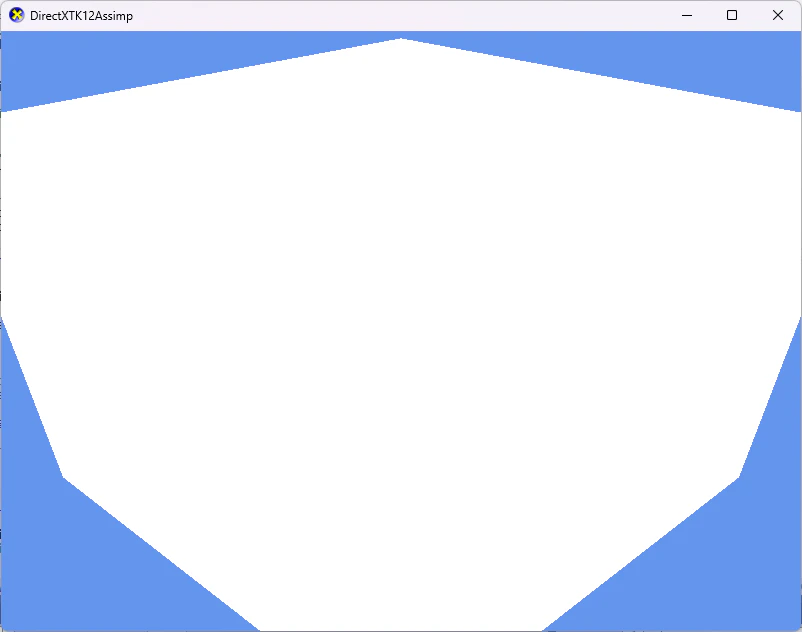
フルコード
前置き
この記事は難易度が高いです
この記事は
https://qiita.com/YKVKDX12/items/5a2cc3d175b9f6324422
の派生記事です
これらを把握していることを前提としています
また、DirectX12のポリゴン描画に関する理解をしていること前提に説明を行います
この記事ではルートシグネチャの説明とその関係する箇所の簡単な説明しか行いません
今回の記事の理解に必要なフローの理解については、
こちらのアドベントカレンダーのうち、12/12~12/23の箇所をお読みください
https://qiita.com/advent-calendar/2025/direct3dindirectxtk-xtk12
長く、めんどくさいのでChatGPTやGeminiをはじめとしたLLMサービス、あるいはNotebookLMで要約していただいてもかまいません
今回のメインテーマ、モデルを座標変換するcbufferのWVP行列
cbuffer ConstantBuffer
{
    float4x4 World;      // ワールド変換行列
    float4x4 View;       // ビュー変換行列
    float4x4 Projection; // 透視射影変換行列
};
3つの4x4行列を含む定数バッファ。頂点座標をワールド→ビュー→プロジェクション空間に変換するのに使用
ルートシグネチャの作成
// 行278-285
CD3DX12_ROOT_PARAMETER rootParameters[1] = {};
rootParameters[RootParameterIndex::ConstantBuffer].InitAsConstantBufferView(0, 0, D3D12_SHADER_VISIBILITY_ALL);

CD3DX12_ROOT_SIGNATURE_DESC rsigDesc = {};
rsigDesc.Init(static_cast<UINT>(std::size(rootParameters)), rootParameters, 0, nullptr, rootSignatureFlags);

DX::ThrowIfFailed(DirectX::CreateRootSignature(deviceresources->GetD3DDevice(), &rsigDesc, m_rootSignature.ReleaseAndGetAddressOf()));
ルートシグネチャ生成のヘルパー関数
DX::ThrowIfFailed(DirectX::CreateRootSignature(deviceresources->GetD3DDevice(), &rsigDesc, m_rootSignature.ReleaseAndGetAddressOf()));
はDirectXTK12のユーティリティ、DirectXHelperのヘルパー関数となる
ルートパラメーターの定義 CreateGraphicsPipelineState内のルートシグネチャ初期化
// 行278-285
CD3DX12_ROOT_PARAMETER rootParameters[1] = {};
rootParameters[RootParameterIndex::ConstantBuffer].InitAsConstantBufferView(0, 0, D3D12_SHADER_VISIBILITY_ALL);

CD3DX12_ROOT_SIGNATURE_DESC rsigDesc = {};
rsigDesc.Init(static_cast<UINT>(std::size(rootParameters)), rootParameters, 0, nullptr, rootSignatureFlags);

DX::ThrowIfFailed(DirectX::CreateRootSignature(deviceresources->GetD3DDevice(), &rsigDesc, m_rootSignature.ReleaseAndGetAddressOf()));
void inline InitAsConstantBufferView(UINT shaderRegister, UINT registerSpace = 0, D3D12_SHADER_VISIBILITY visibility = D3D12_SHADER_VISIBILITY_ALL);
の
UINT shaderRegisterに注目してもらいたい
まず・・・ルートパラメーターで設定しているのは
シェーダー側の
cbuffer ConstantBuffer
{
    float4x4 World;      // ワールド変換行列
    float4x4 View;       // ビュー変換行列
    float4x4 Projection; // 透視射影変換行列
};
にCPU側から定数データを送り込むためだが、
このcbufferは バッファ 0番レジスタに登録されている
内部では
cbuffer ConstantBuffer:register(b0)
とみなされている
なので、ルートパラメーターでは
CD3DX12_ROOT_PARAMETER rootParameters[1] = {};
rootParameters[RootParameterIndex::ConstantBuffer].InitAsConstantBufferView(0, 0, D3D12_SHADER_VISIBILITY_ALL);
の
ConstantBufferView(0, 0

InitAsConstantBufferView(UINT shaderRegister, UINT registerSpace = 0
のshaderRegisterに該当する箇所に0を入れる
ルートパラメーターの設定 補足 マジックナンバーはやめよう
数値を直接入れるのはバグの要因になるので本来よろしくない
本来なら例えば
const UINT SCENECB_REGNUM =0
と書くべきであろう。
レンダー処理 パイプラインへのバインド ルートシグネチャのバインド
// 行363-366
commandList->SetGraphicsRootSignature(m_rootSignature.Get());
commandList->SetGraphicsRootConstantBufferView(0, SceneCBResource.GpuAddress());
commandList->SetGraphicsRootConstantBufferView(0, SceneCBResource.GpuAddress());
void SetGraphicsRootConstantBufferView(
  [in] UINT                      RootParameterIndex,
  [in] D3D12_GPU_VIRTUAL_ADDRESS BufferLocation
);
RootParameterの箇所に
RootParameterIndex::ConstantBufferに該当する "0"
を入力する
このマジックナンバーも真似してはいけない