
前回の記事はこちら
Ubuntu24.04でROS2を勉強していこうと思います。
今回利用した環境は、MacBookAirにUTMをインストールして、その仮想環境の上にUbuntu24.04をインストールしています。
当初、Desktop版をインストールしようとしたのですが、Update&Upgradeで仮想環境のHDD(64GBで設定)が足りなくなったり一筋縄に行かなかったので、Server版を入れてからDesktop関連のインストールをしています。
このページを参考にさせていただきました。
ありがとうございました。
準備とリポジトリの追加
Ubuntuに「ROS 2の公式パッケージがどこにあるか」を教えるための初期設定です。
Universeリポジトリの有効化と必要なツールのインストール
sudo apt update && sudo apt install curl software-properties-common -y
sudo add-apt-repository universe
※ Universeリポジトリとは、コミュニティによってメンテナンスされる、フリーでオープンソースのソフトウェアがあるリポジトリです。基本的にCanonical社の公式サポートやセキュリティアップデートの保証はありませんが、非常に多種多様なアプリやツールが揃っています。
ROS 2のGPGキー(安全な通信のための鍵)を追加
sudo curl -sSL https://raw.githubusercontent.com/ros/rosdistro/master/ros.key -o /usr/share/keyrings/ros-archive-keyring.gpg
ROS 2の公式リポジトリをシステムに追加
echo "deb [arch=$(dpkg --print-architecture) signed-by=/usr/share/keyrings/ros-archive-keyring.gpg] http://packages.ros.org/ros2/ubuntu $(. /etc/os-release && echo $UBUNTU_CODENAME) main" | sudo tee /etc/apt/sources.list.d/ros2.list > /dev/null
ROS 2 本体と Turtlesim のインストール
ros2 コマンドを含む基礎ツール群(Desktop版)と、カメのシミュレーターをインストールします。
パッケージリストを最新化
sudo apt update
ROS 2本体(基本システム)とTurtlesimをまとめてインストール
sudo apt install ros-jazzy-desktop ros-jazzy-turtlesim -y
※Desktop版のインストールはデータ量が多いため、少し時間がかかります
環境変数の設定(bash用)
ターミナルを開くたびに自動で ros2 コマンドを使えるように、設定ファイル(.bashrc)に追記します。
※zshの場合は、bashのところをzshに置き換えてもらえれば動くと思います。
.bashrc の一番下に setup.bash を読み込む設定を追記
echo "source /opt/ros/jazzy/setup.bash" >> ~/.bashrc
追記した設定を現在のターミナルに即座に反映させる
source ~/.bashrc
動作確認
最後に、正しくコマンドが認識されているか確認して、シミュレーターを起動します。
ros2コマンドの場所を確認(/opt/ros/jazzy/bin/ros2 と表示されれば大成功!)
which ros2
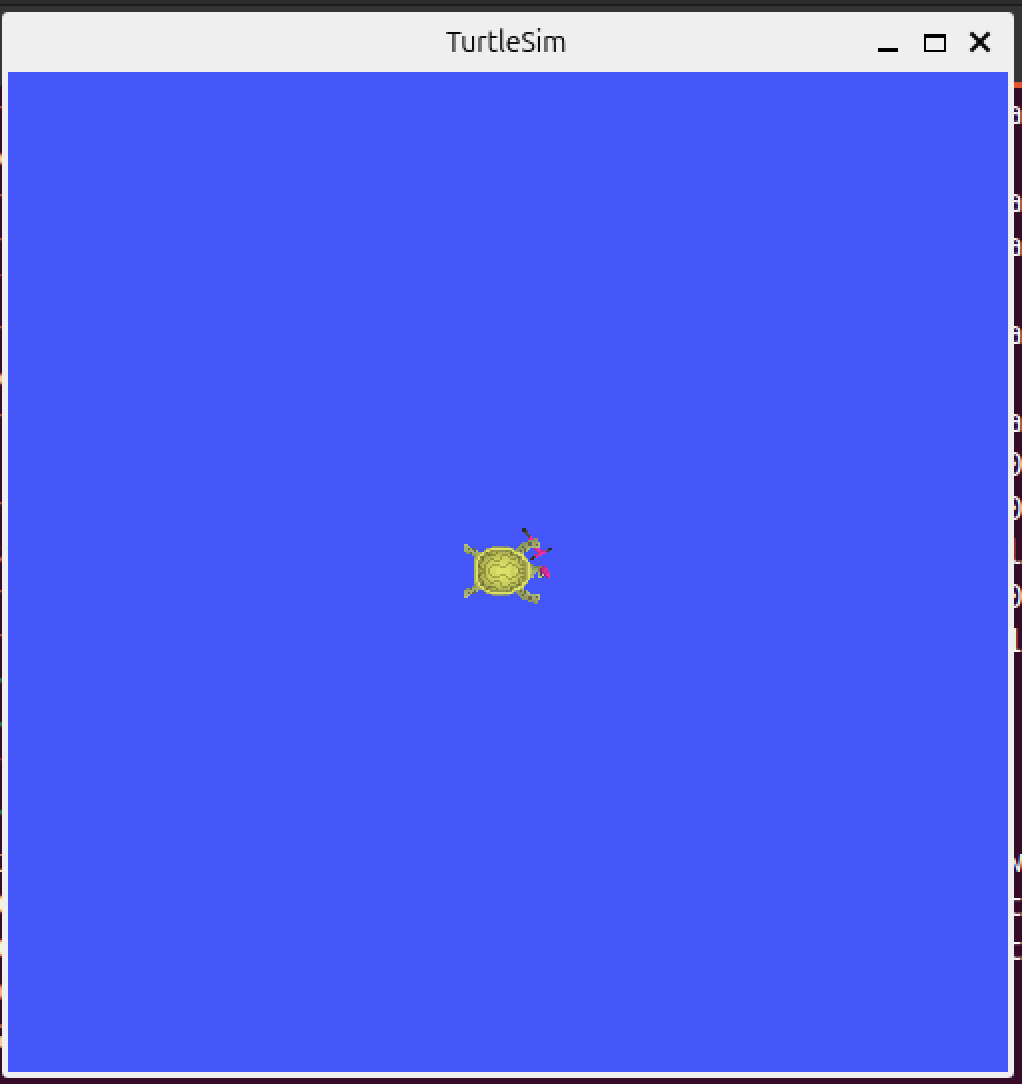
カメの画面を起動
ros2 run turtlesim turtlesim_node
次回の記事はこちら