

はじめに
こちらの記事は、学習でのアウトプットを目的として制作した記事になります。誤った情報や必要な情報が不足している可能性があります。予めご了承ください。間違いや気になる点がございましたらご指摘いただきますと幸いです。
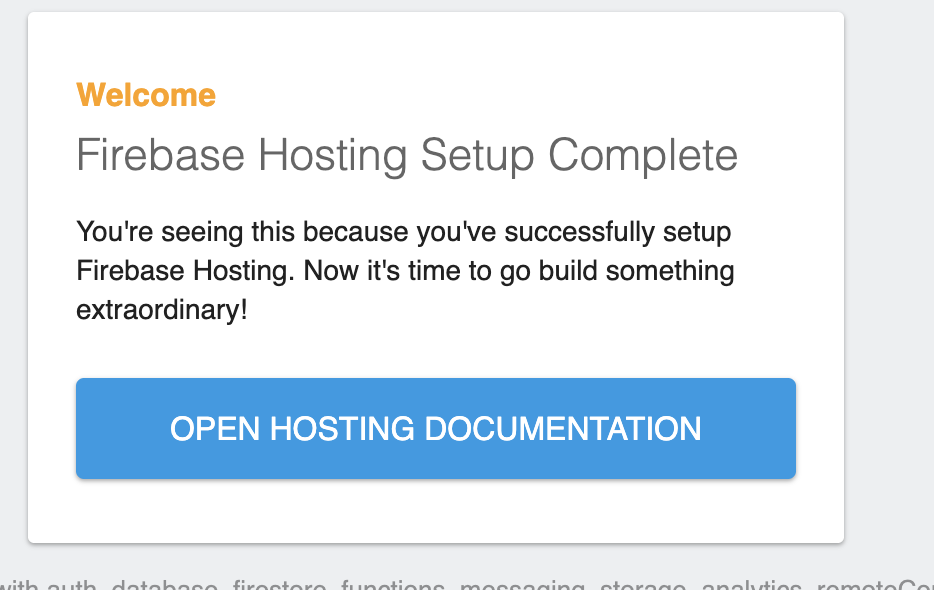
ReactアプリのFirebaseのデプロイ時に「Firebase Hosting Setup Complete」の画面が出てしまってデプロイ自体は成功したものの画面がうまく表示されませんでした。
問題
①デプロイ前のビルドを忘れている
firebase を使用する際は、firebase initで初期化処理をします。
その際、下記の表示が出ます。
What do you want to use as your public directory?
これは「公開ディレクトリとして何を使用しますか?」という意味です。
ここでnpm run buildでビルドしたときに生成されるdistを登録します。
事前にビルドをしていないとdistがないので忘れてしまっている場合はビルドして下さい。
②firebase initでの初期化時にビルド先としてdistが登録されていない
ビルド済みでdistが既にある場合は、先ほどの質問時に登録するディレクトリ名で、何も入力せずに進めてしまっている可能性があります。
解決方法
①npm run buildでビルドして、下記質問時にdistと入力する。
What do you want to use as your public directory?
どうしても直らない場合もう一度firebase initをしてみましょう。
参考記事